2026 system design interview cheat sheet page
A one-page system design cheat sheet for 2026 interviews, with core concepts, trade-offs, patterns, and a copy-ready answer template.
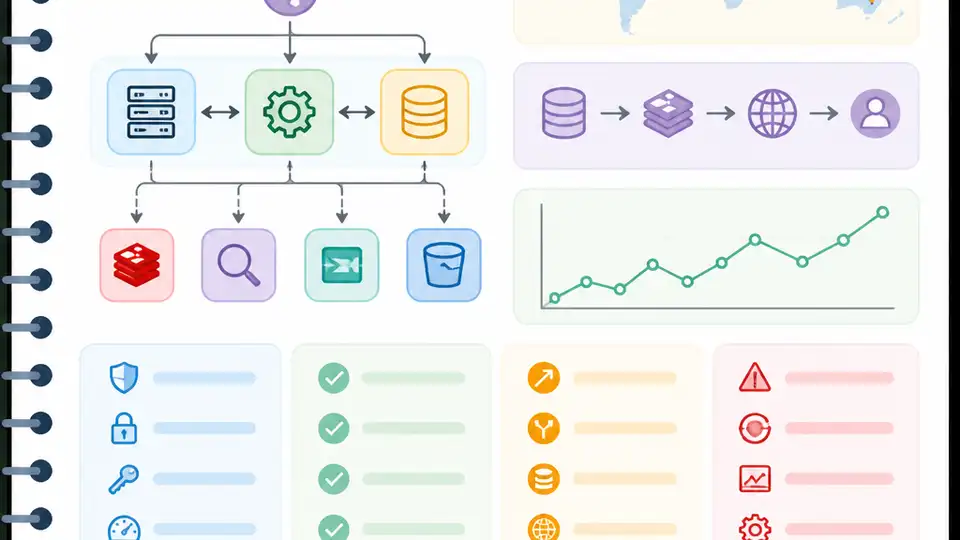
A one-page 2026 system design cheat sheet you can reuse in interviews.
I've been using system design cheat sheets for years, and most of them are weirdly bad. They read like somebody emptied a textbook onto the page and called it prep. You get a pile of terms, a couple of architecture doodles, and zero help when you're actually in the interview and your brain decides to start buffering. Worse, a lot of these guides are frozen in time. They still act like the world is mostly monoliths, SQL, and a CDN if you're feeling fancy. That was already incomplete. In 2026, it is just sloppy.
What I wanted was simpler: one page that helps me think in categories, not just remember buzzwords. Something that keeps the answer structured when the interviewer starts pushing on scale, consistency, retries, data modeling, and all the little trade-offs that make people panic. So I went through Arslan Ahmad’s 2026 system design interview cheat sheet and pulled out the parts I’d actually keep on my desk. I’m not treating it like sacred text. I’m treating it like a field guide I can use, trim, and copy into my own prep notes.
Stop memorizing answers and start organizing your head
Get the latest AI news in your inbox
Weekly picks of model releases, tools, and deep dives — no spam, unsubscribe anytime.
No spam. Unsubscribe at any time.
“System design interviews are not about reciting the perfect answer. They are about showing structured thinking under pressure.”
What this actually means is that the interviewer is watching how you think, not whether you can cosplay as a distributed systems wiki. I’ve seen candidates freeze because they were trying to remember the “right” architecture for rate limiting, or the “right” database for chat, instead of asking the basic questions first. That’s the trap. If your prep is just memorization, your brain has nothing useful to do once the problem changes shape.
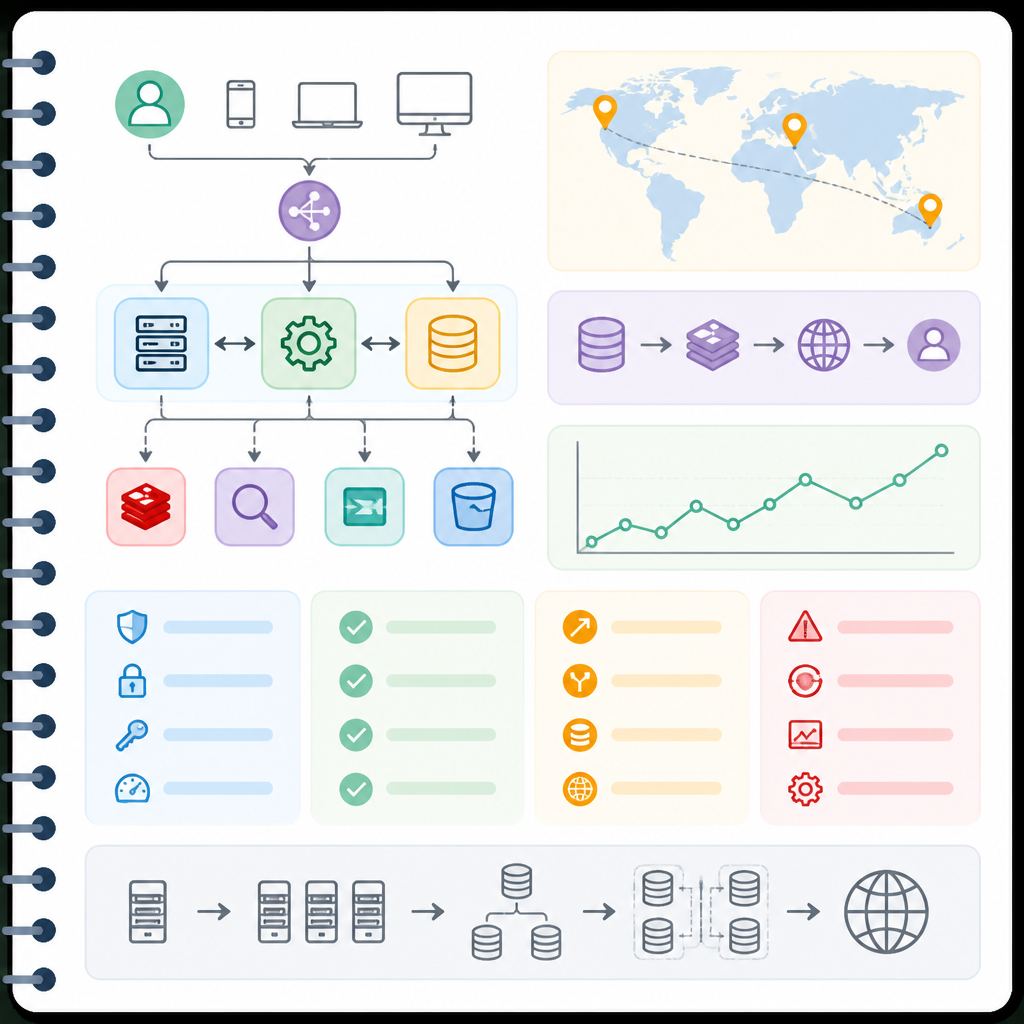
The source article opens with that exact warning: the cheat sheet is meant to support a thinking process, not replace it. That’s the part I agree with most. In my own interviews, the strongest answers were never the most elaborate ones. They were the answers that started with requirements, then scale, then a clean high-level design, then the trade-offs. That sequence sounds boring on paper. In practice, it keeps you from wandering into architecture theater.
How I apply it: I force myself to answer in the same order every time. First I restate the problem. Then I ask about traffic, latency, durability, and failure tolerance. Then I sketch the simplest viable design. Only after that do I start optimizing. If I jump straight to sharding or Kafka, I’m usually hiding uncertainty behind complexity. Interviewers can smell that from across the table.
- Start with requirements, not components.
- Use trade-offs as part of the answer, not as an afterthought.
- Keep the first design boring, then improve it.
This mindset matters because it changes what you study. Instead of cramming 50 isolated facts, you learn how the pieces fit together. That is the real skill. The cheat sheet is useful only if it makes your thinking more legible.
The core concepts that actually show up everywhere
“Scalability… Availability… Reliability… Latency… Throughput… Consistency… CAP Theorem… PACELC… Idempotency… Fault Tolerance.”
The article’s core-concepts section is the right place to be ruthless. These are the words that get thrown around in almost every interview, and they’re often used badly. I’ve heard people define latency as “how fast the system is” and then somehow pivot into throughput as if they were the same thing. They’re not. If I’m interviewing someone, I care less about perfect dictionary definitions and more about whether they can compare the concepts without mixing them into soup.
Here’s the plain-language version. Scalability is whether the system can grow without collapsing. Availability is whether it’s up when people need it. Reliability is whether it gives the right answer when it’s up. Latency is how long one request takes. Throughput is how many requests the system can handle over time. Consistency is whether different copies of the data agree. Idempotency is whether retrying the same request causes extra damage. Fault tolerance is whether the system survives when pieces fail.
The article also calls out CAP and PACELC. I’m glad it does, because CAP alone gets overused like a magic spell. PACELC is the more useful modern shorthand: even when there’s no partition, you’re still trading latency against consistency. That’s the kind of detail that makes an answer sound current instead of copied from a 2014 blog post.
I ran into this in a mock interview for a payments system. The interviewer kept pushing on retries. If my payment API isn’t idempotent, a retry can double-charge a customer. That one detail changed the entire design. The same thing happens with availability versus consistency. If you can’t explain why you picked one, you don’t really understand the system you just drew.
- Use CAP to frame distributed trade-offs.
- Use PACELC to show you understand the no-partition case too.
- Always mention idempotency when retries or payments are involved.
How to apply it: make a flashcard for each term with one sentence and one example. Not a paragraph. One sentence. If you can’t explain consistency in plain English, you’re not ready to talk about multi-region writes.
Know the building blocks before you pretend to design anything
“Clients… Servers… Load Balancers… Databases… Caches… Content Delivery Networks… Message Queues… Event Streams… APIs… Object Storage… Search Indexes… Vector Databases.”
This is the part of the cheat sheet that should probably be taped above every interview desk. These are the blocks that appear again and again, and if you don’t know what each one does, your design will wobble the second the interviewer asks, “Why here?”
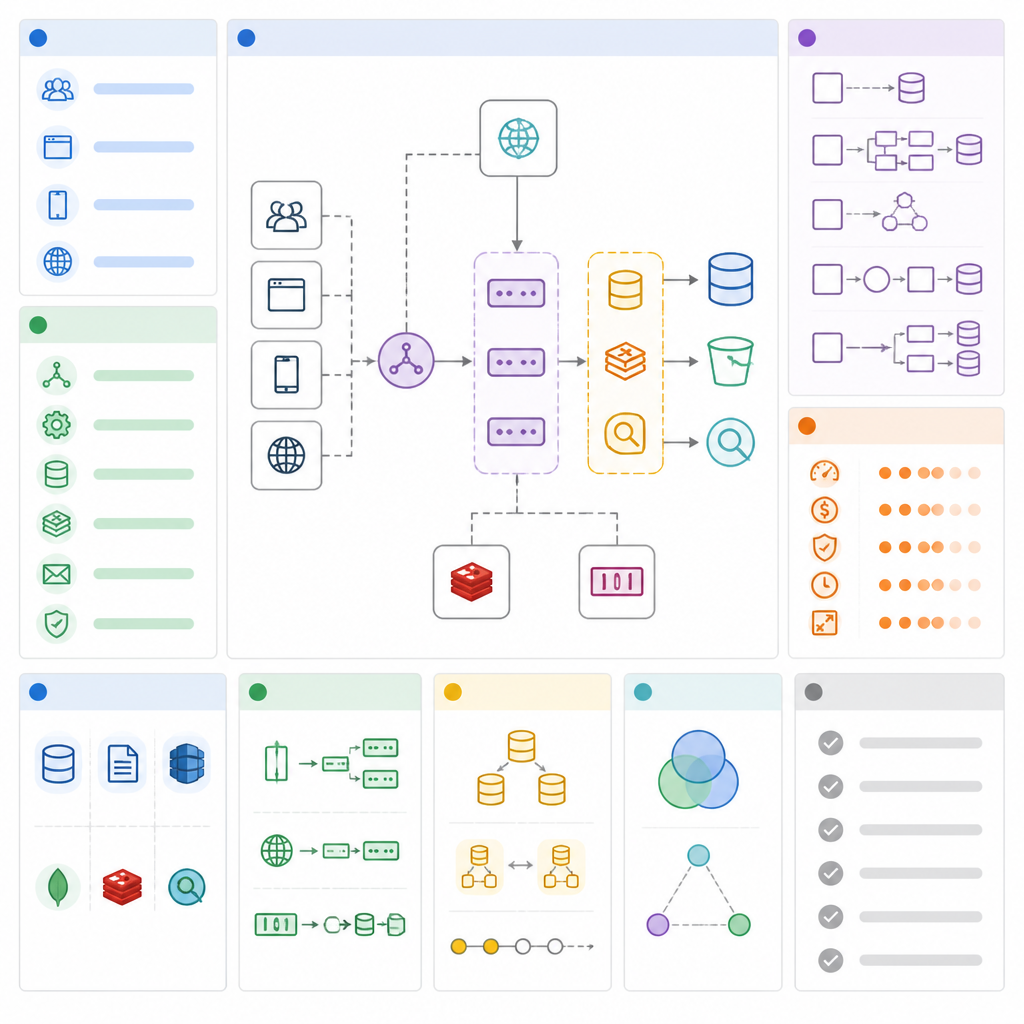
I like the article’s structure here because it doesn’t just list tools. It groups them by role. Clients ask. Servers answer. Load balancers spread traffic. Databases persist state. Caches speed up hot reads. CDNs move static content closer to users. Queues absorb work so the main path stays fast. Event streams carry continuous flows. APIs define the contract. Object storage holds blobs. Search indexes make retrieval fast. Vector databases store embeddings for AI systems. That last one matters more now than people want to admit.
The source is right to call out vector databases as a 2026 staple. If a product has semantic search, recommendations, retrieval-augmented generation, or any kind of AI-assisted discovery, there’s a good chance it needs a vector store somewhere in the design. If you want a reference point, look at Pinecone, Weaviate, or Milvus. I’m not saying you need to memorize vendor docs. I am saying you should stop pretending vector search is a niche side quest.
How I apply it: I keep a mental checklist for every component. What problem does it solve? What breaks if I remove it? What is the cost of adding it? That last question matters because interviewers love asking why you didn’t add a cache, or why you used a queue instead of direct calls. If you know the role of each block, those questions stop feeling like traps.
One practical rule I’ve learned: if you can’t explain a component in one sentence, you probably don’t need it in your first pass at the design. Build the shape first. Then add the specialized parts only when the requirements force you there.
Patterns are where the interview stops being abstract
“Read-heavy vs Write-heavy… Sharding and Partitioning… Replication… Pub/Sub and Event-Driven Architecture… Microservices vs Monoliths… Asynchronous Communication… Multi-Region Architecture… Real-Time Systems.”
This is the section where a lot of candidates either level up or start rambling. Patterns are where you stop naming parts and start describing behavior. The article does a good job of surfacing the repeat offenders: read-heavy systems, write-heavy systems, sharding, replication, pub/sub, microservices, async flows, multi-region deployments, and real-time delivery.
What this actually means is that the system shape changes based on the workload. If reads dominate, you think caches and replicas. If writes dominate, you think partitioning, async processing, and write-friendly storage. If data is getting too big for one box, you shard it. If uptime matters, you replicate it. If services shouldn’t wait on each other, you use queues or events. If users expect live updates, you use persistent connections or push-based delivery.
I’ve seen candidates name “microservices” like it’s a victory lap. It isn’t. Microservices buy you independent deployment and scaling, but they also hand you distributed debugging, network failures, schema drift, and a lot of operational tax. The article is right to keep monolith vs microservices as a trade-off, not a religion. In interviews, I’d rather hear “we’d start monolithic, then split when the boundaries are clear” than “microservices because scale.” That second answer is usually a tell.
How to apply it: when you hear a prompt, classify it quickly. Is this read-heavy? Is it write-heavy? Does it need real-time updates? Is it global? Does it need background processing? That classification step saves time and keeps the design honest.
- Read-heavy: cache, replicate, precompute.
- Write-heavy: partition, batch, queue, simplify writes.
- Real-time: push updates, persistent connections, event streams.
And yes, multi-region is now normal enough that you should be ready to discuss it without sounding like you just discovered cloud regions last week. If the user base is global, the interview expects you to think globally too.
Trade-offs are the actual answer, not the decoration
“Consistency vs Availability… Latency vs Throughput… Speed vs Cost… Flexibility vs Complexity… Read Speed vs Write Speed… Strong Consistency vs Eventual Consistency… SQL vs NoSQL.”
This is the part I wish more prep material treated as the main event. Trade-offs are not a bonus section. They are the interview. Anyone can list components. The stronger candidate can say what each choice buys and what it costs.
The article’s trade-off list is solid because it covers the ones that show up constantly. Stronger consistency usually means more coordination and sometimes worse availability. Lower latency can reduce throughput if you’re optimizing for one request at a time instead of batch efficiency. Caches and replicas make things faster, but they also add money, invalidation headaches, and operational complexity. Indexes improve reads and punish writes. SQL gives structure and query power. NoSQL gives flexibility and horizontal scaling. Neither is a free lunch.
I’ve had interviews where the whole conversation hinged on one trade-off. For a feed system, did I want strict ordering or faster delivery? For a messaging system, did I want immediate consistency or better uptime during regional failures? There was no perfect answer. The best answer was naming the trade-off, explaining which side matched the product requirement, and admitting what I’d give up.
How to apply it: build a tiny matrix in your notes. On the left, put the decision. On the right, put the cost. Example: cache hits improve latency, but stale data becomes possible. Replication improves availability, but writes get more complicated. Sharding improves scale, but cross-shard queries get uglier. That simple habit makes your answers sound grounded instead of decorative.
One more thing: don’t say “it depends” and stop there. That phrase is only useful if you immediately explain what it depends on. Otherwise it’s just a dodge with better branding.
Use a repeatable framework so you don’t freestyle under pressure
“Clarify the Requirements… Estimate the Scale… Define the API… Draw the High-Level Design… Go Deeper on the Important Parts.”
The article’s framework section is where the cheat sheet becomes useful in a real interview. Without a process, a cheat sheet is just a pile of nice-sounding nouns. With a process, it becomes a path through the problem.
Here’s the version I actually use. First, I restate the requirements and ask clarifying questions. What are we building? Who uses it? What matters most: latency, durability, cost, or consistency? Then I estimate scale. I don’t need a perfect spreadsheet. I need a rough sense of request volume, data growth, and peak load. After that, I define the API so the system has a concrete contract. Then I sketch the high-level architecture. Only after the skeleton is in place do I zoom into the risky parts, like storage, caching, partitioning, or delivery paths.
That order matters because it prevents premature optimization. I’ve watched people start with the database choice and then realize they never clarified whether the system needed strong ordering, global writes, or full-text search. That’s backwards. The API and requirements should drive the storage choice, not the other way around.
How to apply it: rehearse the same flow for every practice prompt. It should feel almost boring. That’s good. Boring is repeatable. Repeatable is what saves you when your nerves are doing cartwheels.
And if you want a simple interview script, use this sequence: clarify, estimate, define, sketch, then deepen. It’s not fancy. It works.
The 2026 update is the part people keep skipping
“Concepts that mattered in 2020 are not the same ones that matter in 2026.”
I’m glad the article says this out loud, because a lot of prep content is stale in exactly this way. It still centers older instincts and underweights the stuff that is now normal: multi-region by default, event-driven pipelines everywhere, real-time user expectations, and AI features that drag vector search into the design whether you like it or not.
What this actually means is that your answer should sound like it belongs to the current stack, not a museum exhibit. If you never mention event streams, async processing, or vector databases in a 2026 interview, that can make your answer feel dated even if the rest is technically fine. I’m not saying every system needs all of those things. I am saying you should know when to bring them up and when to leave them out.
The most useful habit here is to map each concept to a product reality. Search? Search index. AI retrieval? Vector database. Global app? Multi-region. High write volume? Partitioning and async work. Real-time collaboration? Persistent connections and event propagation. Once you connect the concept to the product shape, the answer stops sounding generic.
How I apply it: I keep a “2026 signals” list in my notes. If the prompt includes AI, I think embeddings and retrieval. If it includes live updates, I think push delivery and event flow. If it includes global users, I think region strategy and failure modes. That little habit keeps me from answering 2026 prompts like it’s still 2019.
If you’re studying from older system design guides, this is the place to refresh them. Not because the old material is useless, but because the defaults changed.
The template you can copy
## System Design Interview Answer Template (2026)

### 1) Clarify the problem
- What is the core user flow?
- Who are the users?
- What matters most: latency, availability, consistency, cost, or durability?
- What is explicitly in scope and out of scope?

### 2) Estimate scale
- Daily active users:
- Peak requests per second:
- Read/write ratio:
- Data growth per day:
- Storage and bandwidth constraints:

### 3) Define the API
- Main endpoints or events:
- Request/response shape:
- Idempotency requirements:
- Sync vs async behavior:

### 4) Pick the main building blocks
- Client
- Load balancer
- App servers
- Database
- Cache
- Queue or event stream
- Object storage
- Search index
- Vector database if AI or semantic retrieval is involved
- CDN if static assets or global delivery matter

### 5) Explain the key trade-offs
- Consistency vs availability
- Latency vs throughput
- Speed vs cost
- Read speed vs write speed
- SQL vs NoSQL
- Monolith vs microservices

### 6) Call out failure handling
- Retries with backoff
- Idempotency keys
- Circuit breakers
- Replication and failover
- Graceful degradation
- Monitoring and alerts

### 7) Go deeper only where the prompt demands it
- Sharding strategy
- Cache strategy
- Partition key choice
- Multi-region strategy
- Ordering guarantees
- Reconciliation and backfills
- Real-time delivery path
- Search or vector retrieval path

### 8) Close with the trade-off statement
- "Given the requirements, I would choose X because it optimizes for Y.
- The cost is Z, and I would accept that because the product cares more about Y."

### One-minute answer skeleton
1. Restate the problem.
2. Estimate the scale.
3. Sketch the high-level architecture.
4. Explain the main trade-offs.
5. Dive into the riskiest component.
6. End with why this design fits the requirements.
This is the part I’d actually copy into my own prep doc. It is not fancy, but it forces the conversation into the right shape. That’s what you want under pressure.
Original source: DesignGurus Substack post by Arslan Ahmad. My breakdown is derivative of that article, but the framing, examples, and copy-ready template above are my own synthesis for interview prep.
// Related Articles
- [TOOLS]
Magenta RealTime 2 lets you score in the DAW
- [TOOLS]
Open-source AI tools beat Claude’s paid tiers on value
- [TOOLS]
500 AI agent projects show where agents work now
- [TOOLS]
Chocolatey’s Go package turns installs into policy
- [TOOLS]
Go support policy turns releases into a checklist
- [TOOLS]
RustDesk self-hosting setup for secure remote access