5 Docker basics for AWS users
5 Docker basics for AWS users, from containers and images to ECS, Fargate, ECR, and Batch on AWS.
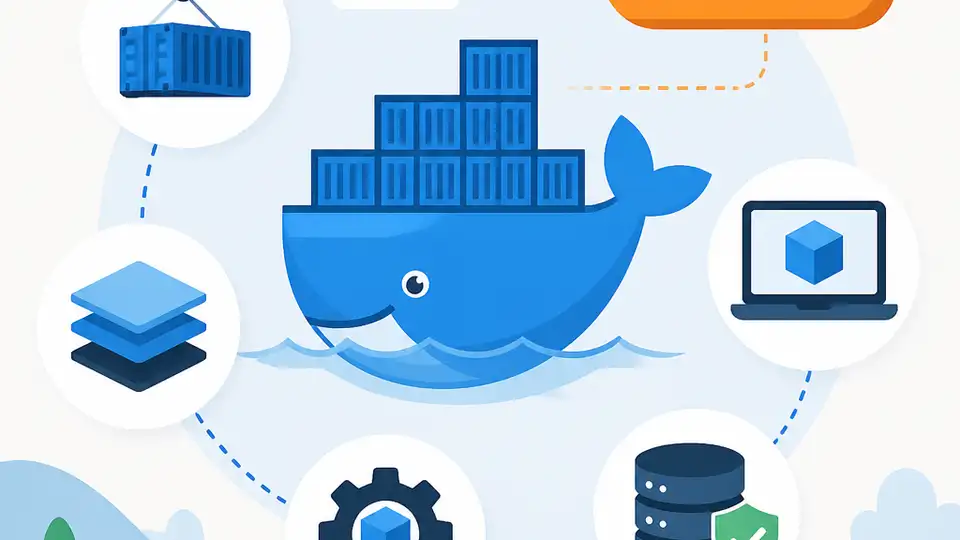
Docker packages apps into containers so they can run the same way on AWS and elsewhere.
Docker is a software platform for building and running applications in containers, and AWS says users on average ship software 7x more frequently than non-Docker users. Here are five essentials that explain how it works and where it fits on AWS.
| Item | What it is | AWS tie-in |
|---|---|---|
| Docker | Container platform | Build, test, deploy |
| Amazon ECS | Container orchestration | Run Docker at scale |
| AWS Fargate | Serverless container compute | No server management |
| Amazon ECR | Container image registry | Store and pull images |
| AWS Batch | Batch job runner | Containerized batch workloads |
1. Docker containers
Get the latest AI news in your inbox
Weekly picks of model releases, tools, and deep dives — no spam, unsubscribe anytime.
No spam. Unsubscribe at any time.
Docker packages software into standardized units called containers. Each container includes the code plus the libraries, system tools, and runtime the app needs, so the same package can move from a laptop to a cloud server with fewer surprises.
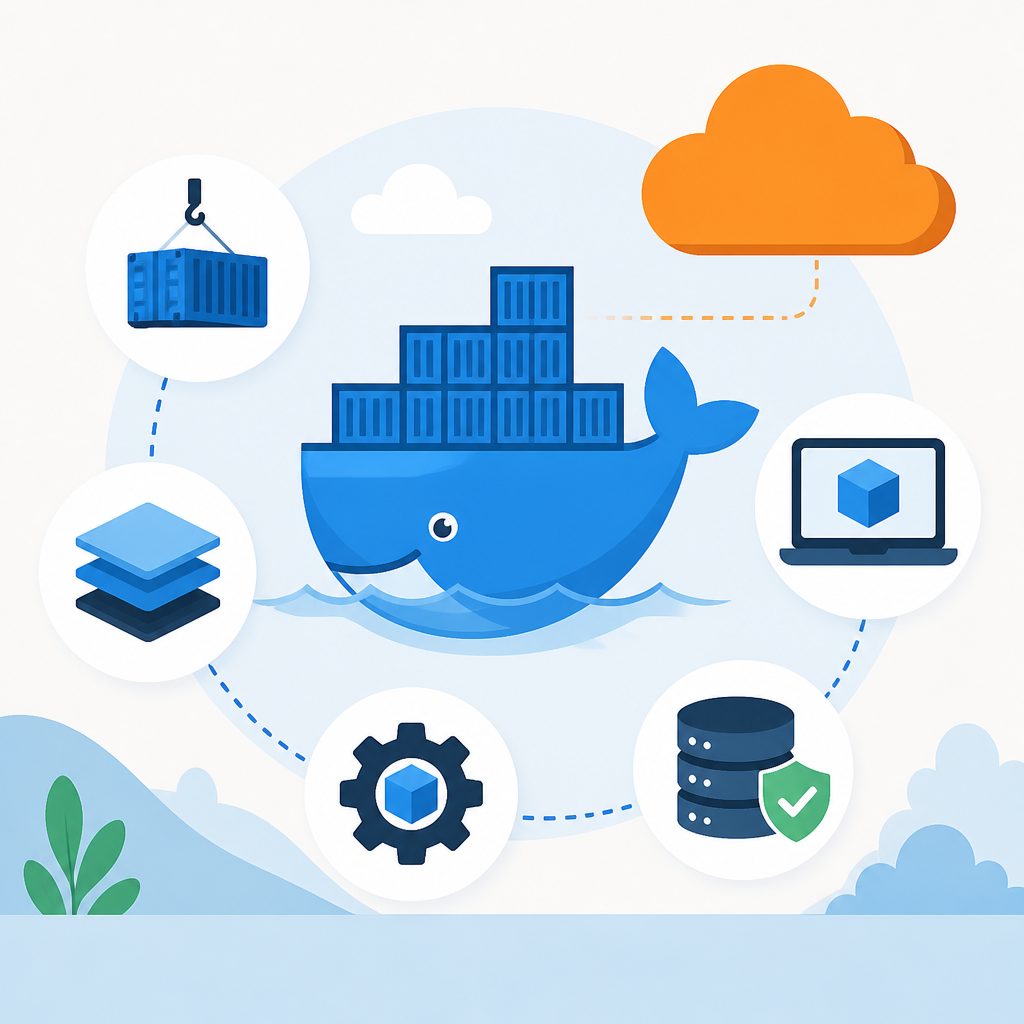
This is why Docker is useful for teams that want repeatable deployments. Instead of treating each machine as a special case, you treat the container as the unit of delivery.
- Includes app code, dependencies, and runtime
- Runs the same way across environments
- Fits local development and production release flows
2. Docker images
A Docker image is the read-only template that defines a container. When that image starts, it becomes a running container. AWS points to Amazon ECR as the place to store and retrieve those images securely.
Think of the image as the packaged blueprint and the container as the live instance. That split makes it easier to version, reuse, and move application builds through a pipeline.
image = template
container = running instance
ECR = private image registry
3. Amazon ECS
Amazon ECS is AWS's container orchestration service for running Docker containers at scale. It gives teams a managed way to place, start, stop, and update containers across a cluster.
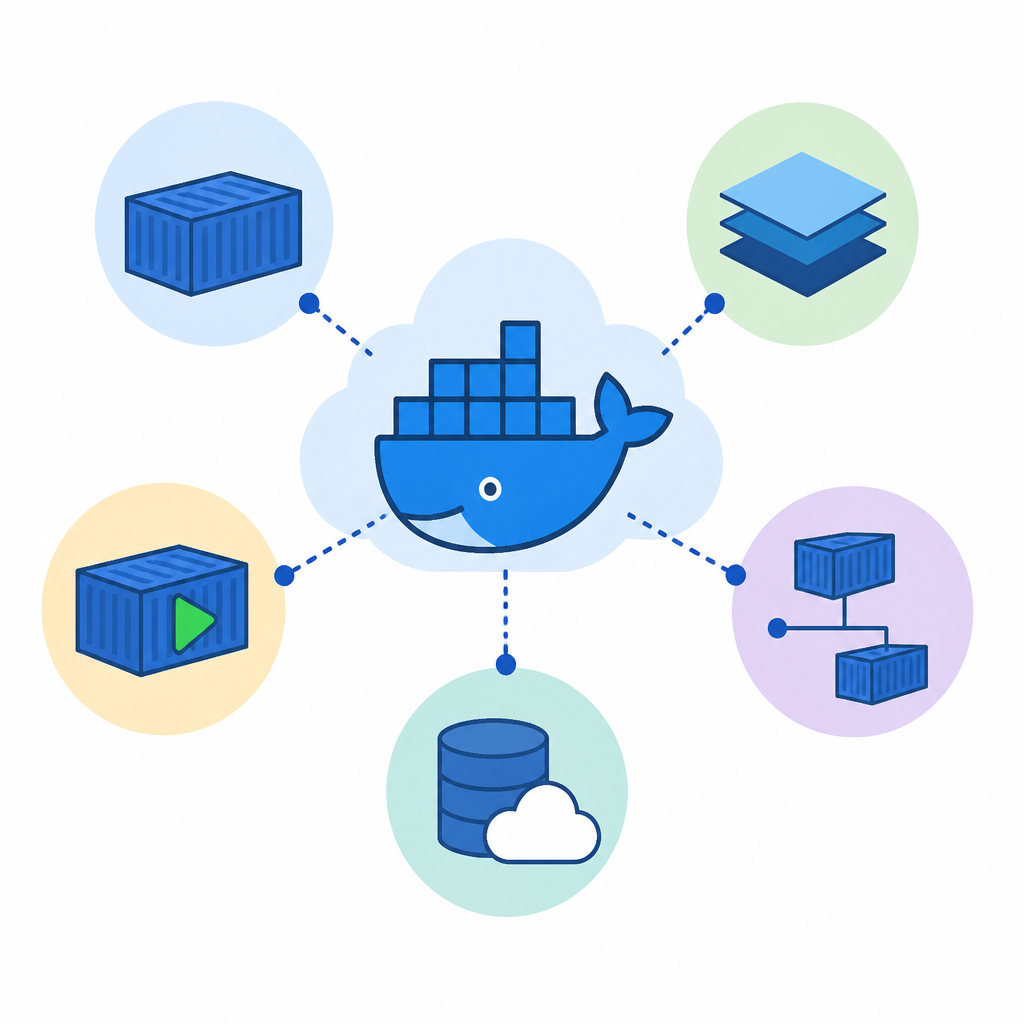
For developers, the practical benefit is simple: you can deploy containerized apps from a local Docker environment to ECS without reworking the app into a different format first.
- Highly scalable container management
- Works with local Docker workflows
- Common fit for services and microservices
4. AWS Fargate
AWS Fargate is compute for containers without the need to manage servers. It works with ECS and lets you run containers in production while AWS handles the infrastructure layer underneath.
This is a good pick when your team wants to focus on the app rather than cluster maintenance. It also fits the AWS and Docker collaboration mentioned in the source, which helps teams move Docker Compose workflows toward ECS and Fargate.
- No server provisioning required
- Useful for production container runs
- Pairs with ECS for managed deployment
5. AWS Batch
AWS Batch runs batch computing jobs using Docker containers. It is aimed at workloads that need to process data, analytics tasks, or other jobs that can run in a scheduled or queued model.
This makes Docker useful beyond web apps. If your workload is a data pipeline, a scientific job, or a large set of repeatable tasks, containers can package that work in a form that is easy to run and rerun.
- Built for batch processing workloads
- Supports scalable job execution
- Useful for data and analytics packages
How to decide
If you are learning the basics, start with Docker containers and images, since they explain the packaging model. If you need to run services on AWS, look at ECS first, then Fargate if you want to avoid server management.
If your work is more job-based than service-based, AWS Batch is the better fit. And if you need a place to keep images, ECR is the storage layer that supports the rest of the flow.
// Related Articles
- [IND]
OpenAI’s IPO filing turns hype into scrutiny
- [IND]
Skatteetaten proves public sector AI should be judged by outcomes
- [IND]
OpenAI’s IPO filing puts AI’s biggest test on Wall Street
- [IND]
OpenAI’s latest moves now center on pricing, safety, and scale
- [IND]
RISC-V mini PCs are worth buying now, but only as a bet on the future
- [IND]
Fedora 44 RISC-V widens Linux board support