5 Grok updates that turn chat into tools
I break down five May xAI Grok updates and give you a copy-ready template for using Grok like a real workflow hub.

I break down five May xAI Grok updates and give you a copy-ready template for using Grok like a real workflow hub.
I've been using Grok for a while now, and honestly, it kept feeling like a smart tab I forgot to close. Good at answering. Fast enough. Sometimes funny in that slightly annoying way. But when I tried to use it for actual work, the seams showed immediately. I wanted it to remember how I like things done, not just answer the current prompt. I wanted it to help me ship code, not just explain code. I wanted it to connect to the tools I already live in instead of making me bounce between five different screens like some kind of productivity punishment.
Then xAI spent May shipping like it had something to prove. That got my attention. Not because every release was perfect, but because the direction finally made sense: Grok isn't trying to be a nicer chat box anymore. It's trying to sit in the middle of the work I already do. That shift matters more than another shiny model score. The source that kicked this off was Basenor's roundup, which pulled together the May releases in one place. I used that as the anchor, then checked the xAI and related product pages to understand what actually changed.
Grok 4.3 is the part where I stopped calling it a toy
Get the latest AI news in your inbox
Weekly picks of model releases, tools, and deep dives — no spam, unsubscribe anytime.
No spam. Unsubscribe at any time.
"Launched on May 4, Grok 4.3 is xAI's current cost-efficient flagship. It ships with built-in reasoning, a 1-million-token context window, and native video input."
What this actually means is xAI moved Grok closer to a model you can point at real work without immediately worrying about token ceilings, brittle context, or whether it can even look at the input you gave it. A 1-million-token window is not a cute benchmark flex. It changes how much project history, spec text, docs, and conversation state you can keep in play at once.

I ran into this exact problem with earlier assistants: I would paste in a repo summary, a design doc, and a bug thread, then spend the next ten minutes trimming context like I was packing a suitcase for a budget airline. A larger window doesn't fix bad prompting, but it does reduce the dumb friction that makes these tools feel fragile.
xAI's own Grok page is the place to verify the model family and product positioning: x.ai/grok. For developers, the practical move is simple: stop asking whether the model is "smart enough" and start asking whether it can hold your working set. If it can, then you can use it as a real review layer for specs, PRs, and long-running tasks.
How I would apply this:
- Feed one full project brief instead of splitting it into fragments.
- Keep a running architecture note inside the same conversation.
- Ask for diffs, tradeoffs, and edge cases after the model has the full picture.
The less glamorous point is that better context handling usually saves more time than a tiny benchmark bump. That's the part people skip because it isn't sexy.
Skills is the feature that finally gives Grok some memory
"Skills were officially introduced on May 18. The feature adds persistent custom expertise that carries across conversations."
This is the first update in the list that feels like xAI actually watched how people work instead of how people demo. Persistent Skills mean I don't have to re-explain my preferences every time. That matters because most AI workflows die in the repeated setup tax. If I need the model to write release notes in a specific format, or summarize bugs a certain way, or always ask for risks first, I should not be rebuilding that instruction from scratch all week.
The article says Skills include built-in tools for document generation, deck creation, spreadsheet editing, and workflow automation. That's the right shape. Not because those tools are magical, but because they map to the junk drawer of real knowledge work. People don't just "chat" all day. They write, edit, compare, summarize, and package work for other humans who are already impatient.
I remember trying to do this with prompt snippets in a notes app. It worked until it didn't. Then I was hunting for the right prompt like a gremlin. Persistent Skills are cleaner because the instruction lives with the assistant instead of in my personal graveyard of half-baked templates.
If you want to apply this well, don't make a Skill that says "be helpful." That's useless. Make one that encodes process. For example:
- How to summarize a PR
- How to format a meeting recap
- How to turn notes into a spec
- How to generate an exec summary with risks and next steps
The point is consistency. I want the model to behave like a teammate who actually remembers the team norms, not a new hire every Monday.
Grok Build 0.1 is xAI admitting developers need a different model
"Released in early access on May 14, Grok Build 0.1 is a purpose-built coding model trained specifically for agentic workflows."
That line matters because it tells me xAI is separating general chat from actual software work. Good. It should. A model that helps with coding isn't the same thing as a model that chats about coding. The former needs to tolerate multi-step actions, partial state, tool use, and failures that happen halfway through a task. The article says Grok Build 0.1 supports text and image inputs, outputs text, and carries a 256,000-token context window. It also quotes API pricing at $1 per million input tokens and $2 per million output tokens.
That is the kind of spec I look for when I want to test whether a model can sit inside an agent loop. Not because pricing tells me quality, but because pricing plus context plus input/output behavior tells me where the model is meant to live. If the model is optimized for agentic workflows, I should treat it like a worker inside a system, not a standalone oracle.
I ran into this distinction while building internal automation for a support team. The chat model could explain the workflow beautifully. Then it would forget step four. Or it would answer the question instead of executing the sequence. That is the classic failure mode. A coding model built for agents is supposed to reduce that gap.
For practical use, I would start by giving Grok Build tasks with explicit stages:
- Inspect the repo
- Identify files to change
- Draft the patch
- Explain the risks
- List what needs human review
If it can stay on task across those phases, it's useful. If it can't, then the branding doesn't matter. Developers care about completion, not vibes.
For the official product context, xAI's site and API docs are the places to watch: x.ai and docs.x.ai. If you're comparing it with other coding-focused models, you should also keep an eye on OpenAI's developer docs at platform.openai.com/docs and Anthropic's docs at docs.anthropic.com so you're not benchmarking in a vacuum.
Subscriber access is xAI turning distribution into a product feature
"As of May 21, SuperGrok and X Premium subscribers can access Grok Build through OpenCode, a developer-focused coding environment, using their existing subscriptions."
This is one of those moves that looks small until you actually think through what it means. xAI is not just selling model access. It's using the subscription layer as a distribution channel. That reduces friction for users and, frankly, makes the product harder to ignore if you're already paying for X Premium or SuperGrok.
From a developer's perspective, this is smart because it changes the first-mile problem. If I already have access through a subscription, I am much more likely to test the model in a real workflow instead of filing it under "maybe later." That's how adoption happens. Not with a glossy demo. With something that gets in your way a little less.
The article calls out OpenCode as the environment where this access lands. That matters because developers rarely want a model in isolation. We want it inside an editor, an agent loop, a terminal, or whatever weird setup we've already made our problem. If xAI can keep pushing into those environments, it becomes more than a consumer chatbot brand.
How to apply this idea in your own work:
- Prefer model access that fits inside your existing tools.
- Measure adoption by how often you use it without switching contexts.
- Don't add another AI tab unless it materially reduces work.
That's the real test. If access is easier, usage goes up. If usage goes up, you get better feedback. If you get better feedback, the product gets better. It's not complicated, just often ignored.
OpenClaw is the sign Grok wants to live in the agent ecosystem
"On May 19, xAI integrated Grok with OpenClaw, an open-source AI agent platform."
Open-source agent platforms are where a lot of the practical experimentation happens, which is why this integration is worth paying attention to. The article says Grok and X Premium subscribers can authenticate directly within OpenClaw and unlock chat, image generation, and video generation through their existing plans. That means xAI is trying to meet developers where they already build autonomous workflows instead of forcing everyone into a closed loop.
If you've worked with agent frameworks before, you already know the pain: model setup, auth setup, tool setup, then you finally get to the part where the agent actually does something. Every extra step kills momentum. So when a model plugs into an open-source platform cleanly, that is not a cosmetic integration. That's a reduction in setup debt.
I think this matters because agent ecosystems are becoming the real battleground for model usefulness. Not which model can give the cutest answer, but which one can survive in a noisy toolchain with retries, credentials, and half-broken state. OpenClaw is one more place where Grok gets tested in the wild.
If you want to try this pattern yourself, look at the shape of the integration rather than the brand name:
- Can users authenticate with minimal steps?
- Can the model work across chat and generation tasks?
- Does the platform keep the workflow inside the agent loop?
That is the useful part. The label on the box matters less than whether the box actually fits into your stack.
The real story is that Grok is being split into jobs
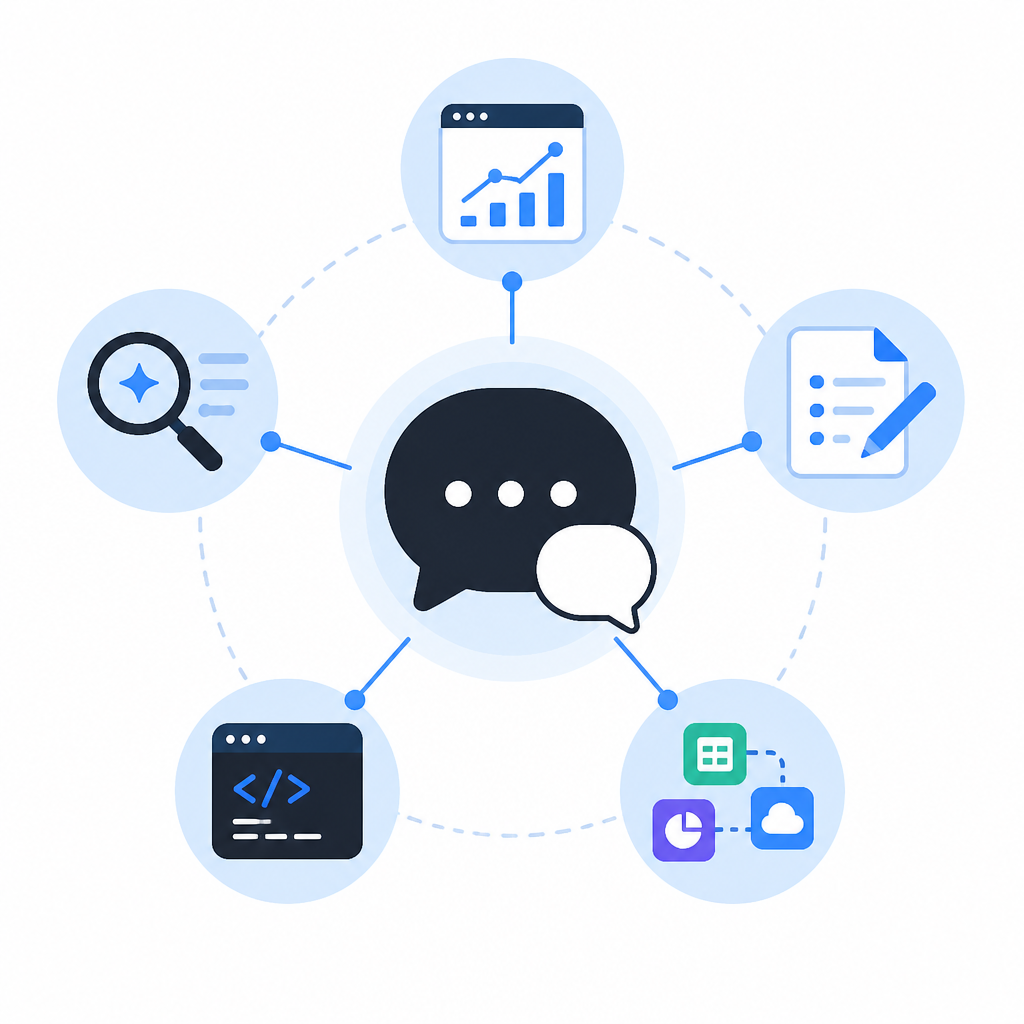
"What's notable is the strategic coherence: Grok 4.3 handles the general-purpose and enterprise use case, Grok Build 0.1 targets the developer/agentic layer, Skills adds stickiness for everyday users, and the OpenClaw and OpenCode integrations push Grok into ecosystems where developers already live."
That sentence from the source gets at the thing I would have missed if I only skimmed the announcements. xAI is not shipping random features. It's dividing Grok into roles. One model for broad use, one for coding and agents, one layer for persistent behavior, and another set of integrations to keep the whole thing from floating away in product-land.
That is the right move. I get skeptical when a company tries to make one model do everything and then acts surprised when the experience gets muddy. Different jobs need different surfaces. A general chat surface is not the same as a coding surface. A persistent skill layer is not the same as a one-off prompt. And a subscription integration is not the same as an API endpoint.
What I would do with this information is map Grok to actual workflows instead of abstract features. For example:
- Use Grok 4.3 for long-context research and synthesis.
- Use Grok Skills for repeatable team-specific processes.
- Use Grok Build 0.1 for agentic coding tasks and automation.
- Use OpenCode or OpenClaw when you want the model inside a working environment.
That framing makes the product easier to evaluate. If a feature doesn't improve a specific job, I ignore it. That sounds harsh, but it saves time and keeps me from collecting AI features like unused kitchen gadgets.
The template you can copy
# Grok workflow template for developers

## 1) Pick the job
Use Grok for one of these jobs only:
- long-context research
- repeatable team summaries
- coding and agent tasks
- tool-connected execution

## 2) Give it the working set
Paste only what it needs:
- project goal
- current state
- constraints
- files or notes that matter
- what "done" looks like

## 3) Add a persistent Skill-style instruction
If your setup supports it, save this as a reusable instruction:

You are my developer workflow assistant.
Always do the following:
1. Restate the task in one sentence.
2. Identify missing context before answering.
3. Prefer concrete steps over generic advice.
4. For coding tasks, list files to inspect, files to change, and risks.
5. For summaries, return bullets with decisions, blockers, and next actions.
6. If a task is ambiguous, propose two interpretations and ask me to choose.

## 4) Use a repeatable prompt for coding
Copy this when you want agentic help:

Task: {{task}}
Context: {{context}}
Repo or files: {{files}}
Constraints: {{constraints}}
Output format:
- short diagnosis
- proposed approach
- step-by-step actions
- risks
- what I should review manually

## 5) Use a repeatable prompt for docs and decks
Copy this when you want knowledge-work output:

Task: Turn the notes below into a polished deliverable.
Notes: {{notes}}
Audience: {{audience}}
Tone: direct, concise, practical
Must include:
- summary
- key points
- open questions
- recommended next steps

## 6) Use a repeatable prompt for long-context work
Copy this when the input is large:

You have full context for this project.
Do not summarize until you have identified:
- the main goal
- the current state
- the highest-risk assumptions
- the next 3 actions

Then produce:
1. executive summary
2. detailed findings
3. action list
4. unresolved questions

## 7) Review output like a developer
Before you trust the answer, check:
- did it follow the requested format?
- did it invent missing details?
- did it miss constraints?
- is the next action actually executable?

## 8) Keep one rule
If the model cannot stay inside your workflow, stop using it as a workflow tool.
Use it for the job it actually handles well, not the one you wish it handled.
Source attribution: I used Basenor's roundup as the starting point, then cross-checked the product names and positioning against xAI's own site and docs. The breakdown above is my own interpretation of what those May releases mean for developers, not a reprint of the source article. Original source: https://www.basenor.com/blogs/news/5-xai-grok-updates-you-may-have-missed-this-may.
// Related Articles
- [AGENT]
Claude Code 动态工作流:AI 自写 Harness
- [AGENT]
Agent orchestration is the missing layer for enterprise AI
- [AGENT]
AI agents use blockchain as a trust layer
- [AGENT]
8 RAG patterns that turn demos into prod
- [AGENT]
Fine-tuning beats RAG when the goal is style, not facts
- [AGENT]
OpenClaw shows how small businesses use AI staff