Advanced Grok Prompt Guide 2026 for Grok 4.20
WiTechPedia’s 2026 guide covers Grok 4.20 prompting, multi-agent workflows, Grok Imagine edits, and 50+ templates.

WiTechPedia published a 2026 guide to advanced Grok prompting for Grok 4.20 and Grok Imagine.
WiTechPedia has published an updated Advanced Grok Prompt Engineering Guide 2026 aimed at users of xAI’s Grok 4.20 and Grok Imagine. The article, last updated May 24, 2026, packages prompt frameworks, multi-agent workflows, image-editing examples, and a downloadable library of 50+ templates.
| 項目 | 數值 |
|---|---|
| Last updated | May 24, 2026 8:08 pm |
| Model focus | Grok 4.20 |
| Context window | 256,000 tokens |
| Template library | 50+ ready-to-use prompts |
| Article length | 8 min read |
What changed
Get the latest AI news in your inbox
Weekly picks of model releases, tools, and deep dives — no spam, unsubscribe anytime.
No spam. Unsubscribe at any time.
The guide says Grok 4.20 adds a built-in Agent Library, stronger multi-agent collaboration, and a larger context window. It also positions Grok Imagine as more precise for image generation and editing, with prompts that control style, lighting, composition, and post-generation changes.

WiTechPedia structures the advice around a simple prompting formula: role, task, context, output format, constraints, and quality standards. It then shows how to split large jobs into chains, so one prompt handles research, the next turns findings into a plan, and a third produces the final draft.
- Agent Library: assign specialized agents to one task each.
- Prompt chaining: break research, planning, and writing into steps.
- Multi-agent mode: combine research, finance, and marketing outputs.
- Grok Imagine: edit images while preserving the original subject.
Examples in the guide target developers, marketers, and researchers. For developers, it suggests asking Grok to review code for performance and security, then return refactored code with explanations. For marketers, it proposes competitor analysis with a comparison table. For researchers, it recommends summarizing xAI papers and extracting developer-ready takeaways.
Why it matters
For teams using Grok as a work tool, the article is less about theory than repeatable output. The prompt patterns are written to reduce vague requests, cut back-and-forth, and help users get usable drafts, analysis, or image edits on the first pass.
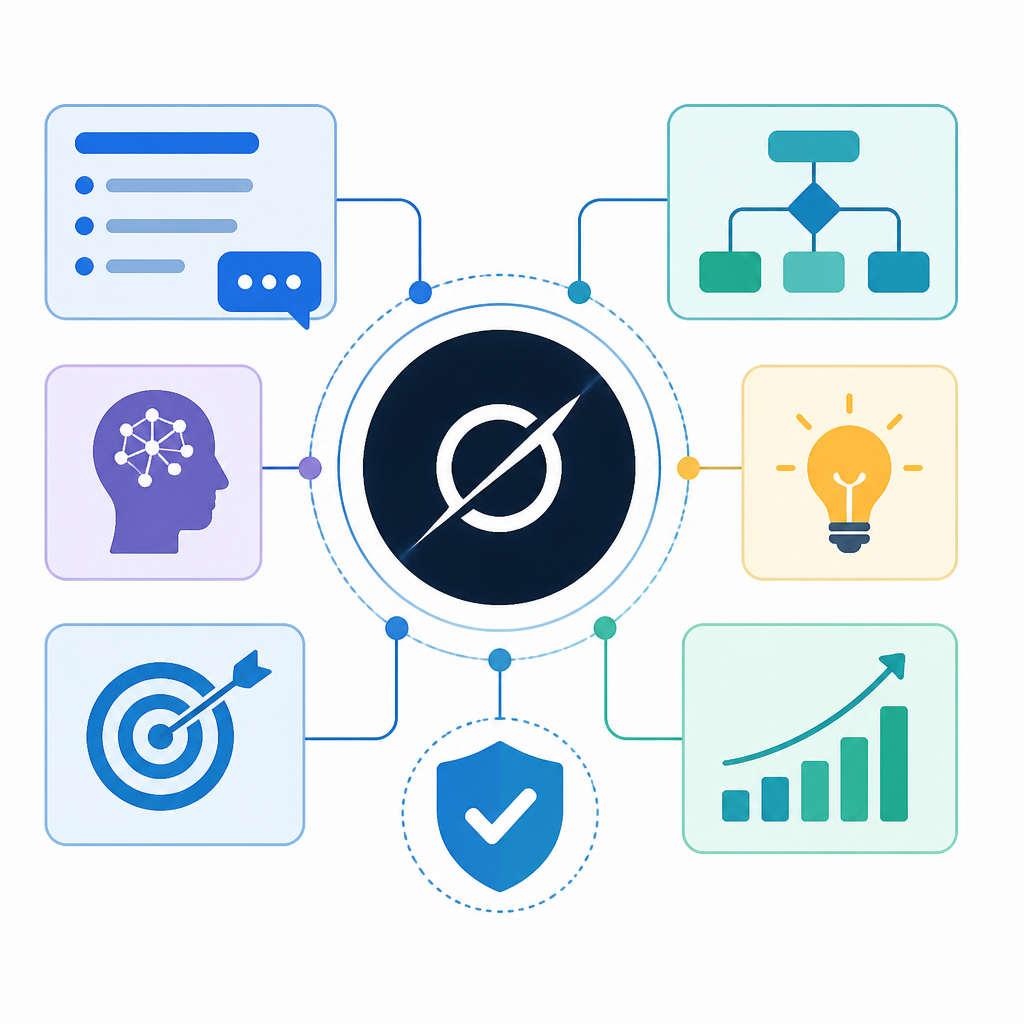
The 256,000-token limit and agent-based workflow also matter for heavier jobs, like codebase review or long research synthesis. That makes the guide relevant to developers and analysts who want to feed larger documents into one session instead of stitching together multiple chats.
The takeaway is simple: WiTechPedia is turning Grok 4.20 into a structured workflow tool, not just a chat box. The open question for users is whether the template-heavy approach speeds real work enough to justify switching from their current AI stack.
// Related Articles
- [MODEL]
Gemini 1.5 Pro-002, Flash-002 and 2.0 Flash update Google AI
- [MODEL]
MiniMax M3 Proves Open-Weight Can Still Win on Coding
- [MODEL]
Gemini 3.5 Flash Pricing, Context, Benchmarks
- [MODEL]
Gemma 4 12B: Specs, Benchmarks & How to Run It Locally
- [MODEL]
Best Kimi Models in 2026: K2.5 vs K2 Thinking
- [MODEL]
Kimi K2.6 adds open-source coding and agent swarm