AI Studio turns prompts into native Android apps
Google AI Studio now turns prompts into native Android apps, with emulator preview, device install, and Play-ready constraints.
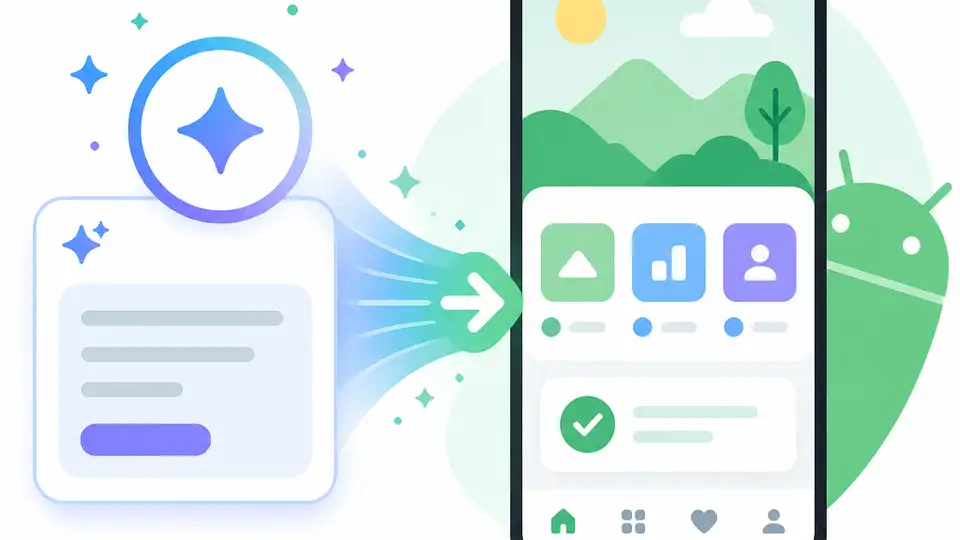
Google AI Studio now turns prompts into native Android apps.
I've been using app builders long enough to know when something sounds better than it behaves. Most of them start strong: you describe the app, the model nods along, and then you spend the next hour cleaning up nonsense, broken state, and UI that looks like it was assembled by someone who only half-remembered Android existed. That's been my gripe with vibe coding for a while. It makes the first draft easy, sure, but the moment you want something native, testable, and not embarrassing on a phone, the whole thing tends to wobble.
So when I saw Jay Peters’ Verge write-up on Google letting AI Studio build native Android apps, I stopped and read the fine print. This is not Google saying, “go ship whatever fever dream you prompt.” It’s Google saying, “here’s a narrower lane: personal utility apps, hardware-aware apps, and Gemini-backed apps.” That restraint matters. It tells me Google learned the same lesson everyone else did: the easiest app to generate is usually the one that’s hardest to trust.
What hooked me here wasn’t the marketing. It was the workflow shift. Prompt in the browser, preview in an embedded Android emulator, install on a connected device, and eventually invite testers. That’s a real loop. Not perfect, not magical, but real.
Jay Peters at The Verge published the report on May 19, 2026, and the trigger here is Google’s I/O 2026 announcement. The article doesn’t give a public star count or bookmark count, so I’m not inventing one. The important part is the scope: Google AI Studio, native Android apps, and a pretty obvious warning label around quality and Play review.
Google is not promising your dream app
Get the latest AI news in your inbox
Weekly picks of model releases, tools, and deep dives — no spam, unsubscribe anytime.
No spam. Unsubscribe at any time.
“This initial release” is focused on “personal utility” apps like habit trackers and study quizzes, “hardware-enabled experiences” like apps that use your phone’s camera or GPS, and “AI-powered experiences” that rely on Gemini’s API.
What this actually means is Google is drawing a fence around the feature before people can pretend it replaces real app development. I’ve seen too many platform launches die because they overpromised generality. This one doesn’t. It says: if you want a grocery list app, a quiz app, a camera helper, or a tiny Gemini-powered assistant, AI Studio can get you moving. If you want a full-blown social network with gnarly offline sync, complex permissions, and a backend that hates you, good luck.
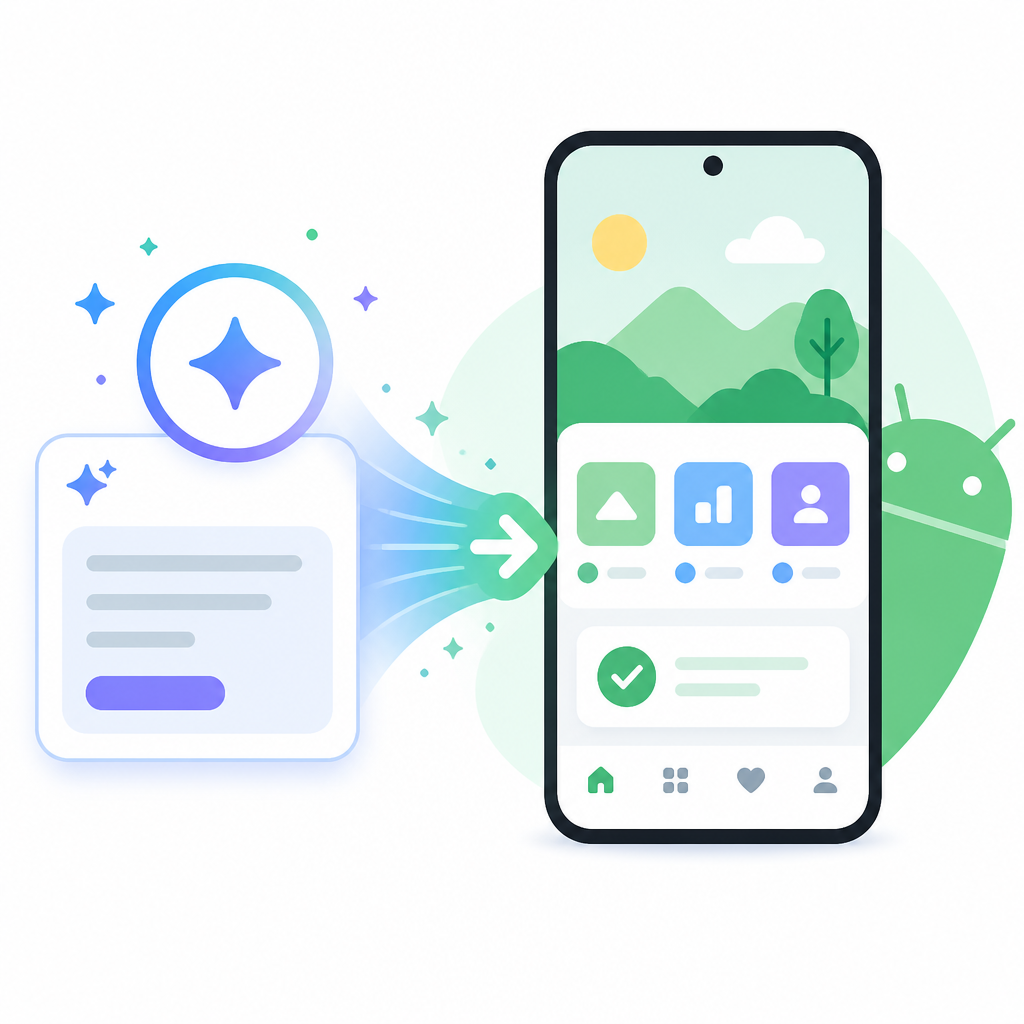
I actually like this constraint. It’s honest. The “personal utility” framing tells me Google is optimizing for apps with a single job and a narrow surface area. That’s where vibe coding is least likely to embarrass you. It’s also where I’d want a generated app to start, because the blast radius is smaller when the model gets weird.
How to apply it: start with apps that have one user, one workflow, and one obvious success state. If your app needs feeds, collaboration, or multi-role permissions on day one, do not begin with prompt-first generation. Use AI Studio for the first 70 percent, then take over manually before the model starts inventing architecture you never asked for.
- Good fits: habit trackers, flashcard apps, field note tools, camera helpers, location check-ins.
- Bad fits: social apps, marketplaces, anything with complex billing, moderation, or real-time collaboration.
The emulator is the part that makes this feel real
Google says you can preview the app inside an embedded Android emulator, then connect an Android device to install it. That sounds small. It isn’t. The emulator is where a lot of vibe-code tools cheat a little. They show you a fake UI and hope you don’t notice the cracks until later. Here, the preview loop is tied to Android itself, which means the output has to survive in the environment it’s supposed to live in.
I ran into this exact problem with earlier AI app tools: they would generate something that looked plausible in a browser preview, then fall apart on an actual handset because of touch targets, layout, or device-specific behavior. Android is especially unforgiving here. If the app is native, I want to see it in a native context. Otherwise I’m just generating screenshots with extra steps.
What this actually means is you can iterate on app structure before you ever leave the browser, but you’re not stuck there. The device install step is the bridge from “interesting prototype” to “I can poke this on my phone.” That matters for Android because device testing catches the stuff AI loves to ignore: camera behavior, GPS permissions, keyboard overlap, and weird state changes when the app resumes.
How to apply it: use the emulator for layout and flow, then push to a real device as soon as the app has any hardware dependency. If your app uses sensors, camera, or location, test on hardware early. Don’t wait until the end and act surprised when the model forgot that a phone has interruptions, not just happy path taps.
- Emulator for: navigation, basic forms, quick UI iteration.
- Real device for: camera, GPS, permissions, input latency, lifecycle issues.
Google is narrowing the use case on purpose
The Verge notes that Google is “carefully suggesting” these apps may be best as more limited experiences. That phrasing is doing a lot of work. It tells me Google knows the feature is strongest when the app scope is bounded. I’m not reading that as a weakness. I’m reading it as the only sane way to ship this without turning AI Studio into a chaos machine.
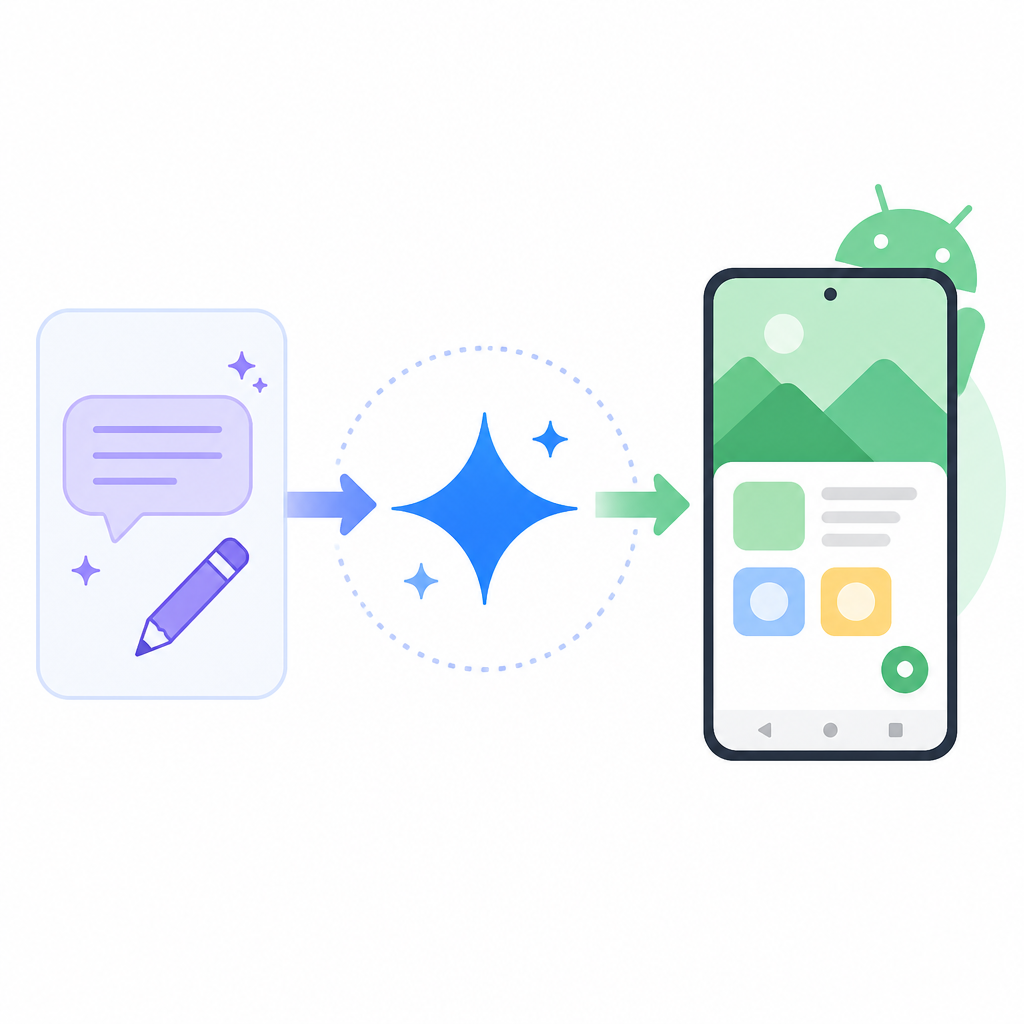
When I build with AI-assisted tools, scope is everything. The model is happiest when the problem is concrete: “track habits,” “quiz me on vocabulary,” “log a field observation,” “show nearby places,” “draft a quick note from a photo.” The moment I ask for “a complete productivity platform,” the output turns mushy. It starts inventing abstractions I didn’t need and omitting the boring parts that make software usable.
What this actually means is Google is giving you a starter lane, not a universal replacement. That’s useful because most developers don’t need a universal replacement. They need a fast way to validate a narrow idea, demo it, and maybe ship a small app that does one thing well.
How to apply it: write your app idea as a sentence with one verb. If you can’t do that, the project is too broad for prompt-first generation. For example: “Track my water intake” works. “Manage my life” does not. I know which one I’d rather hand to a model.
Play Store rules still apply, which is a good thing
Google’s spokesperson Mia Carter told The Verge that app quality remains a top priority for Google Play and that review standards are not changing. That’s the sentence people should not skip. A lot of AI tooling quietly encourages the fantasy that generation equals approval. It doesn’t. It just means you have something to submit, inspect, and probably fix.
Google says AI Studio lowers the barrier to entry for creating high quality Android apps, but the apps still need to meet Play’s strict quality and review standards. That’s the part I trust. If the bar stayed low all the way through publishing, the store would get buried in junk and the whole experiment would poison itself.
I’ve shipped enough software to know that “easy to create” and “acceptable to publish” are different worlds. The first is about speed. The second is about responsibility. Google keeping review intact means AI Studio can help you produce a first draft, but it can’t launder a bad app into legitimacy.
How to apply it: treat AI Studio output like a draft from a junior developer on their first week. Useful? Yes. Done? No. Run your normal checks: permissions, privacy policy, accessibility, crash handling, and basic UX sanity. If you want Play Store distribution, assume the generated app is guilty until you verify otherwise.
- Check permissions against actual feature use.
- Audit generated copy for privacy and data handling claims.
- Verify the app behaves when offline, interrupted, or backgrounded.
The Gemini tie-in is where Google is steering people
Google also says the initial release supports “AI-powered experiences” that rely on Gemini’s API. That’s not accidental. Google is not just giving people a blank app canvas. It’s nudging them toward apps that use Google’s own AI stack, which is a very Google thing to do.
What this actually means is the platform is probably strongest when the app has a clear AI task: summarize, classify, quiz, assist, or transform user input. That’s the kind of work where a model can add value without having to own the entire product. And to be fair, that’s also where a lot of people want help first.
I’ve found that AI-backed apps are easiest to reason about when the model sits inside a bounded interaction. Give it a camera image, a note, a voice clip, or a short prompt, then return one useful thing. Once you ask it to run the whole app, you’ve made the model responsible for product judgment, and that’s where things get flaky fast.
How to apply it: design the AI feature as a single step inside the app, not the app itself. Let the model enrich the workflow instead of defining the workflow. If you can swap Gemini out for another model later without rewriting the whole product, you probably designed it well.
Google is quietly building a faster Android pipeline
The Verge also mentions Google launching a 1.0 version of its command-line interface for building Android apps, plus app recommendations in Gemini queries and a Play Shorts feed. Those aren’t random side notes. They point to the same thing: Google wants app creation, discovery, and distribution to feel like one pipeline instead of three separate headaches.
That’s the part I find interesting as a developer. AI Studio is not just a toy generator if it connects to the rest of the Android stack. If I can prototype in the browser, inspect in an emulator, install on device, and eventually work through Play, the tool starts to matter. Not because it replaces engineering, but because it cuts the dead time between idea and usable artifact.
What this actually means is Google is trying to make Android app creation feel lighter without pretending the platform rules disappeared. That’s a decent balance. I’d rather have a tool that accelerates the boring early phase than one that promises to do my job and then collapses under real constraints.
How to apply it: use AI Studio as the front door, not the whole house. Keep your own repo, your own tests, and your own release checks. If the generated app starts to get serious, move the code into a normal Android workflow and treat AI Studio like a fast prototyping layer.
The template you can copy
# Prompt-first Android app brief for AI Studio

Build a native Android app called [APP_NAME].

Goal:
- Help one user do one job quickly.
- Keep the first version small and easy to test.

Core use case:
- [ONE_SENTENCE_DESCRIPTION]

Primary screens:
1. [SCREEN_1]
2. [SCREEN_2]
3. [SCREEN_3]

Data the app needs:
- [FIELD_1]
- [FIELD_2]
- [FIELD_3]

Hardware features needed:
- [camera / GPS / microphone / none]

AI features needed:
- [summarize / classify / generate / quiz / none]

Constraints:
- Make it a native Android app.
- Optimize for a personal utility use case.
- Keep permissions minimal.
- Use clear, simple UI.
- Handle empty states, loading states, and error states.
- Make it usable on a real phone, not just in a preview.

Definition of done:
- I can open the app on an emulator.
- I can install it on a connected Android device.
- The main workflow works end to end.
- The app does not ask for unnecessary permissions.
- The app would be reasonable to submit for Play review after manual cleanup.

Prompt to generate:
"Build this app as a native Android app with the screens, data fields, and constraints above. Start with the smallest useful version and keep the UI simple."
That’s the version I’d actually start from. It keeps the scope tight, forces you to name the app’s job, and reminds you that emulator output is not the finish line.
Source attribution: The reporting and quoted details come from Jay Peters’ article at The Verge. My breakdown is original commentary on Google’s AI Studio announcement and the Android workflow it implies.
// Related Articles
- [TOOLS]
Magenta RealTime 2 lets you score in the DAW
- [TOOLS]
Open-source AI tools beat Claude’s paid tiers on value
- [TOOLS]
500 AI agent projects show where agents work now
- [TOOLS]
Chocolatey’s Go package turns installs into policy
- [TOOLS]
Go support policy turns releases into a checklist
- [TOOLS]
RustDesk self-hosting setup for secure remote access