Aider turns open-source coding into repo edits
I break down why Aider beats the usual coding-agent mess and give you a copy-ready setup for repo-aware edits.
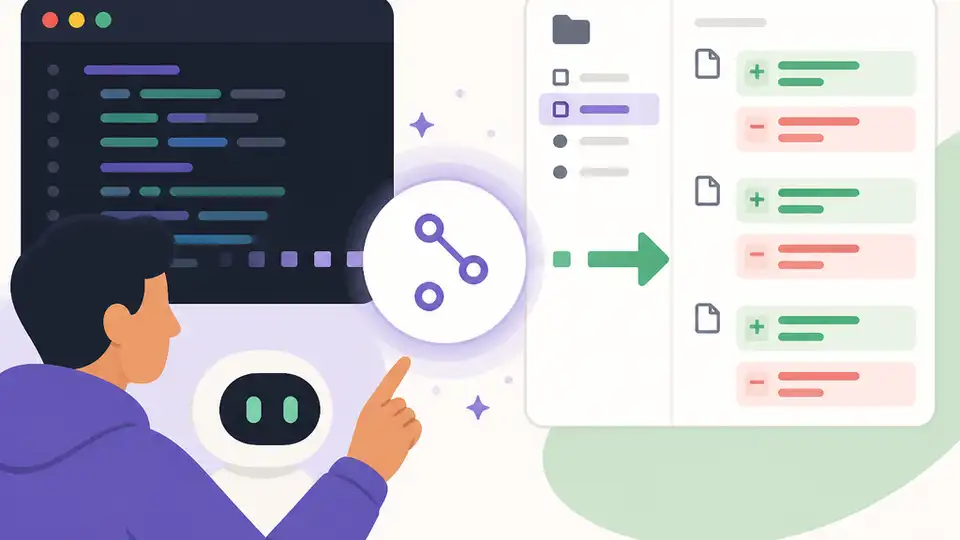
Aider turns terminal coding into repo-aware multi-file edits.
I’ve been using AI coding tools long enough to know when one is quietly wasting my time. The pattern is always the same: I ask for a change, it gives me a nice-looking answer, then I spend ten minutes untangling half-baked edits, missing context, or some weird “helpful” rewrite that touches files it had no business touching. I don’t need a chatbot that sounds confident. I need something that can stay inside a codebase, respect git, and stop pretending a one-file patch is enough when the change clearly spans three modules and a test file.
That’s why this Agentic.ai roundup caught my eye. The list is at agentic.ai/best/open-source-coding-agents, and the headline claim is blunt: Aider is the strongest all-around open-source coding agent in 2026, with Cline as the best VS Code pick and Codex CLI as the terminal-first option. I’m using their own framing here, because the interesting part isn’t the ranking itself. It’s the criteria behind it: open-source license, model flexibility, release activity, and whether the thing can actually act like a coding agent instead of a fancy autocomplete box.
Stop judging coding agents by vibes
Get the latest AI news in your inbox
Weekly picks of model releases, tools, and deep dives — no spam, unsubscribe anytime.
No spam. Unsubscribe at any time.
Aider is the strongest all-around open-source coding agent in 2026 — multi-file editing, git integration, supports any LLM, and has been actively developed since 2023.
What this actually means is: I shouldn’t be asking “does it feel smart?” I should be asking “can it change a repo without me babysitting every file?” That’s the bar. Aider’s pitch is not that it writes perfect code every time. It’s that it works with the shape of real software: multiple files, commit history, and a model you can swap without rebuilding your workflow.
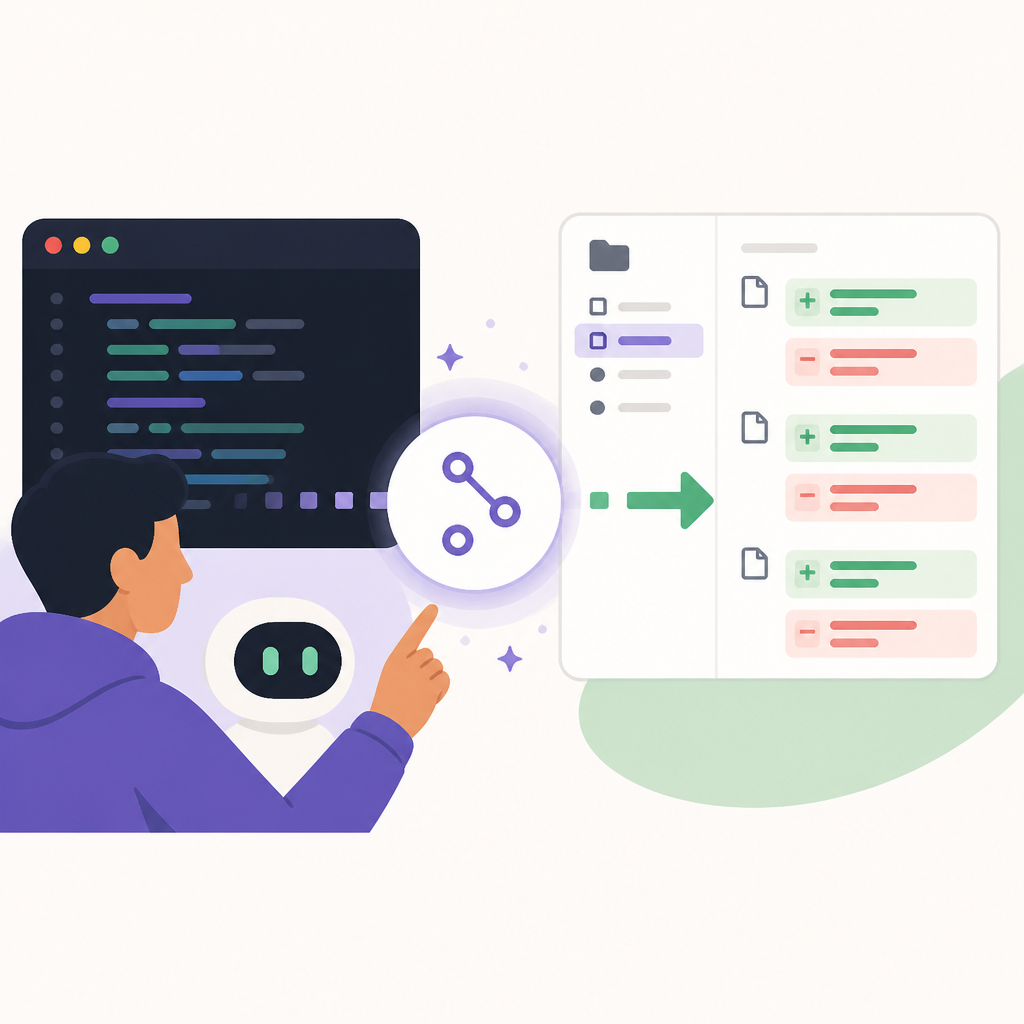
I’ve lost count of how many tools look impressive in a demo and then fall apart the second the task crosses file boundaries. One prompt for a route change, one prompt for the API client, one prompt for the test update, and suddenly you’re the integration layer. Aider’s value is that it assumes code is connected. That sounds obvious, but a lot of tools still behave like each file is a separate universe.
How to apply it: when you evaluate any coding agent, use a repo task, not a toy task. Ask it to rename a function across the codebase, update the tests, and explain the diff. If it can’t keep the edits coherent across files, I don’t care how polished the UI is. For Aider specifically, that repo-first workflow is the whole point.
- Test multi-file edits, not single-file completions.
- Check whether it uses git diffs in a way you can review cleanly.
- Prefer tools that let you keep the model choice separate from the editor choice.
License is not paperwork, it’s the first filter
Agentic.ai says they only include tools under OSI-approved licenses like MIT, Apache, BSD, and ISC, and they exclude source-available projects with restrictions like BSL, SSPL, and fair-code. That matters more than people like to admit. If I’m putting a tool into a commercial workflow, I don’t want to find out later that the license turns into a legal headache the moment the team starts using it at scale.
The source also makes a clean distinction here: open-source means you can audit it, self-host it, and use it with whichever model you want. Source-available often looks similar from ten feet away, but the fine print can block commercial use or redistribution. That’s not “open” in any useful sense for a lot of teams.
I ran into this exact issue while helping a team vet internal dev tools. The product looked friendly, the docs were solid, and the demo was fine. Then legal asked one boring question and the whole thing stalled. If the license story is fuzzy, the tool is already expensive before you install it.
How to apply it: before you look at features, check the license on the repo itself. Don’t trust marketing pages. Look for MIT, Apache-2.0, BSD-3-Clause, or ISC on Open Source Initiative. If you see BSL or SSPL, treat it as source-available and decide with your legal hat on, not your excitement hat.
- Open-source license first, feature list second.
- Verify the license in the repository, not just the directory listing.
- If you ship commercial software, avoid ambiguity.
Model-agnostic beats model-worship
One of the strongest points in the source is model integration. Agentic.ai says the best open-source coding agents are model-agnostic by design, meaning you can bring OpenAI, Anthropic, a local Ollama instance, or any OpenAI-compatible endpoint. That is the right shape for this category. The agent should not trap me inside one vendor’s pricing, latency, or policy decisions.
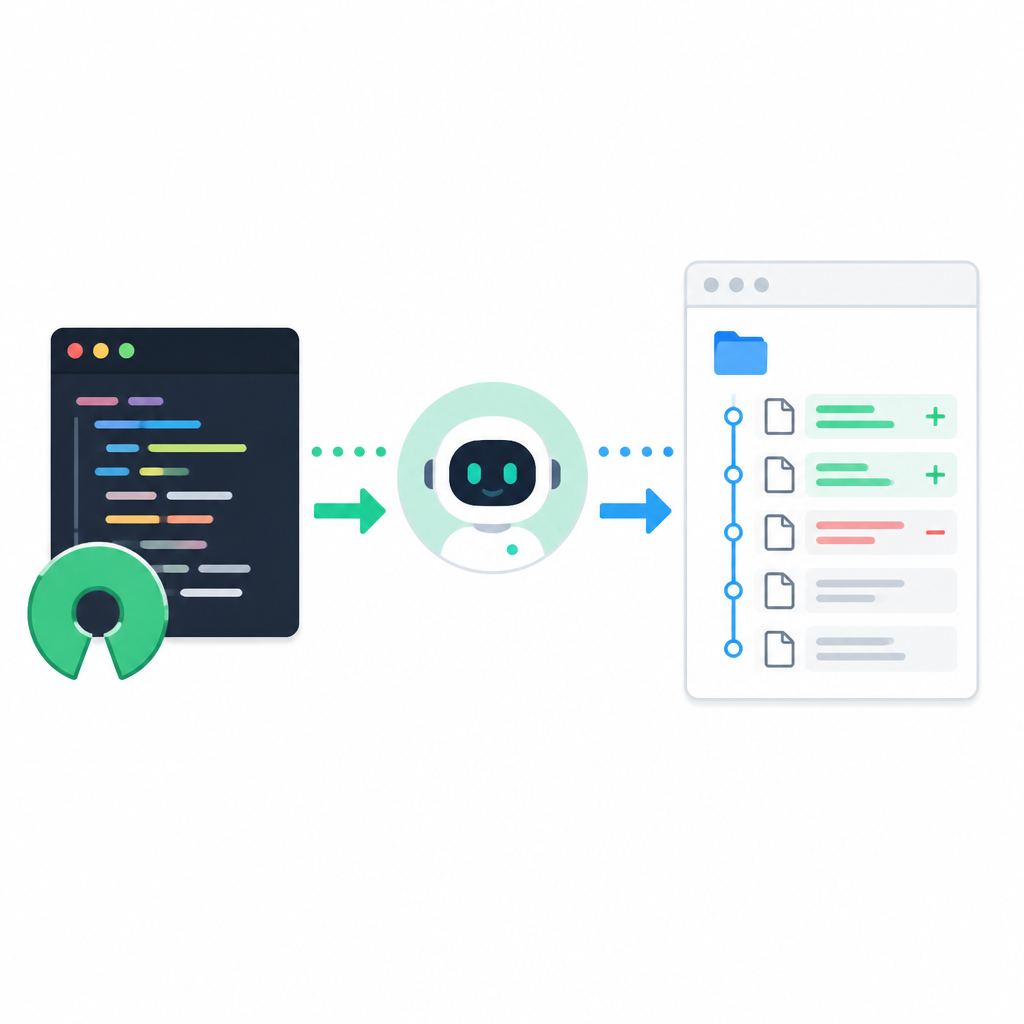
I care about this because model choice changes week to week. Sometimes I want the strongest model available. Sometimes I want something cheaper for repetitive refactors. Sometimes I want local inference because the codebase is sensitive. If the agent hard-wires a single provider, I’m stuck paying a portability tax forever.
That’s why Aider keeps showing up in serious workflows. It doesn’t force the model decision into the tool decision. That separation is boring in the best way. It means I can swap models without rewriting my process, and I can keep one agent while tuning cost and privacy separately.
How to apply it: pick an agent that accepts an API key or endpoint instead of bundling a single model. If you want to experiment with local models, look at Ollama. If you want to keep the option open for vendor models, check the provider docs for OpenAI and Anthropic. The agent should adapt to your model stack, not the other way around.
Release cadence tells you if the project is alive
Agentic.ai calls out release cadence and maintainer activity as a major filter. I agree with that completely. In AI tooling, six months of silence is a long time. Models change, APIs shift, and the gap between “works on my machine” and “works with current models” grows fast.
The source specifically says to check the last release, maintainer responsiveness, and active contributors. That’s the kind of dull checklist that saves you from adopting a dead project. A coding agent that hasn’t moved in half a year is usually not keeping up with the model ecosystem, and that’s a problem even if the code looks clean.
I’ve been burned by this before. A tool looked stable, the repo had decent stars, and the docs were still online. Then the underlying model behavior changed and the agent started making sloppy edits that used to be fine. Nobody had updated the prompt strategy, the toolchain, or the assumptions. The repo was alive in GitHub terms, dead in practical terms.
How to apply it: open the repo, check the release history, and read the last few issues. If you want a quick sanity check, use GitHub activity as a signal, not a verdict. I’m looking for recent commits, active issue replies, and evidence that maintainers are still adapting the tool to current models.
Terminal-first and editor-first are different religions
The ranking in the source makes a useful distinction: Cline is the top pick for VS Code users who want a polished editor-integrated experience, while Codex CLI is the terminal-first option. That split matters because interface choice shapes how you work with the agent more than people admit.
Cline lives inside VS Code, can inspect a project, edit files, run terminal commands, and even use a browser while asking for permission at each step. That’s a very different experience from a CLI tool. In the editor, the agent feels like part of the workspace. In the terminal, it feels like a controlled assistant that you invite into a repo and then watch closely.
Codex CLI, meanwhile, is the terminal-native path. The source calls it OpenAI’s reference implementation and notes that it’s Apache-licensed. If I’m doing quick repo work, shell-driven refactors, or I want to stay out of the IDE, that matters. If I’m living in VS Code all day, Cline’s integration may be more natural.
How to apply it: don’t ask which tool is “better.” Ask where your attention already lives. If you debug in the editor, start with Cline. If you live in the terminal and want fewer UI layers, start with Codex CLI. If you want the strongest all-around repo agent and don’t care about editor chrome, Aider is the one I’d test first.
Self-hosting is not a bonus feature
The source says self-hosting is optional but powerful, and that most open-source agents run locally as CLI or IDE extensions while only calling external APIs for inference. That’s the realistic model. It’s not usually full local intelligence. It’s local control over the agent with optional remote brains.
That distinction matters in teams. If you need centralized governance, audit logs, or usage analytics, self-hosting can be worth the operational cost. If you just want a better individual workflow, local CLI plus external inference may be enough. The point is that open-source gives you the option to choose your own level of control.
I’ve seen teams overcomplicate this. They assume self-hosting means “we need to run everything ourselves,” then they give up before trying. Usually the better move is smaller: keep the agent local, keep the model endpoint configurable, and only add centralization if compliance or team usage actually demands it.
How to apply it: decide whether your constraint is privacy, governance, or cost. Then choose the deployment shape that answers that constraint. For local-only experiments, a repo-local CLI is fine. For team use, check whether the tool can be containerized or wrapped in a controlled environment.
How I’d choose between Aider, Cline, and Codex CLI
Here’s the practical version. Aider is the one I’d reach for when I want the broadest, most repo-native open-source coding agent. It’s the best fit when the work is multi-file, the review path matters, and I want model flexibility without drama.
Cline is what I’d hand to someone who lives in VS Code and wants the agent to feel embedded in the editor, with browser and terminal permissions handled step by step. It’s the polished option, and that matters more than people think when a tool is going to be used every day.
Codex CLI is the one I’d test if I want a terminal workflow and I’m comfortable with a more direct, less decorated interface. It’s also useful if I want to see what the upstream reference implementation looks like before I decide whether to build around it.
How to apply it: pick one agent for one week and force it through real work. Don’t compare screenshots. Compare diffs, repair time, and how often you have to step in to fix its assumptions. That’s the only metric that matters to me.
The template you can copy
# Open-source coding agent selection template

## My default choice
- Agent: Aider
- Why: multi-file edits, git-aware workflow, model-agnostic, active maintenance

## My editor-first choice
- Agent: Cline
- Why: VS Code integration, permissioned actions, browser + terminal support

## My terminal-first choice
- Agent: Codex CLI
- Why: CLI-native workflow, Apache license, easy to slot into shell-driven work

## License check
- Accept: MIT, Apache-2.0, BSD-3-Clause, ISC
- Reject for commercial use until legal review: BSL, SSPL, fair-code, Elastic License
- Verify in: repository LICENSE file, not marketing copy

## Model strategy
- Preferred setup: model-agnostic agent
- Acceptable endpoints:
  - OpenAI-compatible API
  - Anthropic API
  - Ollama local endpoint
  - LM Studio / vLLM if supported
- Rule: I can swap models without swapping agents

## Repo test I will run
1. Ask the agent to rename a function used in at least 3 files
2. Ask it to update tests and docs
3. Ask it to explain the diff before applying changes
4. Review whether the patch is clean and minimal
5. Check whether it asks for permission before risky actions

## My adoption rule
- If it cannot handle multi-file changes cleanly, I do not adopt it
- If the license is unclear, I do not adopt it
- If the maintainer has gone quiet, I do not adopt it
- If it traps me into one model provider, I do not adopt it
That’s the whole playbook I’d use. It’s not fancy, but it keeps me from picking a tool because the demo looked slick. I want repo-aware edits, a sane license, and a model strategy I can change later without rebuilding my workflow.
What I’ve written here is a derivative breakdown of Agentic.ai’s roundup, not the original ranking. Their source is the thing to read first: https://agentic.ai/best/open-source-coding-agents. I’ve added my own workflow framing, but the underlying tool names, licensing distinctions, and ranking logic come from that page.
// Related Articles
- [TOOLS]
500 AI agent projects show where agents work now
- [TOOLS]
Chocolatey’s Go package turns installs into policy
- [TOOLS]
Go support policy turns releases into a checklist
- [TOOLS]
RustDesk self-hosting setup for secure remote access
- [TOOLS]
WWDC 2026 rumors turn Siri into a real assistant
- [TOOLS]
Figma adds MCP-linked Make, agent, and QA tools