Claude HUD Adds Live Status to Claude Code
Claude HUD adds a live status bar to Claude Code for context, usage, tool calls, agents, and todo progress.
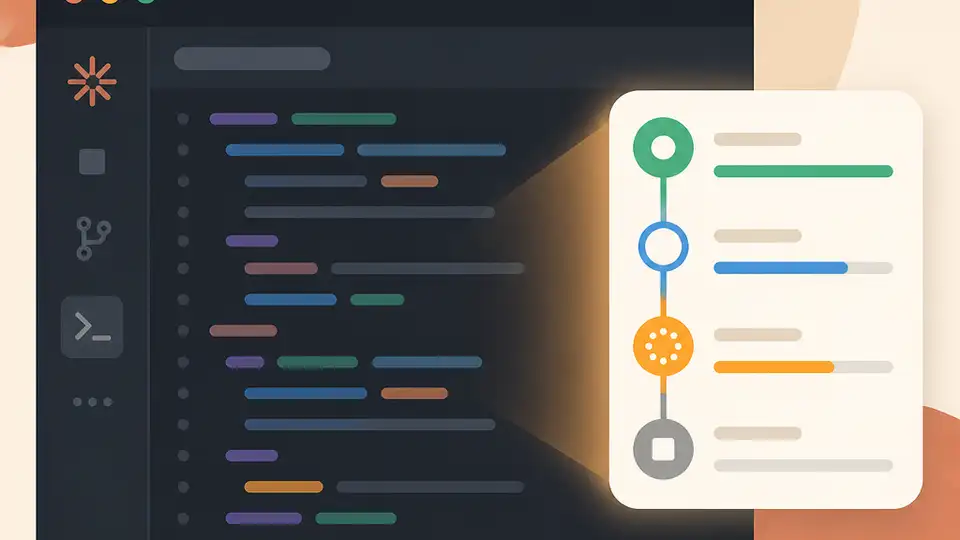
Claude HUD adds live status tracking to Claude Code.
Claude Code users who keep checking context usage, tool calls, and agent progress now have a cleaner option. Claude HUD puts those signals directly under the input box, so you can see what is happening without typing extra commands.
| Feature | What it shows | Why it matters |
|---|---|---|
| Context usage | Live usage percentage | Helps avoid hitting limits mid-task |
| Usage quota | Current allowance status | Makes consumption easier to track |
| Tool calls | Active tool activity | Lets you see when Claude is working |
| Sub-agents | Agent state | Useful for multi-step workflows |
| Todo progress | Task completion progress | Gives a quick read on execution |
What Claude HUD actually changes
Get the latest AI news in your inbox
Weekly picks of model releases, tools, and deep dives — no spam, unsubscribe anytime.
No spam. Unsubscribe at any time.
The idea here is refreshingly practical. Claude Code already does the heavy lifting, but its status signals are easy to miss when you are focused on writing prompts or reviewing output. Claude HUD moves those signals into view, which saves a lot of tab-switching and command typing during longer sessions.
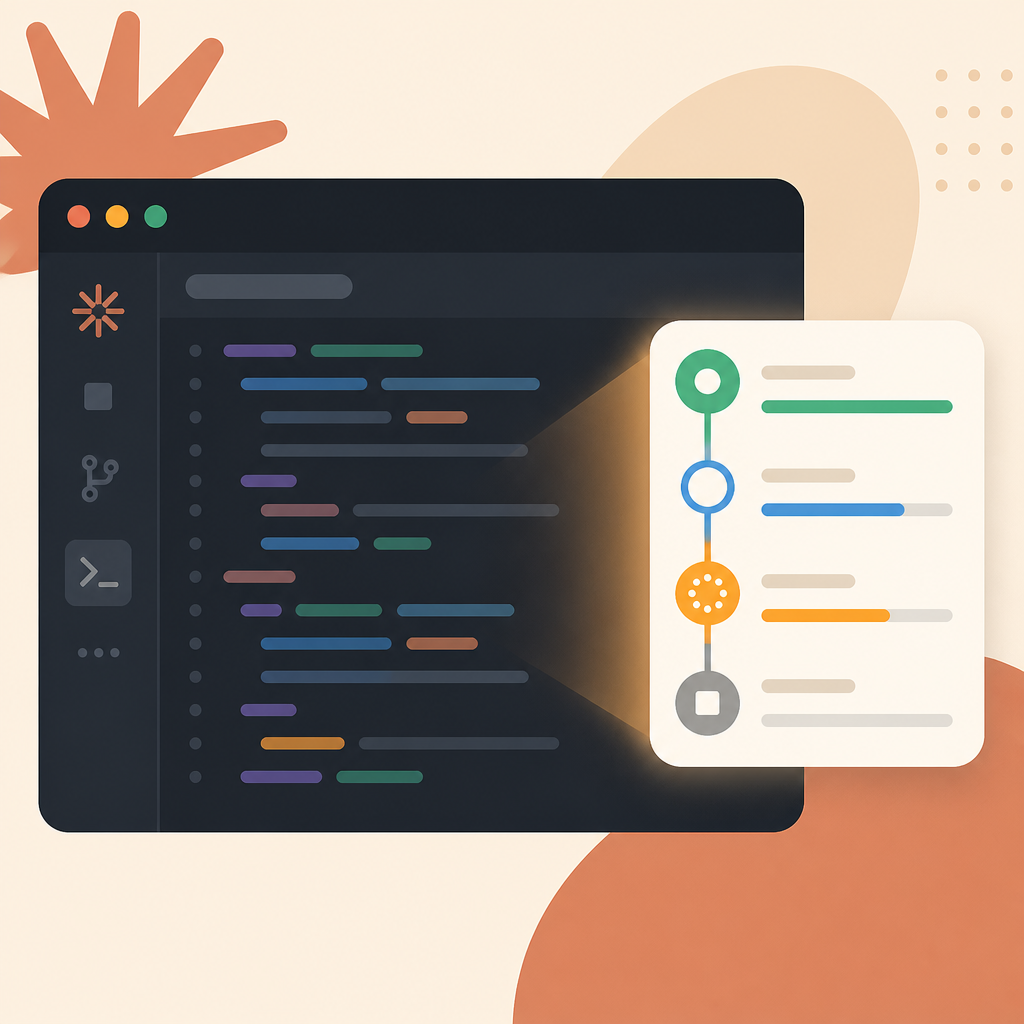
That matters most when you are working through multi-step coding tasks. If a model is burning through context, calling tools repeatedly, or spinning up sub-agents, you want to know that early. A small status bar is less flashy than a new model release, but it can change how comfortable the tool feels in daily use.
- Context usage is visible in real time.
- Tool activity shows up without manual checks.
- Todo progress gives a quick sense of task completion.
- Sub-agent state is exposed in the same place.
Why this kind of plugin matters
Developer tools often hide the signals people care about most. Terminal apps are especially guilty of this: they are efficient, but they make you ask the machine what it is doing instead of showing it to you. Claude HUD fixes that by turning invisible state into visible state.
That is a better fit for agentic coding than a plain chat interface. When a tool can call functions, spawn helpers, and manage task lists, the user needs feedback. Without it, the experience feels opaque. With it, Claude Code becomes easier to trust because you can see progress instead of guessing.
“Claude Code is a command line tool for using Claude to help with coding tasks.” — Anthropic, Claude Code overview
Anthropic’s own description makes the point: Claude Code is built for coding tasks, and coding tasks need feedback. HUD-style plugins fill that gap by making the assistant’s internal state visible in a place developers already watch.
How it compares with manual checks
Before a plugin like this, the usual workflow meant interrupting your flow to inspect state. That might involve checking context usage, asking the tool what it had done, or waiting until the model hit a limit. Claude HUD replaces those interruptions with a persistent readout.
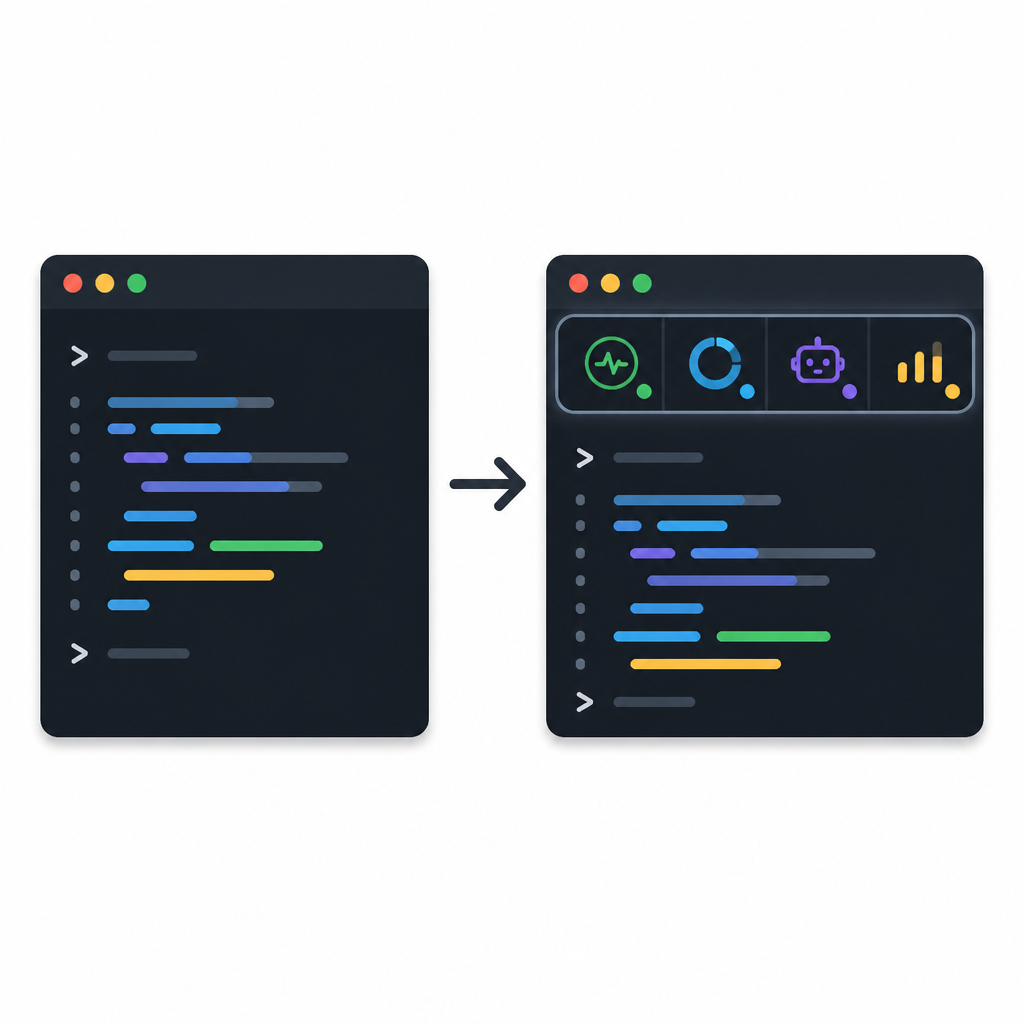
That tradeoff is easy to understand in numbers and in behavior. A status bar cannot make the model faster, but it can reduce the number of times you stop to ask basic questions. In practice, that can be the difference between staying in flow and constantly context-switching.
- Manual checks require extra commands; HUD keeps the data on screen.
- Hidden state forces guesswork; HUD makes progress visible.
- Interruptions slow down long tasks; HUD reduces those interruptions.
- Multi-agent work is easier to follow when state is always visible.
What developers should take from this
Claude HUD is a small plugin, but it points to a bigger pattern in AI tooling: users want transparency as much as capability. The more agentic these tools become, the more they need clear feedback loops. A status bar may sound boring, yet boring UI often wins because it removes friction.
If you use Claude Code every day, this is the kind of add-on that can quietly improve the experience more than a flashy feature ever would. It is especially appealing for people who work with long prompts, multi-step coding tasks, or agent-driven workflows.
For teams evaluating AI coding tools, the real question is whether the interface helps people understand what the model is doing. Claude HUD answers that with a simple yes. The next useful step would be broader support for usage history, task timelines, or per-agent diagnostics, because once developers get used to live status, they usually want more of it.
Related reading: Claude Code workflow tips.
// Related Articles
- [TOOLS]
500 AI agent projects show where agents work now
- [TOOLS]
Chocolatey’s Go package turns installs into policy
- [TOOLS]
Go support policy turns releases into a checklist
- [TOOLS]
RustDesk self-hosting setup for secure remote access
- [TOOLS]
Aider turns open-source coding into repo edits
- [TOOLS]
WWDC 2026 rumors turn Siri into a real assistant