Databricks custom models on AWS: what to know
Databricks explains how to package, deploy, and scale custom ML models on AWS Model Serving, including CPU, GPU, and reload rules.

Databricks custom models on AWS can be logged in MLflow and served as APIs with CPU or GPU compute.
Databricks updated its custom models guide on May 28, 2026, and the document is packed with the kind of details teams usually learn the hard way. The big themes are simple: package your model correctly, include its dependencies, and expect serving endpoints to scale and reload on Databricks’ schedule, not yours.
| Topic | What Databricks says | Why it matters |
|---|---|---|
| Endpoint creation | About 10 minutes | New versions take time to package and provision |
| Request timeout | 597 seconds | Long inference jobs can fail if they run too long |
| Scale from zero | 10–20 seconds, sometimes minutes | Cold starts can hurt latency-sensitive apps |
| Scale-down window | Every 5 minutes | Endpoints shrink after traffic drops |
| Provisioned concurrency formula | QPS × execution time | Capacity planning depends on real traffic and model latency |
What Databricks means by a custom model
Get the latest AI news in your inbox
Weekly picks of model releases, tools, and deep dives — no spam, unsubscribe anytime.
No spam. Unsubscribe at any time.
In Databricks’ terminology, a custom model is any Python model or custom code that you deploy through Model Serving. That includes models built with scikit-learn, XGBoost, PyTorch, and HuggingFace Transformers, plus arbitrary Python logic.
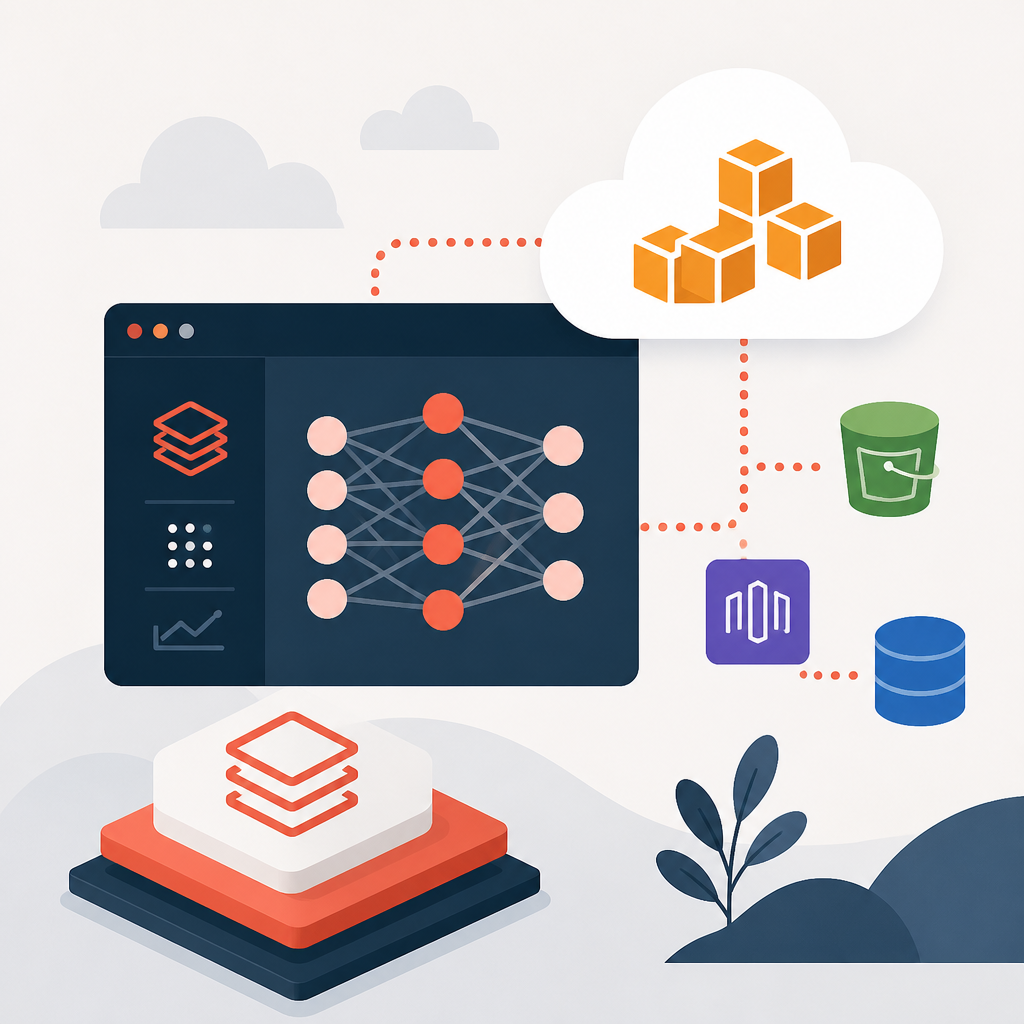
The deployment path is straightforward on paper. You log the model in MLflow, register it in Unity Catalog or the workspace registry, then create a serving endpoint. Databricks also points readers to its model serving tutorial for a full walkthrough.
- Native MLflow flavors work for standard libraries and common training workflows.
pyfuncworks when you want to wrap custom Python behavior.- Unity Catalog registration is the recommended path for managed model governance.
Logging choices decide how painful deployment gets
The article spends a lot of time on logging because that is where serving problems usually begin. Databricks supports autologging in Databricks Runtime for ML, manual logging with MLflow built-in flavors, and custom logging with pyfunc for arbitrary Python code.
The practical difference is control. Autologging is easy, built-in flavors are cleaner when your model fits the library, and pyfunc gives you room for extra code paths, helper functions, or custom preprocessing. If you are mixing model code with application code, pyfunc is often the least awkward option.
“Databricks refers to such models as custom models.”
Databricks also recommends adding a model signature and input example. That advice matters more than it sounds. Signatures are required for Unity Catalog logging, and input examples make it easier to catch shape and type mistakes before the model hits production traffic.
Here is the rule of thumb I would use: if your model needs special preprocessing, package that logic with the model instead of hoping the serving container guesses right. The docs are blunt about dependency errors, and that is usually code for “something was missing from the model artifact.”
signaturehelps define the expected inputs and outputs.input_examplegives Databricks a sample payload for validation.code_path,pip_requirements, andextra_pip_requirementshelp package nonstandard code and libraries.
CPU and GPU serving are not interchangeable
Databricks gives you several compute types, and the differences are more than marketing labels. CPU options include CPU_MEDIUM and CPU_LARGE, which trade concurrency for more memory per worker. GPU options include GPU_SMALL with 1xT4 and 16GB per concurrency, GPU_MEDIUM with 1xA10G and 24GB, MULTIGPU_MEDIUM with 4xA10G and 96GB, and GPU_MEDIUM_8 with 8xA10G and 192GB.
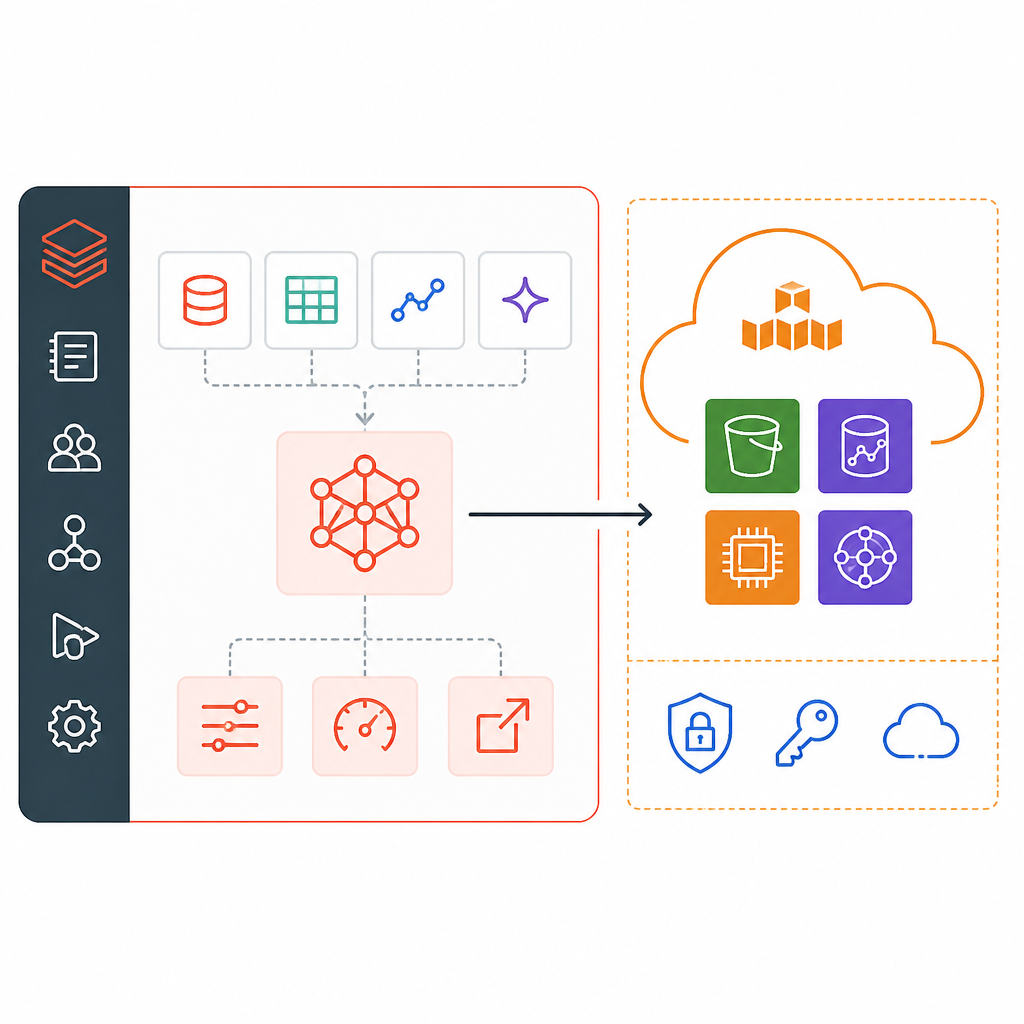
That memory-per-concurrency detail is the part teams often miss. If your model is memory-hungry but still CPU-friendly, moving up to CPU_MEDIUM or CPU_LARGE may be enough. If you are serving transformer-style workloads, Databricks says PyTorch and Transformers flavors handle GPU prediction automatically, which removes some of the plumbing work.
There is also a deployment-time tradeoff. GPU container builds take longer because of model size and installation overhead, and very large models can hit a 60-minute timeout or fail with a “No space left on device” error. For very large language models, Databricks tells users to use Foundation Model APIs instead.
- CPU_MEDIUM gives 8GB per concurrency.
- CPU_LARGE gives 16GB per concurrency.
- GPU_MEDIUM_8 gives 192GB per concurrency across 8 A10G GPUs.
- GPU autoscaling takes longer than CPU autoscaling.
Scaling rules matter more than people expect
The docs are very clear that endpoints scale based on traffic and provisioned concurrency units. Databricks defines provisioned concurrency as the maximum number of parallel requests the system can handle, and gives a simple planning formula: provisioned concurrency = QPS × model execution time.
That formula is useful because it ties capacity planning to real behavior instead of guesswork. If your model handles 20 QPS and each request takes 0.2 seconds, you are already at 4 units of provisioned concurrency before you account for spikes, retries, or background load.
Scaling behavior is also specific. Endpoints scale up almost immediately when traffic rises, then scale down every five minutes when traffic drops. Scale to zero is optional, and Databricks warns that the first request after inactivity will hit a cold start. The first request after scale-to-zero usually takes 10–20 seconds to wake up, but it can take minutes, and there is no SLA for that latency.
That is why Databricks says scale to zero should not be used for production workloads that need consistent uptime or guaranteed response times. For high-QPS, low-latency use cases, the docs recommend route optimization and express deployments.
“Scale to zero should not be used for production workloads that require consistent uptime or guaranteed response times.”
There is a second operational detail that matters just as much: Databricks performs zero-downtime updates by keeping the old endpoint configuration alive until the new one is ready. That protects live traffic, but it also means you are billed for both configurations during the transition.
What teams should actually do with this doc
If you are deploying custom models on Databricks, the checklist is pretty clear. Package the model in MLflow, include a signature and input example, make sure the dependencies are declared, and test the model locally before you push it into serving. Databricks explicitly warns that missing dependencies can break deployment, which is exactly the kind of failure that wastes a deployment window.
The older Anaconda notice is also worth a quick look if you are running legacy models logged with MLflow v1.17 or earlier. Databricks says models logged before MLflow v1.18 may have used the defaults channel from Anaconda, while newer logs use conda-forge. If you have old models in production, check the packaged conda.yaml before assuming the environment is still compliant.
The most important operational takeaway is that serving custom models is less about training accuracy and more about packaging discipline. If a model cannot reload during maintenance, Databricks will fail the update and keep the old configuration serving traffic. That is a safe fallback, but it also means your deployment hygiene decides whether updates are boring or painful.
For teams running production inference, the next question is simple: can your model reload cleanly after a maintenance event, or only on the machine where you trained it?
// Related Articles
- [TOOLS]
Magenta RealTime 2 lets you score in the DAW
- [TOOLS]
Open-source AI tools beat Claude’s paid tiers on value
- [TOOLS]
500 AI agent projects show where agents work now
- [TOOLS]
Chocolatey’s Go package turns installs into policy
- [TOOLS]
Go support policy turns releases into a checklist
- [TOOLS]
RustDesk self-hosting setup for secure remote access