GitHub MCP Server turns AI into repo ops
I break down GitHub’s MCP Server and give you a copy-ready config for wiring AI tools into repos, issues, PRs, and workflows.
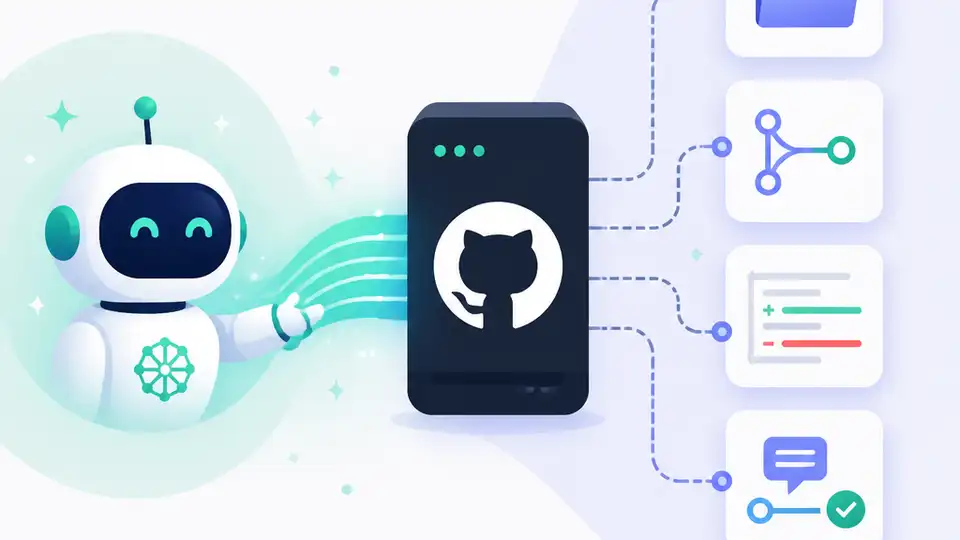
GitHub’s MCP Server lets AI tools work on your repos, issues, and PRs.
I've been wiring AI tools into developer workflows for a while now, and honestly, a lot of it has felt like theater. The chatbot can talk about your repo. It can summarize a diff. It can even sound confident about a bug it never actually inspected. But when I want it to do real work, the whole thing starts wobbling. It doesn’t have the repo context. It doesn’t know which branch matters. It can’t inspect an issue thread without me pasting half the internet into the prompt. So I end up doing the annoying part anyway: copying, pasting, rephrasing, and babysitting.
That’s why GitHub’s official GitHub MCP Server caught my attention. It’s GitHub saying, in plain terms, “fine, let the tool talk to GitHub directly.” No fake omniscience. No pretending the model already knows your codebase. Just a bridge between AI tools and GitHub’s actual platform so the assistant can read repos, manage issues and PRs, inspect Actions, and automate workflows with real context instead of vibes.
What I like here is that it doesn’t try to be clever. It tries to be useful. And after fighting with too many “AI copilots” that were basically autocomplete with better branding, that feels refreshing.
I’m going to break down what GitHub is really doing here, what the MCP setup means in practice, and how I’d wire it into a workflow without turning token management into a security mess.
GitHub finally stopped making the model guess
Get the latest AI news in your inbox
Weekly picks of model releases, tools, and deep dives — no spam, unsubscribe anytime.
No spam. Unsubscribe at any time.
The GitHub MCP Server connects AI tools directly to GitHub's platform.
What this actually means is simple: the model no longer has to hallucinate a repo-shaped worldview. It can ask GitHub questions through a standard interface, and GitHub answers with actual repository, issue, pull request, and workflow data.
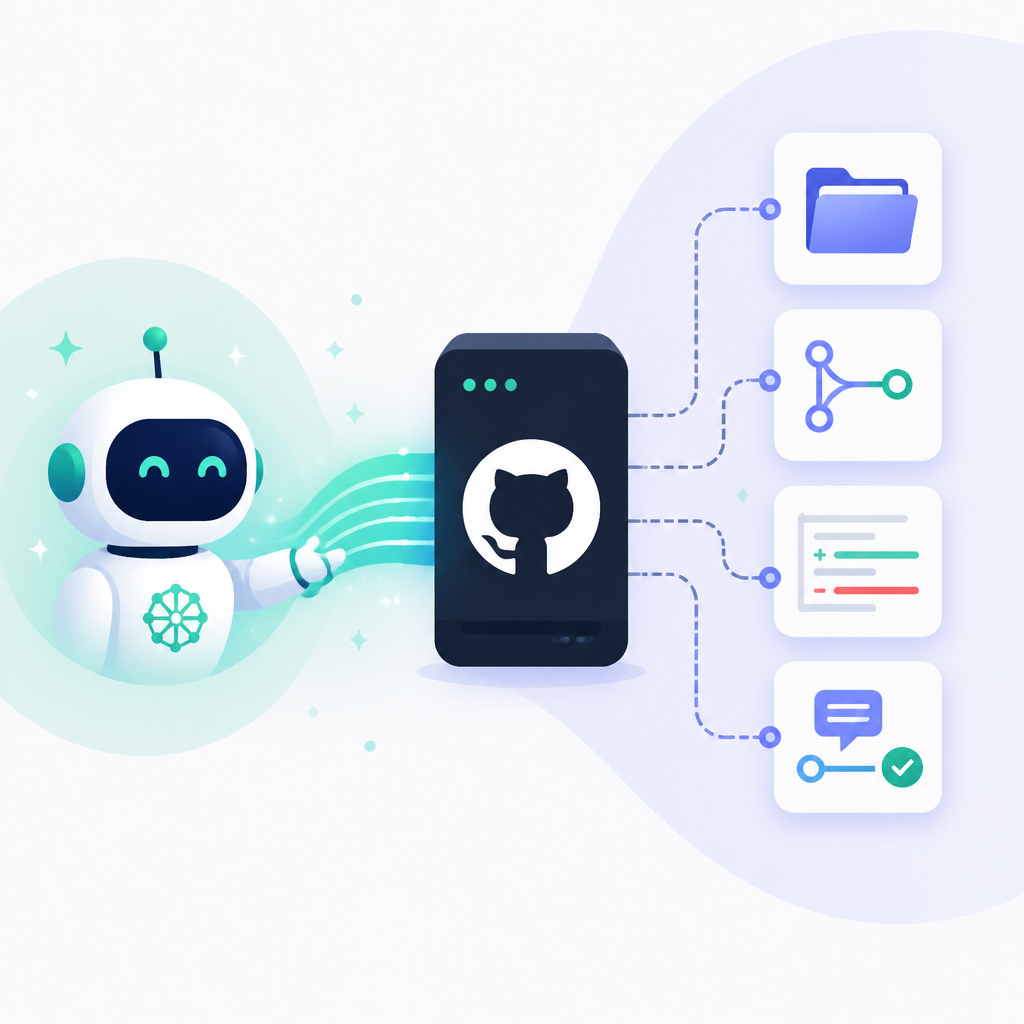
That sounds obvious, but it matters a lot. Most AI tools are only as good as the context you stuff into them. If the context is stale, partial, or missing, you get confident nonsense. I’ve run into this when asking an assistant to review a PR after I’d already rebased twice. The assistant was technically “helpful,” but it was reviewing a ghost version of the branch. That’s not help. That’s a liability with good grammar.
MCP, which stands for Model Context Protocol, is the part that makes this less ad hoc. It gives tools a common way to expose capabilities to AI clients. Instead of each app inventing its own brittle plugin format, the server exposes actions the client can call. GitHub’s server is basically saying: here are the GitHub-shaped things your agent can do, and here’s the sanctioned way to do them.
How to apply it: stop treating your chat UI as the source of truth. Use the server when you want the assistant to inspect real repo state, not when you want it to chat about repo state. That distinction saves a lot of garbage output.
- Use direct GitHub access for repo browsing, issue triage, and PR work.
- Keep plain chat for brainstorming, drafting, and rough ideation.
- Assume the model is wrong until it queries the source system.
The real win is not code generation, it’s repo operations
The README is blunt about the use cases: repository management, issue and PR automation, CI/CD and workflow intelligence, code analysis, and team collaboration. That’s the part worth paying attention to. GitHub is not pitching this as “AI writes your app for you.” It’s pitching this as “AI can operate inside the systems developers already use.”
That’s a much saner framing. I don’t need an assistant to invent a project structure from scratch. I need it to find the failing workflow, summarize the regression, open a clean issue, and maybe draft the first-pass fix. That’s the kind of work that eats time in small chunks all day long. If the assistant can shave off those chunks, I get my attention back.
The README calls out a few concrete buckets. In repository management, the server can help browse and query code, search files, analyze commits, and understand project structure across repos you can access. In issue and PR automation, it can create and update issues and pull requests, triage bugs, review code changes, and maintain boards. In CI/CD, it can monitor Actions runs, analyze build failures, manage releases, and surface pipeline insights. That’s not fluffy. That’s a workflow map.
I’ve seen teams waste hours because the person with the context is also the person with the least time. They know the bug is in the integration path, they know the failing run is the one from 2 a.m., and they know the PR that introduced it is probably the one nobody wants to reopen. An AI agent that can fetch those facts directly is useful because it reduces the number of handoffs.
How to apply it: pick one narrow workflow first. I’d start with “summarize failing Actions runs and draft an issue.” That gives you a bounded test case, a visible output, and a good sanity check for permissions.
- Repository ops: search, inspect, and summarize code without manual copy-paste.
- Issue ops: triage, draft, update, and link work items faster.
- Workflow ops: read Actions failures and turn them into actionable next steps.
Remote server first, local server when reality gets annoying
GitHub offers a remote MCP server hosted by GitHub, and that is the path I’d try first. The README says it’s the easiest way to get up and running, which tracks. If your MCP host supports remote servers, you point it at GitHub’s endpoint and go. If it doesn’t, you fall back to the local Docker-based server.
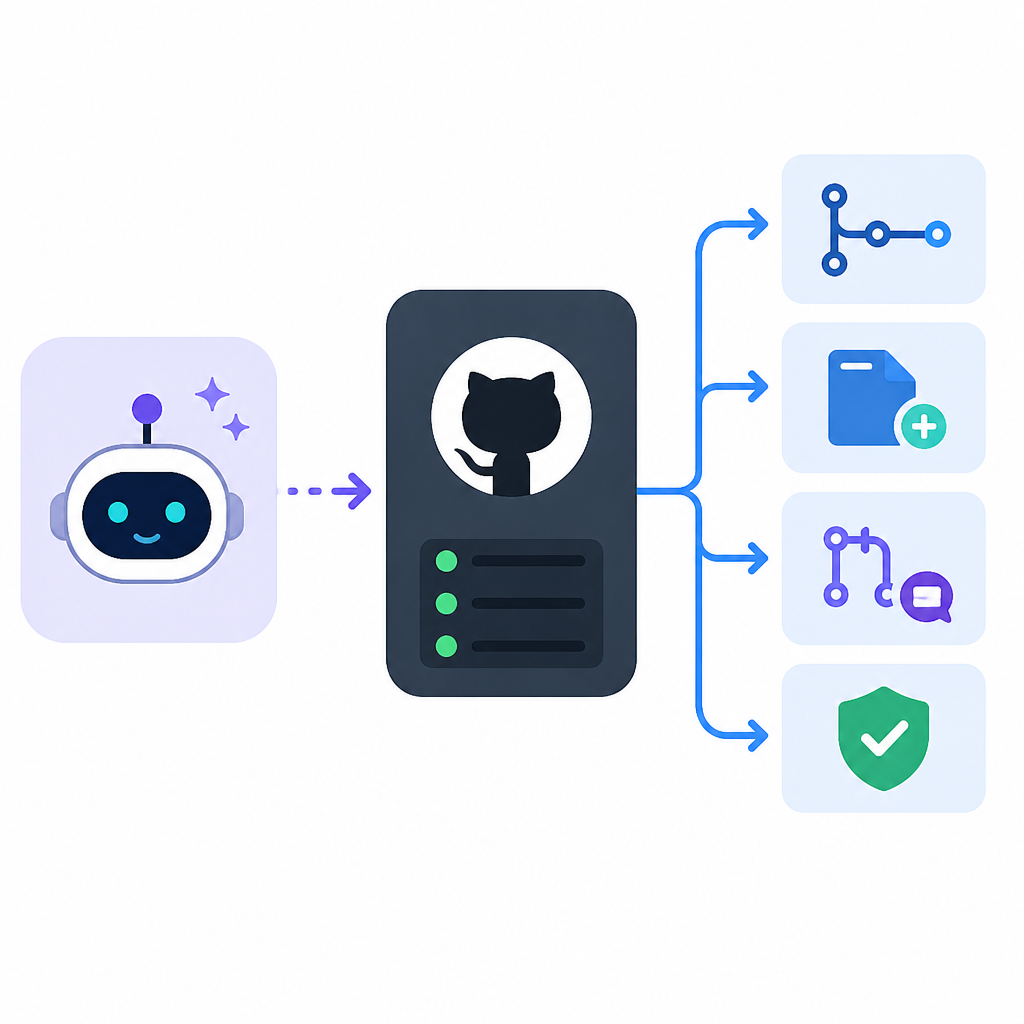
The remote path matters because it lowers the setup tax. For VS Code 1.101+ and other compatible hosts like Claude Desktop, Cursor, and Windsurf, you can connect without building and running the server yourself. GitHub even gives a VS Code example using the remote URL https://api.githubcopilot.com/mcp/. That is exactly the kind of boring detail that makes adoption happen.
When remote support is missing, the local server is there as a fallback. The README says the Docker image lives at ghcr.io/github/github-mcp-server, and that you’ll need Docker running plus a GitHub Personal Access Token. I appreciate that GitHub didn’t pretend every host behaves the same. MCP is still a mixed ecosystem, and the docs reflect that reality instead of hand-waving it away.
I ran into this exact kind of friction when testing agent tooling across editors. One app had nice OAuth support. Another wanted hardcoded config. Another was happy with env vars, but only if the moon was in the right phase. That’s why I like the README’s split between remote and local. It gives you a clean default and a practical escape hatch.
How to apply it: use remote if your host supports it and your org policy allows it. Use local if you need tighter control, a host without remote support, or a custom enterprise setup. Don’t force your team into the hardest path just because it feels more “infrastructure-y.”
- VS Code 1.101+ supports remote MCP and OAuth in the GitHub flow.
- GitHub Docs is the right place to verify token and auth behavior.
- MCP docs are worth reading before you start wiring hosts together.
OAuth is the easy path, PATs are the messy one
The README shows two main auth patterns for the remote server: OAuth and GitHub Personal Access Token. That matters because authentication is where most “quick integrations” quietly become future incidents. If you can use OAuth, I would. It’s cleaner for users and easier to reason about in managed environments.
For VS Code, GitHub shows a JSON config that points the server at the remote endpoint and lets the host handle auth. There’s also a PAT-based version using an Authorization header with a prompt input. The docs are explicit that host support varies, and that some apps may require a GitHub App or OAuth App for remote access. That’s the part people skip, then spend an afternoon wondering why the server won’t connect.
The local server path is even more direct about PAT handling. GitHub recommends environment variables, a .env file, and keeping tokens out of version control. It also lists minimum scopes like repo, read:packages, and read:org, plus sane habits like separate tokens, regular rotation, and never committing secrets. That’s not just security theater. It’s the difference between “we tested a tool” and “we created a credential sprawl problem.”
I’ve seen teams make the mistake of giving an AI tool a token with way too much power because setup friction felt annoying. Then the tool becomes something everyone is afraid to use, which defeats the point. The better move is to start narrow, grant only what the workflow needs, and keep the token lifecycle boring.
How to apply it: if your host supports OAuth, use that. If you need PATs, store them in env vars and document the minimum scopes in the repo itself. Treat token handling as part of the integration, not an afterthought.
Enterprise support is the part that decides whether this is real
GitHub doesn’t stop at the public cloud story. The README calls out GitHub Enterprise Cloud with data residency at ghe.com, and it also explains how to point the server at an enterprise hostname. That’s the detail that tells me this isn’t just a demo toy. GitHub knows the people who actually need this at scale are the ones with enterprise constraints, not the ones making a weekend prototype.
The docs also say GitHub Enterprise Server does not support remote server hosting, so those users need the local configuration path. That is annoyingly honest, which I respect. A lot of product docs quietly imply “works everywhere” and then leave you to discover the exceptions later. Here, the exception is front and center.
For enterprise teams, the practical question is not “can I connect an agent to GitHub?” It’s “can I do that without violating host policy, identity rules, or data residency requirements?” That’s why the README’s split matters. Remote for supported cloud environments, local for self-hosted and stricter setups. No mystery.
There’s also a subtle workflow point here. If your org has multiple repos, multiple teams, and a few very opinionated security gates, the agent is only useful if it can operate within those rules. I’d rather have a slightly slower setup that respects policy than a fast setup that gets shut down by security after one pilot.
How to apply it: decide up front whether you’re targeting GitHub.com, GitHub Enterprise Cloud, or GitHub Enterprise Server. Then choose the auth and hosting path that matches the environment instead of trying to retrofit it later.
What I’d actually automate first
If I were rolling this out in a team, I would not start with “let the AI do everything.” That’s how you end up with a fancy demo and no trust. I’d start with the repetitive, low-drama tasks that already have a clear source of truth in GitHub.
My first three automations would be: summarize failing Actions runs, draft issues from bug reports, and prepare PR summaries from diffs plus linked issues. Those are all tasks where the assistant can be helpful without pretending to make architectural decisions. They also create a nice audit trail, because the source data is already in GitHub.
Then I’d add one read-only workflow for code understanding. For example, “find the files touched by this recent incident and explain the likely blast radius.” That’s the sort of request where an agent can save time without taking ownership of the fix itself.
After that, I’d move into write actions carefully. Create an issue draft before auto-creating issues. Suggest PR text before auto-updating PRs. Monitor before mutating. That sequence keeps the team from getting spooked by an overeager bot that starts editing the project board like it owns the place.
How to apply it: build a ladder. Read-only first, draft second, write actions last. If you skip that order, you’ll spend more time cleaning up than benefiting from the automation.
The template you can copy
# GitHub MCP Server setup template

## Goal
Connect an AI tool to GitHub so it can read repos, inspect issues and PRs, and help with workflow tasks.

## Recommended path
- Use the remote GitHub MCP Server first if your host supports it.
- Fall back to the local Docker server if remote MCP is not supported.

## Remote server config for VS Code 1.101+
{
  "servers": {
    "github": {
      "type": "http",
      "url": "https://api.githubcopilot.com/mcp/"
    }
  }
}

## Remote server config with PAT
{
  "servers": {
    "github": {
      "type": "http",
      "url": "https://api.githubcopilot.com/mcp/",
      "headers": {
        "Authorization": "Bearer ${input:github_mcp_pat}"
      }
    }
  },
  "inputs": [
    {
      "type": "promptString",
      "id": "github_mcp_pat",
      "description": "GitHub Personal Access Token",
      "password": true
    }
  ]
}

## Local Docker config
{
  "github": {
    "command": "docker",
    "args": [
      "run",
      "-i",
      "--rm",
      "-e",
      "GITHUB_PERSONAL_ACCESS_TOKEN",
      "-e",
      "GITHUB_HOST",
      "ghcr.io/github/github-mcp-server"
    ],
    "env": {
      "GITHUB_PERSONAL_ACCESS_TOKEN": "${input:github_token}",
      "GITHUB_HOST": "https://github.com"
    }
  }
}

## Secure token handling
- Store tokens in environment variables when possible.
- Keep .env files out of git.
- Use the minimum scopes needed: repo, read:packages, read:org.
- Rotate tokens regularly.
- Never commit tokens to version control.

## Good first workflows
1. Summarize failing GitHub Actions runs.
2. Draft an issue from a bug report.
3. Summarize a PR and its linked issue.
4. Search a repo for files related to an incident.
5. Explain recent commits in plain English.

## Enterprise notes
- Use the remote server for GitHub Enterprise Cloud with data residency when supported.
- Use the local server for GitHub Enterprise Server.
- Set GITHUB_HOST correctly for your environment.

## Rollout rule
Start read-only, then draft, then write actions.
This template is original to this article, but it is based on GitHub’s documented setup patterns in the repository README. I kept the structure practical instead of copying the docs verbatim.
If you want the source of truth, start with the official repo: https://github.com/github/github-mcp-server. For the protocol side, I’d also keep the MCP documentation open while you wire it into your host.
// Related Articles
- [TOOLS]
500 AI agent projects show where agents work now
- [TOOLS]
Chocolatey’s Go package turns installs into policy
- [TOOLS]
Go support policy turns releases into a checklist
- [TOOLS]
RustDesk self-hosting setup for secure remote access
- [TOOLS]
Aider turns open-source coding into repo edits
- [TOOLS]
WWDC 2026 rumors turn Siri into a real assistant