Google AI Studio brings Android app building to web
Google AI Studio can now generate native Android apps in minutes, then hand them off to Android Studio or Play Console.
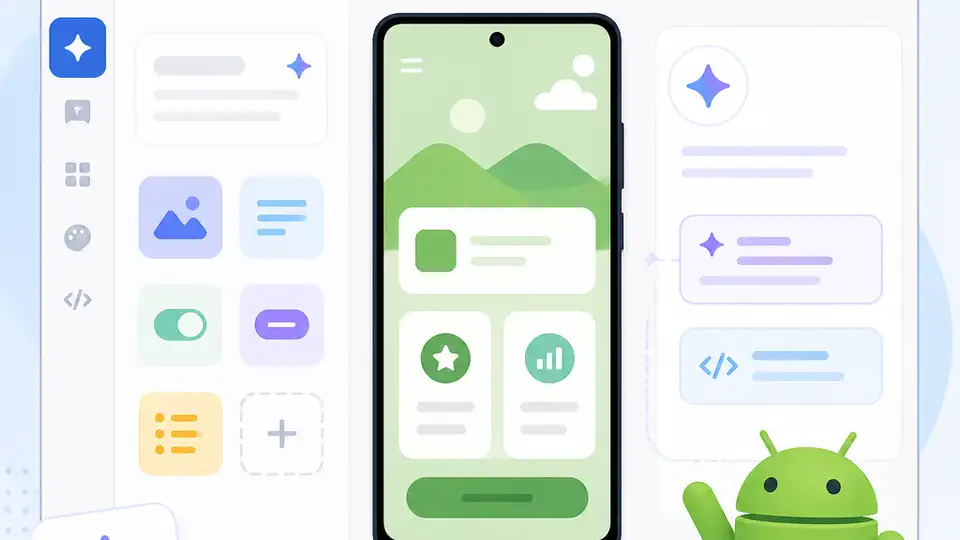
Google AI Studio now lets people build native Android apps from a browser in minutes.
Google used I/O 2026 to push Android app creation closer to a prompt-and-preview workflow. The company says the new web-based flow can shrink a process that usually takes weeks of setup and coding into a few minutes, with support for Kotlin, Jetpack Compose, and device features like GPS, Bluetooth, and NFC.
That is a big shift for Android development, and it lands in the middle of a crowded AI coding race that already includes Cursor, Replit, Lovable, and Claude Code. Google is doing two things at once: making app creation easier for non-technical users, and giving serious developers a faster path from idea to prototype.
| Feature | What Google announced | Why it matters |
|---|---|---|
| Build time | Minutes instead of weeks | Shortens the path from idea to testable app |
| App stack | Kotlin + Jetpack Compose | Uses Google’s native Android tooling |
| Hardware support | GPS, Bluetooth, NFC | Lets apps touch real device features |
| Preview | Browser-based Android Emulator | Shows the app while it is being built |
| Publishing path | Export to Android Studio, GitHub, or Play Console | Gives projects a route beyond the browser |
| Rollout timing | Weeks ahead for Gemini app surfacing | Connects apps to discovery inside Google products |
Google is turning Android into a browser-first workflow
Get the latest AI news in your inbox
Weekly picks of model releases, tools, and deep dives — no spam, unsubscribe anytime.
No spam. Unsubscribe at any time.
The most interesting part of this announcement is not the AI code generation itself. It is the decision to move the first serious step of Android app creation into the browser. That changes who gets to participate. A developer can sketch a utility app without setting up a full local environment, and a non-technical creator can experiment with a simple idea before learning the rest of the stack.
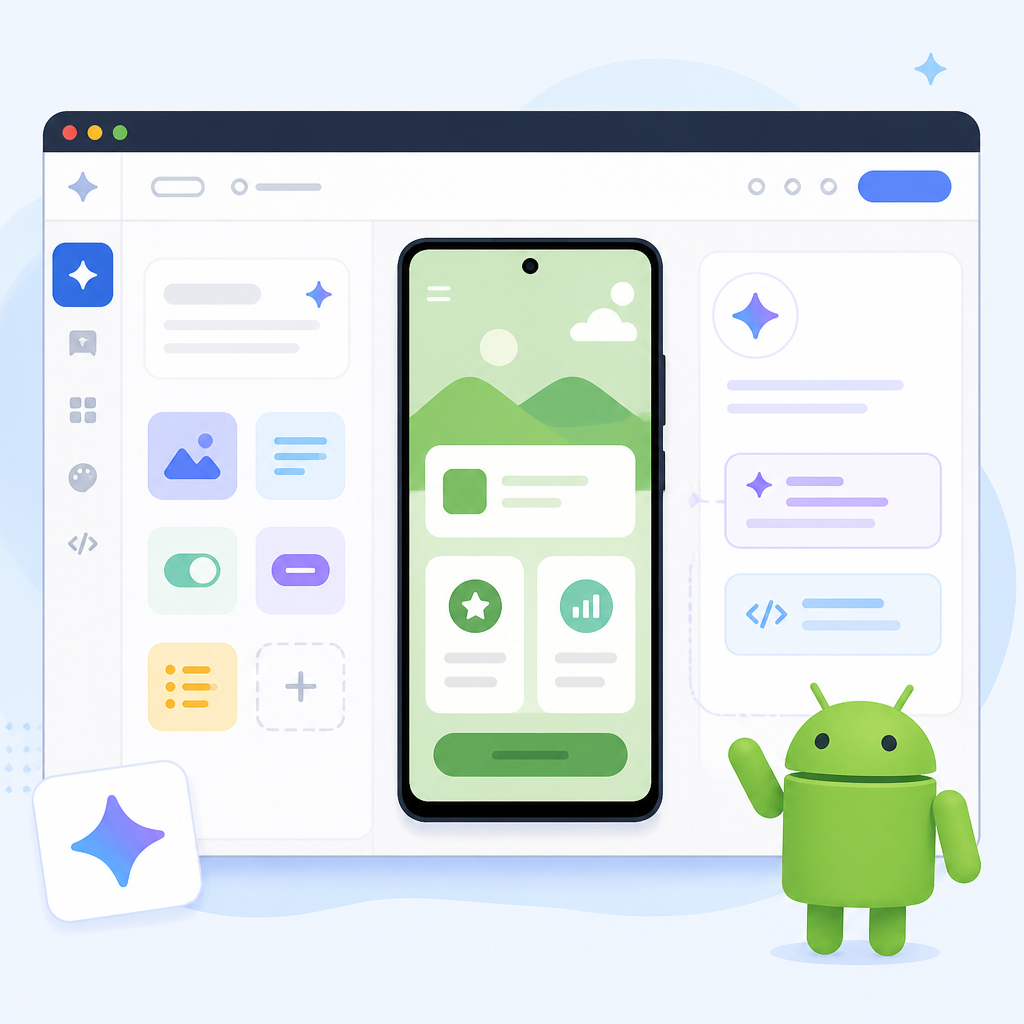
Google says the generated apps are built with native Android tools, which matters because this is not a toy wrapper around a website. The output uses Kotlin and Jetpack Compose, so the app still fits into the Android ecosystem. That gives the feature more credibility than a lot of AI app demos that stop at a mock UI.
- Apps can be previewed in an embedded Android Emulator inside the browser.
- Users can install the app on a phone over USB with ADB.
- AI Studio can create a Play Console record and upload to an internal testing track.
- Projects can be exported as a zip file or pushed to GitHub.
Google is also changing how people find apps
The build tool is only half the story. Google also used the announcement to show how discovery will work inside its products. A new Google Play feature called Ask Play lets users search with natural language, and Gemini will begin surfacing apps inside conversations on the web and on Android.
That matters because app distribution has always been tied to search, ranking, and store placement. If Gemini starts recommending apps inside a chat, developers get a second discovery channel that feels much more personal than a store listing. Google is also planning to surface more content in Gemini later this year, including 450,000 movies and TV shows, plus live sports links that can route users toward Android apps tied to that content.
“We’re building a new way to create apps with AI,” Google CEO Sundar Pichai said at Google I/O 2026.
The quote is broad, but the product direction is clear. Google is connecting app creation, app testing, and app discovery into one loop. That is the part worth watching, because it gives Google control over both the supply of apps and the path users take to find them.
How this compares with other AI coding tools
Google is entering a market where the bar is already high. Cursor has become a favorite among developers who want AI inside a code editor. Replit focuses on fast web app creation and deployment. Lovable aims at prompt-driven app building for non-engineers. Claude Code brings agentic coding help into the terminal.
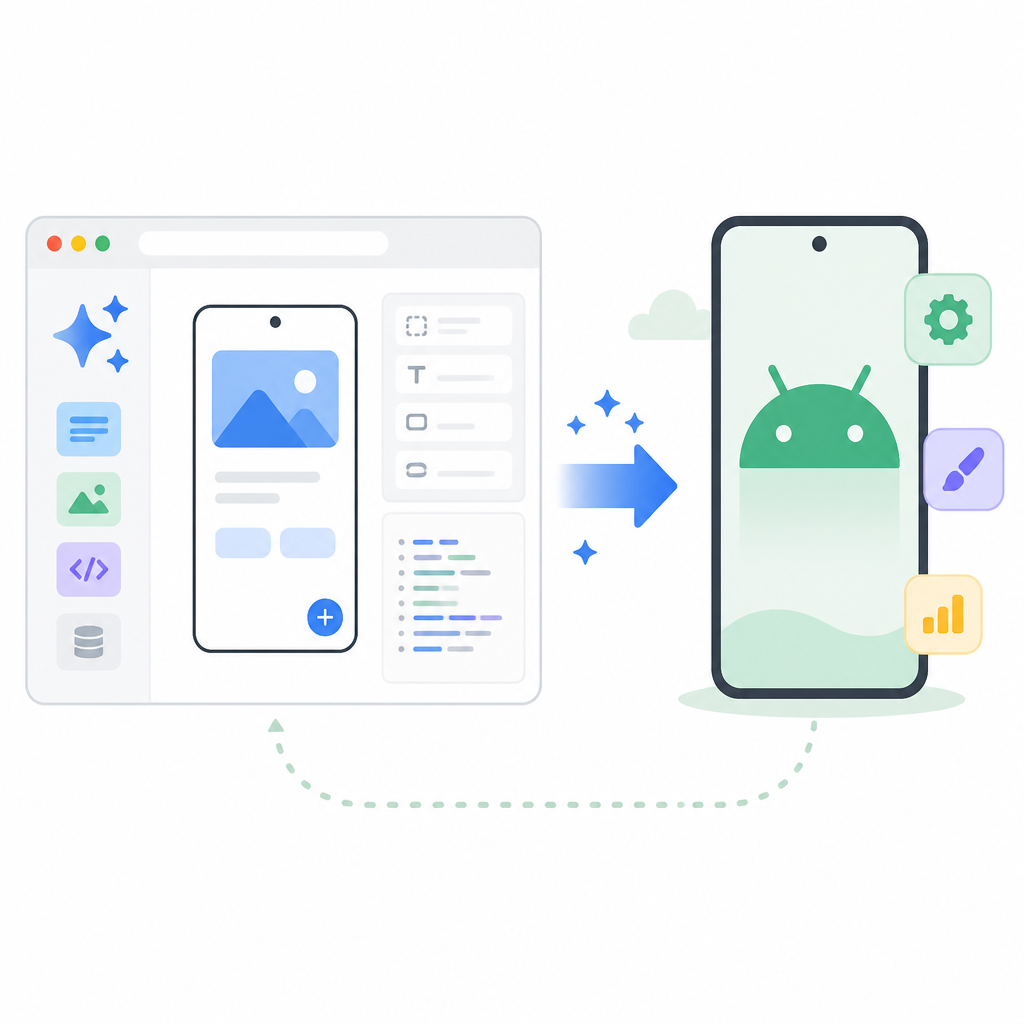
Google’s advantage is distribution. It owns Android, Play, Gemini, and Android Studio, so it can connect app creation to a massive user base. That is a different pitch from the standalone tools, which mostly help you build faster but do not control the discovery layer.
- Google AI Studio: browser-based Android app creation with native Android output.
- Android Studio: deeper local development and full publishing workflows.
- Cursor and Claude Code: stronger for general-purpose coding assistance.
- Replit and Lovable: faster for web app prototypes, less tied to Android itself.
What Google still has to prove
There are limits here, and Google did not hide them. Right now, the generated apps are meant for personal use. Publishing for family and friends is still on the roadmap, and Firebase support is also coming later, including Firestore, Firebase Auth, and Firebase App Check. That means the current version is useful, but it is not yet a complete path from prompt to public app.
Even so, the direction is obvious. Google wants Android development to feel less like a setup-heavy engineering project and more like a creative workflow that starts in a browser and ends in the Play ecosystem. If the company keeps expanding the handoff from AI Studio to Android Studio, the next real test is whether first-time creators can ship something useful without getting stuck on debugging, permissions, or store policy.
My bet: the biggest winners will be small teams and solo builders who already know what they want to make but hate the early setup grind. If Google can keep the generated code clean enough to edit and publish, Android app creation may start to feel a lot less like a gatekeeping process and a lot more like a fast first draft.
// Related Articles
- [TOOLS]
Magenta RealTime 2 lets you score in the DAW
- [TOOLS]
Open-source AI tools beat Claude’s paid tiers on value
- [TOOLS]
500 AI agent projects show where agents work now
- [TOOLS]
Chocolatey’s Go package turns installs into policy
- [TOOLS]
Go support policy turns releases into a checklist
- [TOOLS]
RustDesk self-hosting setup for secure remote access