How to Add AI Code Review to Pull Requests
Set up AI code review in pull requests to catch bugs earlier and speed up human review.
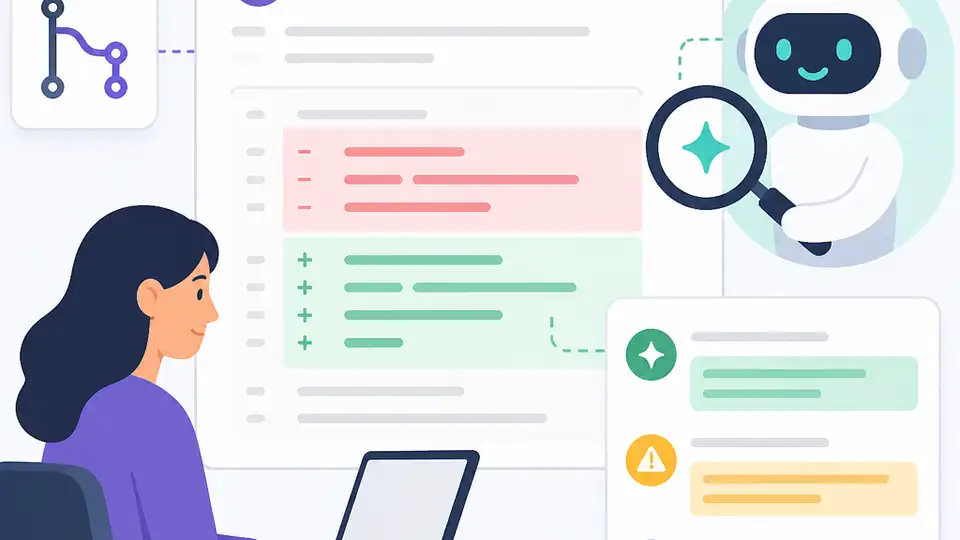
Set up AI code review in pull requests to catch bugs earlier and speed up human review.
If you maintain a software team in 2026, this guide is for you. By the end, you will have an AI review workflow that comments on pull requests, flags likely bugs, and leaves the final decision with human reviewers.
This how-to focuses on practical setup, not theory. You will connect a review tool, scope it to the right repositories, tune it for your standards, and verify that it catches real issues without flooding your team with noise.
Before you start
Get the latest AI news in your inbox
Weekly picks of model releases, tools, and deep dives — no spam, unsubscribe anytime.
No spam. Unsubscribe at any time.
- A GitHub, GitLab, or Bitbucket account with admin access to at least one repository.
- An AI code review tool account or self-hosted model endpoint.
- API keys or OAuth credentials for the review vendor.
- Node 20+ or Python 3.11+ for local scripts and webhook checks.
- One active repository with pull requests and a recent test suite.
- A written style guide or security policy for your team.
For docs and setup references, start with the GitHub Docs and the project repository for your chosen reviewer. If you use GitHub, the [GitHub Pull Requests docs](https://docs.github.com/en/pull-requests) and a vendor repo such as [OpenAI](https://github.com/openai) or your review tool’s GitHub project are the first places to check.
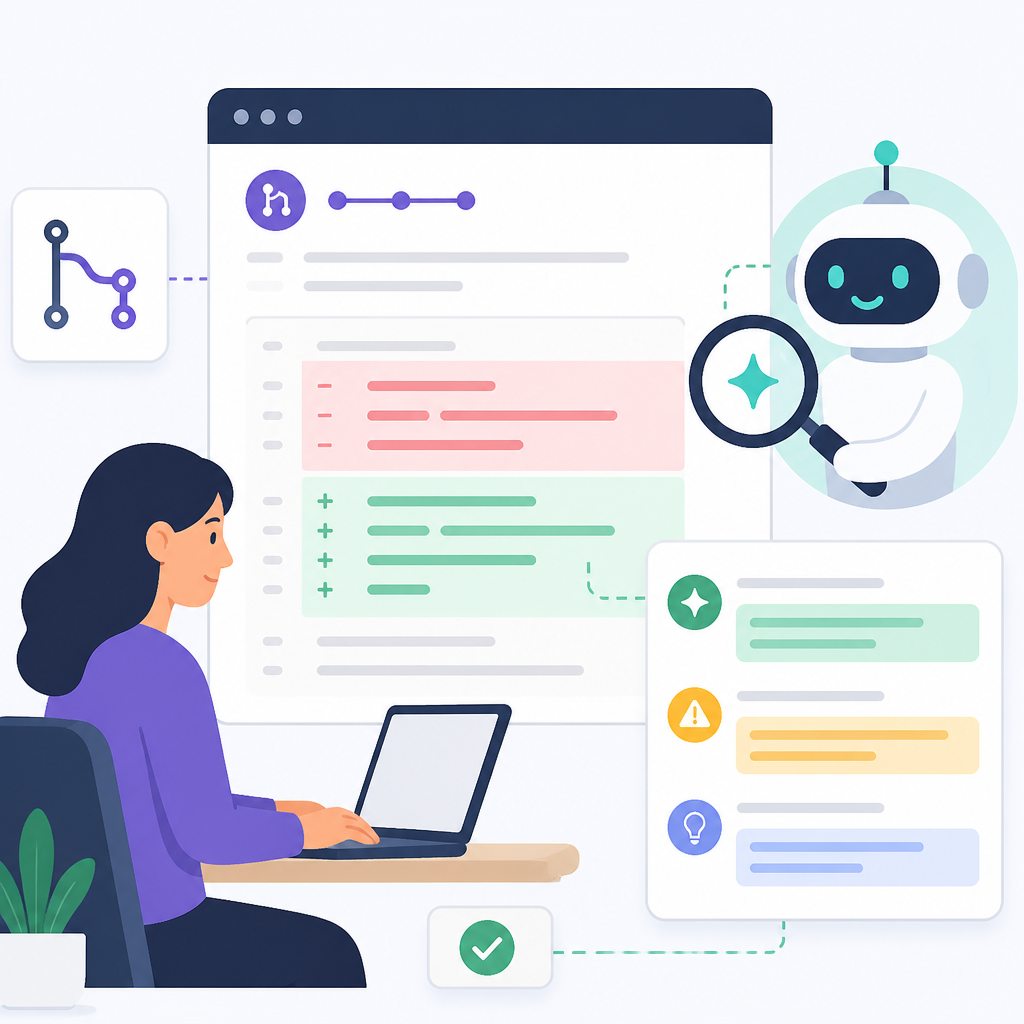
Step 1: Choose a review engine
Your first outcome is a review engine that matches your privacy and workflow needs. Pick a hosted service if you want fast setup and vendor-managed scaling. Pick a self-hosted model if source code cannot leave your environment.
Compare three things before you commit: repository access, data retention, and whether the tool can read the full repo instead of only the diff. Full-repo context helps the model catch duplicate utilities, broken contracts, and cross-file mistakes.
Verification: you should see a vendor dashboard or local endpoint that can authenticate against your source control provider and list the target repository.
Step 2: Connect pull request triggers
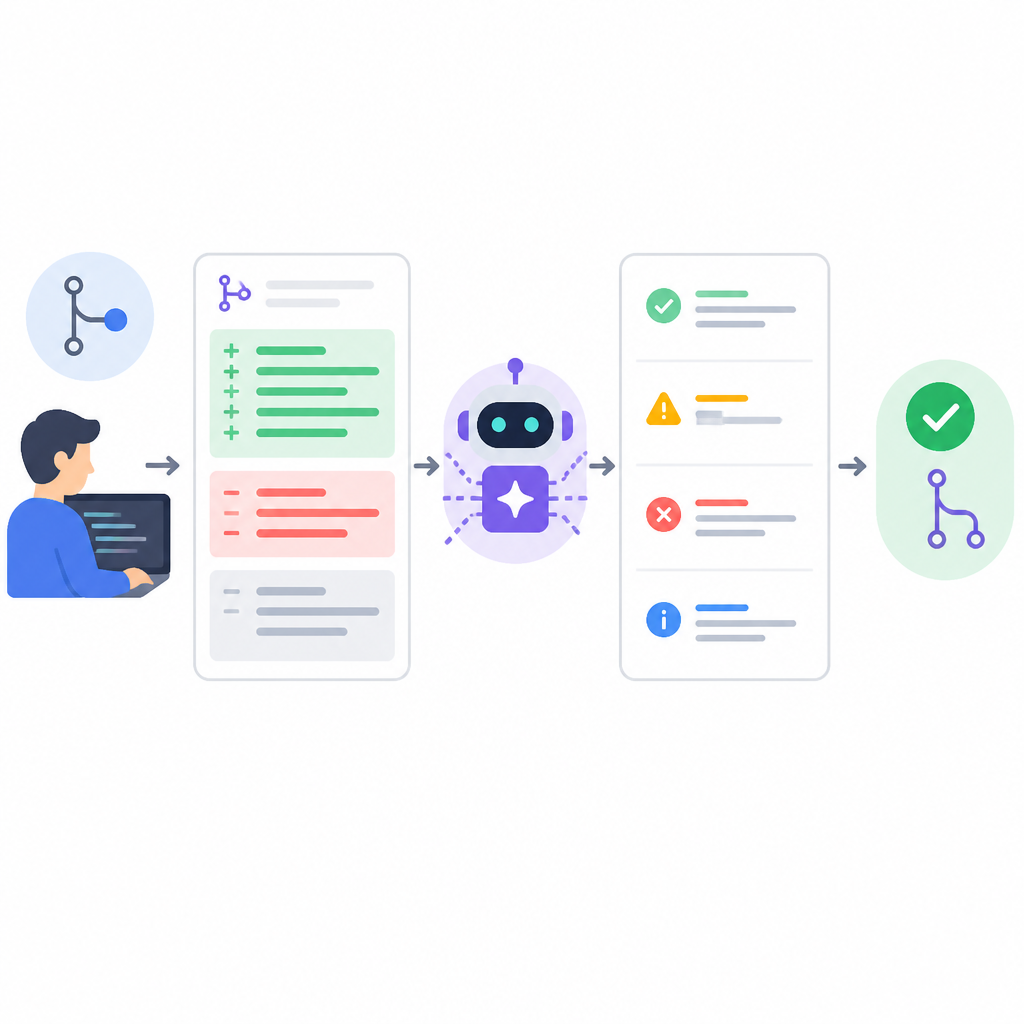
Your second outcome is automatic review on every new pull request. Configure the tool to run when a PR opens, when new commits arrive, and when a reviewer requests a refresh.
name: ai-review
on:
  pull_request:
    types: [opened, synchronize, reopened]
jobs:
  review:
    runs-on: ubuntu-latest
    steps:
      - uses: actions/checkout@v4
      - name: Run AI review
        run: ./ai-review --repo "$GITHUB_REPOSITORY" --pr "$PR_NUMBER"
Place the review before human assignment so routine issues are caught early. That keeps senior engineers focused on architecture, not on missing semicolons or obvious null checks.
Verification: you should see an automated comment or status check on a test pull request within a few minutes of opening it.
Step 3: Load team policy and code context
Your third outcome is a reviewer that understands your standards, not just generic code quality. Feed it your style guide, security rules, test expectations, and any repository-specific conventions.
Include instructions for naming, error handling, logging, dependency use, and forbidden patterns. If your codebase has critical paths, add a short policy that tells the model to escalate changes in those areas to human review.
Verification: you should see comments that reference your rules, such as missing tests, inconsistent error handling, or a banned API call, rather than only generic advice.
Step 4: Tune the signal-to-noise ratio
Your fourth outcome is a reviewer that finds bugs without overwhelming developers. Start with changed files only, then expand to repository-wide context for high-risk changes. Use smaller models for routine checks and reserve larger models for complex diffs.
Turn on inline comments for real defects and reduce low-value style chatter. If the tool supports severity levels, route critical security and correctness findings as blocking checks while leaving minor suggestions as informational.
Verification: you should see fewer repetitive comments and more actionable findings that a human reviewer would actually use.
Step 5: Measure review quality and cost
Your fifth outcome is proof that the workflow is helping. Track time to merge, number of defects caught before merge, false-positive rate, and vendor spend per repository or per pull request.
Use a simple weekly review: sample accepted suggestions, rejected suggestions, and bugs that slipped through. If the tool is useful, you should see faster review cycles and fewer defects reaching production.
Verification: you should see a trend toward shorter PR wait times and a stable or declining false-positive rate after the first tuning round.
| Metric | Before/Baseline | After/Result |
|---|---|---|
| Time to merge | Human-only review | 20% to 40% faster with AI-first review |
| Developer productivity on common tasks | Baseline coding workflow | More than 50% improvement in GitHub Copilot research |
| Defect escape rate | Manual review only | Lower when AI review runs before human approval |
Common mistakes
- Letting the AI approve critical changes alone. Fix: require a human owner for security, payments, auth, and infrastructure changes.
- Reviewing only the diff with no repo context. Fix: enable full-repository retrieval or scoped context for related files and tests.
- Ignoring privacy and retention settings. Fix: confirm whether code is stored, logged, or used for training, and switch to self-hosted if policy requires it.
What's next
Once your pull request workflow is stable, extend the same system to test generation, security scanning, and architecture rules so one review pass can catch more issues before release.
// Related Articles
- [AGENT]
Claude Code 动态工作流:AI 自写 Harness
- [AGENT]
Agent orchestration is the missing layer for enterprise AI
- [AGENT]
AI agents use blockchain as a trust layer
- [AGENT]
8 RAG patterns that turn demos into prod
- [AGENT]
Fine-tuning beats RAG when the goal is style, not facts
- [AGENT]
OpenClaw shows how small businesses use AI staff