How to Evaluate Firefly CSC2-N48SPK3
Evaluate Firefly’s 48-node RISC-V AI server and its software fit before buying.

Evaluate Firefly’s 48-node RISC-V AI server and its software fit before buying.
This guide is for developers, platform engineers, and lab teams who want to understand what Firefly’s CSC2-N48SPK3 can do, how to size it for RISC-V AI work, and how to validate its software stack before procurement.
By following the steps below, you will have a clear deployment checklist, a simple way to verify the control plane and compute nodes, and a practical view of whether the server matches your build, inference, and storage needs.
Before you start
Get the latest AI news in your inbox
Weekly picks of model releases, tools, and deep dives — no spam, unsubscribe anytime.
No spam. Unsubscribe at any time.
- A Firefly account or reseller contact for product access
- Official product page for the CSC2-N48SPK3 and vendor documentation
- RISC-V Linux knowledge and shell access on a management workstation
- Node.js 20+ or Python 3.11+ for any automation you plan to write
- SSH client, serial console client, and a browser for BMC access
- A rack with 2U space, redundant AC power, and 10GbE switching
- Optional NVMe SSDs in M.2 2280 form factor if you plan to populate storage
Step 1: Confirm the server architecture
Your first outcome is a correct mental model of the system: 48 SpacemiT K3 compute nodes plus one Rockchip RK3588 control node, all inside a 2U rack chassis. This matters because your tooling, networking, and storage assumptions will differ from a single-CPU server.

Start by recording the advertised limits and interfaces: 48 nodes, up to 32GB LPDDR5 per node, 128GB UFS 2.2 per node, 48 M.2 NVMe slots, 4x 10GbE SFP+ cages, and a BMC management port. The source article also notes preinstalled Linux and support for Open Build Service and Koji, which is a strong signal for distro-style workflows.
Verification: you should be able to write down the control node, node count, memory ceiling, and storage layout without guessing. If those details are unclear, stop and re-read the product page before planning anything else.
Step 2: Map your workload to RISC-V capabilities
Your outcome here is a workload shortlist that matches what the K3 platform is good at. The article highlights RVV vector support, native FP8 inference, multimodal acceleration, and local 30B-model inference at more than 10 tokens/s, so the server is aimed at AI inference and distributed build tasks rather than general x86 replacement.
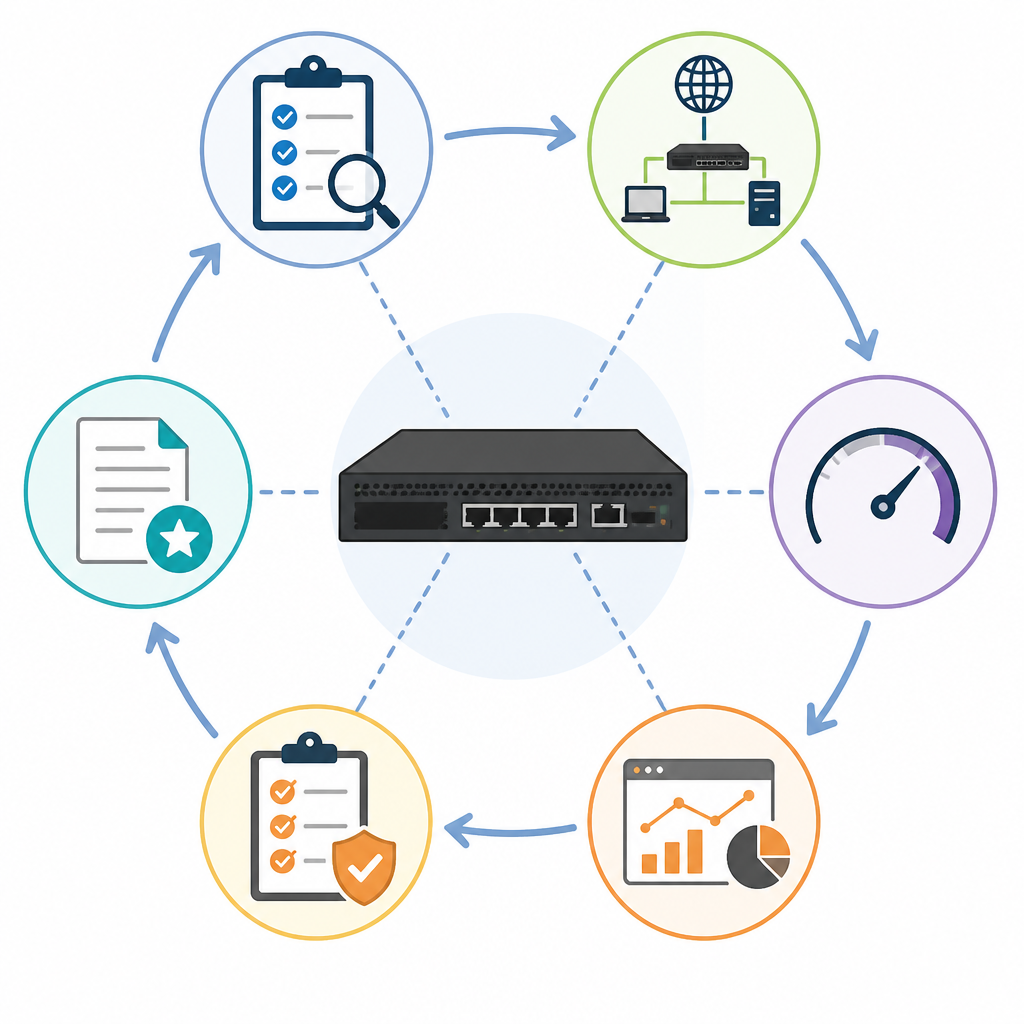
Use this quick decision rule: choose CSC2-N48SPK3 if you need many parallel RISC-V nodes, local model inference, or a large compile farm; choose something else if your stack depends on x86-only binaries, GPU CUDA workflows, or desktop-style interactive performance.
Use cases that fit well: distributed builds, CI runners, edge inference, storage-heavy test clusters, RISC-V software validationVerification: you should end this step with a yes/no list for each workload. If a task requires x86 emulation, proprietary GPU drivers, or unsupported kernel modules, mark it as a mismatch.
Step 3: Plan the management and network layout
Your outcome is a working topology for day-one access. The server uses the RK3588 control node as the management plane, with a dedicated Gigabit Ethernet management port, RJ45 console access, HDMI output for BMC views, and USB 3.0 for upgrades. That means you can separate admin traffic from node traffic before the compute fleet goes live.
Draw a simple diagram with three zones: BMC management network, high-speed data network over the 10GbE SFP+ cages, and local service access for serial or recovery. Then decide where DHCP, static IPs, and switch uplinks will live so you do not have to re-cable after installation.
Verification: you should know which port is used for BMC, which ports carry data, and how you will reach the console if a node fails to boot. If you cannot answer that in one sentence, the topology is not ready.
Step 4: Validate the software stack and build flow
Your outcome is proof that the software path works on the platform. The article says the server ships with Linux and supports Open Build Service and Koji, so the next job is to confirm that your build and deployment flow can target RISC-V cleanly.
Install your usual cross-tooling on a management machine, then test a minimal RISC-V build, package, or container workflow against one node. If you use CI, start with one pipeline that builds a small package and one that runs a smoke test on the target node.
# Example validation checklist on your workstation
ssh root@<node-ip> uname -a
ssh root@<node-ip> cat /etc/os-release
ssh root@<node-ip> gcc --version
Verification: you should see a RISC-V Linux kernel, a valid OS release, and your expected toolchain or package manager response. If SSH works but your build fails, the issue is usually architecture assumptions in scripts or dependencies.
Step 5: Measure storage and scale targets
Your outcome is a realistic capacity plan. With 48 M.2 2280 NVMe slots, the system can scale from modest per-node storage to very large aggregate capacity. The article gives an example ceiling of 48 x 16TB, or 768TB total, which is useful for data-heavy inference caches, artifact storage, or test datasets.
Decide whether each node needs local NVMe or whether only selected nodes should receive SSDs. For build farms, local SSDs can reduce contention and improve isolation; for inference clusters, you may prefer a mix of local cache and shared network storage.
Verification: you should have a capacity sheet with per-node SSD size, expected usable space, and a total cluster estimate. If the numbers do not fit your rack power or budget, reduce the storage population before ordering.
The source article also includes performance data, so here is a quick reference table for planning.
| Metric | Before/Baseline | After/Result |
|---|---|---|
| Kernel compile time | Intel Xeon Gold 6548Y+ in QEMU: 2 hours 50 minutes | SpacemiT K3 node: 22 minutes 28 seconds |
| Relative single-node performance | x86 QEMU emulation | Up to 7x faster on the K3 node |
| Local model throughput | Not stated | More than 10 tokens/s on 30B parameter models |
Common mistakes
- Buying for x86 compatibility first. Fix: audit your dependencies for RISC-V support before you order.
- Ignoring management networking. Fix: reserve a separate BMC network and test console access on day one.
- Overpopulating storage without a power plan. Fix: calculate rack power, cooling, and SSD count together, not separately.
What's next
If the platform fits your workload, the next step is to build a pilot cluster plan with one node profile, one storage profile, and one CI or inference benchmark so you can compare the CSC2-N48SPK3 against your current infrastructure before a full purchase.
// Related Articles
- [TOOLS]
500 AI agent projects show where agents work now
- [TOOLS]
Chocolatey’s Go package turns installs into policy
- [TOOLS]
Go support policy turns releases into a checklist
- [TOOLS]
RustDesk self-hosting setup for secure remote access
- [TOOLS]
Aider turns open-source coding into repo edits
- [TOOLS]
WWDC 2026 rumors turn Siri into a real assistant