Manus AI turns workflows into agent projects
I break down Manus AI’s agent workflow model and give you a copy-ready template for multi-step tasks.
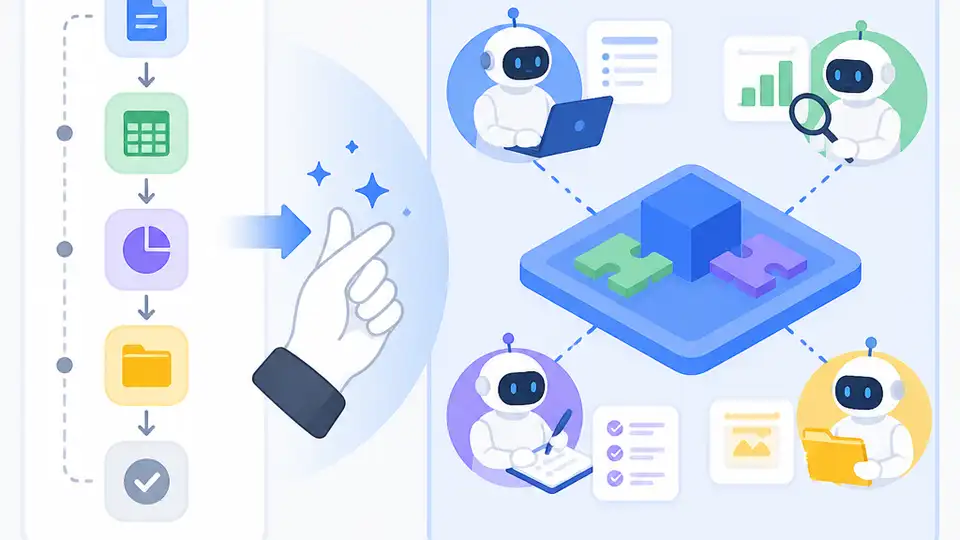
Manus AI turns messy multi-step work into an agent workflow you can copy.
I’ve been poking at autonomous agents for a while now, and most of them still feel like overconfident interns with a browser tab addiction. They’ll plan a little, hallucinate a lot, and then hand you a half-finished mess with a cheerful “done!” slapped on top. That’s the part that keeps bothering me. I don’t need a chatbot that nods at everything I say. I need something that can take a task, split it into pieces, check its own work, and keep going without me babysitting every move.
That’s why Manus caught my attention. Not because it promises magic, but because it frames the job differently: less “ask me anything,” more “give me the project and I’ll execute it.” The difference matters. If the agent can actually plan, act, verify, and produce something usable, then I’m not just chatting with a model. I’m delegating work. And honestly, that’s the bar I care about.
The source that pushed me into this breakdown is the AITinkerers Manus AI page, which describes Manus as a fully autonomous agent for end-to-end task execution. It also says Manus launched in March 2025 and claims state-of-the-art performance on the GAIA benchmark. I’m using that write-up as the anchor here, plus Manus’s own site at manus.im for the product framing.
It’s not a chatbot, it’s a task runner with opinions
Get the latest AI news in your inbox
Weekly picks of model releases, tools, and deep dives — no spam, unsubscribe anytime.
No spam. Unsubscribe at any time.
“Manus AI is a fully autonomous agent engineered for end-to-end complex task execution.”
What this actually means is that the product is trying to behave less like a text box and more like a worker with a process. That’s a very different mental model. A chatbot answers. A task runner decomposes. A decent one also notices when it’s stuck, checks assumptions, and doesn’t pretend a shaky answer is final.
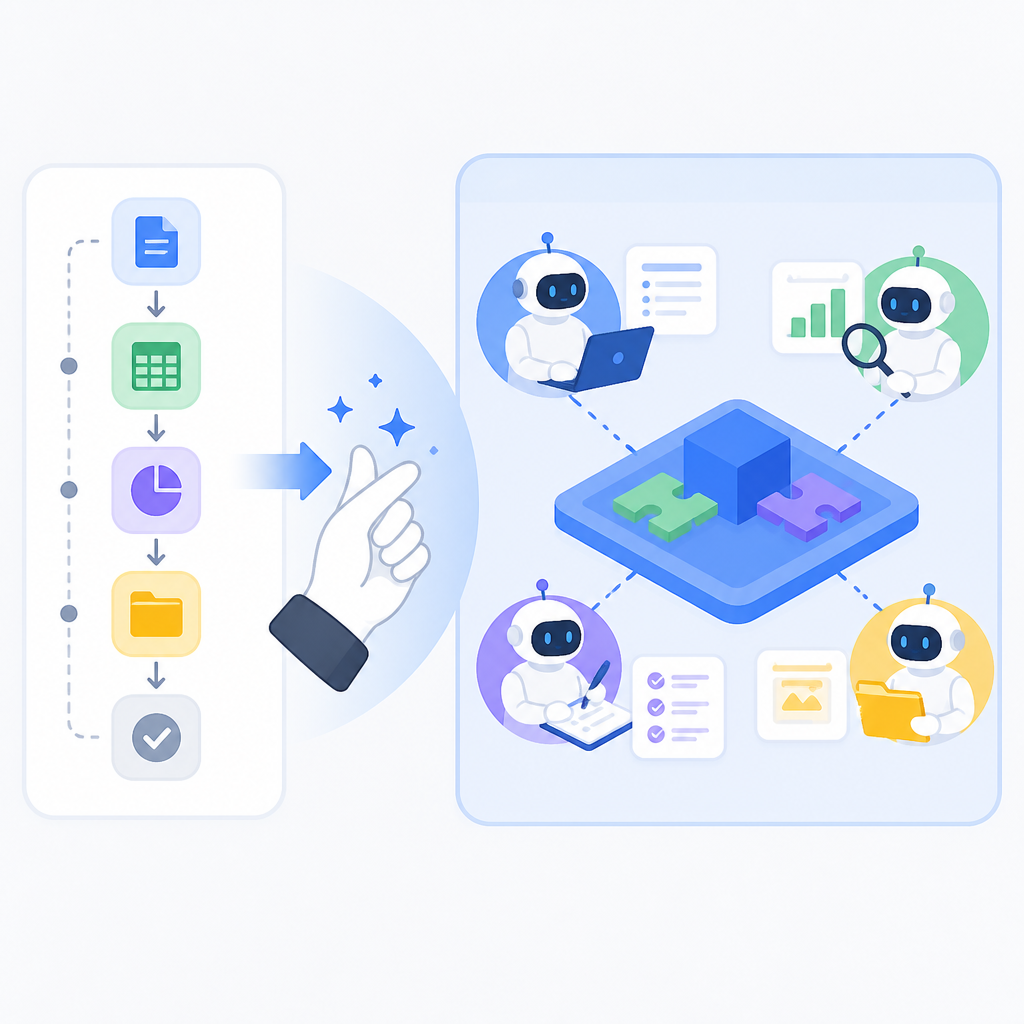
I like this framing because it forces a hard question: what is the unit of work? If the unit is a prompt, you get a conversation. If the unit is a project, you get something closer to delegation. Manus is clearly betting on the second one. That’s why the AITinkerers description keeps emphasizing end-to-end execution rather than “better responses.”
I ran into this exact mismatch when I tried to use general-purpose models for research briefs. I’d ask for a summary, then a comparison table, then sources, then a draft. The model would do each step in isolation, but the overall output still felt stitched together. There was no sense that it was carrying the project forward. It was just answering the latest prompt.
How to apply it: stop designing agent use cases around single prompts. Design them around deliverables. If you want a market brief, define the research, the synthesis, the structure, and the final output as one job. If you want automation, define the trigger, the actions, the checks, and the handoff. The more you can name the project up front, the less you’ll fight the tool later.
- Write the job as an outcome, not a question.
- List the inputs the agent should gather on its own.
- Define the final artifact before you start.
The planner-executor-verifier split is the part that actually matters
The source says Manus uses a multi-agent architecture with Planner, Execution, and Verification agents. That’s not decorative jargon. It’s the core of the design. The planner decides what to do, the executor does it, and the verifier checks whether the result holds up.
What this actually means is the system is trying to separate thinking from doing from checking. That’s a pattern I trust more than a single model trying to do everything in one pass. When one agent handles all three jobs, it tends to rush. When the roles are split, there’s at least a chance the system can catch itself before it ships nonsense.
I’ve built enough flaky workflows to know why this matters. The failure mode is usually not “the model couldn’t write.” It’s “the model wrote something plausible and nobody checked it.” Verification is boring, but boring is good when the alternative is confidently wrong output.
How to apply it: even if you’re not using Manus, copy the role split into your own prompts or orchestration layer. Give one step permission to plan, another to act, and a final step to critique. If you’re building with tools like OpenAI’s API, Anthropic’s docs, or an agent framework like LangChain, don’t collapse those roles into one giant instruction blob.
- Planner: outline steps, dependencies, and risks.
- Executor: perform the actions with tools.
- Verifier: check outputs against the original goal.
Tool use is the whole point, not a bonus feature
The AITinkerers page says Manus integrates tools like web browsers and databases. That sounds ordinary until you remember how many “agents” never get past text generation. Tool use is where the rubber meets the road. If the model can’t browse, query, extract, compare, or write into a system, it’s still mostly a fancy drafting assistant.
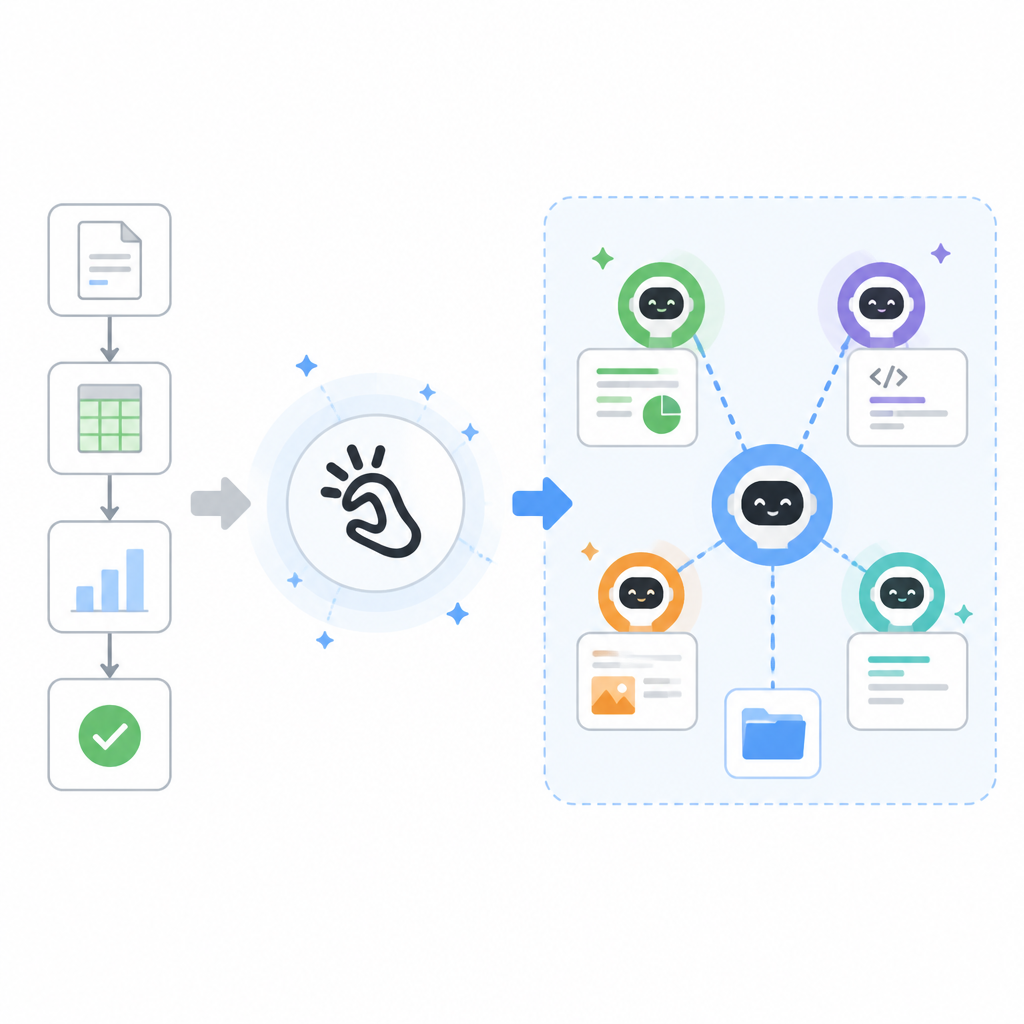
What this actually means is Manus is built to touch reality. It can gather fresh information, move through websites, and assemble results from multiple sources. That’s the difference between “I can help you think” and “I can help you finish.”
I’ve had enough agent demos die the moment they hit a login wall or a weird table layout. That’s usually where the product either gets serious or gets exposed. A browser tool is not glamorous, but it’s essential. Databases matter too, because once you can read and write structured data, the agent stops being a one-off toy and starts becoming part of a workflow.
How to apply it: identify the tools your workflow actually needs before you chase model quality. For research, that’s browser plus notes plus citation capture. For ops work, that’s browser plus spreadsheet or database access. For support, that’s ticket system access plus a retrieval layer. If the task lives in a system, the agent needs a tool for that system.
And don’t let the tool list get fuzzy. “Can use the web” is not enough. I want to know whether it can search, click, extract, summarize, and preserve provenance. I want to know whether it can write back into a database or just stare at it.
GAIA is a useful signal because it rewards actual task completion
The source claims Manus achieved state-of-the-art performance across all difficulty levels in the GAIA benchmark. That matters because GAIA is not just a vibe test. It’s built around real-world assistant tasks that require reasoning, tool use, and multi-step completion.
What this actually means is the benchmark is trying to measure whether the system can do useful work, not just produce fluent text. I care about that distinction a lot. Plenty of models can sound smart. Far fewer can navigate a messy task all the way to the finish line.
Benchmarks are easy to misuse, so I’m not treating this as proof that Manus is perfect. I am treating it as a clue that the designers are optimizing for execution under complexity. That’s the right direction if you’re building something meant to replace manual coordination across steps.
I’ve seen teams obsess over benchmark scores that never map to their actual workload. That’s a waste. The better move is to ask whether the benchmark resembles the thing you need done. If your work involves research, browsing, synthesis, and verification, then a benchmark like GAIA is at least in the right neighborhood.
How to apply it: when evaluating an agent, test it against your ugliest real task, not a toy prompt. Give it a task with multiple sources, a few dead ends, and a final artifact you can judge. If it survives that, you’ve learned something useful. If it fails, no amount of polished demo language will save it.
Autonomy is useful only if you define the guardrails up front
Manus is described as autonomous, which sounds great until you remember autonomy without constraints is just a fast way to make expensive mistakes. The point is not to let the agent roam free. The point is to let it move through a task without asking for permission every ten seconds.
What this actually means is that the operator still has to design the boundaries. You decide what the agent can access, what it should verify, what counts as success, and when it must stop and ask for help. Autonomy is a contract, not a personality trait.
I’ve learned this the annoying way. The first time I let an agent handle a longer workflow, I focused on capability and forgot containment. It did useful work, then wandered into side quests I never asked for. The fix was not “make it smarter.” The fix was “make the task narrower and the stop conditions explicit.”
How to apply it: set hard limits before you run anything. Decide whether the agent can send emails, change records, or only draft outputs. Decide whether it should cite sources, ask for confirmation, or proceed after a failed step. If you’re building internal workflows, write the guardrails into the prompt and the tool layer.
- Define allowed tools and blocked tools.
- Set a maximum number of retries.
- Require a verification step before final output.
Manus works best as a project pattern, not a product fetish
This is the part people skip. They see a flashy agent and start treating the product itself as the lesson. I think that’s backwards. The real lesson is the workflow pattern: plan, execute, verify, deliver. Manus is interesting because it packages that pattern into something people can actually try.
What this actually means is you can borrow the structure even if you never touch Manus. You can build the same shape into a prompt chain, a workflow engine, or a custom internal agent. The specific vendor matters less than the operating model.
I’m not saying Manus is the final answer. I’m saying it points at the right problem: most AI tools still stop at suggestions. Real work needs completion. If an agent can get from messy input to a finished artifact with some self-checking in the middle, that’s a different class of tool.
How to apply it: pick one repetitive workflow and rebuild it as a project. Start with research summaries, onboarding checklists, support triage, competitive analysis, or content drafting. Give the agent a clear brief, a tool set, a verification pass, and a final deliverable. Then measure whether it actually saves time instead of just creating new review work.
The template you can copy
# Autonomous Agent Project Template

## Goal
Turn one messy, multi-step task into a finished deliverable with planning, execution, and verification.

## Use when
- The task requires more than one step
- The task needs external tools or fresh data
- You want a final artifact, not just advice

## Inputs
- Task brief:
- Target audience:
- Required sources or systems:
- Allowed tools:
- Forbidden actions:
- Success criteria:
- Stop conditions:

## Agent roles
### Planner
1. Restate the goal in one sentence.
2. Break the task into ordered steps.
3. Identify dependencies and risks.
4. Decide what evidence is needed for completion.

### Executor
1. Perform the steps in order.
2. Use tools only from the allowed list.
3. Capture sources, notes, and intermediate outputs.
4. Flag blocked steps instead of improvising around them.

### Verifier
1. Compare the output to the success criteria.
2. Check for missing steps, weak evidence, and unsupported claims.
3. Confirm the final artifact is usable as-is.
4. If it fails, return to the smallest broken step.

## Prompt skeleton
You are running a project, not answering a single question.

Goal:
[insert goal]

Context:
[insert background]

Allowed tools:
[insert tools]

Forbidden actions:
[insert restrictions]

Process:
1. Plan the work.
2. Execute the work.
3. Verify the result.
4. Deliver the final artifact.

Output format:
- Final answer
- Sources used
- Open issues
- Verification notes

## Review checklist
- Did the agent finish the task end-to-end?
- Did it use the right tools?
- Did it verify its own work?
- Did it avoid unsupported claims?
- Is the output ready to ship or hand off?

## Example use case
Research brief:
- Gather 3-5 sources
- Extract key claims
- Compare positions
- Draft summary
- Verify citations
- Return final brief

## Operational note
If the agent starts wandering, narrow the task before you add more intelligence.
That template is intentionally plain. No magic words, no fluffy persona setup, no “be helpful” nonsense. I want the workflow visible. I want the roles separated. I want the constraints written down so the agent doesn’t get to invent the rules mid-run.
If you’re adapting this for a real stack, wire the template into whatever orchestration layer you already use. It could be a simple prompt chain, a tool-calling loop, or an internal workflow service. The structure is the point. The model is just the engine.
Original source: aitinkerers.org/technologies/manus-ai. My breakdown is original commentary built from that page and Manus’s own site; the template above is my derivative implementation of the planner-executor-verifier pattern.
// Related Articles
- [AGENT]
Claude Code 动态工作流:AI 自写 Harness
- [AGENT]
Agent orchestration is the missing layer for enterprise AI
- [AGENT]
AI agents use blockchain as a trust layer
- [AGENT]
8 RAG patterns that turn demos into prod
- [AGENT]
Fine-tuning beats RAG when the goal is style, not facts
- [AGENT]
OpenClaw shows how small businesses use AI staff