OpenHuman turns private AI into a local setup
I break down OpenHuman’s pitch and give you a copy-ready template for building private, simple personal AI.
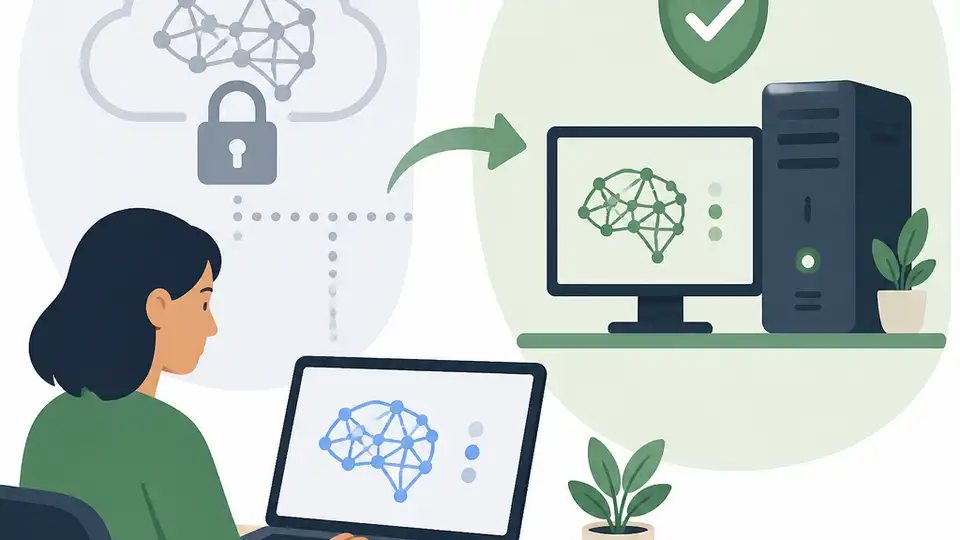
OpenHuman shows how to frame private personal AI in a copyable way.
I’ve been watching “personal AI” pitches for a while now, and honestly, most of them feel like the same cloud-first sales deck with a different coat of paint. They say private, but the data still wanders off to someone else’s servers. They say simple, but the setup reads like a weekend project you’ll regret by Sunday night. And they say powerful, which usually means “we made the demo look impressive and left the rest for you to figure out.”
That’s why the AIToolly write-up on OpenHuman caught my eye. The pitch is blunt: “private,” “simple,” and “extreme power” in one package, built by tinyhumansai and surfaced through GitHub Trending. I’m not treating that as proof of anything magical. I’m treating it as a useful framing exercise. If a project wants people to trust local AI again, these are the exact words it has to earn.
Stop selling cloud AI as if it were personal
Get the latest AI news in your inbox
Weekly picks of model releases, tools, and deep dives — no spam, unsubscribe anytime.
No spam. Unsubscribe at any time.
“OpenHuman is defined as a ‘personal AI superintelligence’ ... built on three foundational pillars: privacy, simplicity, and extreme power.”
What this actually means is the project is trying to reclaim the word “personal” from SaaS mush. I’ve seen too many tools call themselves personal while they quietly depend on account logins, remote inference, opaque retention policies, and a pricing page that gets more annoying every quarter.
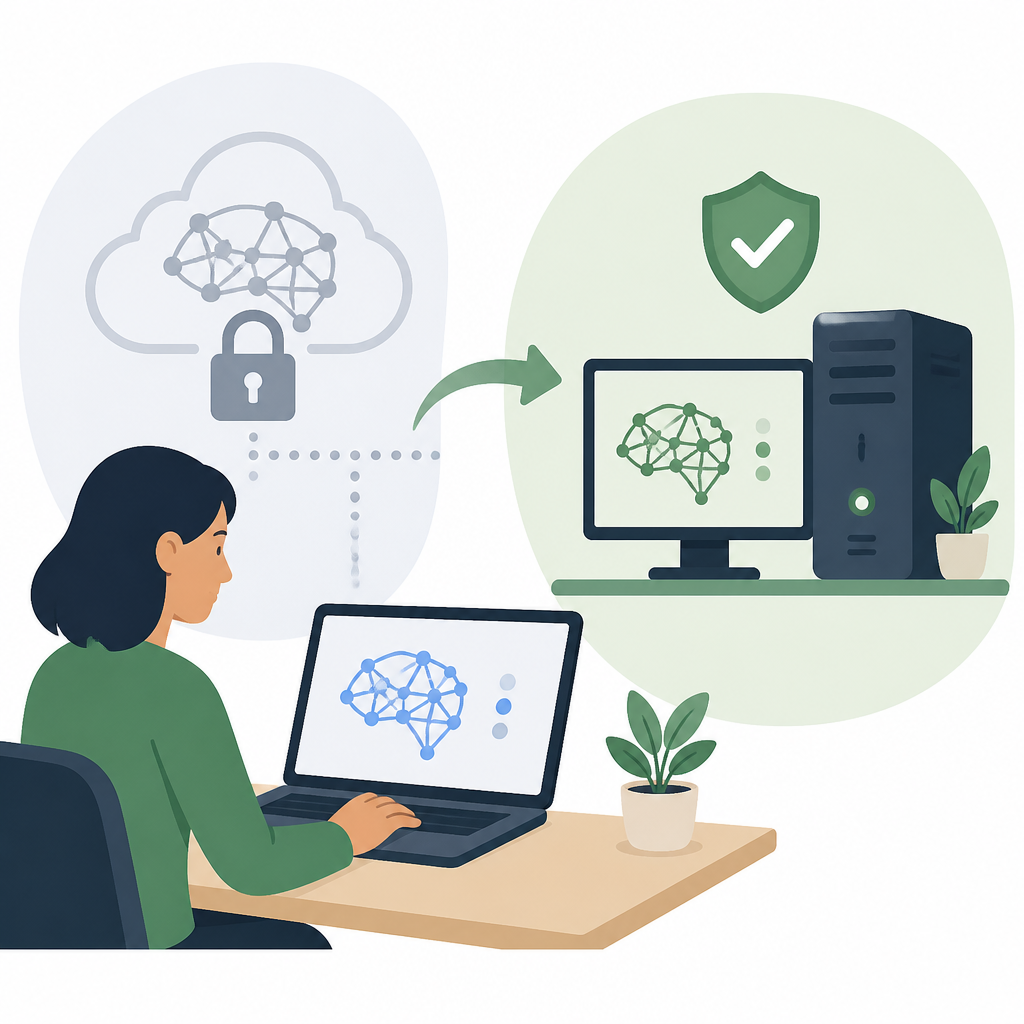
OpenHuman’s framing is useful because it forces a cleaner question: who controls the model, the data, and the runtime? If the answer is still “some vendor,” then it’s not really personal. It’s rented intelligence with a nicer label.
I ran into this exact tension when I tried to build an internal assistant for a small team. The team wanted speed, but they also wanted client notes, drafts, and code snippets to stay inside our environment. The cloud demo was slick. The privacy story was not. That mismatch is why this OpenHuman angle matters. It isn’t about bigger claims. It’s about tighter ownership.
How to apply it: write your product positioning in terms of control, not vibes. Use a simple checklist.
- Where does user data live?
- What runs locally?
- What leaves the device, if anything?
- Can the user inspect or replace the model?
If you can’t answer those cleanly, don’t call the product personal. Call it hosted.
Privacy is not a feature flag
The AIToolly piece keeps hammering privacy, and for once that’s not fluff. It’s the whole argument. OpenHuman is being pitched as a private system, which strongly implies local execution, user-owned storage, or at least a design that minimizes data exposure. That’s the right instinct. Privacy is not a toggle you add after the demo works.
I’ve been burned by “private mode” language before. A company says the chats are encrypted, then the app still uploads prompts for safety review, analytics, model improvement, or whatever euphemism they’ve chosen that week. The user experience might be clean, but the trust model is still messy.
That’s why I like the way OpenHuman ties privacy to the product identity instead of treating it like a compliance note. It makes the architecture conversation unavoidable. If the system is private, then the defaults have to be private too.
How to apply it in your own work:
- Default to local storage for sensitive artifacts.
- Make remote calls explicit, not hidden.
- Document what gets logged and for how long.
- Separate telemetry from user content.
If you’re building with local models, the obvious references are worth studying: Ollama for local model running, llama.cpp for efficient inference, and OpenAI only as a reminder of what cloud-centric UX tends to assume. The point is not to copy any one stack. The point is to make privacy a structural property, not a promise.
Simple beats clever when real people have to install it
The article also leans hard on simplicity, and I think that’s the most underrated part of the whole pitch. Most AI projects die in the gap between “interesting repo” and “something I can actually run.” The README is full of ambition, the install steps are a graveyard of missing dependencies, and suddenly you’re debugging CUDA instead of using the tool.
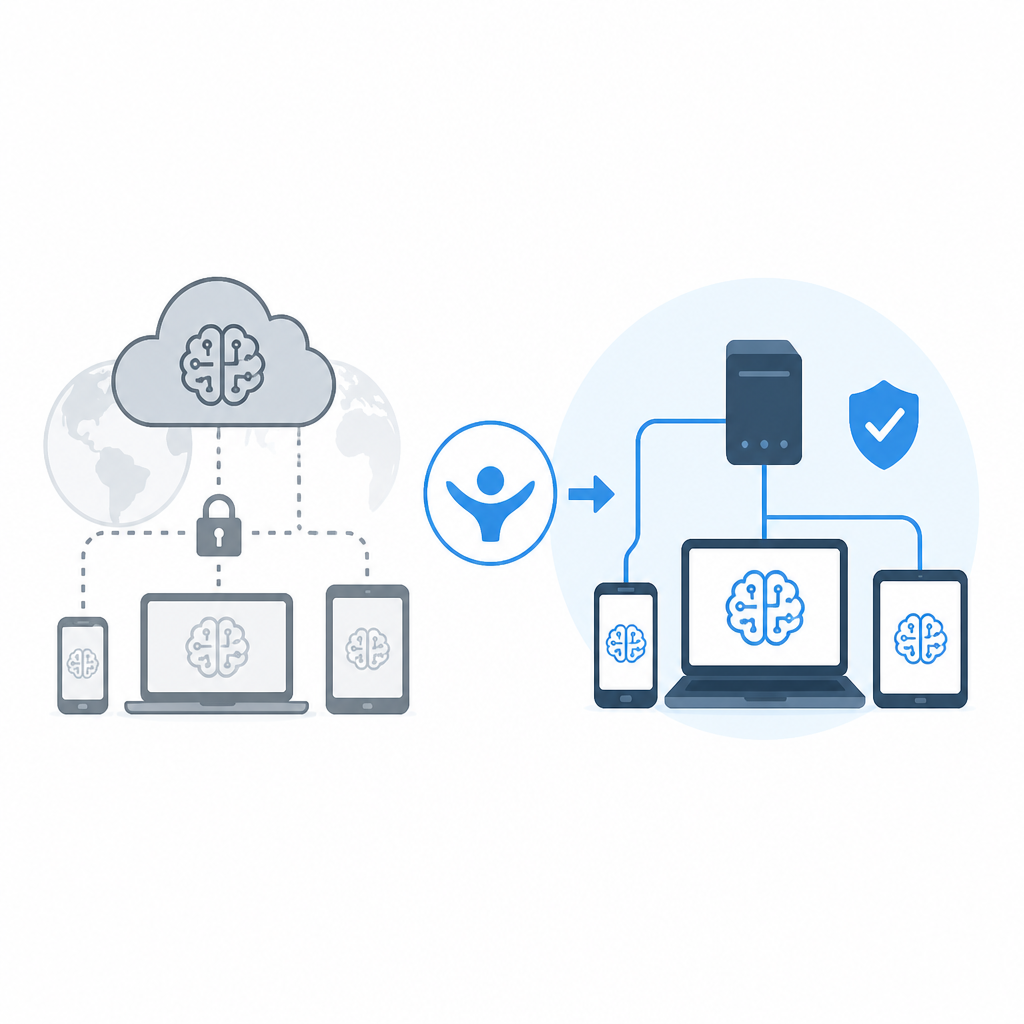
OpenHuman’s promise of simplicity is really a promise about adoption friction. If it takes a PhD in environment management to get started, then the product is not simple. It’s just technically impressive.
I’ve watched this happen with internal tools too. The team loves the prototype, then nobody touches it because setup requires five services, two API keys, and a prayer. Simplicity is what keeps the thing alive after the first demo.
How to apply it: design the first-run path like you’re onboarding a tired developer at 9 p.m. on a Friday.
- One install path.
- One visible default model.
- One obvious place to put data.
- One clear way to reset everything.
If your project needs a setup wizard, keep it short. If it needs docs, make the docs copy-pasteable. If it needs configuration, keep the defaults sane. The best local AI tools I’ve used all respect the same rule: the user should spend time using the system, not assembling it.
“Extreme power” only matters if it survives the local box
OpenHuman’s third pillar is “extreme power,” which is where I start squinting. Power claims are cheap. Every AI project says it can reason, summarize, plan, and maybe make coffee if you ask nicely. The hard part is delivering useful capability without turning the machine into a science project.
What this actually means is that OpenHuman is trying to balance capability with constraints. If it stays private and simple, then the power has to fit the hardware and the workflow. That usually means smart model selection, efficient inference, careful memory use, and a refusal to overbuild the UI.
I ran into this when I tried to swap a cloud assistant for a local one in a content workflow. The local model was fine for drafting, but once I asked it to juggle context windows, file references, and multi-step edits, the cracks showed fast. The lesson wasn’t “local AI is bad.” The lesson was that power has to be designed around the actual machine, not the marketing slide.
How to apply it:
- Pick the smallest model that still does the job.
- Cache aggressively where it helps.
- Use retrieval before you use brute-force context stuffing.
- Measure latency on real hardware, not your dev box.
If you want a concrete reference point, look at Open WebUI for a local-first interface pattern and Anthropic Claude for the opposite end of the spectrum: powerful, but not local. OpenHuman is trying to sit in the uncomfortable middle, and that’s exactly why it’s interesting.
Trending on GitHub is not the same as being real
The AIToolly article says OpenHuman appeared on GitHub Trending, and that’s worth noting, but I’m not going to pretend trending equals maturity. It doesn’t. I’ve seen plenty of repos spike because the name is good, the concept is spicy, or the timing lines up with a broader fear about data control.
Still, trending matters because it tells me the pitch is resonating. Developers are tired of AI systems that treat privacy like an afterthought and simplicity like a marketing bullet. A repo that promises both gets attention fast.
What this actually means is you should separate interest from evidence. A trending repo is a signal that people want the thing. It is not proof the thing works, scales, or survives contact with real usage.
How to apply it if you’re building something similar:
- Use GitHub interest as feedback, not validation.
- Ship a minimal demo before the grand architecture.
- Show the local path early.
- Document limitations honestly.
That honesty is what keeps a project from turning into another overpromised AI wrapper. And frankly, the ecosystem needs fewer wrappers and more tools that respect the user’s machine.
What OpenHuman gets right about the market mood
The strongest thing about OpenHuman, at least from the write-up, is that it understands the mood shift in developer circles. People are more cautious now. They want AI that feels useful without feeling invasive. They want something they can inspect, host, and bend to their workflow.
OpenHuman’s vocabulary hits that nerve directly. Private. Simple. Powerful. It’s a compact promise, and compact promises are easier to test. That’s important because AI users have been trained by years of inflated claims. Nobody has patience for another “assistant” that just parrots back confidence.
I think the bigger lesson here is about positioning. If you’re building a local or personal AI product, don’t hide behind generic productivity language. Say what boundary you’re drawing. Say what stays on the device. Say what the user gets to control.
How to apply it:
- Lead with ownership.
- Lead with local execution if that’s true.
- Lead with a simple install story.
- Only then talk about model capability.
That sequence matters. It matches how developers actually evaluate tools. First: can I trust it? Second: can I run it? Third: is it good enough to keep?
The template you can copy
# Personal AI positioning template

## One-line pitch
[Product name] is a private, simple personal AI system that runs [locally / in your own environment] and helps you [primary job to be done].

## The three promises
- Private: user data stays under user control.
- Simple: setup takes minutes, not a weekend.
- Powerful: the system handles [reasoning / drafting / search / planning] well enough for daily use.

## What “private” means here
- Data storage: [local device / self-hosted server / encrypted store]
- Model execution: [local / self-hosted / hybrid]
- Telemetry: [off by default / minimal / documented]
- Retention: [what is stored, for how long, and why]

## What “simple” means here
- One install path: [command / installer / container]
- One default model: [name]
- One default workflow: [the first thing a user does]
- One reset path: [how to wipe and start over]

## What “powerful” means here
- Supports: [summarization, planning, coding, search, etc.]
- Runs on: [target hardware]
- Typical latency: [realistic number]
- Hard limits: [context size, file size, tool count, etc.]

## User-facing copy
You can use this on your README or landing page:

[Product name] is a private, simple personal AI system for people who want strong AI help without handing their data to a cloud vendor. It is built to stay under your control, start fast, and do real work on everyday hardware.

## Launch checklist
- [ ] README explains the privacy model in plain language
- [ ] Install steps fit on one screen
- [ ] Demo works on a clean machine
- [ ] Default settings are safe
- [ ] Limitations are listed upfront
- [ ] Local-first behavior is obvious
- [ ] The first successful task takes under 5 minutes

## Short FAQ
**Is it actually private?**
Yes, if the default architecture keeps user data local or user-controlled.

**Is it actually simple?**
Yes, if a developer can install and use it without a long setup chain.

**Is it actually powerful?**
Yes, if it solves the target tasks well on the hardware it claims to support.
Use that as a starting point, not a final spec. I’d rather see a project be brutally clear about its limits than pretend it has solved everything. That kind of honesty is what makes people come back.
OpenHuman, at least as described by AIToolly, gets the framing right. It turns the usual AI pitch inside out: privacy first, simplicity second, power last. That order is a lot more believable than the usual “look how smart it is” routine.
Source: AIToolly article on OpenHuman. My breakdown is original commentary built from that source, with supporting references to GitHub, Ollama, llama.cpp, Open WebUI, OpenAI, and Anthropic for context.
// Related Articles
- [TOOLS]
500 AI agent projects show where agents work now
- [TOOLS]
Chocolatey’s Go package turns installs into policy
- [TOOLS]
Go support policy turns releases into a checklist
- [TOOLS]
RustDesk self-hosting setup for secure remote access
- [TOOLS]
Aider turns open-source coding into repo edits
- [TOOLS]
WWDC 2026 rumors turn Siri into a real assistant