Why Claude Code and Qoder Beat Chatty AI Coding Tools
Claude Code and Qoder are the AI coding tools that actually finish hard tasks.
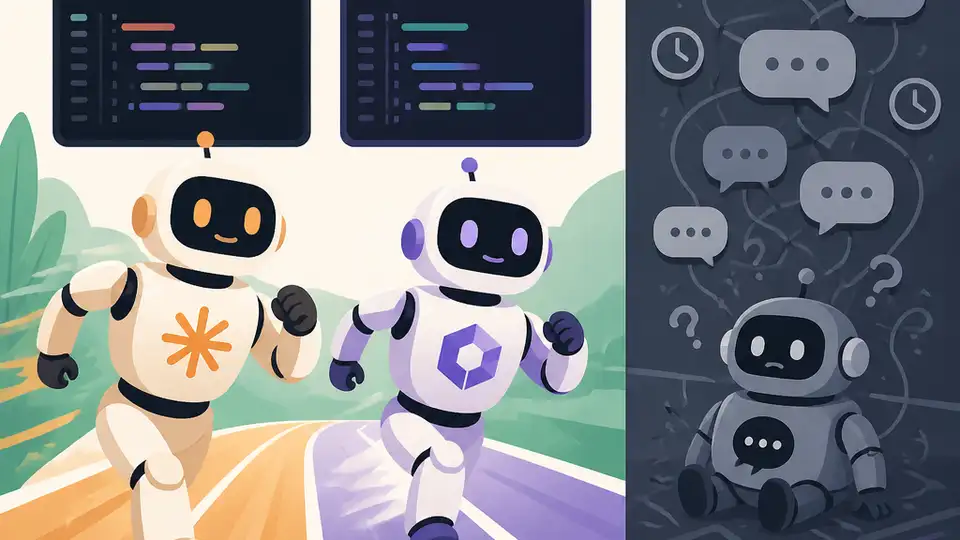
Claude Code and Qoder are the AI coding tools that actually finish hard tasks.
Claude Code and Qoder are the AI coding tools that actually finish hard tasks, and that matters more than polished chat, pretty IDE sidebars, or a long feature list. The tools that win in 2026 are the ones that can touch many files, keep state across a real codebase, and drive a task to completion without turning the engineer into a copy-paste operator. A terminal-first agent that can edit 10-plus files in one pass and an autonomous mode that can add tests, run them, and repair failures are not nice extras. They are the difference between “AI helped me” and “AI shipped the change.”
Claude Code and Qoder win because they operate on real code, not fragments
Get the latest AI news in your inbox
Weekly picks of model releases, tools, and deep dives — no spam, unsubscribe anytime.
No spam. Unsubscribe at any time.
Claude Code’s strongest advantage is not style, it is reach. When a tool can work across 10 or more files in one session, it stops being a suggestion engine and starts acting like a junior pair programmer with enough context to make coordinated changes. That is the level where refactors, API updates, and cross-cutting fixes become tractable instead of tedious.
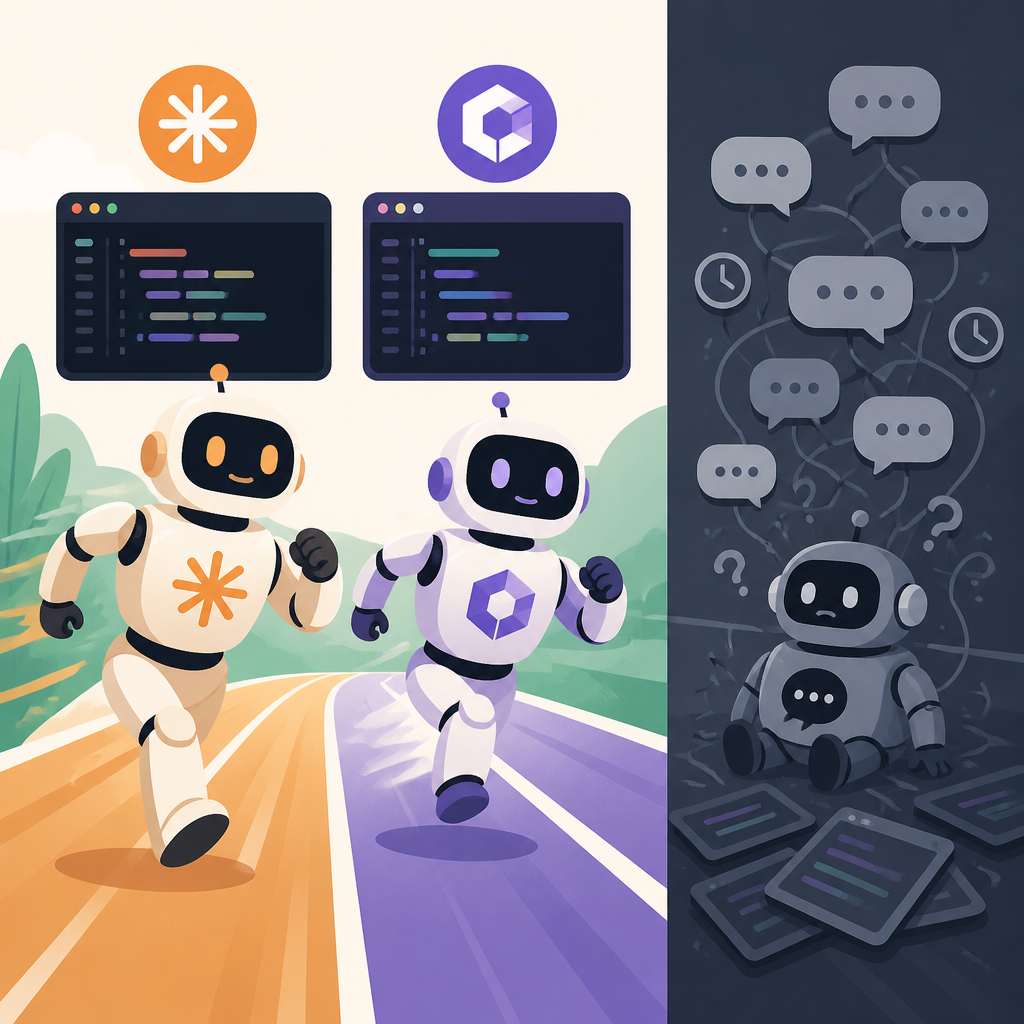
Qoder pushes that idea further with Quest autonomous mode. The point of autonomy is not novelty; it is the ability to take a task like “add unit tests for this module and make them pass” and keep going until the result is verified. The source example is telling: a benchmark error that other tools could not solve in 30 minutes was handled by Qoder in about half an hour. That is the right metric. Not token count, not UI polish, but completed work.
The best AI coding tool is the one that reduces coordination cost
Most coding time is not spent writing fresh code. It is spent tracing dependencies, opening files, checking side effects, and making sure one fix does not break three other places. Tools like GitHub Copilot are useful when the task is local and the next line is obvious, but they are weak when the job spans the repository. They help you type faster; they do not reliably reduce the number of decisions you must manage.
That is why terminal-based and agentic tools change the economics. A non-engineer reportedly used Claude Code for a week to build an 85,000-line automation system. Whether you treat that as an extreme case or a signal, it shows the real advantage: these tools compress coordination overhead. They let one person hold a larger system in motion because the model can inspect, edit, and iterate across the working tree instead of waiting for the user to manually shuttle context between windows.
Benchmarks matter only when they reflect end-to-end completion
AI coding products love to advertise autocomplete speed, IDE integration, or “smart” code suggestions. Those features are fine, but they are shallow if the tool cannot close the loop. A benchmark that asks whether the model can finish a meaningful task, verify it, and recover from failure is far more honest than a demo where the model produces a plausible snippet and hands the mess back to the user.
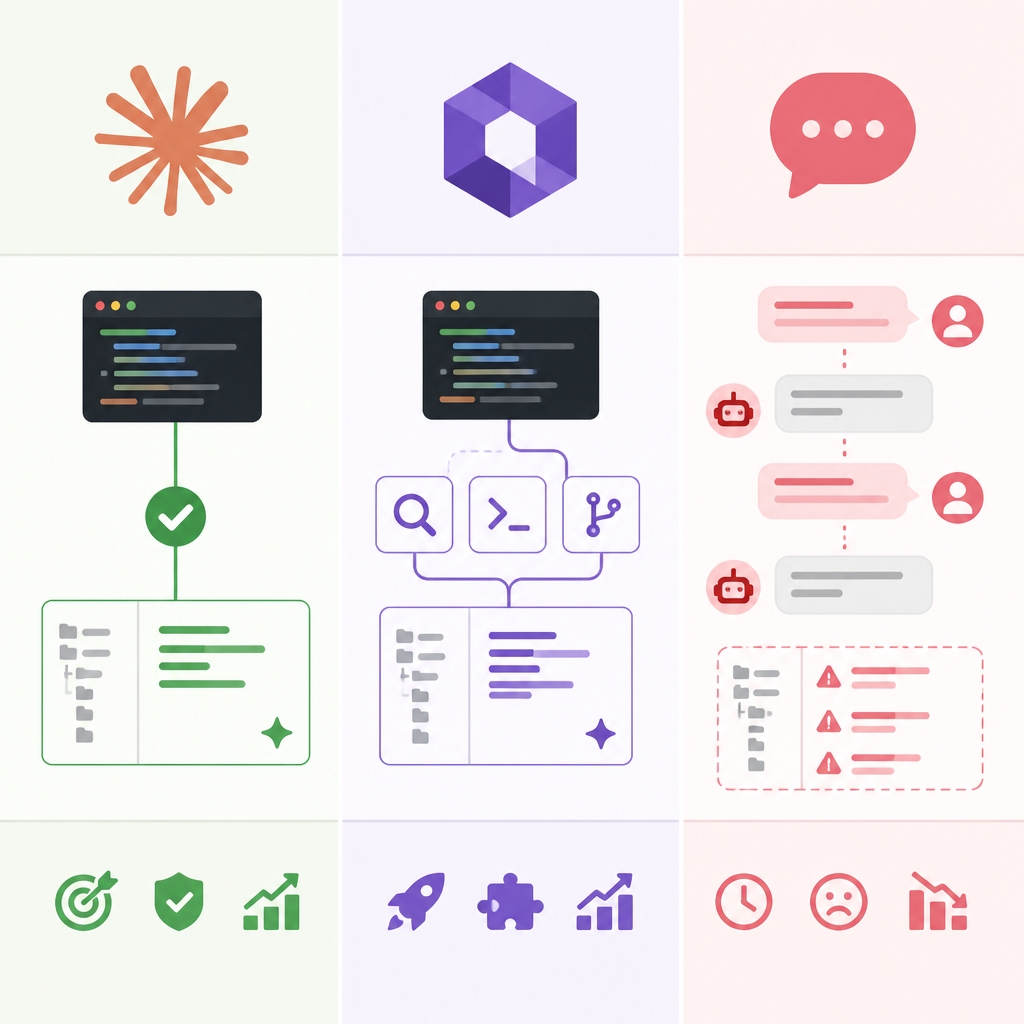
The Qoder example is important because it measures persistence, not prose. If one tool can solve a stubborn test failure in roughly 30 minutes while others stall, that tells you what users actually buy: fewer dead ends. In production work, the cost of a wrong suggestion is not the keystrokes to fix it. It is the time spent re-establishing context and undoing brittle edits. End-to-end completion is the only benchmark that matches that reality.
The counter-argument
The strongest case for Copilot-style tools is adoption. They are embedded in the editor, familiar to teams, and cheap to start using. For many engineers, the best tool is the one that appears inline, completes a function, and never demands a new workflow. That matters, especially in orgs that want low-friction augmentation rather than a full agent operating on the repository.
There is also a real risk in agentic systems: autonomy can create overreach. A tool that edits many files and runs longer tasks can make bigger mistakes faster. In regulated codebases, or in teams with weak review discipline, that is a serious problem. The counter-argument is not trivial. If the model is allowed to roam, the blast radius grows.
Still, that does not rescue shallow tools as the default answer. The limit is real, but it is manageable with review, branch isolation, tests, and task scoping. Once those guardrails exist, the bigger failure is not “the agent changed too much.” It is “the tool could not finish the job.” That is the reason Claude Code and Qoder deserve the lead: they optimize for completed engineering work, not for the comfort of watching code appear in a sidebar.
What to do with this
If you are an engineer, choose the tool that can own a task from start to verification. Use Copilot for local acceleration if you want, but judge your primary assistant by whether it can modify multiple files, run tests, and recover from failure without constant hand-holding. If you are a PM or founder, stop buying AI coding tools for their demo feel. Buy for throughput, repo-wide context, and the ability to turn one person into a force multiplier on real deliverables. The winning stack is not the prettiest one. It is the one that ships.
// Related Articles
- [TOOLS]
500 AI agent projects show where agents work now
- [TOOLS]
Chocolatey’s Go package turns installs into policy
- [TOOLS]
Go support policy turns releases into a checklist
- [TOOLS]
RustDesk self-hosting setup for secure remote access
- [TOOLS]
Aider turns open-source coding into repo edits
- [TOOLS]
WWDC 2026 rumors turn Siri into a real assistant