Windsurf Pricing in 2026: Plans, Quotas, and Costs
Windsurf’s 2026 pricing swaps credits for quotas, raises Pro to $20, and adds a $200 Max tier for heavy users.

Windsurf replaced credits with quotas in March 2026 and raised Pro to $20.
Windsurf’s pricing changed in a way that matters more than the sticker price. On March 19, 2026, the company moved from monthly credits to daily and weekly quotas, bumped Pro from $15 to $20, and introduced a $200 Max tier.
That shift changes how developers think about cost. Instead of burning through a fixed credit pool and buying more when it runs dry, you now get a paced allocation that resets on schedule. For teams that live inside the editor all day, that is a very different bill.
| Plan | Price | Usage model | Notes |
|---|---|---|---|
| Free | $0 | Light daily/weekly quota | Unlimited Tab autocomplete |
| Pro | $20/month | Standard daily/weekly quota | Premium models, SWE-1.5, Previews, Deploys |
| Max | $200/month | Heavy daily/weekly quota | Much higher ceiling than Pro |
| Teams | $40/user/month | Standard per user | Central billing, admin controls, analytics |
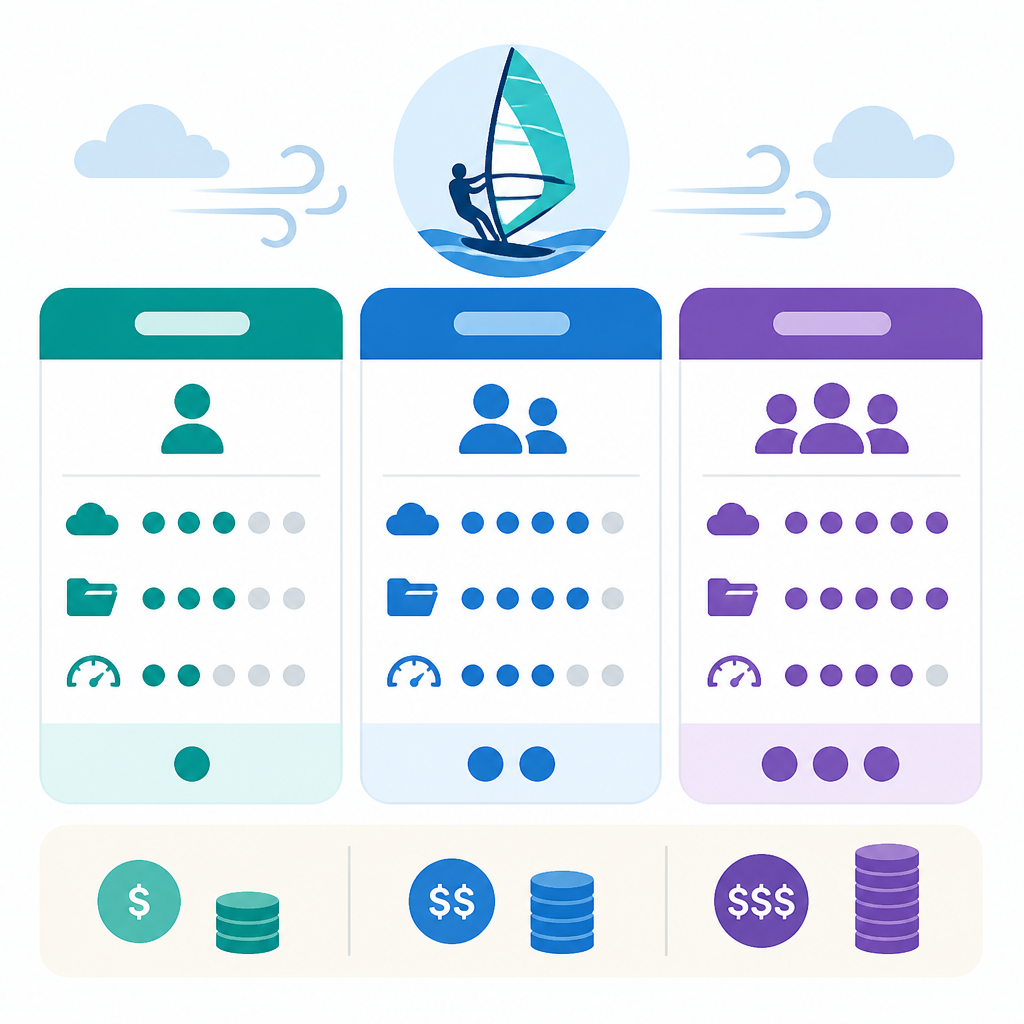
What Windsurf costs in 2026
Get the latest AI news in your inbox
Weekly picks of model releases, tools, and deep dives — no spam, unsubscribe anytime.
No spam. Unsubscribe at any time.
Windsurf now has five plans: Free, Pro, Max, Teams, and Enterprise. The public pricing page also makes one thing clear: Tab autocomplete is unlimited on every plan, including Free.

That detail matters because it changes the value equation. If you mostly want inline completions, Windsurf is cheap to test and easy to keep around. If you want agentic edits, chat, and premium model access, the free tier becomes a short evaluation window rather than a long-term option.
Here’s the current lineup in plain English:
- Free: light quota, unlimited Tab, basic models only.
- Pro: $20/month, standard quota, access to premium models and SWE-1.5.
- Max: $200/month, much higher quota for heavy users.
- Teams: $40/user/month with admin and billing controls.
Annual billing reportedly saves about 17% to 20%, which is worth checking if you already know Windsurf will stay in your stack for a year. Students can also get a discounted plan through the company’s student program.
Why Windsurf killed credits
The old system was simple on paper and annoying in practice. Pro users got a monthly credit pool, and heavy sessions could wipe it out early. Once the credits were gone, you either waited or bought more.
The new quota model is less dramatic but more predictable. Daily and weekly limits refresh automatically, so you do not get the classic “burn everything in week one, then coast on fumes” problem.
“The problem is not that AI is too expensive; the problem is that most companies don’t know what they’re paying for.” — CloudZero
That quote lands because Windsurf’s real pricing story is usage, not subscription labels. Two developers on the same plan can see very different bills depending on which model handles the request and how long the session runs.
Claude Code, Cursor, and GitHub Copilot all push their own pricing logic, but Windsurf’s quota system is especially sensitive to routing. SWE-1.5 consumes quota at a fixed rate per message, while third-party models like Claude Sonnet and GPT-5.4 can burn through quota faster on large codebases.
How Windsurf compares with Cursor, Copilot, and Claude Code
The most important comparison is price, because Windsurf and Cursor now meet at the same $20 monthly mark. That wipes out Windsurf’s old edge and forces buyers to compare model access, agent quality, and workflow instead.
- Windsurf Pro: $20/month, daily and weekly quota, premium models, SWE-1.5.
- Cursor Pro: $20/month, 500 fast requests plus unlimited slow requests.
- GitHub Copilot Pro: $10/month, monthly limits, Claude and GPT model access.
- Claude Code Max 5x: $100/month, Claude-focused agent usage.
Claude Code is the odd one out here. It is cheaper than Windsurf Max but much more expensive than Copilot Pro, and it is built around a terminal-first workflow. That makes it a different tool category, even when the monthly number looks comparable.
Windsurf’s pitch is that SWE-1.5 can handle a large share of routine coding work before you need to escalate to a frontier model. If that is true in your own workflow, the $20 plan may stretch farther than the old $15 plan ever did.
Cursor still has a strong case for teams that care about background agents and complex multi-file orchestration. Copilot is the cheapest mainstream option, but it is also more limited on the high-end agent side. Claude Code is attractive if your team already lives in Anthropic’s ecosystem and wants a terminal-native assistant.
How to keep Windsurf costs under control
If you use Windsurf casually, the free tier is enough to test the editor. If you use it daily, the real decision is whether Pro covers your habits or whether you are already acting like a Max customer.
There are four practical ways to keep the bill lower:
- Use SWE-1.5 for routine refactors and boilerplate, then switch to stronger models only when needed.
- Lean on Tab autocomplete, since it never touches quota.
- Keep Cascade sessions focused instead of letting one thread grow across unrelated tasks.
- Track your first week of usage before upgrading, since overages can be cheaper than jumping to Max.
That last point is the one most people skip. A lot of developers assume they need the expensive plan after one bad day, but the better question is whether your normal week actually exceeds the Pro ceiling.
If your overages stay modest, Pro plus occasional API-priced usage is probably the smarter buy. If you keep hitting the cap and paying extra every month, Max starts to make sense fast.
What Windsurf pricing tells us about AI coding tools
Windsurf’s 2026 pricing update says a lot about where AI coding tools are headed. The market is moving away from simple flat-rate access and toward usage control, model routing, and tiered agent capacity.
That is good news for teams that watch spend closely, because it gives them more room to match cost to real usage. It is also a warning: the monthly price on the landing page is no longer the full story.
For developers choosing between Windsurf, Cursor, Copilot, and Claude Code, the right question is not “Which one is cheapest?” It is “Which one matches my daily workflow without surprise overages?”
My read is simple: Pro is the default for individual developers, Max is for people who already know they are heavy users, and Teams is only worth it once you need admin controls and shared visibility. If Windsurf keeps SWE-1.5 improving, the $20 plan could become the sweet spot for a lot more people than the old $15 tier ever did.
// Related Articles
- [TOOLS]
500 AI agent projects show where agents work now
- [TOOLS]
Chocolatey’s Go package turns installs into policy
- [TOOLS]
Go support policy turns releases into a checklist
- [TOOLS]
RustDesk self-hosting setup for secure remote access
- [TOOLS]
Aider turns open-source coding into repo edits
- [TOOLS]
WWDC 2026 rumors turn Siri into a real assistant