How to Track Claude Release Notes
Follow Claude release notes to monitor new models, tools, and admin features.

Follow Claude release notes to monitor new models, tools, and admin features.
This guide is for developers, admins, and product teams who want to stay current with Claude changes without scanning every announcement manually.
After following the steps below, you will have a simple workflow for checking release notes, spotting what matters, and turning updates into action for your team.
Before you start
Get the latest AI news in your inbox
Weekly picks of model releases, tools, and deep dives — no spam, unsubscribe anytime.
No spam. Unsubscribe at any time.
- An Anthropic account with access to the Claude Help Center release notes
- A browser with bookmarks enabled
- Optional: Claude API access and an API key if you plan to validate model changes in your own app
- Optional: Claude Desktop installed on macOS or Windows if you want to test desktop-only features
- Optional: Team or Enterprise admin access if you need to evaluate org-level features
These prerequisites keep the workflow practical: you can read the notes as a user, or test changes directly if you also have developer access.

Step 1: Open the release notes feed
Your first outcome is a single source of truth for Claude updates, so you are not relying on scattered blog posts or social posts.
Start with the official release notes page in the Claude Help Center. Bookmark it, then check the newest entries at the top of the page before you review older months.
https://support.claude.com/en/articles/12138966-release-notesYou should see dated entries grouped by month, with the latest announcement listed first.
Step 2: Scan for product changes that affect your workflow
Your second outcome is a fast triage pass that tells you whether a release is informational or something you need to test.
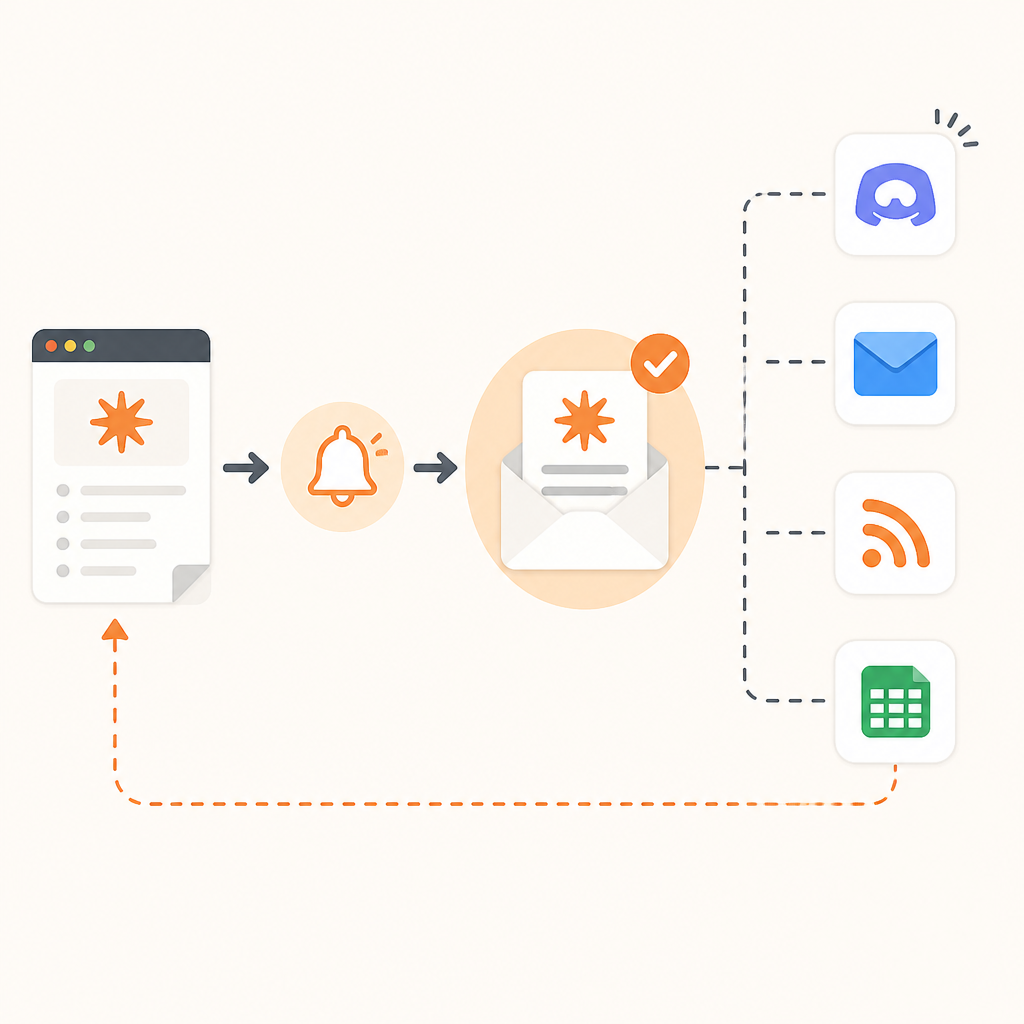
Read each new entry and sort it into one of four buckets: model updates, desktop or mobile features, admin and compliance controls, or API and developer tooling. For example, Claude Opus 4.7 notes improvements in software engineering and long-running coding tasks, while Claude Design adds a new way to create visual outputs.
You should be able to name the category of each update in one sentence, such as “model capability,” “admin feature,” or “new workflow tool.”
Step 3: Validate model changes in your own environment
Your third outcome is a quick proof that a model update matters for your use case, not just in the announcement text.
If a release mentions a new model, compare it against your current setup using a small internal test set. For Claude Opus 4.7, focus on software engineering tasks, long-context prompts, and image-heavy prompts if your app depends on vision. Keep the test narrow so you can tell whether the new release improves your real workload.
# Example evaluation checklist for a model update
# 1. Run the same prompts on the old and new model
# 2. Compare code quality, instruction following, and latency
# 3. Record failures that matter to your app
You should see a repeatable difference in output quality, latency, or reliability that helps you decide whether to adopt the new model.
Step 4: Check admin and compliance impact
Your fourth outcome is an implementation plan for org-level changes that may require policy or access updates.
When the notes mention features like Claude Compliance API integrations, role-based access controls, OpenTelemetry support, or analytics APIs, confirm whether your organization needs new permissions, logging, or governance rules. If you manage Team or Enterprise plans, map each feature to the owner who will configure it.
You should know whether the change is safe to ignore, needs a pilot, or requires an admin rollout.
Step 5: Turn release notes into a team action list
Your fifth outcome is a lightweight process that keeps updates from getting lost after the first read.
Create a short changelog for your team with three fields: date, feature, and action. For example, “April 16, 2026, Claude Opus 4.7, rerun coding benchmarks,” or “May 21, 2026, Compliance API integrations, review governance settings.” Share the list in your team channel or project tracker.
You should end up with a living action list that tells your team what to test, configure, or announce next.
Common mistakes
- Reading only the headline and missing scope details. Fix: open the full entry and look for plan limits, platform support, and rollout timing.
- Assuming every model release is an automatic upgrade. Fix: run a small test set before changing production prompts or model routing.
- Ignoring admin features because they sound non-technical. Fix: check whether compliance, analytics, or access controls affect your org settings or audit requirements.
What's next
Once you have a release-note review habit, expand it into a monthly validation routine that pairs Claude updates with prompt tests, admin checks, and internal rollout notes.
// Related Articles
- [TOOLS]
Magenta RealTime 2 lets you score in the DAW
- [TOOLS]
Open-source AI tools beat Claude’s paid tiers on value
- [TOOLS]
500 AI agent projects show where agents work now
- [TOOLS]
Chocolatey’s Go package turns installs into policy
- [TOOLS]
Go support policy turns releases into a checklist
- [TOOLS]
RustDesk self-hosting setup for secure remote access