5 steps to fine tune a local LLM
5 steps to fine tune a local LLM in a weekend, from setup and data prep to training, evaluation, and GGUF export.
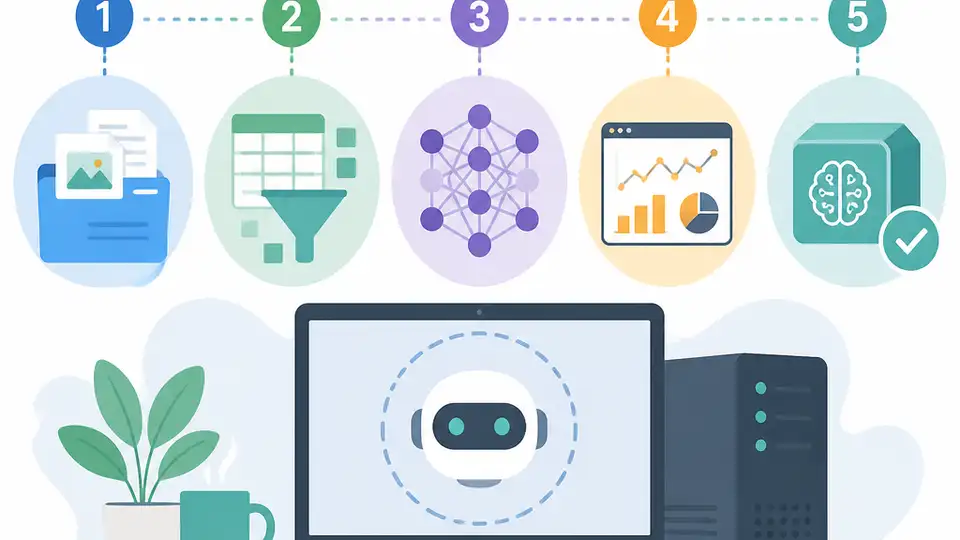
This guide shows how to fine tune a local LLM in one weekend.
If you want a weekend plan for a home lab fine tune, this list breaks the work into 5 steps and includes one concrete benchmark: a 27B Qwen 3.5 run finished in about 18 GB GGUF.
| Step | Time window | Main output |
|---|---|---|
| 1. Friday setup | 2-3 hours | Working GPU, drivers, base model |
| 2. Saturday data | 4 hours | Prompt-response dataset |
| 3. Saturday training | 3-4 hours | LoRA adapter |
| 4. Sunday evaluation | 2 hours | Side-by-side quality check |
| 5. Sunday export | 2 hours | GGUF model for local use |
1. Friday setup
Get the latest AI news in your inbox
Weekly picks of model releases, tools, and deep dives — no spam, unsubscribe anytime.
No spam. Unsubscribe at any time.
Start with the machine and the training stack, because a broken setup wastes the whole weekend. The pattern here is simple: use a CUDA-capable NVIDIA card if you can, pick one training framework, and verify that the base model loads before you touch any data.
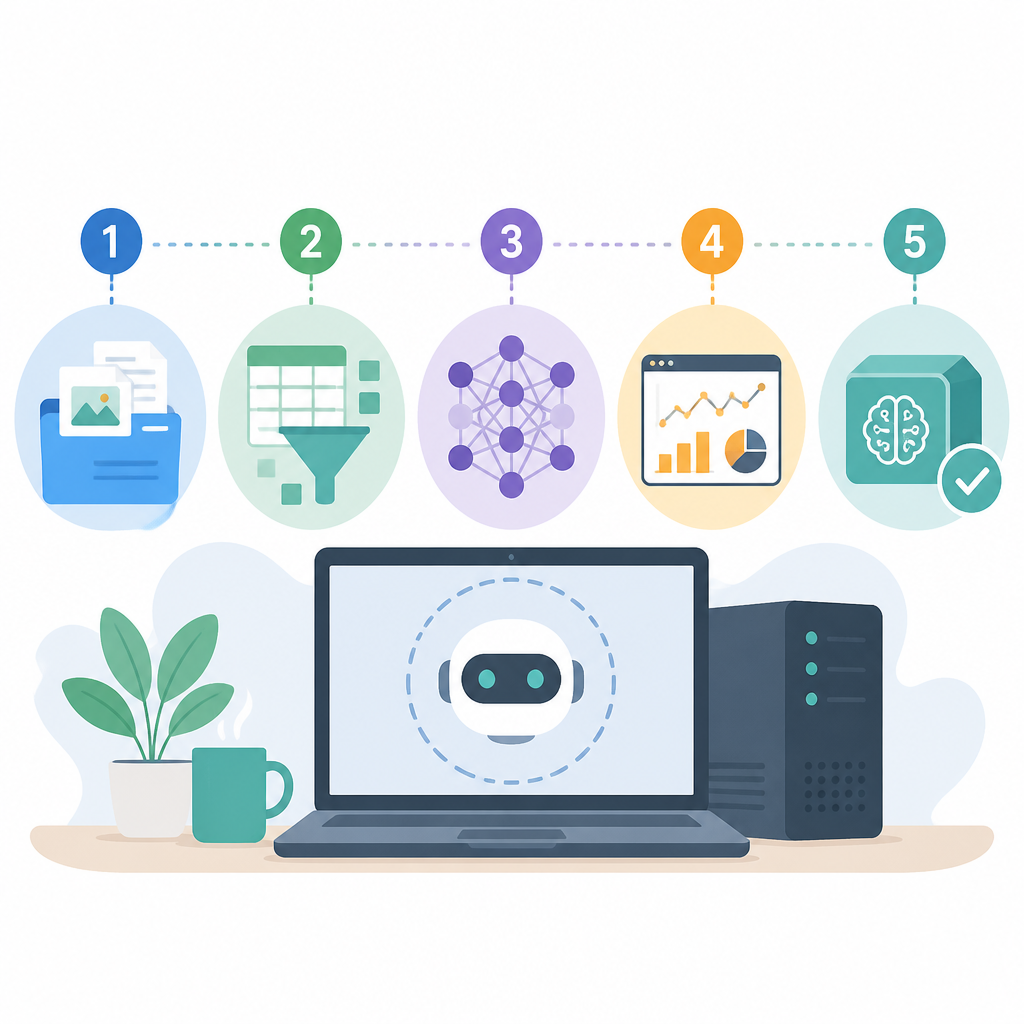
For a single-GPU weekend run, the most practical choices are Unsloth for fast LoRA training or Axolotl if you want more control. On the hardware side, the source recommends NVIDIA first, AMD with ROCm as a secondary option, and Apple silicon only for inference, not fine tuning.
- Budget 2 to 3 hours for setup.
- Install CUDA drivers and a clean Python environment.
- Pull the base model and confirm inference works.
- Do not begin training until the model responds correctly.
2. Saturday data engineering
Saturday morning is where the real work happens. Fine tuning does not learn from raw transcripts or loose notes, it learns from well-formed prompt and response pairs that match the chat style you will use later.
That means cleaning the source text, chunking it, and turning it into training examples. A small local model can help generate questions from each chunk, but the human job is still to make sure the answers reflect your voice, your domain, and your intended format.
- Target at least 1 to 2 million raw tokens for an 8B model.
- Clean spelling errors before training.
- Convert monologue into prompt-response pairs.
- Keep the final chat format consistent with inference.
3. Saturday training with LoRA
LoRA is what makes the weekend timeline realistic. Instead of updating every parameter in a large model, you train a small adapter that changes behavior in selected layers, often around 0.5% to 1.5% of total parameters.
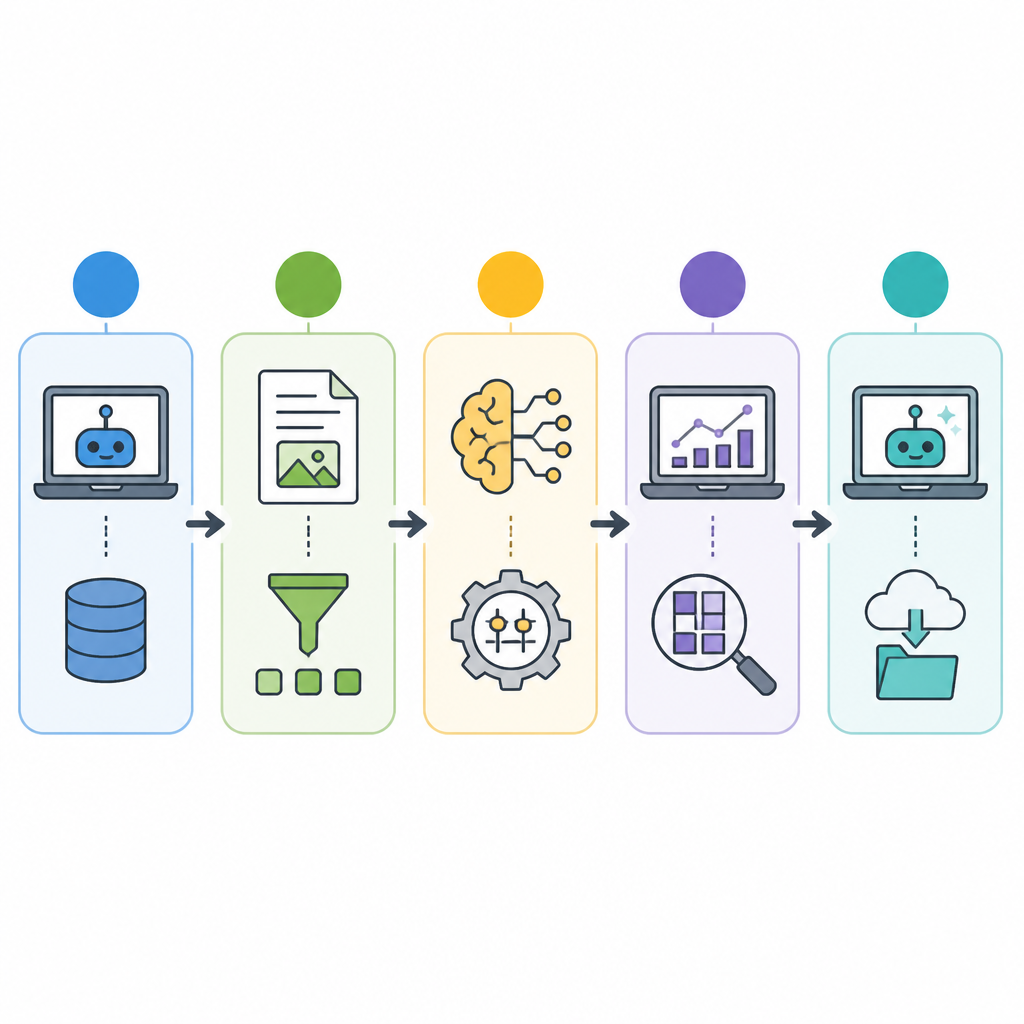
That is why a consumer GPU can handle models that would be impossible to fully retrain. Expect at least one bad run from a learning rate mistake, a rank setting that is off, or a reasoning model that was left in the wrong mode. The source notes that a 27B model needs at least 14 GB of VRAM, and more headroom is safer.
Weekend training checklist:
- one GPU
- one framework
- one dataset
- one bad run
- one corrected run
4. Sunday evaluation
Evaluation is the step that tells you whether the model actually learned what you wanted. Build a small test set of prompts with answers you already trust, then compare the base model and the fine tuned model side by side.
The best signal is not just accuracy, but voice and behavior. If the base model answers in a generic, overlong way and the fine tuned model answers in your style, with the right level of brevity and directness, the run is doing its job.
- Use a fixed prompt set.
- Compare base and tuned outputs side by side.
- Check for voice, tone, and format, not only correctness.
- If results are off, inspect the dataset first.
5. Sunday export and deployment
Once the LoRA adapter looks good, merge it into the base model and export to GGUF. That format is what tools like Ollama and LM Studio expect for local use, and it is where final quantization usually happens.
The practical payoff is easy deployment on your own machine. The source says a fine tuned 27B Qwen 3.5 model ended up around 18 GB on disk in GGUF form and ran cleanly on the same hardware used for training.
- Merge the adapter into the base weights.
- Export to GGUF.
- Quantize to 4-bit or 5-bit if needed.
- Register the model with a Modelfile or local runner.
How to decide
If you are just getting started, focus on setup and data quality first. Those two steps decide whether the rest of the weekend is productive or frustrating. If your goal is a model that sounds like you, spend more time on prompt-response formatting and evaluation than on hyperparameter tinkering.
If you want a practical local AI stack, use fine tuning for stable voice and stable knowledge, then pair it with RAG for changing facts like news, policies, or live product data. That split gives you a model that feels personal without forcing retraining every time something changes.
// Related Articles
- [IND]
Korea’s Nvidia talks point to an AI factory push
- [IND]
OpenAI should not rush its IPO just to win the AI race
- [IND]
OpenAI updates its Europe privacy policy
- [IND]
OpenAI is right to keep ads out of sensitive chats
- [IND]
AI bootlegs are already draining streaming royalties
- [IND]
AMD and Microsoft push Windows ML on GPU and NPU