Build an Agentic RAG system with LangGraph
A modular LangGraph repo for building and learning Agentic RAG end to end.

A modular LangGraph repo for building and learning Agentic RAG end to end.
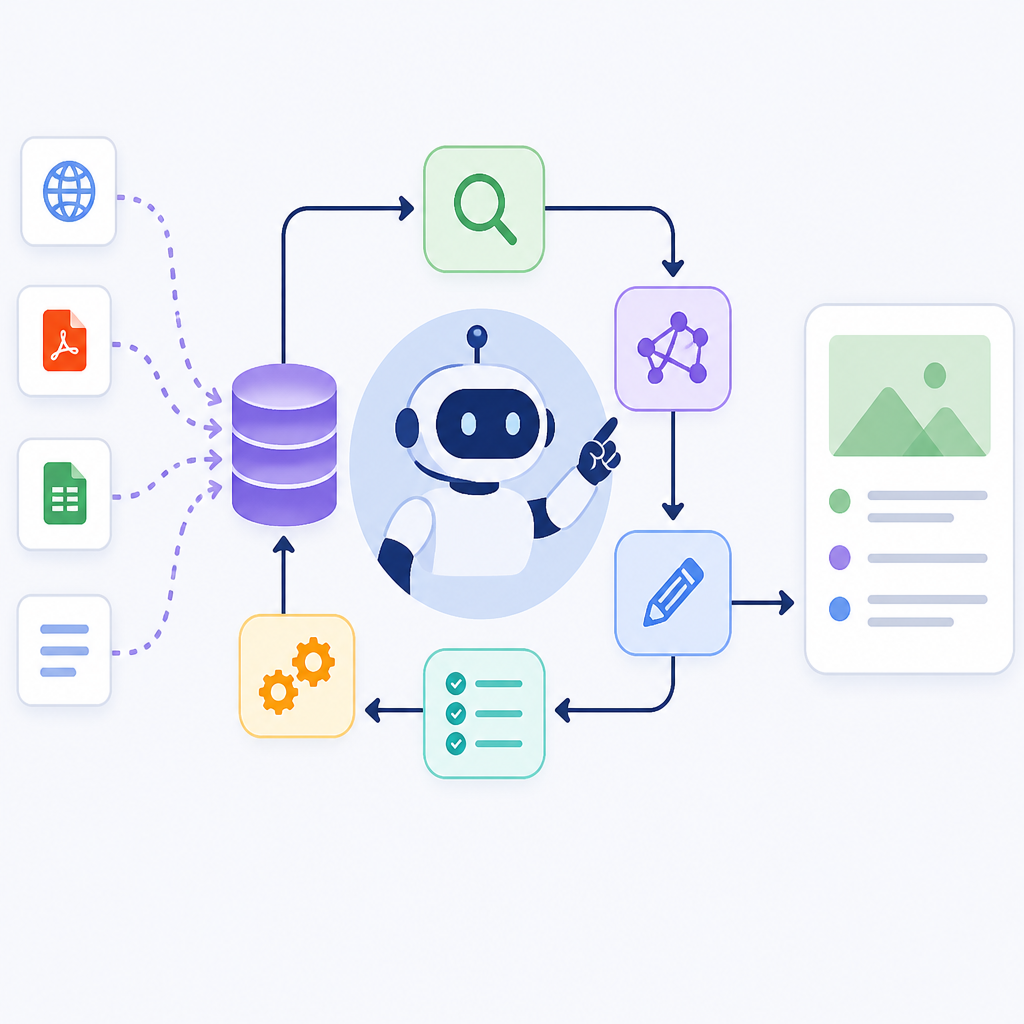
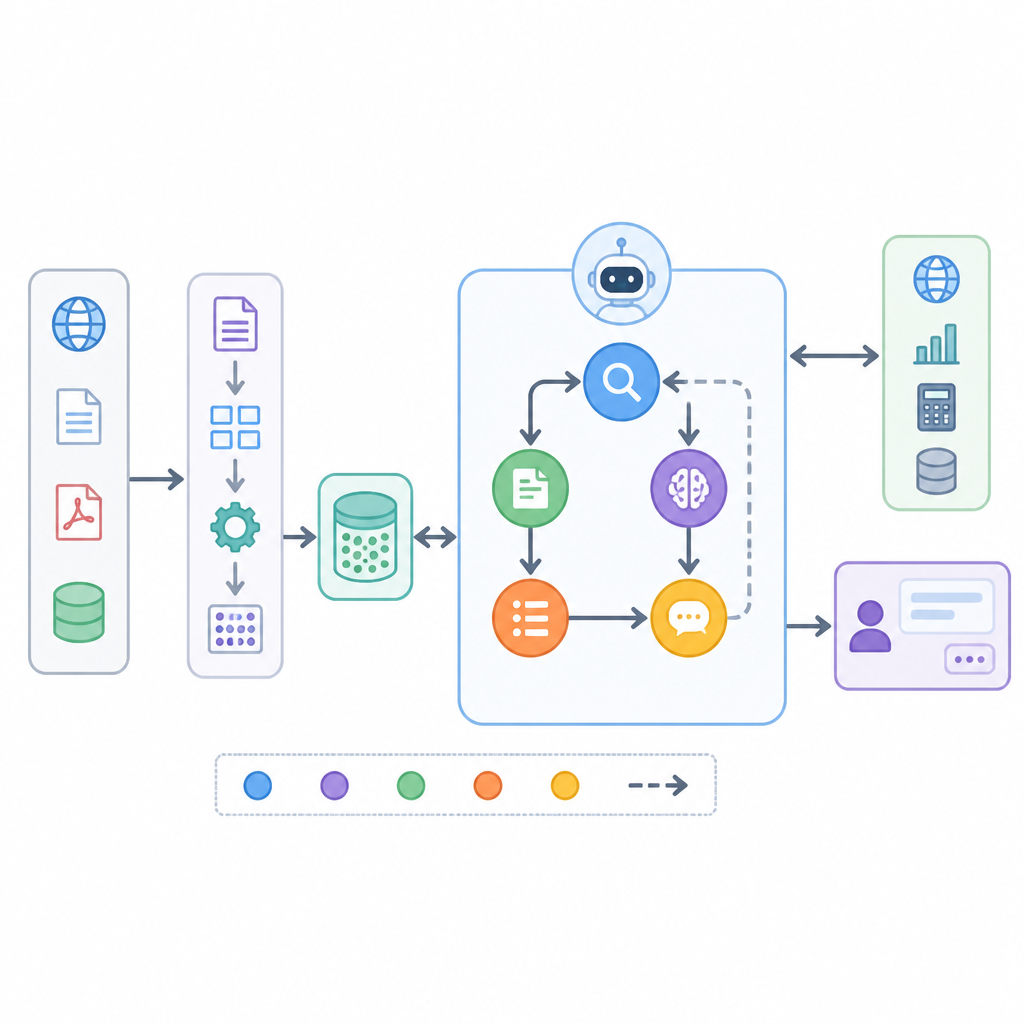
This guide is for developers who want to turn a basic retrieval app into an agentic RAG system with query clarification, conversation memory, and multi-step reasoning. By the end, you will have a local project that can ingest PDFs, build a hybrid vector index, run LangGraph workflows, and answer questions with a configurable LLM provider.
The repository also doubles as a learning path, so you can start with the notebook flow and then move into the modular app when you are ready to adapt the pipeline for your own model, embeddings, or document format.
Before you start
Get the latest AI news in your inbox
Weekly picks of model releases, tools, and deep dives — no spam, unsubscribe anytime.
No spam. Unsubscribe at any time.
- Python 3.10 or 3.11
- Git installed and working on your machine
- Ollama installed locally, or API keys for OpenAI, Anthropic, or Google
- Qdrant running locally or a Qdrant path on disk
- At least one PDF file to index
- Access to the repo docs on GitHub and LangGraph docs on LangGraph
- Python packages from the repo requirements, including LangChain, Qdrant, and PyMuPDF
Step 1: Clone the repository
Your first goal is to get the project onto your machine so you can inspect the notebook path and the modular app path side by side.
git clone https://github.com/GiovanniPasq/agentic-rag-for-dummies.git
cd agentic-rag-for-dummies
python -m venv .venv
source .venv/bin/activate
pip install -r requirements.txt
You should see the repo folders such as notebooks, project, and assets, plus a successful dependency install with no missing-package errors.
Step 2: Configure the local LLM and storage
Your goal here is to make the app runnable by defining the model provider, embeddings, and local storage paths that the agent will use during retrieval.
export OPENAI_API_KEY="your-key"  # or ANTHROPIC_API_KEY / GOOGLE_API_KEY
ollama pull qwen3:4b-instruct-2507-q4_K_M
mkdir -p docs markdown_docs parent_store qdrant_db
You should see Ollama report that the model is available, and the folders for source PDFs, markdown output, parent chunks, and Qdrant storage should exist on disk.
Step 3: Convert PDFs into markdown
Your goal is to normalize source documents into markdown so the pipeline can chunk them consistently and preserve structure for retrieval.
python -c "from project.pdf_utils import pdfs_to_markdowns; pdfs_to_markdowns('docs/*.pdf')"You should see markdown files appear in markdown_docs, and each PDF should have a corresponding .md file that is readable in a text editor.
Step 4: Build the hierarchical index
Your goal is to create the repo’s parent-child retrieval setup, where small chunks improve search precision and parent chunks restore context for generation.
python -c "from project.indexing import build_index; build_index()"You should see the Qdrant collection created, child chunks stored in the vector database, and parent chunk JSON files written to parent_store.
Step 5: Run the LangGraph agent workflow
Your goal is to launch the agentic query pipeline so the system can rewrite ambiguous questions, clarify missing details, retrieve context, and synthesize the final answer.
python -m project.appYou should see the graph execute through stages such as conversation summary, query rewriting, retrieval, and response generation, then return an answer instead of a raw document dump.
Step 6: Test a multi-part question
Your goal is to verify that the agent can split a complex prompt into parallel sub-queries and merge the results into one coherent response.
What is JavaScript? What is Python?You should see two retrieval paths run in parallel or in sequence through the graph, followed by a combined answer that addresses both topics clearly.
| Metric | Before/Baseline | After/Result |
|---|---|---|
| Retrieval workflow | Basic single-pass RAG | Agentic RAG with clarification, self-correction, and map-reduce reasoning |
| Document context | Small chunks only | Hybrid parent and child chunks for precision plus context |
| Model support | One provider only | Ollama first, with OpenAI, Anthropic, and Google options |
Common mistakes
- Using a small local model that ignores tool instructions. Fix: switch to a 7B+ model or a stronger hosted chat model.
- Skipping the markdown conversion step. Fix: convert PDFs first so chunking and metadata stay stable.
- Forgetting to create Qdrant storage paths. Fix: create the local folders before running indexing, or point the client at the right database path.
What's next
Once the local flow works, extend it with your own document set, swap in a different embedding model or chat provider, and add tracing or evaluation with Langfuse and RAGAS so you can measure retrieval quality before you ship.
// Related Articles
- [AGENT]
Manus AI proves agents are ready for real work, but pricing will deci…
- [AGENT]
Coinbase is right to let AI agents trade and spend, with strict limits
- [AGENT]
PEFT for LLM Fine-Tuning Without Full Retraining
- [AGENT]
LLM research engineers turn post-training into services
- [AGENT]
Fine-Tuning SLMs Turns Enterprise AI Practical
- [AGENT]
Aspire ties Microsoft Agent Framework into one app graph