Hermes Agent packs learning, memory, and gateways
5 Hermes Agent features turn one install into a learning agent, multi-platform gateway, and portable CLI workflow.

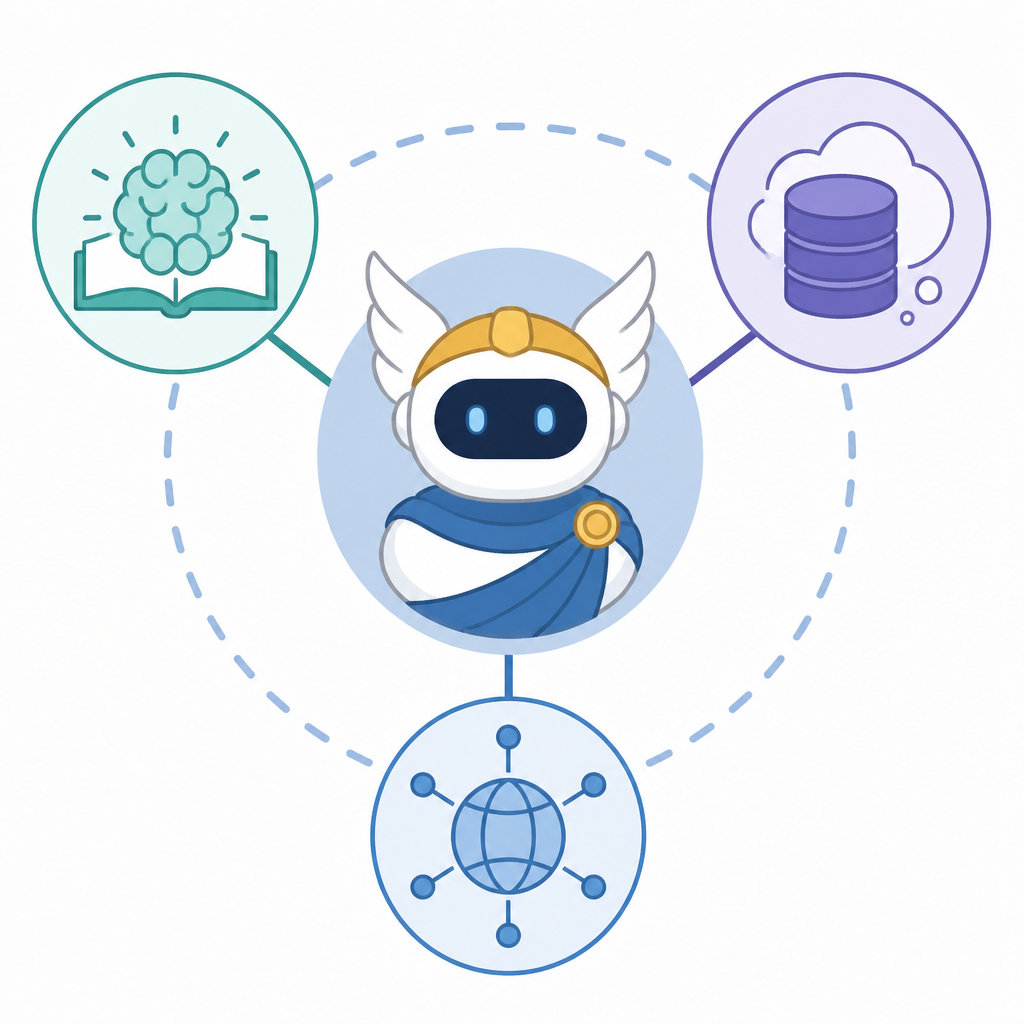
Hermes Agent is a portable AI agent with learning, memory, and multi-platform control.
Hermes Agent is built for people who want one install to cover local CLI work, messaging gateways, scheduled jobs, and long-term memory. The repo says it has 197k stars and 34.9k forks, and the docs show how that broad scope stays usable from a single checkout.
| Item | Core spec | Notable detail |
|---|---|---|
| Learning loop | Built-in | Creates and improves skills during use |
| Gateway | Multi-platform | Telegram, Discord, Slack, WhatsApp, Signal, Email |
| Install target | $HERMES_HOME/hermes-agent | Managed git checkout used by update and tooling |
| Terminal backends | 6 | Local, Docker, SSH, Singularity, Modal, Daytona |
| Model support | 200+ models | Via OpenRouter and other providers |
1. Built-in learning loop
Get the latest AI news in your inbox
Weekly picks of model releases, tools, and deep dives — no spam, unsubscribe anytime.
No spam. Unsubscribe at any time.
Hermes Agent’s main pitch is that it keeps learning after the first task. It creates skills from experience, improves them while you use them, nudges itself to persist knowledge, and searches past conversations so later sessions can pick up where earlier ones left off.

That matters if you want an agent that gets better at your recurring work instead of resetting every time. The repo describes agent-curated memory, autonomous skill creation after complex tasks, FTS5 session search, and a user model that deepens across sessions.
- Agent-curated memory with periodic nudges
- Autonomous skill creation after complex tasks
- FTS5 session search plus LLM summarization
- Honcho dialectic user modeling
2. Gateway for chat apps and email
If you do not want to live only in a terminal, Hermes gives you a gateway that connects the same agent to Telegram, Discord, Slack, WhatsApp, Signal, and Email. You can start a conversation in one place and keep the same thread moving through another.
The practical value is continuity. The gateway lets you keep one agent process in the cloud while you message it from wherever you happen to be, and the docs note cross-platform conversation continuity plus voice memo transcription.
- Single gateway process for multiple messaging apps
- Cross-platform conversation continuity
- Voice memo transcription support
- Shared slash commands across CLI and messaging
3. Portable installs that avoid laptop lock-in
Hermes is designed to run in more than one place, which is useful if your workflow moves between a laptop, a VPS, and a cloud VM. The project says it can run on a $5 VPS, a GPU cluster, or serverless infrastructure that costs almost nothing when idle.
The install flow also matters for contributors. The standard installer creates a full git checkout at $HERMES_HOME/hermes-agent, usually ~/.hermes/hermes-agent, and that layout is what hermes update, the managed venv, lazy dependencies, gateway, and docs tooling expect.
curl -fsSL https://hermes-agent.nousresearch.com/install.sh | bash
hermes update
hermes doctor
4. Terminal workflow with real control
For people who still want a serious CLI, Hermes includes a full terminal interface with multiline editing, slash-command autocomplete, conversation history, interrupt-and-redirect, and streaming tool output. The point is not just chatting, but steering work while it is happening.
The quick reference in the docs shows the split between CLI and messaging, and many commands stay consistent across both. That makes the project feel less like two separate products and more like one agent with multiple front doors.
hermesto start the interactive CLIhermes modelto switch providers and modelshermes toolsto configure enabled toolsCtrl+Cor/stopto interrupt work
5. Provider flexibility and scheduled automation
Hermes avoids locking you into one model vendor. The README says you can use Nous Portal, OpenRouter, NovitaAI, NVIDIA NIM, Xiaomi MiMo, z.ai/GLM, Kimi/Moonshot, MiniMax, Hugging Face, OpenAI, or your own endpoint, then switch with hermes model without changing code.
It also includes built-in cron scheduling for unattended work, from daily reports to nightly backups and weekly audits. For teams that want an agent to do routine jobs on a schedule, that is a more direct fit than bolting cron onto a chat app later.
- Model switching with no code changes
- Built-in cron scheduler
- Platform delivery for scheduled tasks
- Works with custom endpoints and hosted providers
How to decide
Pick Hermes Agent if you want one system that can learn from use, remember past work, and show up in both a terminal and messaging apps. It fits best for contributors, power users, and teams that want a single agent process to follow them across environments.
If you mainly need a simple local chat UI, Hermes may be more than you need. If you want an agent that can run unattended, move between platforms, and keep accumulating context, this repo is built for that job.
// Related Articles
- [IND]
Six nations race at Jomtien Beach windsurfing event
- [IND]
Rust Built Different Update Hits Server Admins
- [IND]
OpenAI’s IPO prep turns policy into a hiring play
- [IND]
OpenAI is right to hire Dean Ball for policy power
- [IND]
Rust’s rolling release model is the right tradeoff for teams
- [IND]
Cloudflare Faces Director Vote Pressure Amid AI Push