NetSuite’s agentic workflow definition, unpacked
I break down NetSuite’s agentic workflow definition and turn it into a copy-ready pattern for building AI processes with less hand-holding.

I turn NetSuite’s agentic workflow definition into a copy-ready build pattern.
I’ve been using AI assistants long enough to know when a workflow is actually helping and when it’s just performing competence. A lot of teams say they want “agentic” behavior, but what they really mean is: the model should do the obvious thing, never ask questions, and somehow not break production. That’s not a workflow. That’s wishful thinking with a budget.
What’s been bothering me lately is how many AI setups still depend on a human babysitter at every step. The model drafts, the human approves. The model suggests, the human reroutes. The model “helps,” but it never really owns anything. So when I read NetSuite’s plain definition of agentic workflows, I immediately knew why the term keeps sticking. It’s not about fancy chat. It’s about an AI process that can decide, act, and coordinate without someone holding its hand the whole time.
The source that kicked this off is NetSuite’s article What Are Agentic Workflows?. NetSuite frames the idea as an AI-powered process where one or more AI agents make decisions, take actions, and coordinate tasks, with little or no human supervision. That’s the useful part. Not the buzzword. The operating model. I’m using that definition as the anchor here, then I’m translating it into something you can actually wire into a product or internal tool.
Stop treating “agentic” like a vibe
Get the latest AI news in your inbox
Weekly picks of model releases, tools, and deep dives — no spam, unsubscribe anytime.
No spam. Unsubscribe at any time.
An AI-powered process in which one or more AI agents make decisions, take actions, and coordinate tasks, with little or no human supervision.
What this actually means is that the workflow is the unit of work, not the chat session. The agent isn’t just answering questions. It’s moving a process forward. It can choose a path, call tools, hand work off, and keep going until the job is done or it hits a real exception.
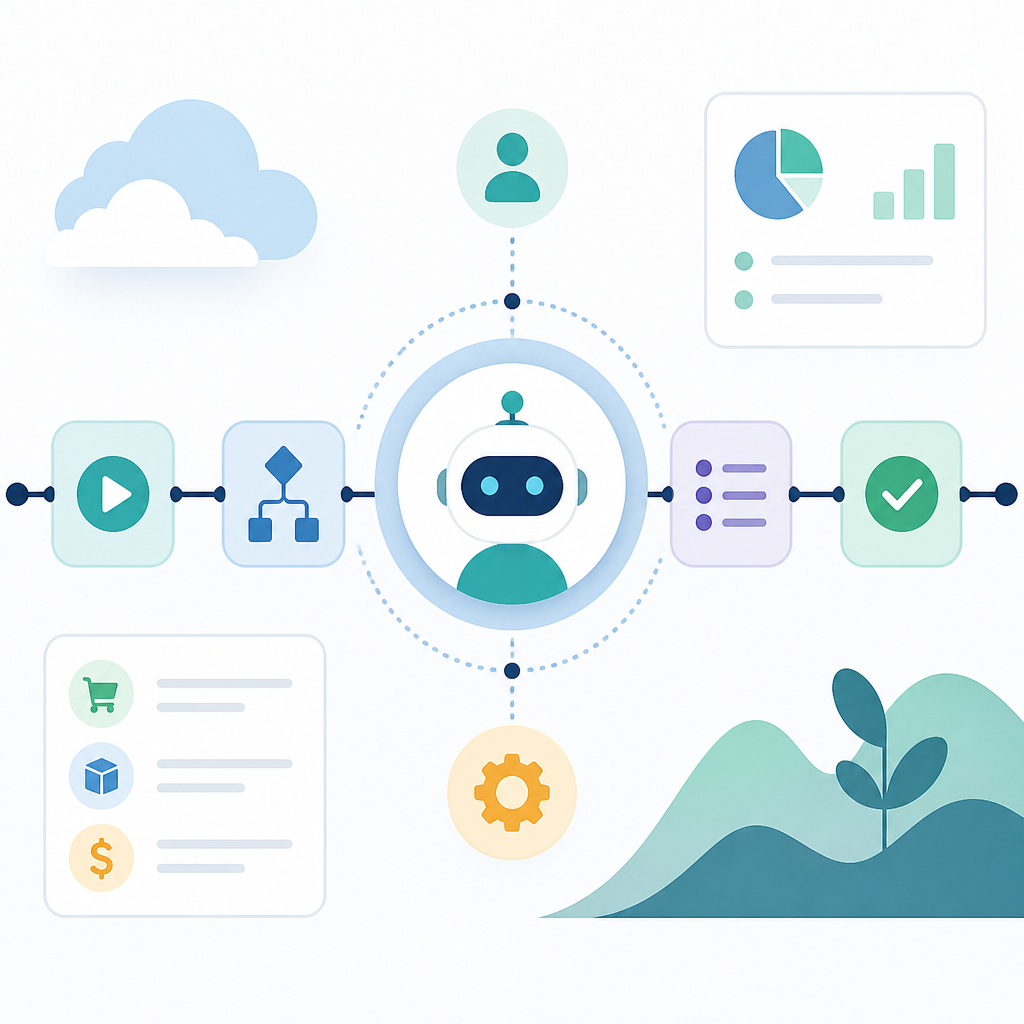
I like this definition because it cuts through the mush. If your system only produces suggestions, it’s not agentic. If it needs approval after every move, it’s not agentic. If it can’t remember what stage it’s in, it’s definitely not agentic. The whole point is controlled autonomy, not theatrical independence.
I ran into this exact problem while sketching out an internal support triage flow. The model could classify tickets just fine, but the minute I asked it to route, escalate, and draft responses on its own, the cracks showed. It kept stalling for permission. That was my clue: I had built a helper, not a workflow.
How to apply it: define the business process first, then decide where the agent is allowed to act. Start with a narrow process that already has clear inputs, outputs, and failure states. If you can’t write the process in plain English, the agent won’t magically make it clean.
- Input: what starts the workflow?
- Decision: what can the agent choose?
- Action: which tools can it call?
- Exit: what counts as done?
One agent is fine. Coordination is the real test.
NetSuite’s wording matters here: “one or more AI agents.” That tiny phrase is doing a lot of work. A single agent can handle a simple loop. But once you split responsibilities, you’re in coordination territory, and that’s where most attempts get messy fast.
What this actually means is that agentic workflows are less about a smart bot and more about a system of roles. One agent may gather facts, another may decide, another may execute, and another may verify. If you’ve ever watched a team where nobody knows who owns the next step, you already know how quickly this falls apart.
I’ve seen people try to cram planning, retrieval, execution, and review into one prompt. It usually works right up until the process gets real. Then the agent starts mixing concerns, repeating itself, or inventing a task sequence that sounds reasonable but doesn’t match the actual business rules.
How to apply it: split the workflow by responsibility, not by model size. Ask yourself which parts need memory, which parts need judgment, and which parts need tool access. Then assign those pieces explicitly. Coordination should be designed, not hoped for.
- Planner: decides the next step
- Worker: performs the step
- Checker: validates the result
- Escalator: flags exceptions
Little or no supervision does not mean “no guardrails”
This is where people get sloppy. They read “little or no human supervision” and start fantasizing about an AI that runs itself like a fully trusted employee. That’s how you end up with a demo that looks smart and a system that is one bad prompt away from doing something expensive.
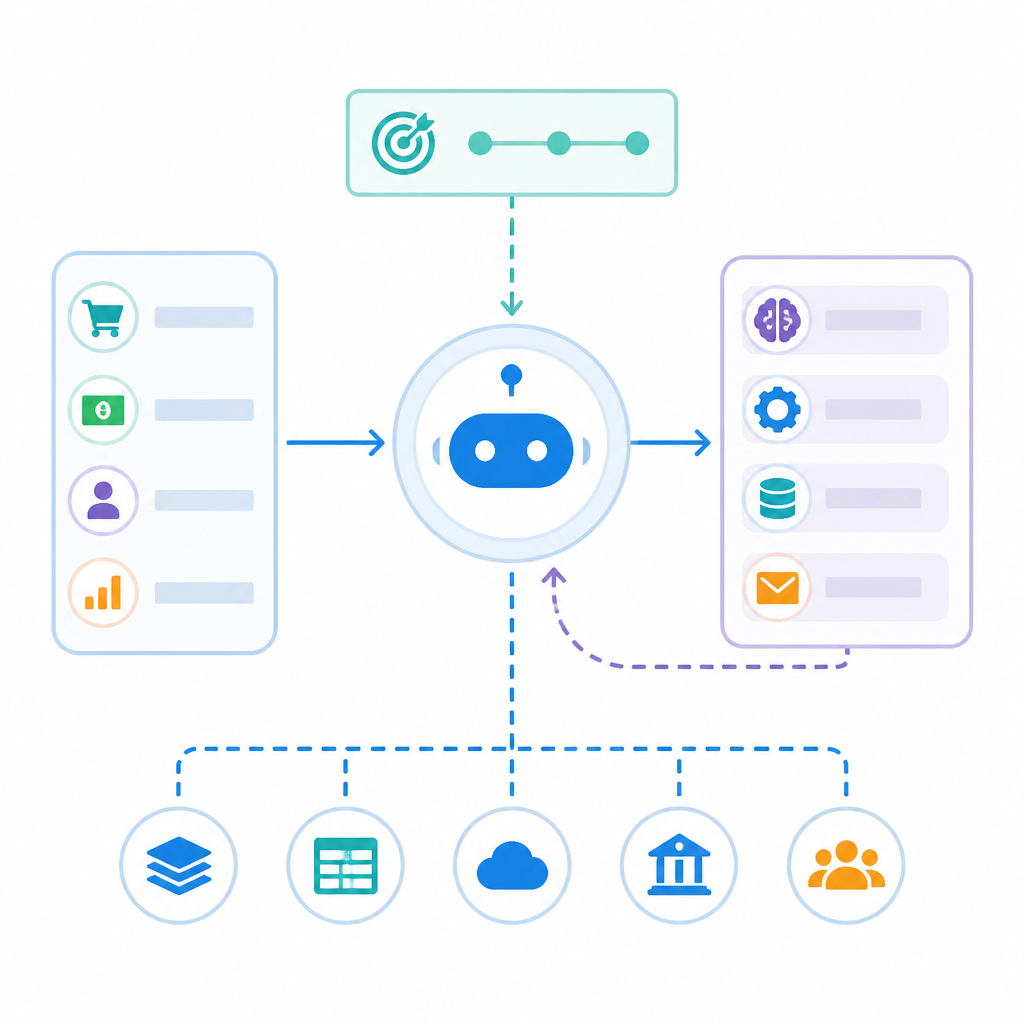
What this actually means is that the human moves from operator to designer. You’re not approving every action. You’re defining the boundaries, exceptions, and escalation points. The workflow can run on its own inside those rules. Outside them, it should stop, ask, or hand off.
I’ve learned to think about this the same way I think about production deploys. I don’t manually inspect every line of code before release. I set tests, checks, and rollback rules. Agentic workflows need the same attitude. You want autonomy inside a box, not autonomy as a personality trait.
How to apply it: create explicit stop conditions. If confidence drops below a threshold, if a required field is missing, if the action touches money, or if the agent sees conflicting evidence, it should pause and escalate. That’s not a weakness. That’s the difference between automation and chaos.
Useful guardrails usually include:
- tool allowlists
- confidence thresholds
- state checkpoints
- human escalation rules
Decision-making is the part that changes the architecture
NetSuite’s definition puts decision-making first, and I think that’s the right move. Plenty of automation systems can take actions. The shift happens when the system can choose which action to take based on context, not just follow a fixed script.
What this actually means is that your workflow architecture has to support branching, memory, and state. The agent needs to know where it is in the process, what it has already tried, and what options are still valid. Without that, “agentic” becomes a fancy label for a linear automation chain.
I ran into this when I tried to turn a support macro system into something smarter. The moment the agent had to decide whether to answer, route, or request more info, I needed state. Not just prompt text. Real process state. Otherwise the same ticket could be handled three different ways depending on which message happened to be in context.
How to apply it: model the workflow as a state machine, even if the implementation is lightweight. You don’t need a giant orchestration platform to start. You do need a clear map of states, transitions, and allowed actions in each state.
Here’s the mental model I use:
- State: where the process is now
- Transition: what changes the state
- Policy: which transition is allowed
- Memory: what the agent must carry forward
Coordination means the agent has to talk to tools, not just words
Agentic workflows are not just about generating text. They coordinate tasks. That implies external systems, APIs, databases, queues, CRMs, ERPs, ticketing tools, and all the annoying software glue that actually makes work happen.
What this actually means is that the agent’s output is only useful if it can trigger the next real-world step. A draft email sitting in a textbox is not coordination. A ticket created, a record updated, a task assigned, or a payment flagged is coordination.
I’ve seen teams overinvest in prompt quality and underinvest in tool design. That’s backwards. If the tool interface is messy, the agent will be messy too. If the action schema is ambiguous, the agent will guess. And when agents guess, they do it confidently, which is always fun until it isn’t.
How to apply it: make every tool call narrow and typed. Don’t hand the agent a giant do-everything endpoint and expect discipline. Give it small actions with clear inputs and predictable outputs. The tighter the tool contract, the easier the workflow is to trust.
Good tool design usually means:
- one action per endpoint
- structured outputs
- clear error messages
- idempotent operations where possible
Where humans still belong: exceptions, not routine
The phrase “little or no human supervision” is easy to misread as “humans are out.” That’s not how I’d build it. Humans are still necessary, but they should be handling exceptions, policy decisions, and edge cases, not every ordinary step.
What this actually means is that the workflow should absorb the boring repeatable work and surface the weird stuff. If humans are still doing the same routine approvals over and over, then the agentic part hasn’t really landed. You’ve just put a chatbot in front of a manual process.
I prefer to think of the human role as a pressure relief valve. The agent runs until it hits a rule, uncertainty, or risk boundary. Then the human steps in with context the model doesn’t have. That’s a much better division of labor than making the human a permanent bottleneck.
How to apply it: write down the top five exception types before you build anything. If you already know the common failures, you can design the escalation path up front instead of pretending you’ll “handle it later.” Later is where these systems get sloppy.
The version I’d actually ship
If I were building from NetSuite’s definition, I’d keep the first version painfully small. One process. One goal. A few tools. Hard limits. Clear escalation. No grand “AI employee” nonsense.
What this actually means is that the workflow should earn trust in slices. Start with a process that is repetitive, measurable, and annoying enough that automation saves real time. Then let the agent make bounded decisions inside that process. If it works, expand the scope. If it doesn’t, the failure stays contained.
I’ve learned the hard way that broad autonomy is the fastest way to get a demo and the slowest way to get a system. Narrow autonomy is boring, and boring is good. Boring means you can test it, monitor it, and explain it to the person who has to own it after you leave the room.
How to apply it: choose one workflow, define the state model, list the tools, set the stop conditions, and write the escalation rules. If you can’t describe the whole thing on one page, it’s too big for version one.
The template you can copy
## Agentic workflow blueprint

### 1) Workflow goal
Describe the one business process this agent will own.

Example:
- Triage inbound support tickets
- Route each ticket to the right queue
- Draft a response when the issue is routine

### 2) Inputs
List the exact data the workflow receives.

Example:
- Customer message
- Account ID
- Ticket priority
- Recent ticket history

### 3) States
Map the process as states, not vague intentions.

Example:
- New
- Classified
- Action selected
- Action executed
- Needs review
- Done

### 4) Allowed decisions
Write what the agent is allowed to choose in each state.

Example:
- Classify issue type
- Decide whether to answer, route, or escalate
- Choose the next tool call

### 5) Tools
List each tool with one job only.

Example:
- search_knowledge_base(query)
- create_ticket(queue, priority, summary)
- draft_reply(ticket_id, tone)
- escalate_to_human(reason)

### 6) Guardrails
Define the conditions that stop automation.

Example:
- Missing required customer data
- Confidence below threshold
- Billing or security issue detected
- Conflicting evidence in source records

### 7) Escalation rules
Say exactly when a human takes over.

Example:
- If the issue touches money, escalate
- If the agent cannot classify after one retry, escalate
- If the tool call fails twice, escalate

### 8) Success criteria
Define what “done” means.

Example:
- Ticket is routed correctly
- Response is drafted and saved
- Human only reviews exceptions
- Average handling time drops by 30%

### 9) Review loop
Decide how you will inspect failures.

Example:
- Log every decision
- Record every tool call
- Sample 20 failed cases weekly
- Update states, tools, and guardrails monthly

### 10) Build prompt
Use this as the agent instruction block.

You are an agentic workflow for [workflow goal].
Your job is to move each item through the defined states.
You may only use the listed tools.
If a required input is missing, if confidence is low, or if the action is high risk, stop and escalate.
Do not improvise new actions.
Record the current state before every tool call.
When the workflow reaches the done state, summarize the outcome and close the item.

### 11) Operator checklist
- Verify inputs are complete
- Confirm tool permissions
- Test each state transition
- Test each escalation path
- Review logs after first rollout
That’s my version of the idea NetSuite described. The original article gives the definition cleanly, and this template turns it into something I’d actually hand to a team. The source is NetSuite’s “What Are Agentic Workflows?”. Everything in the breakdown above is my own interpretation and implementation advice, built from that definition rather than copied from the article.