How to Fine-Tune an LLM for Enterprise
A practical guide to choosing, training, and evaluating an enterprise LLM fine-tune.
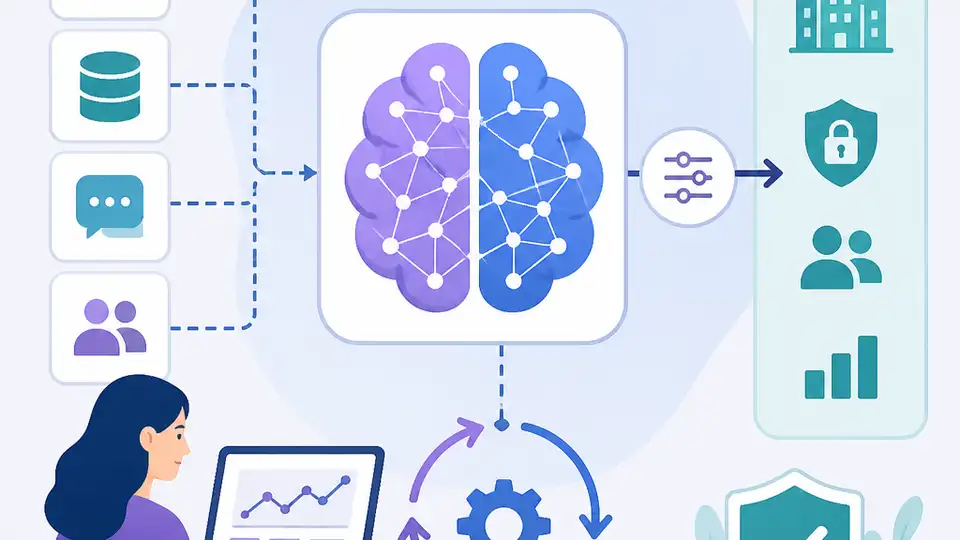
This guide shows enterprise teams how to fine-tune an LLM with LoRA or QLoRA.
This guide is for developers and ML teams who need a reliable, cost-aware way to adapt a large language model for a narrow enterprise task. By following the steps, you will have a decision framework, a data format, a QLoRA training setup, and a simple evaluation plan you can use before deployment.
It focuses on the 2026 enterprise default: use prompt engineering first, then fine-tune only when you need consistent outputs, domain language, or lower inference cost. The steps below are written so you can move from data prep to a testable model without guessing which method to use.
Before you start
Get the latest AI news in your inbox
Weekly picks of model releases, tools, and deep dives — no spam, unsubscribe anytime.
No spam. Unsubscribe at any time.
- Python 3.11+
- PyTorch 2.2+
- Hugging Face Transformers 4.40+
- Hugging Face Datasets 2.19+
- PEFT 0.11+
- TRL 0.9+
- CUDA 12.1+ if you are training on NVIDIA GPUs
- One Hugging Face account and access token
- One model repo you can access, such as [Llama](https://huggingface.co/meta-llama) or [Mistral](https://huggingface.co/mistralai)
- At least 500 high-quality labeled examples, with 1,000 to 5,000 preferred
- One GPU with 24 GB VRAM for QLoRA, or an A100 80 GB for larger runs
Step 1: Define the task boundary
Your first outcome is a clear fine-tuning target that is narrow enough to learn and easy to evaluate. Pick one task, such as support ticket classification, contract clause extraction, or SQL generation for one schema, and write down the expected input and output format.
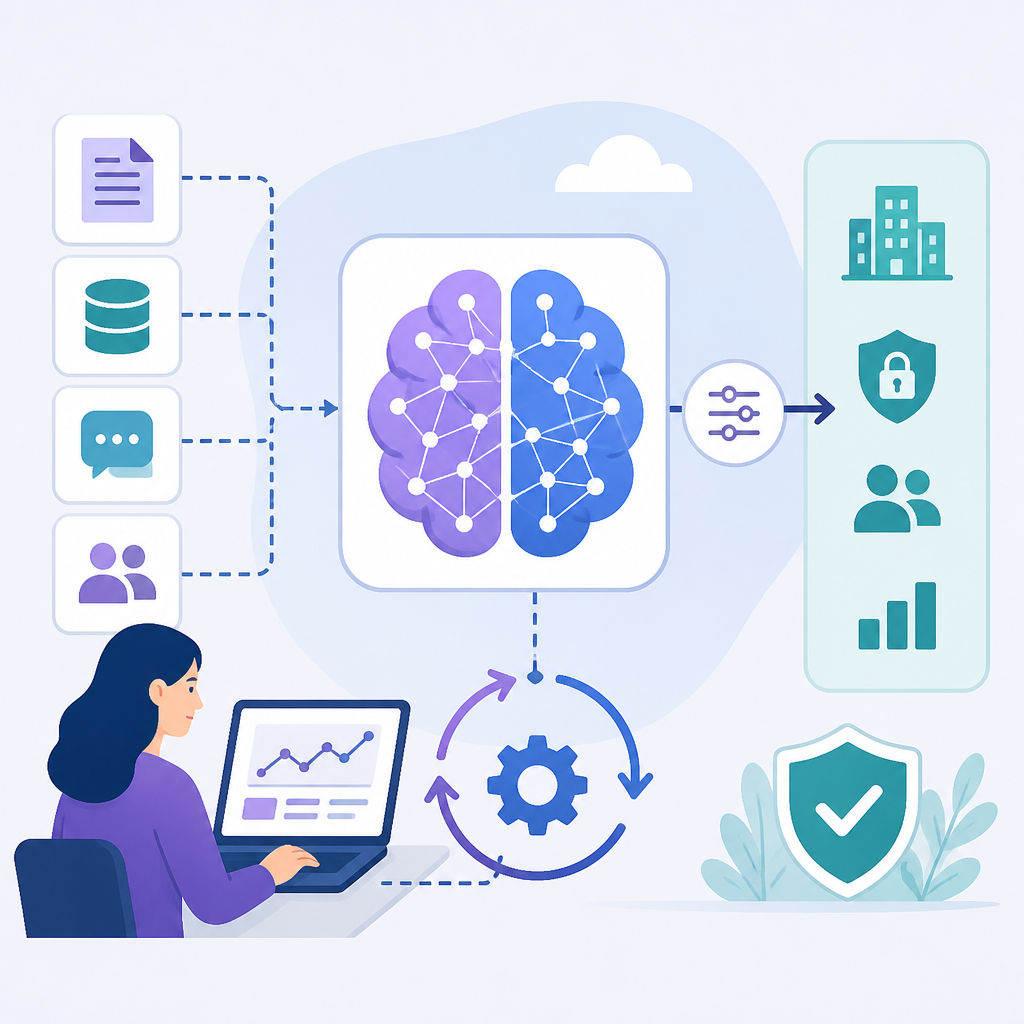
Use a simple rule: if prompt engineering, few-shot examples, and structured output still miss the mark, the task is a candidate for fine-tuning. If the task changes daily or needs live facts, keep that part in retrieval instead of training it into the model.
Verification: you should have a one-sentence task statement, a fixed output schema, and a short list of success criteria like accuracy, format compliance, or latency.
Step 2: Prepare instruction-response data
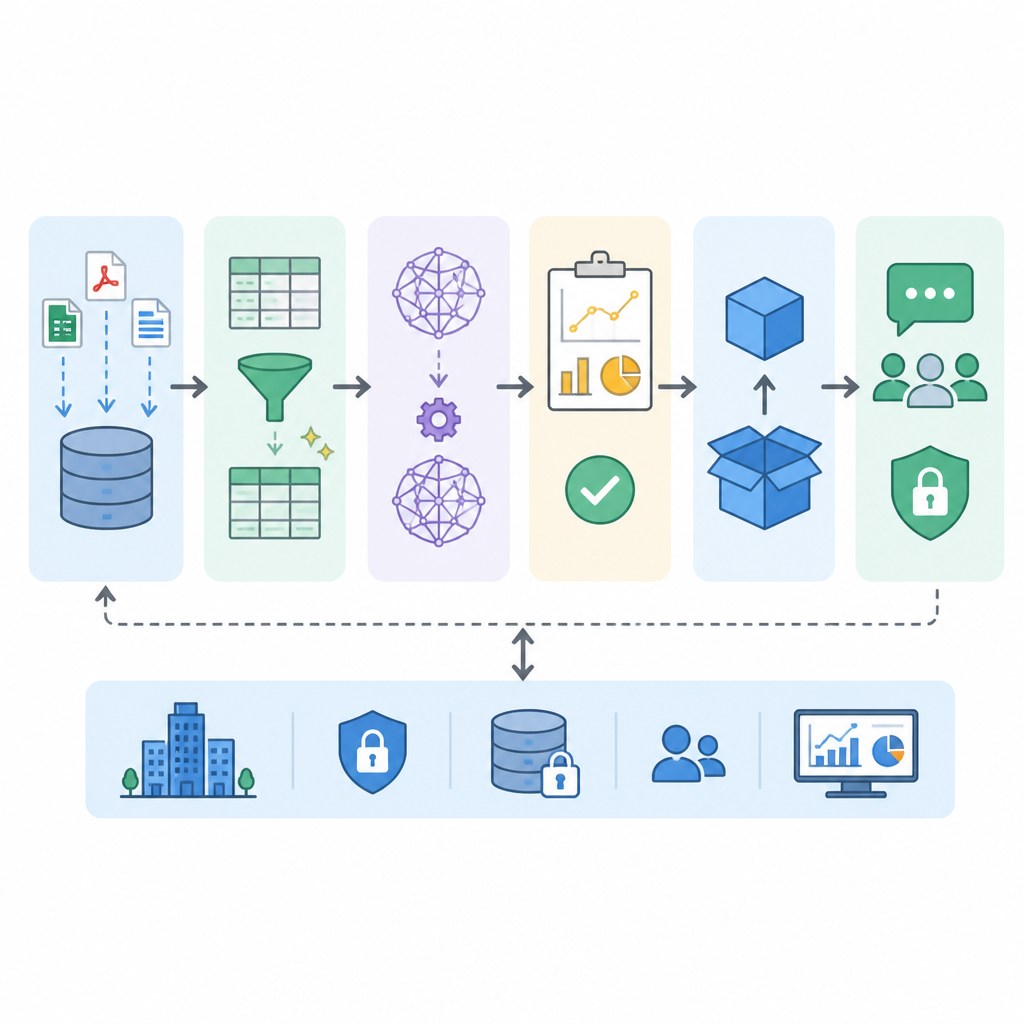
Your outcome here is a clean training set that teaches the model exactly how to respond. Convert each example into an instruction, optional input, and expected output, and keep the style consistent across the whole dataset.
{
  "instruction": "Classify this support ticket by urgency and category.",
  "input": "Our production database is down and 500 users can't log in.",
  "output": "Urgency: Critical\nCategory: Infrastructure Outage\nReasoning: Production system failure affecting active users requires immediate escalation."
}
Quality matters more than raw volume. A smaller set of precise examples is better than a large noisy dataset, and you should reserve a held-out test split before training so you can measure real improvement later.
Verification: you should be able to sample 20 rows and see the same structure, tone, and label names in every example.
Step 3: Choose LoRA or QLoRA
Your outcome is a training method that matches your hardware and budget. For most enterprise teams, LoRA is the default, while QLoRA is the better choice when you want to fine-tune a larger model on a single GPU.
LoRA freezes the base weights and trains small adapter matrices, which keeps cost low while preserving most of the base model. QLoRA adds 4-bit quantization, which reduces GPU memory enough to make 70B-class models more accessible, though with a small performance tradeoff.
For the model choice itself, start with Llama 3.1 8B or Mistral 7B for most tasks, and move to a larger model only if your task needs deeper reasoning or broader language coverage.
Verification: you should know your target model, the adapter method, and the GPU memory you need before you launch training.
Step 4: Configure and run training
Your outcome is a reproducible training job that produces a fine-tuned adapter or checkpoint. Use PEFT for LoRA settings and TRL for supervised fine-tuning so you can keep the setup standard and easy to repeat.
from peft import LoraConfig
from trl import SFTTrainer
from transformers import TrainingArguments

lora_config = LoraConfig(
    r=16,
    lora_alpha=32,
    target_modules=["q_proj", "v_proj", "k_proj", "o_proj"],
    lora_dropout=0.05,
    bias="none",
    task_type="CAUSAL_LM"
)

training_args = TrainingArguments(
    output_dir="./fine-tuned-model",
    num_train_epochs=3,
    per_device_train_batch_size=4,
    gradient_accumulation_steps=4,
    learning_rate=2e-4,
    bf16=True,
    logging_steps=10,
    save_strategy="epoch"
)

trainer = SFTTrainer(
    model=model,
    args=training_args,
    train_dataset=train_dataset,
    peft_config=lora_config,
    dataset_text_field="text",
    max_seq_length=2048
)

trainer.train()
Keep the learning rate conservative and start with a small number of epochs. If the model overfits or forgets general behavior, reduce the learning rate, add general-instruction examples, or shorten training.
Verification: you should see training loss decrease, checkpoints saved to your output directory, and no GPU memory errors during the run.
Step 5: Evaluate and deploy safely
Your outcome is a measured model that you can trust in production. Test it on held-out examples and compare it with the base model and, if useful, a stronger reference model such as GPT-4o on the same task.
Check four things: task accuracy, output format compliance, hallucination rate on adversarial inputs, and regression on tasks you did not fine-tune for. If the model only looks good on the training pattern, it is not ready.
When the results are stable, package the adapter or merged model, add inference monitoring, and decide whether your final system should combine fine-tuning with RAG for live knowledge.
Verification: you should have a pass/fail scorecard, a deployment artifact, and a rollback plan.
| Metric | Before/Baseline | After/Result |
|---|---|---|
| Inference cost per 1M output tokens | GPT-4o at about $30 | Fine-tuned 8B model at about $0.10 |
| Training cost for 1,000 examples | Not applicable | About $12 to $25 on a single A100 for QLoRA |
| Model performance on narrow tasks | Prompt engineering ceiling | About 90% to 95% of full fine-tuning with LoRA |
| GPU memory for 70B fine-tuning | 80 GB+ full precision pressure | About 10 GB to 24 GB with QLoRA |
Common mistakes
- Training on noisy examples. Fix it by cleaning labels, standardizing output text, and reducing the dataset before you scale up.
- Choosing full fine-tuning too early. Fix it by starting with LoRA or QLoRA unless you truly need maximum performance and have the hardware budget.
- Skipping evaluation. Fix it by keeping a held-out test set and checking format compliance, not just loss.
What's next
Once your first model is working, the next step is to compare fine-tuning with RAG for your use case, then add monitoring, versioning, and data refresh rules so the model stays useful as your business changes.
// Related Articles
- [AGENT]
Claude Code 动态工作流:AI 自写 Harness
- [AGENT]
Agent orchestration is the missing layer for enterprise AI
- [AGENT]
AI agents use blockchain as a trust layer
- [AGENT]
8 RAG patterns that turn demos into prod
- [AGENT]
Fine-tuning beats RAG when the goal is style, not facts
- [AGENT]
OpenClaw shows how small businesses use AI staff