NVIDIA B300 vs H200: Specs and DeepSeek Perf
B300 packs 288GB HBM3e and up to 8TB/s bandwidth. Here’s how it compares with H200 for DeepSeek inference and cloud costs.
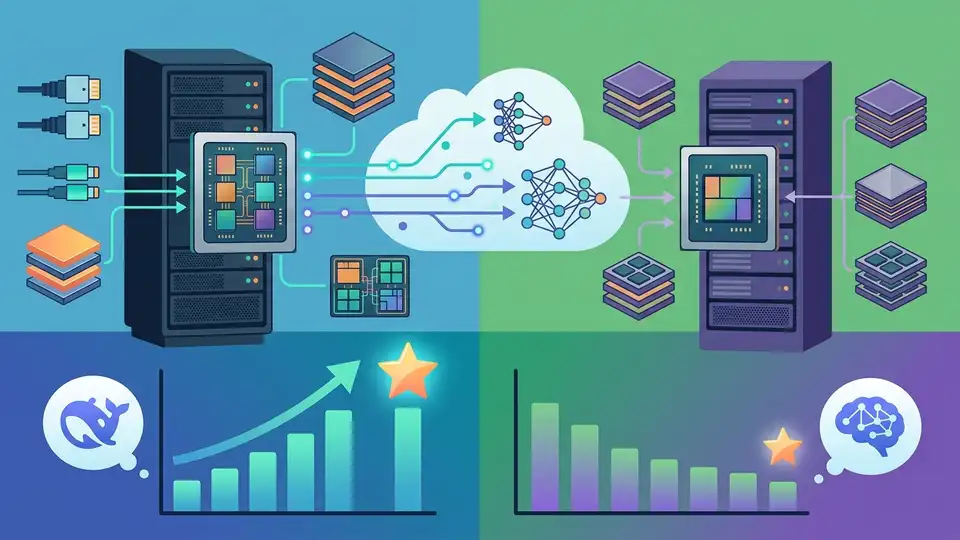
NVIDIA’s B300 arrives with 288GB of HBM3e memory and 8TB/s of bandwidth, two numbers that matter a lot if you run large models all day. In practice, that much memory changes what fits on one GPU, how much KV cache you can keep alive, and how often your inference stack has to spill into slower memory.
That is why the B300 vs H200 comparison is more than a spec-sheet flex. If you are deploying DeepSeek models, especially reasoning-heavy workloads, memory capacity and memory bandwidth can matter as much as raw compute.
In this article, I’ll break down the real hardware differences, what the numbers mean for DeepSeek inference, and where the B300 actually makes sense in production. I’ll also compare it with cloud options from DigitalOcean GPU Droplets and AWS P6 instances so the decision is not just about peak FLOPS.
What B300 changes in practice
Get the latest AI news in your inbox
Weekly picks of model releases, tools, and deep dives — no spam, unsubscribe anytime.
No spam. Unsubscribe at any time.
The B300 is part of NVIDIA’s Blackwell Ultra generation, and the headline upgrade is simple: much more memory, much more bandwidth, and a stronger push toward inference. According to NVIDIA’s product materials, the B300 targets 14 petaFLOPS of sparse FP4 performance, 288GB of HBM3e, and 8TB/s of memory bandwidth.
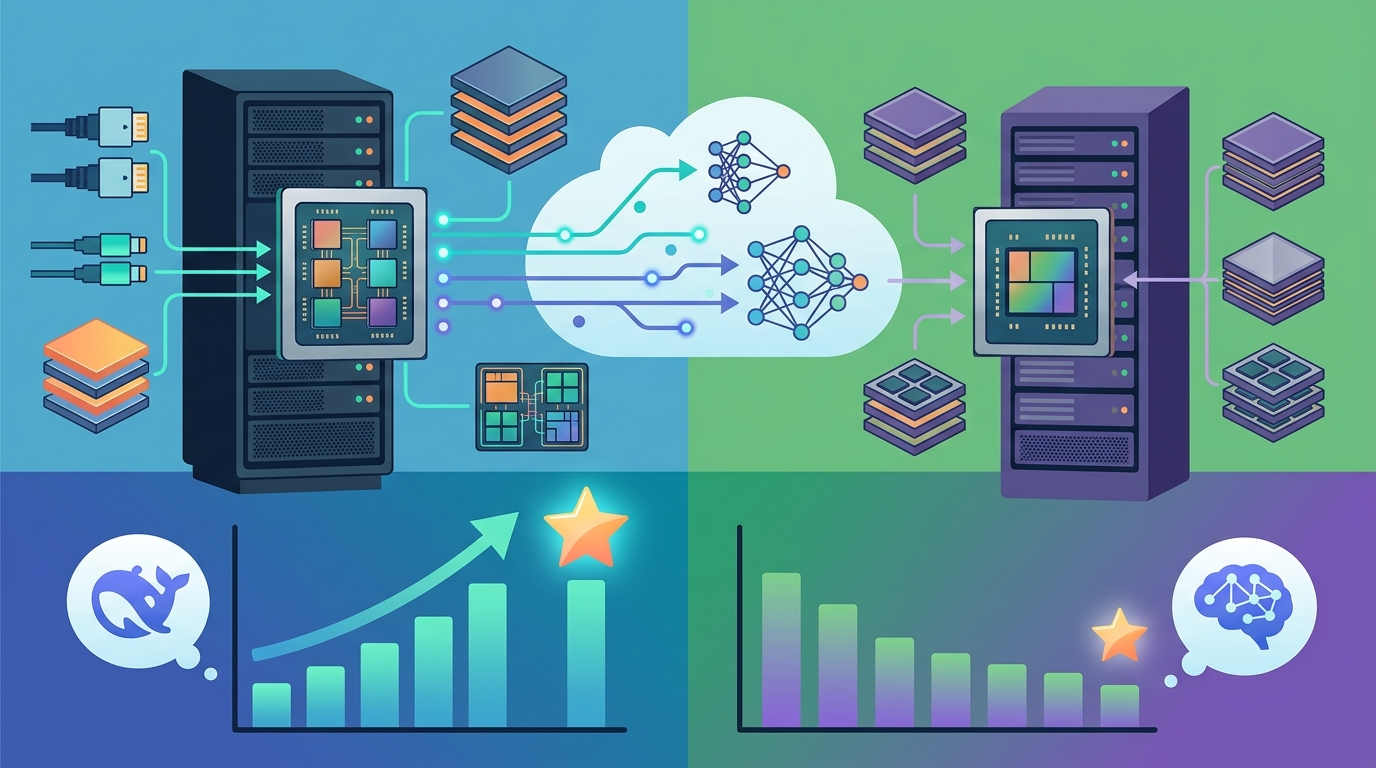
Those numbers matter because modern LLM serving is often memory-bound. If your model fits, but your KV cache does not, you lose performance fast. The B300 gives teams room for larger context windows, larger batch sizes, and less aggressive cache eviction.
Compared with H200, the B300 roughly doubles memory capacity. Compared with H100, it is more than triple the memory. That is a big deal for teams trying to serve 70B-class models without splitting them across too many GPUs.
- B300 memory: 288GB HBM3e
- H200 memory: 141GB HBM3e
- H100 memory: 80GB HBM3e
- B300 bandwidth: 8TB/s
- H200 bandwidth: 4.8TB/s
For inference teams, this means fewer compromises. You can keep a larger model resident on one device, reduce cross-GPU traffic, and avoid some of the latency spikes that show up when memory pressure gets high.
B300 vs H200: the numbers that matter
If you strip away marketing language, the most useful comparison is between B300 and H200. H200 was already a strong inference chip, especially for long-context workloads. B300 pushes further with more memory and a stronger Blackwell Ultra compute stack.
Here is the simple version: H200 is good for large models. B300 is built for larger models, longer contexts, and more aggressive batching. That matters when you are serving users, because throughput per GPU often decides whether the system feels economical or expensive.
“The pace of innovation in AI is accelerating, and the demand for compute is insatiable.” — Jensen Huang, NVIDIA GTC 2024 keynote
That quote fits the B300 story almost too well. The chip is not about making one benchmark look pretty. It is about giving data centers enough headroom to run bigger models with fewer moving parts.
On paper, the B300’s raw FP8 dense compute is listed at 7,000 TFLOPS, while H200 sits far lower in the same class of inference-focused workloads. The gap becomes even more visible when you look at memory bandwidth and total capacity together.
- B300 FP8 dense compute: 7,000 TFLOPS
- B200 FP8 dense compute: 4,500 TFLOPS
- H200 FP8 dense compute: 756 TFLOPS
- H200 memory bandwidth: 4.8TB/s
- B300 NVLink bandwidth: 1.8TB/s
The practical takeaway is that B300 is not just faster in isolation. It also gives the serving stack more breathing room, which is what you want when requests are uneven, prompts are long, and output lengths vary wildly.
DeepSeek inference: why memory wins
DeepSeek’s reasoning models are a good stress test because they generate large KV caches during chain-of-thought style inference. Once context grows, memory pressure becomes the bottleneck before raw arithmetic does. That is where B300’s 288GB really earns its keep.
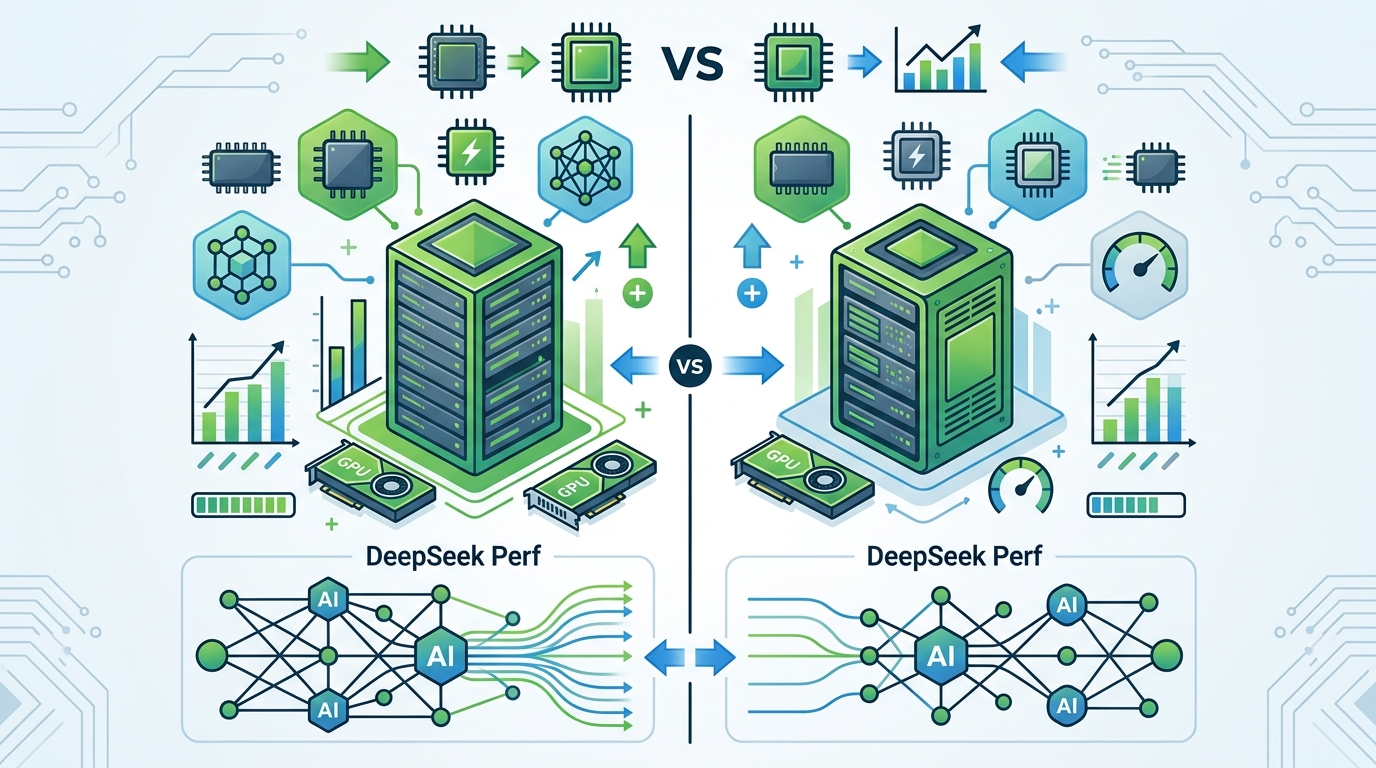
With 80GB or even 141GB, teams often need to make tradeoffs: smaller batch sizes, shorter context windows, or more cache eviction. Those choices can hurt latency and sometimes hurt output quality too, especially on long, multi-step prompts.
vLLM’s public testing on Blackwell Ultra hardware showed strong numbers for DeepSeek-V3.2 and DeepSeek-R1 under NVFP4 quantization with tensor parallelism. The point is not that one benchmark settles everything. The point is that B300 can keep large models busy without choking on memory pressure.
- DeepSeek-V3.2 prefill-only throughput: 7,360 TGS
- DeepSeek-V3.2 mixed context throughput: 2,816 TGS
- DeepSeek-R1 prefill-only throughput: 22,476 TGS
- DeepSeek-R1 mixed context throughput: 3,072 TGS
- NVFP4 plus TP2 improved mixed-context throughput by up to 8x versus FP8 in the cited tests
Those numbers are especially relevant for production chat systems, code assistants, and internal knowledge tools. In those environments, prefill speed and cache retention are often what users feel first.
Cloud pricing and deployment tradeoffs
The other half of the decision is operational. A B300 can draw around 1,400W, which is not a casual number. If you are building your own cluster, you need liquid cooling, stronger power planning, and tighter thermal control. That is why many teams will rent rather than buy.
DigitalOcean is preparing B300 GPU Droplets, while AWS already lists B300-based P6 instances. The interesting part is not just sticker price, but cost per token. If a faster GPU finishes the job in less time, the hourly rate matters less than the completed workload.
Here is the rough comparison from the figures in the source material and public cloud listings:
- H100 SXM estimated throughput for Llama 70B: about 21,800 tok/s
- H200 SXM estimated throughput for Llama 70B: about 31,700 tok/s
- B300 FP8 estimated throughput for Llama 70B: 100,000+ tok/s
- B300 FP4 estimated throughput for Llama 70B: 150,000+ tok/s
- AWS P6 B300 pricing cited around $11.70 per GPU-hour
That is why the cheapest hourly GPU is not always the cheapest option. If B300 cuts the number of GPUs you need for the same SLA, the economics can improve quickly, especially for high-volume inference.
There is also a networking angle. The B300 platform is paired with modern interconnects, and the cloud deployments cited in the source mention 25Gbps machine-to-machine networking and 10Gbps public bandwidth. For distributed inference, that is enough to keep the system usable without making networking the main bottleneck.
Who should buy B300, and who should wait
The B300 makes sense for teams that already know their workload is memory-hungry. That includes reasoning models, long-context document systems, and large-scale inference services where batching efficiency drives margins.
If your workload is smaller, or if you are still experimenting with model choice, H200 remains easier to justify. It is cheaper, easier to cool, and already strong enough for many production systems. The B300 is for teams that have already hit the ceiling.
A practical way to think about it is this: if your product depends on serving DeepSeek-R1, a 70B model, or anything with heavy KV cache usage, the B300 can reduce complexity. If your use case is lighter, you may never recover the extra spend.
- Choose B300 for long-context inference and high concurrency
- Choose H200 for lower-cost large-model serving
- Choose H100 for smaller deployments and older stacks
- Choose cloud rental if you do not want to manage liquid cooling
One more thing: software support matters. The source material mentions CUDA 12.x, cuDNN 9.x, and TensorRT-LLM 0.15+ as part of the modern stack. If your inference pipeline is still tied to older tooling, the hardware upgrade will not feel as dramatic as the spec sheet suggests.
Bottom line: B300 is for teams that hit memory limits
The B300 is not interesting because it is the biggest GPU on a slide deck. It is interesting because 288GB of memory changes what an inference team can do on a single device. For DeepSeek-style reasoning workloads, that can mean fewer shards, fewer cache misses, and cleaner deployment architecture.
My read is simple: if you are already paying for high-end inference and your bottleneck is memory, the B300 is worth serious attention. If your bottleneck is still model quality, data, or product-market fit, the chip will not fix that for you.
The next question is whether your workload actually needs 288GB today, or whether a cheaper H200 cluster gets you 90% of the way there. That is the decision I would make before opening the procurement ticket.
// Related Articles
- [IND]
WebX 2026 turns speaker hype into a conference brief
- [IND]
AI Weekly: 2026-07-06 ~ 2026-07-13
- [IND]
The AI Act should be treated as Europe’s operating system for AI
- [IND]
Booz Allen’s OpenAI Deal Is Real Advantage, Not Hype
- [IND]
OpenSearch’s vector search benchmark in 5 parts
- [IND]
Vector Databases That Work in Production