How to Compare Music AI Companies
Compare major music AI platforms by features, rights, and legal risk.
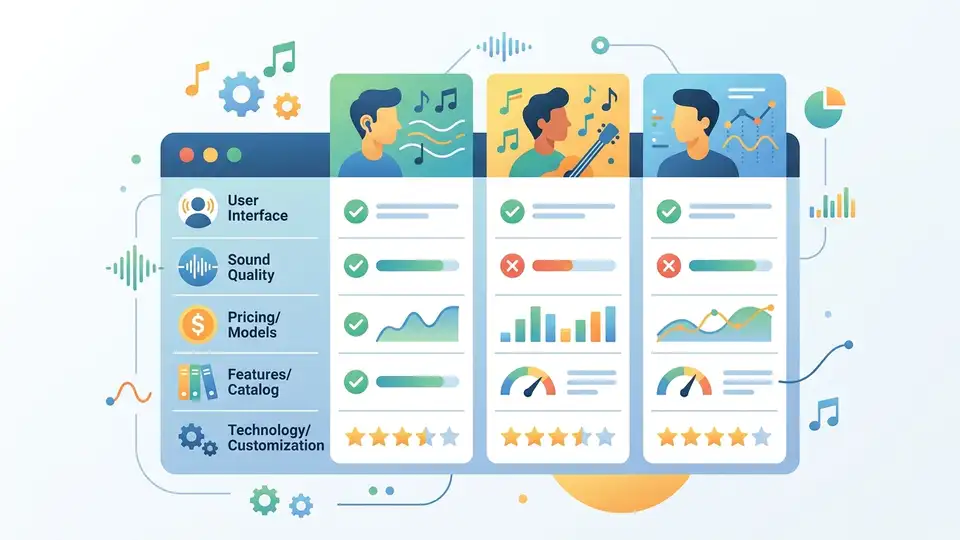
Compare major music AI platforms by features, rights, and legal risk.
This guide is for developers, product teams, and music-tech analysts who need a fast way to compare the leading AI music platforms. After following the steps, you will have a practical framework for evaluating Suno, Udio, Boomy, ElevenLabs, Klay Vision, and Splice by launch date, ownership model, output controls, and licensing posture.
The goal is not to pick a winner. It is to build a repeatable checklist that helps you understand how each company works, what it can legally do, and where the biggest product and policy risks sit.
Before you start
Get the latest AI news in your inbox
Weekly picks of model releases, tools, and deep dives — no spam, unsubscribe anytime.
No spam. Unsubscribe at any time.
- A current browser and a notes app or spreadsheet.
- Access to the vendors’ product pages and help docs.
- Optional accounts for product trials on Suno, Udio, Boomy, ElevenLabs, Klay Vision, and Splice.
- Node 20+ if you want to script comparison tables or scrape public metadata.
- Basic familiarity with copyright, licensing, and generative AI terms.
- GitHub access if you plan to store the comparison rubric in a repo.
Step 1: Build a company comparison sheet
Goal: create one source of truth for every platform you want to evaluate, so you can compare them side by side without rereading articles or product pages.
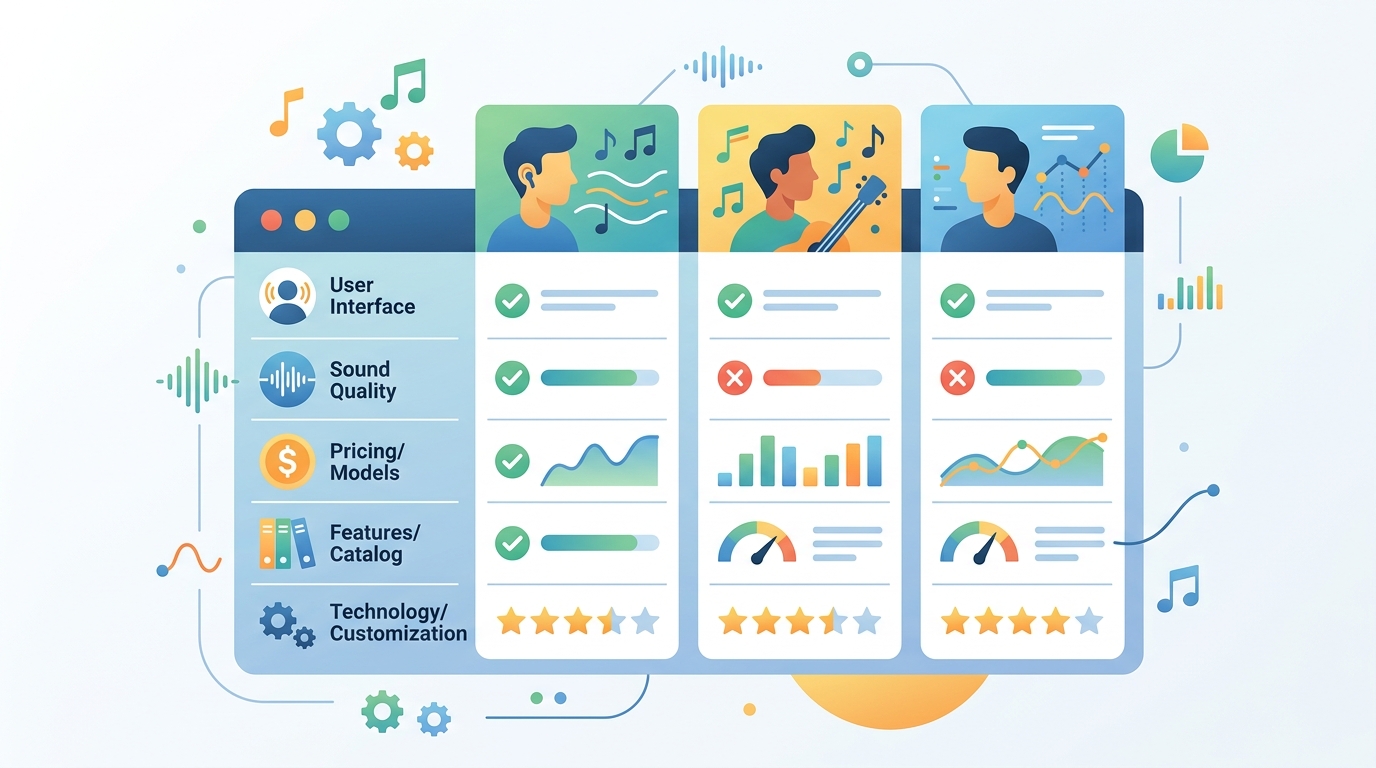
Start with columns for company name, launch date, founders, core product, generation method, download policy, commercial rights, major partnerships, and lawsuit status. Add a notes column for anything unusual, like voice cloning, remix workflows, or “walled garden” restrictions.
Company | Launch | Core product | Output model | Download rights | Label deals | Lawsuits | NotesYou should see a table with one row each for Suno, Udio, Boomy, ElevenLabs, Klay Vision, and Splice, plus enough empty cells to fill in the details from the source material.
Step 2: Classify the generation model
Goal: separate text-to-song tools from sample libraries, voice systems, and streaming platforms, because the product category changes the legal and technical risk profile.
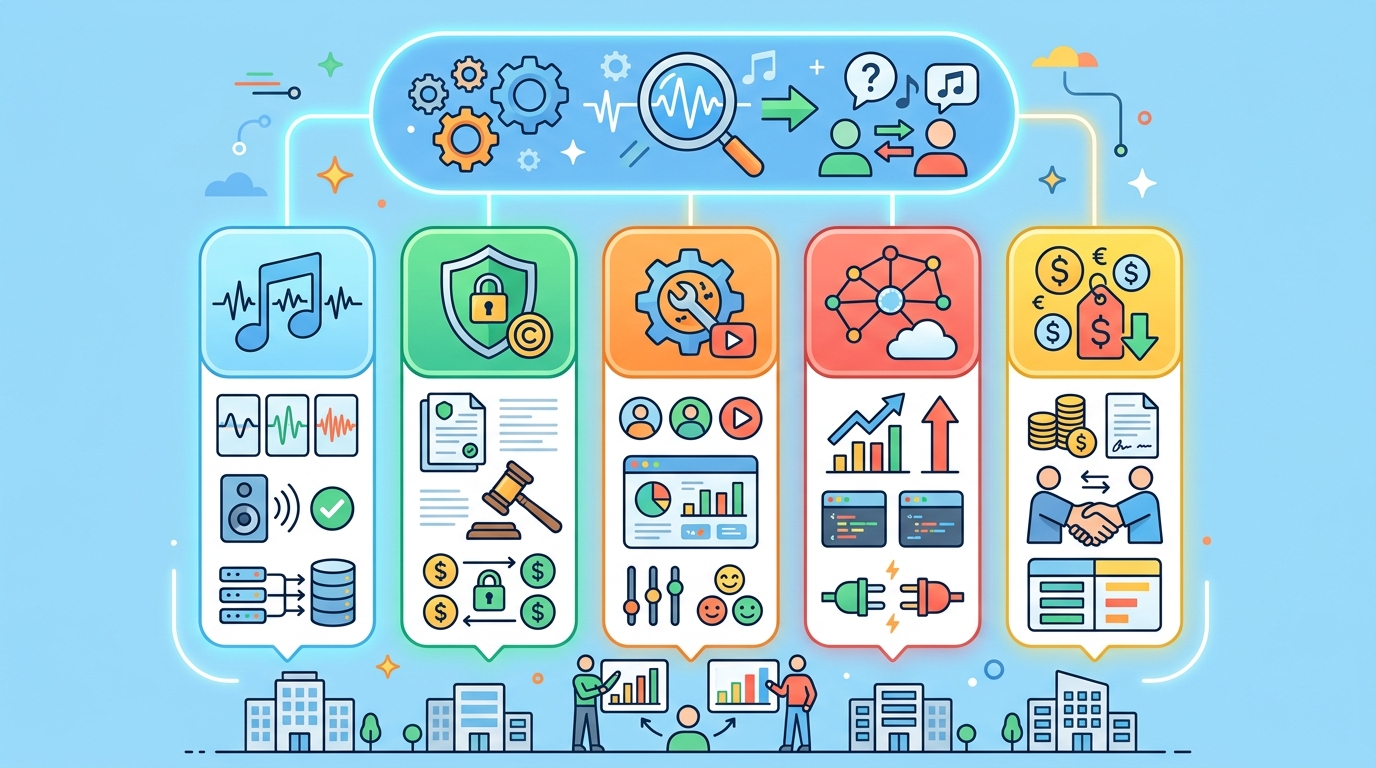
Mark Suno and Udio as prompt-driven song generators, Boomy as a beginner-friendly song builder, ElevenLabs as a voice and dubbing platform with music-adjacent cloning features, Klay Vision as a licensed streaming and social platform in development, and Splice as a sample and variation tool for DAW users.
You should see clear category labels that explain why some companies face copyright suits over training data while others focus on licensed catalogs or creator tools.
Step 3: Map rights and distribution controls
Goal: understand what users can do with outputs, since download access and commercial rights often matter more than the demo experience.
Record whether each platform is open or walled garden, whether downloads are allowed, and whether the company claims commercial-use rights. Suno allows downloads, Udio uses a more controlled model, Boomy limits free downloads and commercial distribution unless users upgrade, ElevenLabs keeps most advanced features inside its platform, Klay Vision is building a licensed service, and Splice allows commercial release of created material.
You should see a rights matrix that makes the tradeoffs obvious: open output can increase reach, but it can also increase legal exposure and abuse potential.
Step 4: Trace partnerships and legal exposure
Goal: identify which companies are negotiating with major labels and which ones are still fighting in court, because those facts shape product roadmaps and investor confidence.
Note that Suno and Udio have faced major copyright litigation from Universal, Sony, and Warner, while also reaching settlements or licensing deals with some of those same labels. Boomy has not been sued in the article’s framing, but it sits near the center of a streaming fraud case. ElevenLabs has faced a voice-cloning lawsuit from voice actors and authors. Klay Vision stands out for landing deals with all three majors before shipping a public product, and Splice is already tied to mainstream hits.
You should see a legal map that separates “actively sued,” “settled,” “partnered,” and “not yet public” so you can judge risk without guessing.
Step 5: Build a decision rubric for product fit
Goal: turn the comparison into an internal decision tool that tells you which platform fits a given use case, from prototyping to licensing to voice generation.
Score each company on four axes: ease of use, output control, commercial safety, and ecosystem fit. For example, Suno and Udio score high on speed and novelty, Boomy scores high on accessibility, ElevenLabs scores high on voice realism, Klay Vision scores high on licensing alignment, and Splice scores high on creator workflow compatibility.
You should see a ranked list that helps you answer practical questions like “Which tool is safest for a demo?” or “Which one is best if rights clearance matters most?”
Common mistakes
- Mixing up product type and legal posture. Fix: keep generation tools, voice tools, and licensed streaming platforms in separate rows.
- Assuming a label deal means full permission. Fix: note whether the deal is a settlement, a license, or a broader training agreement.
- Ignoring output restrictions. Fix: track download rights, commercial use, and platform lock-in before you compare feature depth.
What's next
If you want to go deeper, turn this sheet into a live tracker with dates, source links, and policy updates, then add a second pass that compares training data claims, dataset transparency, and regional copyright rules.
// Related Articles
- [IND]
WebX 2026 turns speaker hype into a conference brief
- [IND]
AI Weekly: 2026-07-06 ~ 2026-07-13
- [IND]
The AI Act should be treated as Europe’s operating system for AI
- [IND]
Booz Allen’s OpenAI Deal Is Real Advantage, Not Hype
- [IND]
OpenSearch’s vector search benchmark in 5 parts
- [IND]
Vector Databases That Work in Production