Kubernetes release support windows explained clearly
Kubernetes’ release support rules are simple once you compare the three active branches and their 14-month window.

Kubernetes supports only the three newest minor versions, each for about 14 months.
Kubernetes on endoflife.date is easiest to read when you compare the active branches side by side: 1.36, 1.35, and 1.34 are the current supported releases, while older minors have already dropped out of support.
| Item | Active support | Maintenance support | Latest patch |
|---|---|---|---|
| 1.36 | Ends 28 Apr 2027 | Ends 28 Jun 2027 | 1.36.2 |
| 1.35 | Ends 28 Dec 2026 | Ends 28 Feb 2027 | 1.35.6 |
| 1.34 | Ends 27 Aug 2026 | Ends 27 Oct 2026 | 1.34.9 |
| 1.33 | Ended 28 Apr 2026 | Ends 28 Jun 2026 | 1.33.13 |
1. The three-version support rule
Get the latest AI news in your inbox
Weekly picks of model releases, tools, and deep dives — no spam, unsubscribe anytime.
No spam. Unsubscribe at any time.
Kubernetes follows an N-2 policy, which means only the three most recent minor versions receive security and bug fixes. That is the core rule behind every date on the page, and it is why 1.36, 1.35, and 1.34 are the versions to watch right now.

This model keeps upgrades moving on a predictable schedule. If you are still on a version older than the newest three minors, you are outside supported maintenance and need a plan to move forward.
- Current supported minors: 1.36, 1.35, 1.34
- Out of support minors include 1.33 and earlier
- Patch fixes may be backported only to those three branches
2. The 15-week release cycle
New Kubernetes minor releases arrive every 15 weeks, so support windows slide forward quickly. That pace is what creates the constant churn between active, maintenance, and ended status on endoflife.date.
For operators, the practical effect is simple: a minor release is never “new” for long. If you miss a couple of release cycles, you can fall behind support faster than you expect.
- Minor releases ship on a 15-week cadence
- Patch releases are cut regularly from supported branches
- Urgent patch releases can happen when severity requires it
3. The 14-month support window
Each Kubernetes minor release is supported for about 14 months total, split into 12 months of support plus a 2-month upgrade period. That is the number that matters most when you are setting upgrade timelines.
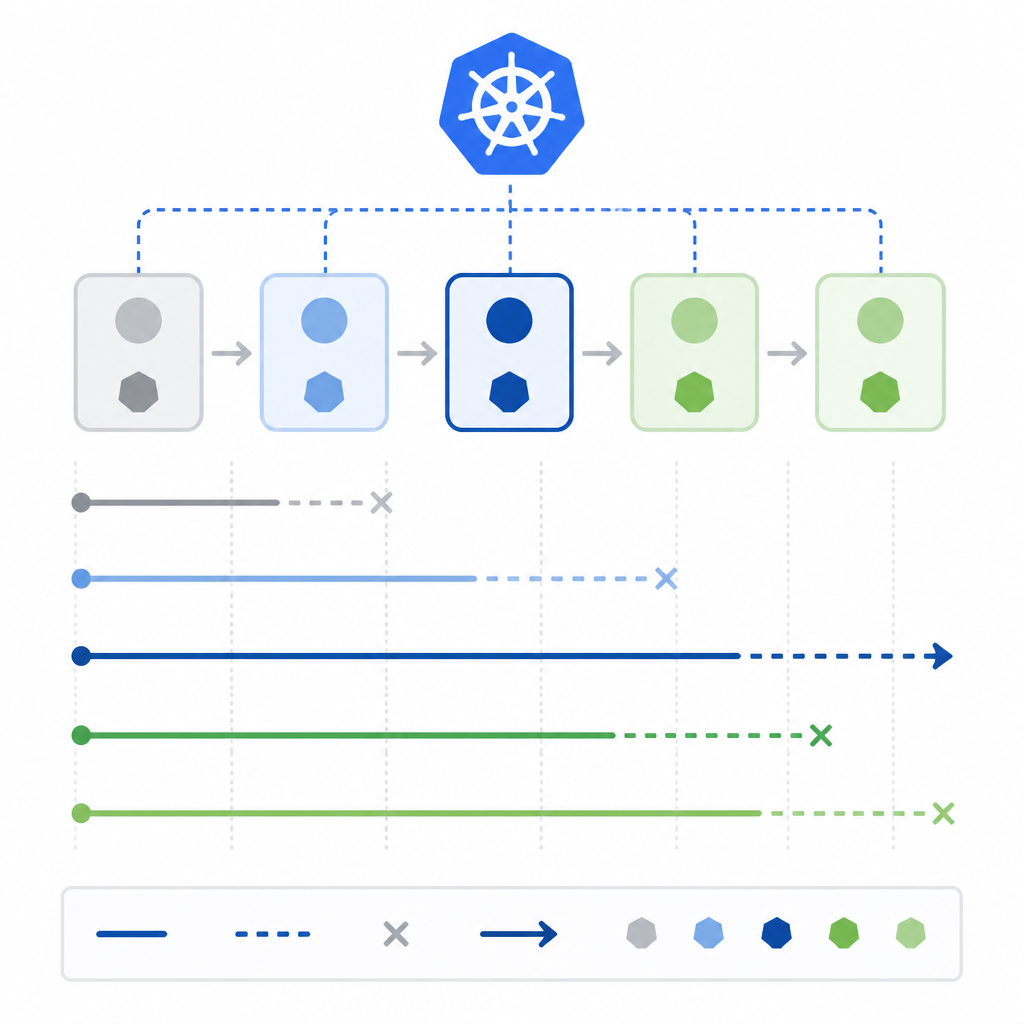
The page makes this visible in the release table. For example, 1.34 is still active now, 1.33 has already ended active support, and 1.32 is fully out of support. The window is generous, but not long enough to ignore.
Support timeline = 12 months support + 2 months upgrade period
4. Patch backports and urgent fixes
Not every fix waits for the next minor release. Kubernetes can backport security and bug fixes to the three supported branches, depending on severity and feasibility, which helps keep stable clusters patched without forcing a major jump.
That backport policy is managed by the Release Managers group. In practice, this means you should watch patch versions closely, because the latest patch line is often the safest place to be inside a supported minor.
- Backports are limited to the supported branches
- Severity and feasibility decide what gets ported
- Patch releases can be routine or urgent
5. Version skew matters for upgrades
Kubernetes is client-server software, so supported version skew affects both kubectl usage and upgrade order. That is why you cannot treat the control plane, nodes, and client tools as independent moving parts.
The practical takeaway is to confirm that your client and server versions stay within the supported skew rules before you upgrade. If you skip that step, you can end up with a cluster that is technically running but awkward to manage.
Check: kubectl version
How to decide
If you want the safest default, run one of the three supported minors and stay on the latest patch within that branch. If your team upgrades often, the release-cycle view matters most. If you manage older clusters, the support-window dates are the signal that tells you when a migration is overdue.
For most readers, the best choice is the newest supported minor with current patches. For teams planning upgrades, the table is the fastest way to see how much time is left on each branch and which releases are already past active support.
// Related Articles