Tap Turns Browser Actions Into Programs
Tap writes browser tasks once, then replays them deterministically across Chrome, Playwright, and macOS with zero AI cost on repeat runs.
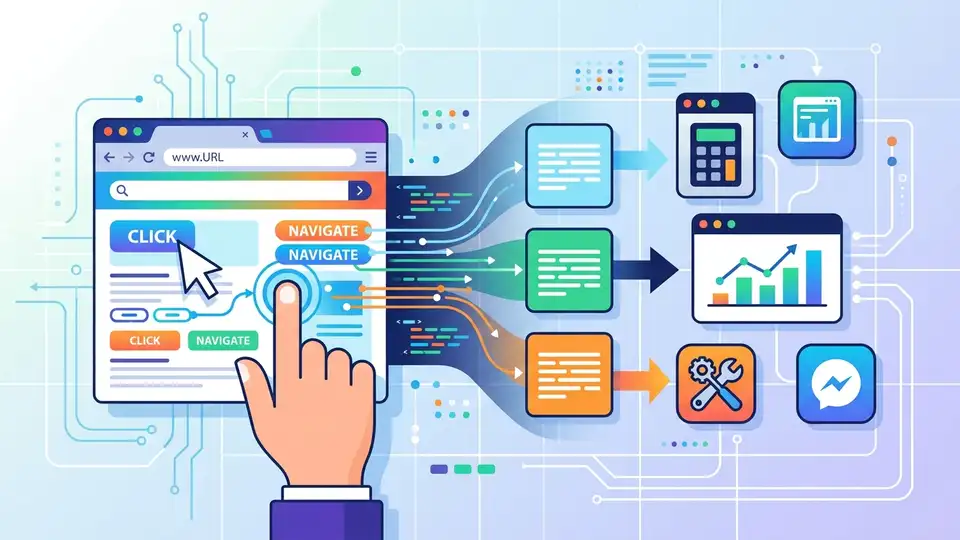
Browser agents usually pay the AI tax every time they click, type, or scrape. Tap tries a different idea: let AI figure out the browser task once, then turn that behavior into a program that can run again without another model call.
That matters because browser automation is one of the most repetitive places to spend inference budget. If a workflow runs 100 times a day, a tool that replays deterministically can save real money, reduce latency, and make debugging much less painful.
What Tap is actually doing
Get the latest AI news in your inbox
Weekly picks of model releases, tools, and deep dives — no spam, unsubscribe anytime.
No spam. Unsubscribe at any time.
Tap is a protocol plus toolchain that treats browser interaction like compilation. Instead of asking a model to reason from scratch on every run, Tap has the model inspect the page, write a .tap.js program, verify it, then replay that program as plain execution.
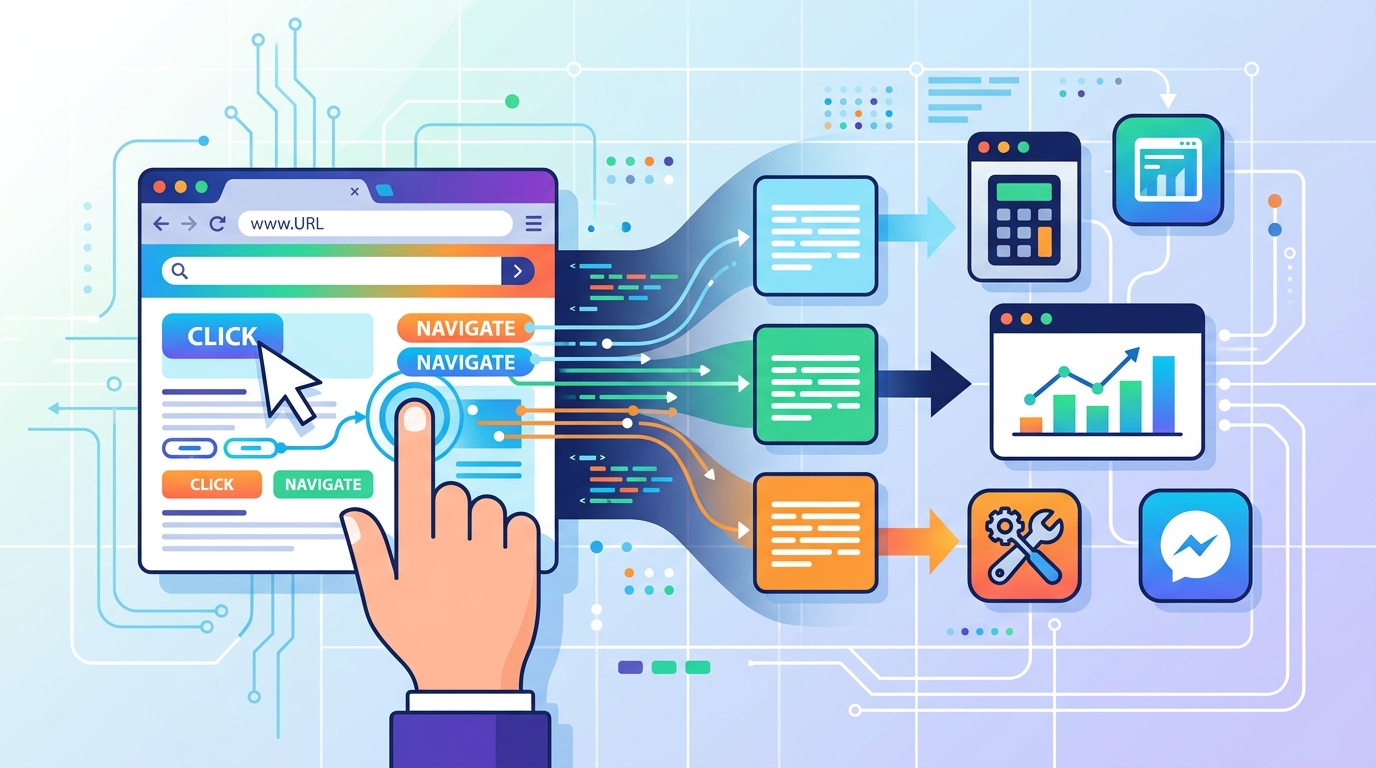
The author’s pitch is simple: AI should be used to discover the procedure, then JavaScript should carry the load. That shift changes browser automation from a chat loop into an artifact you can inspect, version, and reuse.
The process breaks down into three phases:
- Forge: the model observes the DOM, network traffic, and accessibility tree, then writes a Tap program.
- Verify: the program gets tested with different inputs so the author can catch brittle steps early.
- Run: the script replays the same actions without another AI call.
Tap’s own example makes the economic pitch clear: the first run may cost about $0.50 if a model is involved, while every later run costs $0.00 because the program replays deterministically.
That cost profile is the real story here. The more stable the site and the more often the workflow repeats, the more attractive a compiled browser task becomes.
Why a compiler model is interesting
Most browser agents are built like conversation systems. You ask them to do something, they think through the page, then they act. That works, but it means the model keeps paying attention to details it has already learned before.
Tap changes the unit of work. The model is no longer the executor; it is the author of an executable browser routine. That is a cleaner fit for tasks like scraping leaderboards, filling repetitive forms, checking inventory, or collecting data from the same site every day.
Tap’s author says the tool exposes 8 core operations and 17 built-in operations, which is enough to cover a wide slice of browser control. The important part is not the number alone, but the fact that a new runtime only needs to implement 8 methods before it gets the rest for free.
“Programs should be used to express the details that humans have already figured out.” — Peter Norvig, Teach Yourself Programming in Ten Years
That quote fits Tap well. Once the model has inferred the steps, the result should look less like a chat transcript and more like an executable plan.
Tap’s design also makes failure easier to reason about. If a script breaks, you inspect the generated code and the page state, rather than replaying the same prompt and hoping the model takes a different path.
How Tap compares with Playwright
The obvious comparison is Playwright, since both tools automate browsers and can run in CI. Tap is not trying to replace Playwright’s general-purpose scripting model. It is trying to move the expensive reasoning step out of the hot path.
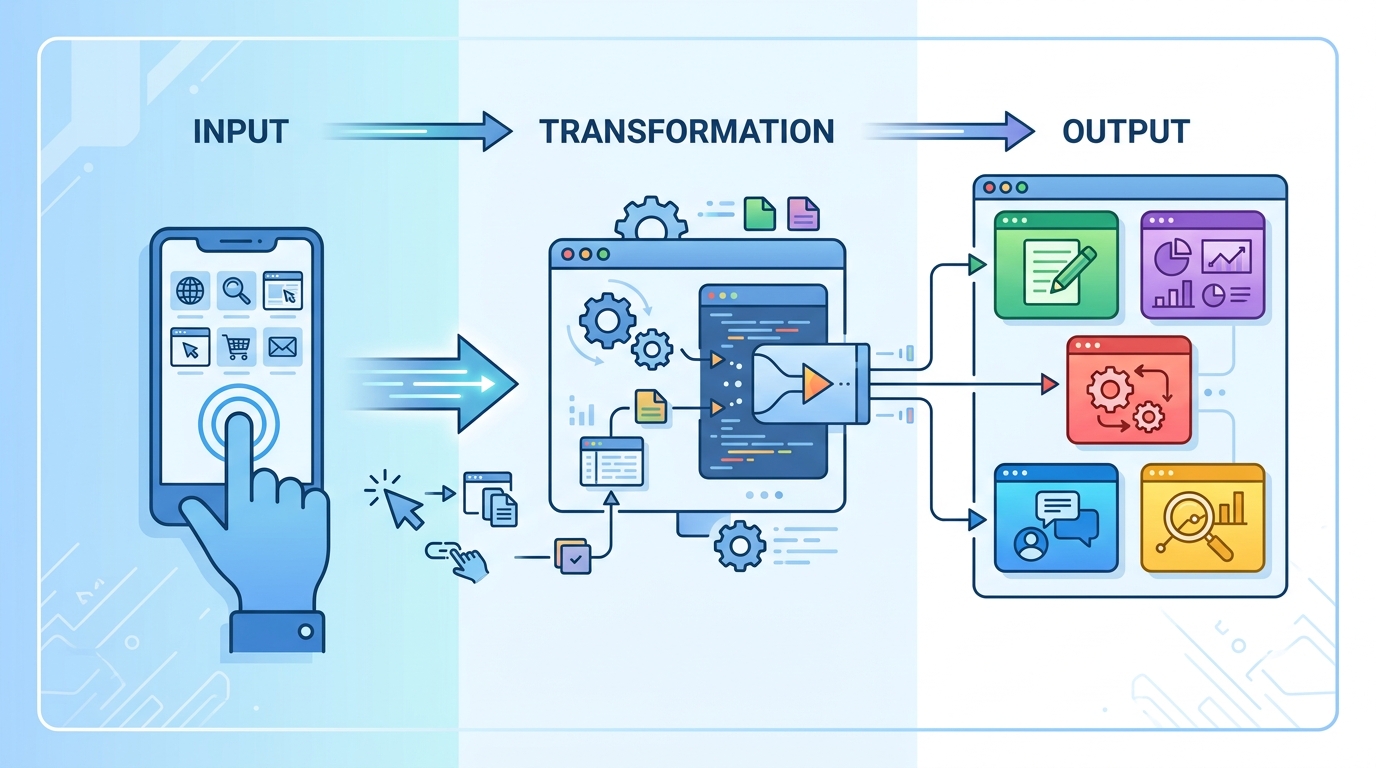
Tap can run in a Chrome Extension, through Playwright, or on macOS through native accessibility APIs. That multi-runtime design matters because it lets the same generated program live in different environments.
There is also an open-source skills layer called tap-skills, which the author says includes 119 community skills across 55 sites. That is the kind of catalog that can make a tool useful outside a demo.
- Playwright: one runtime, scripts written by humans, no built-in AI authoring loop.
- Tap: 3+ runtimes, AI-forged scripts, zero AI cost on repeat runs.
- tap-skills: 119 skills across 55 sites, which gives the system a reusable library of site-specific behavior.
Tap’s model is especially attractive for teams that repeat the same browser job many times. A one-time AI pass that produces a script is easier to budget than a system that keeps calling a model for every click path.
Where this could matter in practice
Tap is most convincing when the task is repetitive and the target site does not change every hour. Think of ranking pages, internal dashboards, support portals, or any workflow where the same sequence of actions gets repeated with different inputs.
The author’s install flow is also intentionally lightweight: a shell script, then commands like tap github trending or tap hackernews hot. That suggests Tap wants to feel like a small compiler toolchain, not a giant platform.
There is a real trade-off here. A compiled browser flow is fast and cheap on repeat runs, but the first generated script still depends on the model’s ability to understand the page correctly. If the site layout changes often, you still need maintenance.
That is why Tap feels most useful as a bridge between AI and ordinary code. It gives you a way to use a model for discovery, then keep the result in a form that developers can audit and ship.
For teams already building browser automation, the question is simple: do you want an agent that thinks every time, or a system that thinks once and then executes? Tap is betting that the second option will win for a lot of real workloads.
What to watch next
Tap’s strongest idea is not that AI can click buttons. It is that AI can write the browser script once, then get out of the way. That makes browser automation cheaper, easier to test, and easier to reason about when something breaks.
If the project keeps growing its skills catalog and adds more reliable runtime support, it could become a practical option for teams that live in dashboards and admin panels all day. The next question is whether developers prefer generated programs they can inspect, or agents that keep improvising on every run.
My bet: if Tap can keep the generated scripts readable and the replay behavior stable, more teams will use AI as a compiler for browser work rather than as a chatty operator. That is a much better fit for production automation.
// Related Articles
- [AGENT]
Perplexity should build Teammate as a coding agent, not a copilot
- [AGENT]
HP adopts OpenAI Frontier across global operations
- [AGENT]
Build a production vector DB for RAG
- [AGENT]
Ornith-1 turns agent coding into a server
- [AGENT]
Crypto AI agents are useful, but only for narrow workflows
- [AGENT]
AI Agents in Crypto: 2026 Protocol Guide