How to Switch AI Outputs from Markdown to HTML
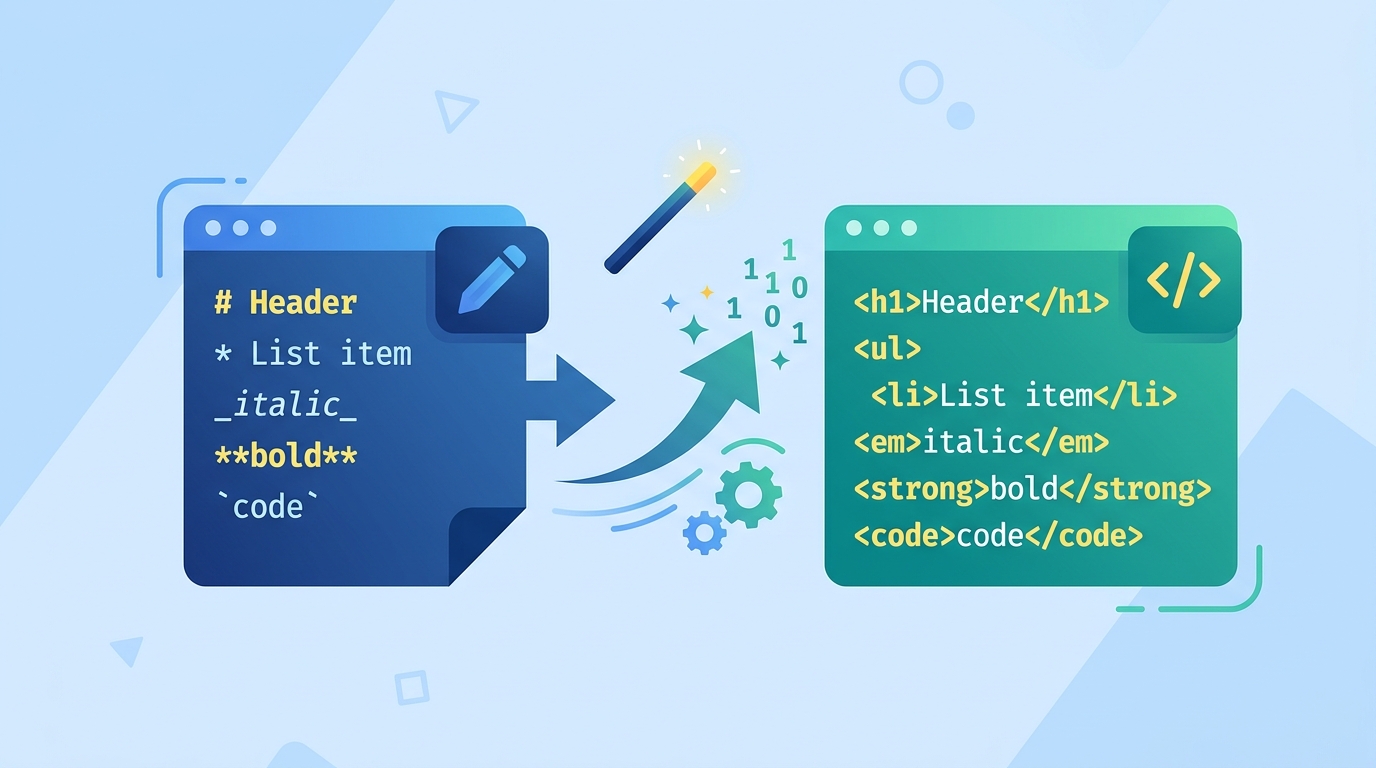
Use HTML as the default output format for AI-generated content.

Use HTML as the default output format for AI-generated content.
This guide is for developers, prompt engineers, and product teams who want more reliable AI outputs than Markdown can usually provide. By following the steps below, you will have a practical HTML-first workflow for prompts, structured responses, and downstream rendering.
The approach is inspired by the Claude Code team discussion on why HTML can be a better default for AI-era content. For reference, see the Anthropic docs and the Anthropic GitHub org.
Before you start
Get the latest AI news in your inbox
Weekly picks of model releases, tools, and deep dives — no spam, unsubscribe anytime.
No spam. Unsubscribe at any time.
- An Anthropic account with API access
- An API key for Claude or Claude Code workflows
- Node.js 20+ or Python 3.11+
- A local project with a prompt file or agent config
- An HTML sanitizer or parser such as DOMPurify or Beautiful Soup
- A renderer or UI layer that can display HTML safely
Step 1: Define the HTML output contract
Goal: make the model produce a predictable HTML shape instead of free-form text. Decide which tags are allowed, such as h2, p, ul, li, code, and a, and write that contract into your system prompt or agent instructions.
You are a content generator. Output valid HTML only. Use these tags only: h2, p, ul, li, strong, em, code, pre, a. Do not wrap the result in Markdown fences.Verification: you should see the model return raw HTML with no leading Markdown bullets, no triple backticks, and no stray commentary before the first tag.
Step 2: Rewrite prompts for structure, not style
Goal: replace vague formatting requests with explicit document requirements. Tell the model what sections to include, what each section should contain, and how links or code should be represented in HTML.

Return HTML with this structure: one intro paragraph, then an h2 for each major section, then paragraphs and lists under each section. Put links in anchor tags with href. Put code in pre/code blocks.Verification: you should see the same content repeated in the same section order across runs, even when the wording changes slightly.
Step 3: Add a sanitizer before rendering
Goal: prevent unsafe or broken markup from reaching your app. Parse the model output, remove disallowed tags and attributes, and reject malformed fragments before they hit the browser or downstream API.
// Example in Node.js with a sanitizer pipeline
import DOMPurify from 'dompurify';
const clean = DOMPurify.sanitize(modelHtml, { USE_PROFILES: { html: true } });
Verification: you should see only the approved tags in the final HTML, and any script tags, inline event handlers, or invalid attributes should be removed.
Step 4: Build a fallback for Markdown-compatible clients
Goal: keep your system usable when a target tool cannot render HTML. Convert the sanitized HTML to plain text or Markdown only at the edge, not inside the model prompt, so your source format stays HTML-first.
// Pseudocode
if (clientSupportsHtml) {
  renderHtml(cleanHtml);
} else {
  renderMarkdown(htmlToMarkdown(cleanHtml));
}
Verification: you should see the same content available in both HTML-capable and Markdown-only clients, with no loss of meaning in headings, lists, or links.
Step 5: Test for consistency across model runs
Goal: confirm that HTML improves repeatability for your use case. Run the same prompt several times and compare tag structure, section order, and link placement rather than just the wording.
Run 10 prompts with the same input and compare:
- number of headings
- allowed tag usage
- link placement
- presence of invalid markup
Verification: you should see a stable tag pattern across runs, with fewer formatting surprises than a Markdown-based prompt.
Common mistakes
- Letting the model invent tags. Fix: provide an allowlist and reject anything outside it.
- Rendering raw HTML without sanitizing it. Fix: sanitize on the server or in a trusted client layer before display.
- Mixing Markdown rules into an HTML prompt. Fix: choose one source format for the model and keep conversion logic outside the prompt.
What's next
Once the HTML-first workflow is stable, extend it into reusable prompt templates, schema validation, and agent tools that can generate richer documents, safe snippets, or UI-ready content with less cleanup.
// Related Articles
- [AGENT]
Perplexity should build Teammate as a coding agent, not a copilot
- [AGENT]
HP adopts OpenAI Frontier across global operations
- [AGENT]
Build a production vector DB for RAG
- [AGENT]
Ornith-1 turns agent coding into a server
- [AGENT]
Crypto AI agents are useful, but only for narrow workflows
- [AGENT]
AI Agents in Crypto: 2026 Protocol Guide