Why OpenAI Is Right to Put Codex on Phones
OpenAI’s move to mobile makes Codex more useful, not less, by turning coding agents into always-available workflow tools.
OpenAI’s move to mobile makes Codex more useful, not less, by turning coding agents into always-available workflow tools.
OpenAI is right to bring Codex to smartphones because coding is no longer a desk-only activity, and the fastest way to make an AI developer assistant valuable is to put it where developers already live: on the phone.
Codex’s mobile preview is not a gimmick. OpenAI says users can review outputs, approve changes, switch models, and launch new tasks from the ChatGPT app while agents run on laptops or remote machines. That is the real shape of modern software work: not typing every line on glass, but steering work in motion. A developer on a train, in a meeting, or away from a workstation can still keep a bug fix moving, inspect test results, and unblock a pull request. That is productivity, not novelty.
Mobile access turns Codex into a control plane
Get the latest AI news in your inbox
Weekly picks of model releases, tools, and deep dives — no spam, unsubscribe anytime.
No spam. Unsubscribe at any time.
The strongest case for mobile Codex is that it becomes a control surface for agentic work. OpenAI’s own description makes this clear: the phone is for monitoring, approving, and redirecting tasks, not for pretending a touchscreen is a replacement for a full development environment. That matters because agentic software development is already shifting from direct authoring to orchestration. The person who can keep a task moving across devices is the person who gets more done.
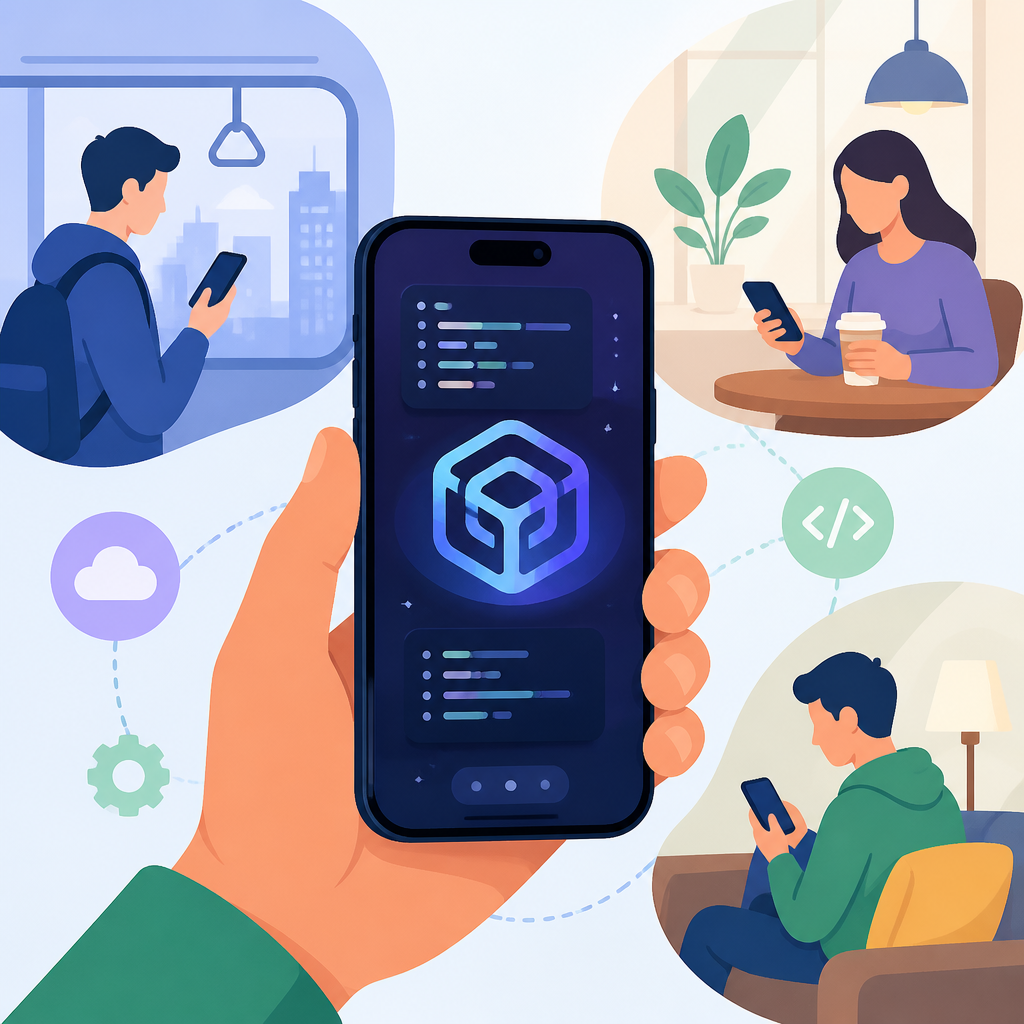
There is a practical precedent here. Developers already use phones to approve CI alerts, review code review comments, and respond to incidents. Codex on mobile extends that habit into AI-assisted development. If an agent is generating a feature branch, the phone lets a developer inspect screenshots, read progress updates, and decide whether to continue or stop. In other words, mobile access closes the loop between automation and human judgment.
It fits the direction of AI coding, not a side experiment
AI coding tools are becoming a core battleground in generative AI, and OpenAI is acting like it knows that. Codex now supports feature development, bug fixing, repository analysis, pull request suggestions, codebase Q&A, and multi-agent parallel workflows. Those are not toy features. They are the backbone of a system that wants to participate in real engineering work. Moving that system to mobile makes sense because the value is not in the screen size, it is in the continuity of the workflow.
The competition proves the point. Anthropic, GitHub, and Figma are all pushing AI deeper into developer and enterprise workflows. If OpenAI kept Codex locked to desktop and web, it would be conceding the most common interface developers use outside the office: the phone. The company’s broader strategy is to make ChatGPT and Codex deeply integrated productivity platforms. Mobile access is how that strategy becomes visible in daily use, not just in product slides.
The counter-argument
The best argument against this move is simple: coding on a phone sounds shallow, distracting, and potentially unsafe. Phones are bad at long-form technical work, and they can encourage shallow oversight if users approve changes too quickly. There is also a legitimate concern that mobile access could create a false sense of control, where a developer taps through agent output without enough context to judge code quality.
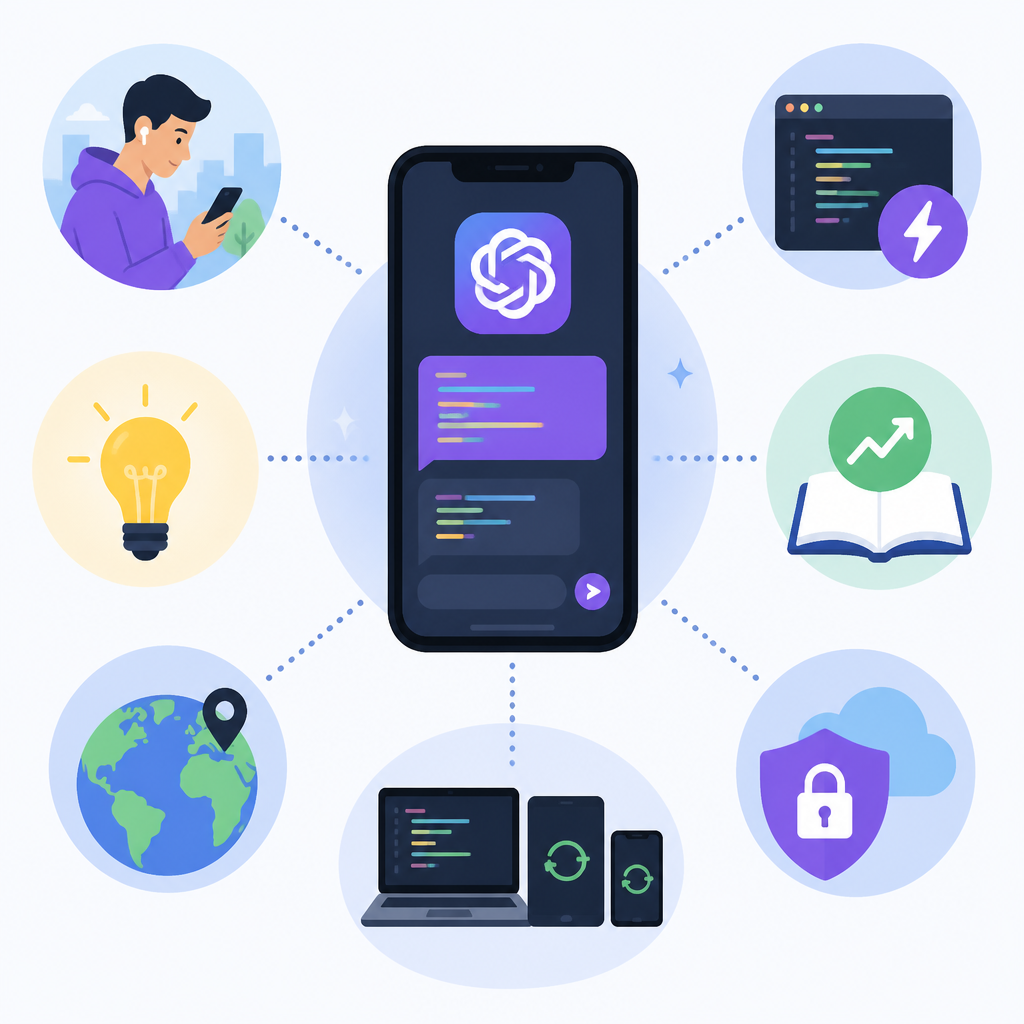
That critique is fair, but it targets the wrong layer of the product. OpenAI is not claiming that engineers will write serious code on a phone screen. It is offering remote management of an agent that runs elsewhere, with real-time updates, screenshots, and test results. That is a narrow and defensible use case. The limit is obvious: mobile Codex should be for supervision, triage, and approval, not for deep implementation. As long as that boundary stays clear, the feature adds leverage without pretending to replace a workstation.
What to do with this
If you are an engineer or product leader, treat mobile Codex as an operations tool. Use it for incident response, task review, and quick approvals, not for primary coding sessions. If you are a founder, the lesson is bigger: the winning AI tools are the ones that collapse downtime between intent and action. Build for the moments when people are away from their desks, because that is where agentic software earns trust and becomes part of the workflow instead of a demo.
// Related Articles
- [AGENT]
Perplexity should build Teammate as a coding agent, not a copilot
- [AGENT]
HP adopts OpenAI Frontier across global operations
- [AGENT]
Build a production vector DB for RAG
- [AGENT]
Ornith-1 turns agent coding into a server
- [AGENT]
Crypto AI agents are useful, but only for narrow workflows
- [AGENT]
AI Agents in Crypto: 2026 Protocol Guide