Chrome V8 zero-day needs an immediate browser restart
4 steps to handle Chrome CVE-2026-11645, an exploited V8 zero-day that Google says affects versions before 149.0.7827.103.

Chrome CVE-2026-11645 is an exploited V8 zero-day that needs immediate patching.
Google has already fixed CVE-2026-11645, and the fastest way to stay safe is to update Chrome, restart it, and verify the version. This list shows the exact version breakpoints, the browsers that may also need attention, and the enterprise checks that matter most.
| Item | Patched version | Action |
|---|---|---|
| Chrome on Windows | 149.0.7827.102/.103 | Update and relaunch |
| Chrome on macOS | 149.0.7827.102/.103 | Update and relaunch |
| Chrome on Linux | 149.0.7827.102 | Update via package manager or browser flow |
| Chromium-based browsers | Vendor-specific | Wait for and install the matching fix |
1. Chrome on Windows and macOS
Get the latest AI news in your inbox
Weekly picks of model releases, tools, and deep dives — no spam, unsubscribe anytime.
No spam. Unsubscribe at any time.
For most users, the first move is simple: update Google Chrome on desktop and then relaunch it. Google’s fix covers Windows and macOS builds at 149.0.7827.102/.103, and versions before 149.0.7827.103 are affected. If Chrome has downloaded the patch but not restarted, you are still exposed until the new process starts.
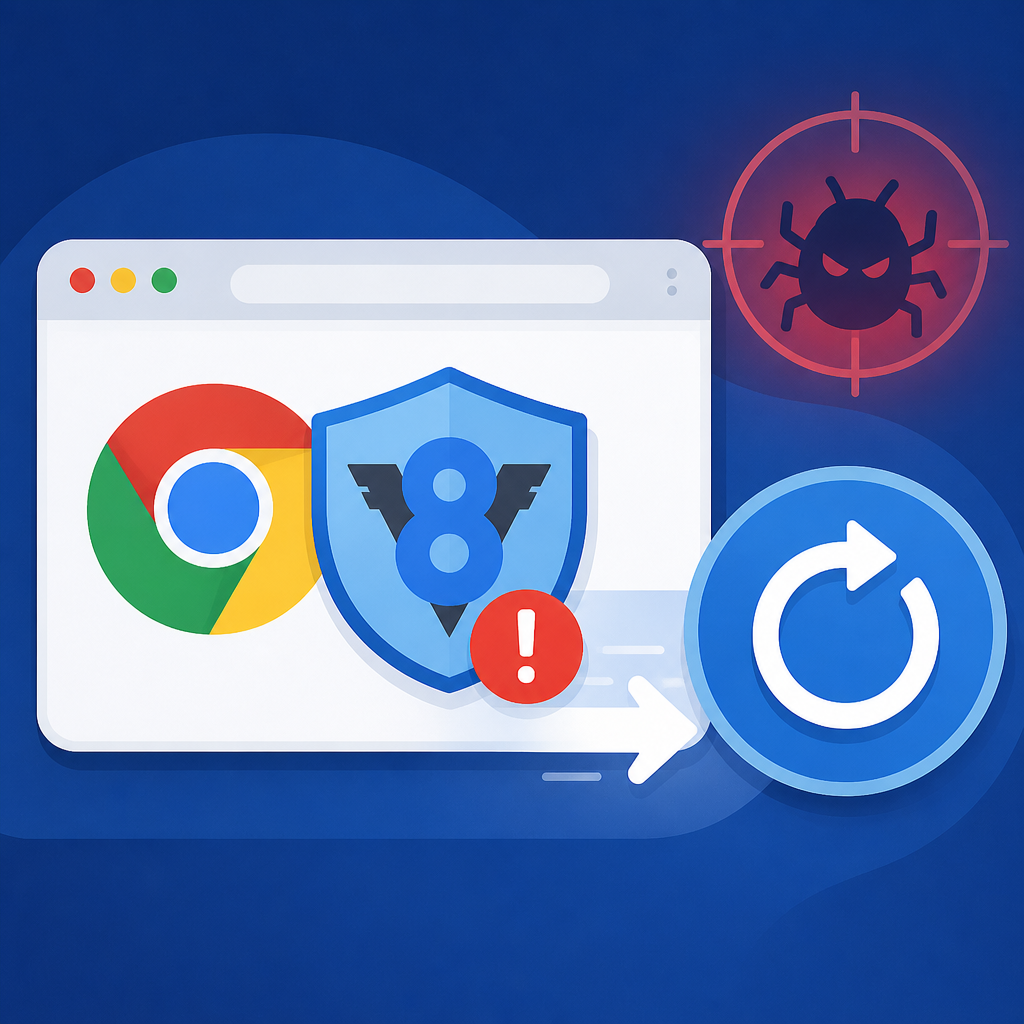
To check manually, open Chrome, go to More > Help > About Google Chrome, let it look for updates, and click Relaunch when prompted. That restart step matters because a browser can show an update is available without actually running the fixed code.
- Open
chrome://settings/help - Confirm the installed version matches the patched build
- Relaunch every open Chrome window
2. Chrome on Linux
Linux users should move to Chrome 149.0.7827.102 through the browser update flow or package manager, depending on how Chrome is installed. The same zero-day affects Linux builds, and the same rule applies: the update is not complete until the browser restarts.
For teams that manage Linux desktops centrally, this is a good time to check whether the browser package is pinned, delayed, or waiting on a maintenance window. If your fleet relies on scripted updates, confirm the fixed version is actually present on the endpoint rather than assuming the job succeeded.
- Update through apt, yum, or your software deployment tool
- Verify the browser version after the install finishes
- Restart sessions if users keep long-lived Chrome windows open
3. Other Chromium browsers
Microsoft Edge, Brave, Opera, and Vivaldi may also need updates when the shared Chromium codebase picks up a fix. The exact release timing depends on each vendor, so the safe move is to check the browser’s own release notes instead of assuming Chrome’s patch applies everywhere.
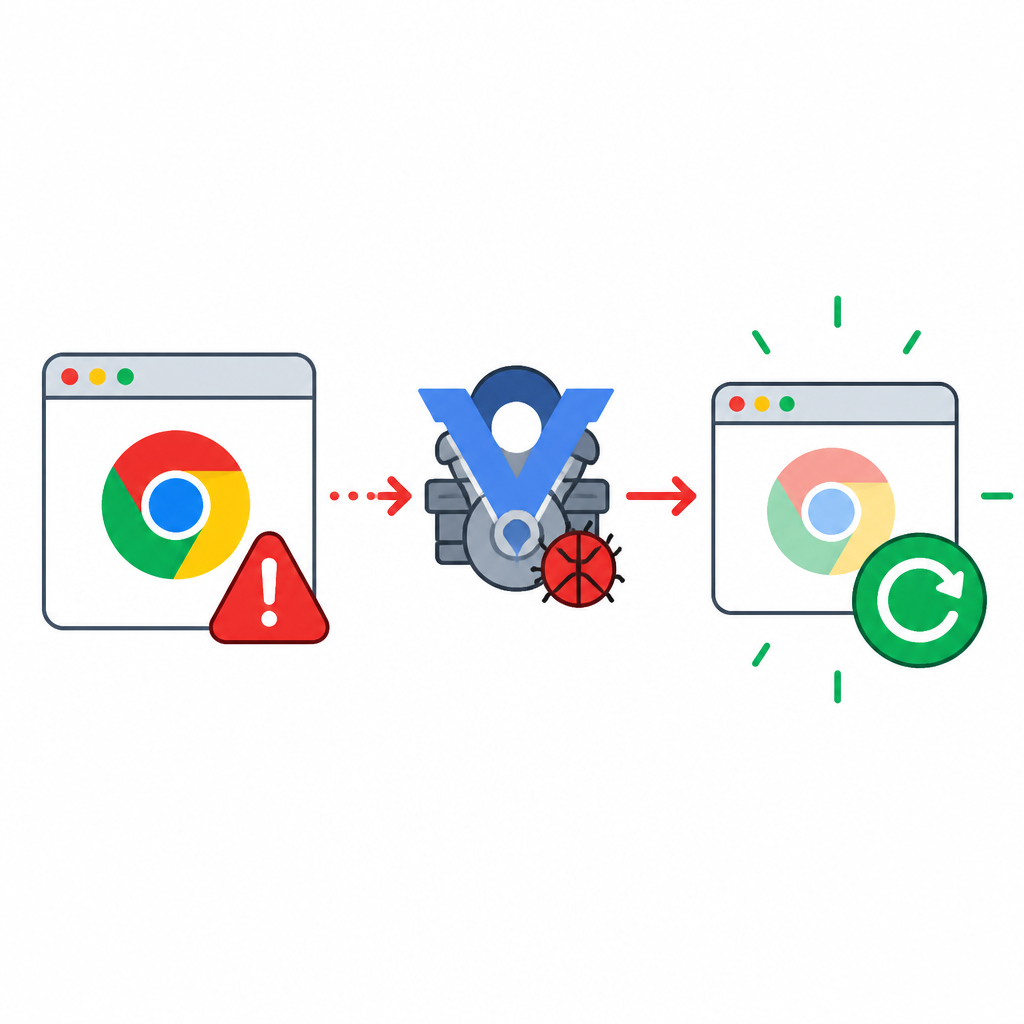
If your organization uses multiple Chromium browsers, treat them as a separate inventory group. A Chrome fix does not automatically mean the same build is already available in Edge or Brave, and users often keep a secondary browser around for work or personal use.
- Review vendor release notes for the current patched build
- Update any browser that ships Chromium and V8
- Flag managed devices that allow more than one browser
4. Enterprise patch verification
For security teams, the key issue is not just installing the update, but proving it reached every endpoint. Browser zero-days are high-risk because they are triggered by web content, and Google has said this flaw is being exploited in the wild. That makes Chrome patch status a priority for managed desktops, VDI images, kiosks, and remote workers.
Start with the highest-risk users, including executives, finance, developers, and admins who click links all day. Then verify update status through your MDM, GPO, EDR, or software deployment stack, and require a relaunch where policy allows it. If you wait for users to notice the update badge, you will miss devices.
- Inventory every Chrome installation
- Force or confirm the browser restart
- Watch proxy, DNS, and EDR telemetry for exploit signs
5. Why this zero-day matters now
CVE-2026-11645 is not just another browser bug. It is an out-of-bounds memory access issue in Chrome’s V8 JavaScript and WebAssembly engine, and Google says an exploit already exists in the wild. Because V8 processes code on ordinary web pages, a crafted HTML page can be enough to trigger the flaw.
That combination makes browser updates time-sensitive. The attack surface is huge, the delivery method is simple, and the fix only protects users after the patched build is installed and active. If your team handles vulnerability response, browser zero-days should be part of the same patch workflow you use for endpoint and server flaws.
chrome://settings/help
How to decide
If you are a home user, update Chrome now and relaunch it. If you manage a fleet, start with Chrome on Windows, macOS, and Linux, then check every Chromium-based browser your company allows. The deciding factor is not whether the update is available, but whether the fixed version is actually running.
If you need a process for ongoing exposure tracking beyond browsers, tools like Vulert can help teams monitor known CVEs in software dependencies and SBOMs. For this specific issue, though, the best answer is still the fastest one: patch, restart, verify.
// Related Articles
- [IND]
Managed ChatGPT access is governed by 4 policy layers
- [IND]
OpenAI service terms put app risk on users
- [IND]
Anthropic’s Fable shutdown pushes teams to own models
- [IND]
DARA shows how think tanks can use AI with trust
- [IND]
WASI 0.3正式版でWebAssembly連携が楽になる
- [IND]
Qualcomm is right to bet on AI devices, not just AI apps