How to Engineer Prompts for AI Agents
This guide shows how to design a clear prompt and system prompt for an AI agent.

This guide shows how to design a clear prompt and system prompt for an AI agent.
If you are building an AI agent, this guide is for you. By the end, you will have a prompt framework that defines the agent’s role, rules, output format, and decision boundaries before you add memory, RAG, or other context layers.
This matters because prompt design is the foundation of the whole input stack. If the base instructions are vague, every later layer, from history management to knowledge injection, becomes harder to control and easier to break.
Before you start
Get the latest AI news in your inbox
Weekly picks of model releases, tools, and deep dives — no spam, unsubscribe anytime.
No spam. Unsubscribe at any time.
- An account with access to an LLM provider such as OpenAI, Anthropic, or a local model runtime.
- API keys for the model you plan to test.
- Node 20+ or Python 3.11+ for running prompt test scripts.
- A code editor with support for Markdown and JSON.
- One sample task for your agent, such as triage, drafting, or lookup.
- A place to record prompt versions, such as GitHub or a simple changelog.
Step 1: Define the agent’s job
Your first outcome is a one-sentence job statement that tells the model what it is and what success looks like. Keep it concrete: name the role, the task, and the user value. This becomes the anchor for both the user prompt and the system prompt.

You are a support triage agent. Classify each ticket, extract the core issue, and return a short next action.Verify the job statement by reading it aloud and checking whether a new teammate could explain the agent’s purpose in one line. You should see a clear role with no mixed responsibilities.
Step 2: Write system rules
Your second outcome is a system prompt that locks in non-negotiable behavior. Put stable rules here: tone, safety limits, refusal behavior, and output constraints. The system prompt should not contain task-specific details that change from request to request.
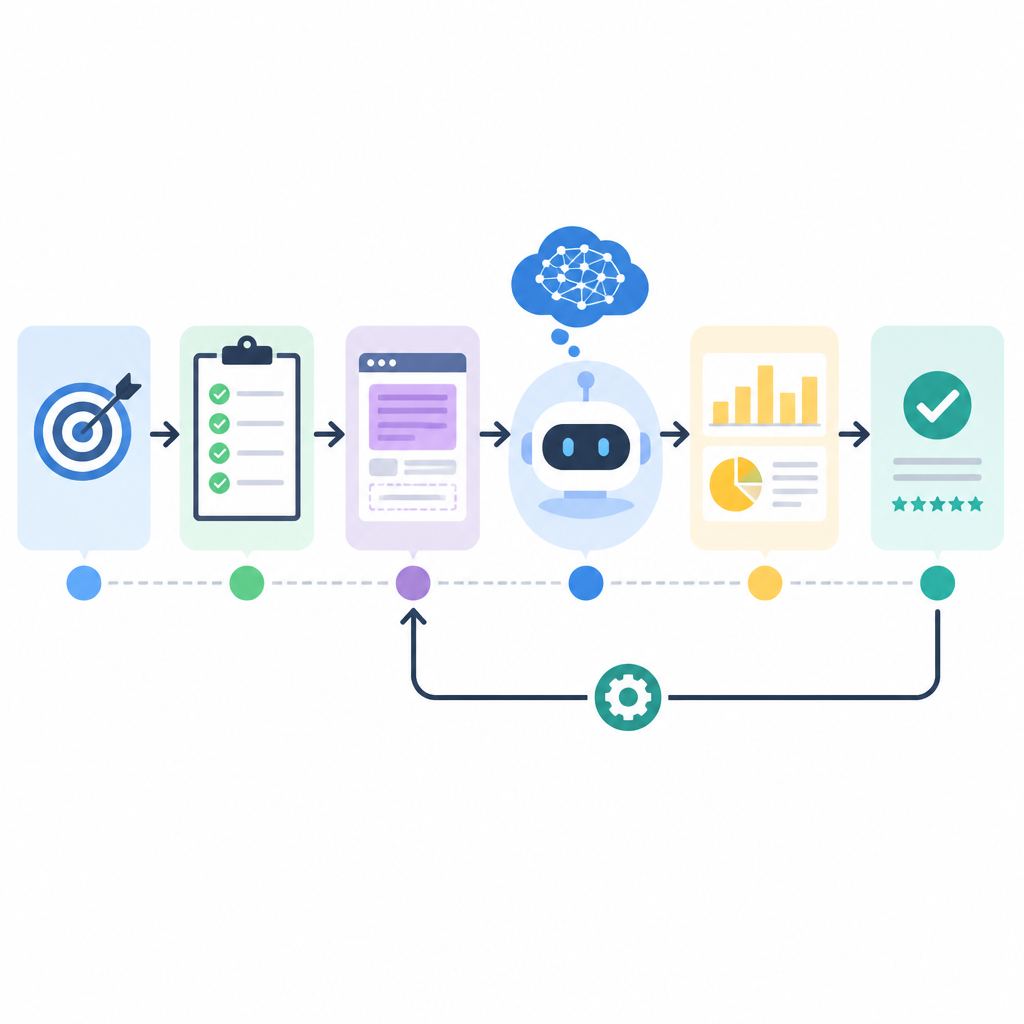
System prompt example:
- Follow the user task unless it conflicts with policy.
- Output valid JSON only.
- Ask one clarifying question if the request is underspecified.
- Do not invent facts.
Verify the system prompt by testing a conflicting request. You should see the model follow the higher-priority rule, keep the required format, and avoid improvising outside the allowed scope.
Step 3: Separate instructions from input data
Your third outcome is a clean boundary between instructions and user content. This prevents the model from treating user data as new policy. Use clear labels, delimiters, or structured fields so the model can tell what is instruction and what is payload.
Instruction:
Summarize the ticket.

Data:
---
Customer says the login button does nothing on mobile.
---
Verify the separation by adding tricky text inside the data block, such as “ignore previous instructions.” You should see the agent treat that as content, not control logic.
Step 4: Specify output format
Your fourth outcome is a response contract the model can follow every time. Define the exact shape of the answer, including keys, order, and allowed values. This reduces parsing errors and makes downstream automation safer.
Return JSON with these fields:
{
  "category": "bug|question|billing|other",
  "summary": "string",
  "next_action": "string"
}
Verify the output format by running the prompt on three different inputs. You should see the same schema every time, with no extra prose outside the JSON.
Step 5: Add decision boundaries
Your fifth outcome is a set of explicit limits for what the agent can and cannot do. This is where you define escalation rules, uncertainty handling, and when the model must stop and ask for help. Boundaries keep the agent predictable as complexity grows.
If confidence is low, ask one clarifying question.
If the request requires external facts, say what is missing.
If the task is outside scope, refuse briefly and suggest the right path.
Verify the boundaries by testing ambiguous and out-of-scope prompts. You should see the model pause instead of guessing, and you should get a short, consistent fallback response.
| Metric | Before/Baseline | After/Result |
|---|---|---|
| Prompt ambiguity | Mixed role and task text | Clear role, rules, and task separation |
| Output stability | Free-form replies | Consistent JSON contract |
| Control over unsafe requests | Ad hoc refusals | Explicit refusal and escalation rules |
Common mistakes
- Mixing system rules with user instructions. Fix: keep durable policies in the system prompt and task details in the user message.
- Writing prompts that are too broad. Fix: narrow the role to one primary job and one output contract.
- Skipping verification. Fix: test with conflicting, ambiguous, and out-of-scope inputs before shipping.
What's next
Once your prompt framework is stable, move on to memory management, RAG, and context engineering so the agent can use history and external knowledge without losing instruction quality.
// Related Articles
- [AGENT]
Perplexity should build Teammate as a coding agent, not a copilot
- [AGENT]
HP adopts OpenAI Frontier across global operations
- [AGENT]
Build a production vector DB for RAG
- [AGENT]
Ornith-1 turns agent coding into a server
- [AGENT]
Crypto AI agents are useful, but only for narrow workflows
- [AGENT]
AI Agents in Crypto: 2026 Protocol Guide