How to Run OpenClaw with Open-Source Models
Set up OpenClaw with open-source LLMs like Kimi-K2.5 through OpenRouter.

Set up OpenClaw with open-source LLMs like Kimi-K2.5 through OpenRouter.
This guide is for developers who want to replace Claude-based OpenClaw setups with cheaper open-source models and keep the assistant useful. After following the steps, you will have OpenClaw configured with Kimi-K2.5 or a similar model, with Anthropic references removed and a basic optimization checklist in place.
You will also know where the main tradeoffs are: lower cost, model flexibility, possible latency, and compliance limits if you use hosted APIs outside your region.
Before you start
Get the latest AI news in your inbox
Weekly picks of model releases, tools, and deep dives — no spam, unsubscribe anytime.
No spam. Unsubscribe at any time.
- An existing OpenClaw setup or a fresh OpenClaw project
- Node 20+ and a working terminal
- An OpenRouter account and API key
- Access to a model such as Kimi-K2.5 or GLM-5.1
- Claude Code or the tool you use to edit OpenClaw configuration
- Any old Anthropic API keys or environment variables you can remove
Step 1: Create an OpenRouter key
Your first outcome is a valid API key that can authenticate OpenClaw requests to an alternative model provider. In the source article, OpenRouter is the easiest bridge because it exposes multiple models and makes it simple to switch between them.
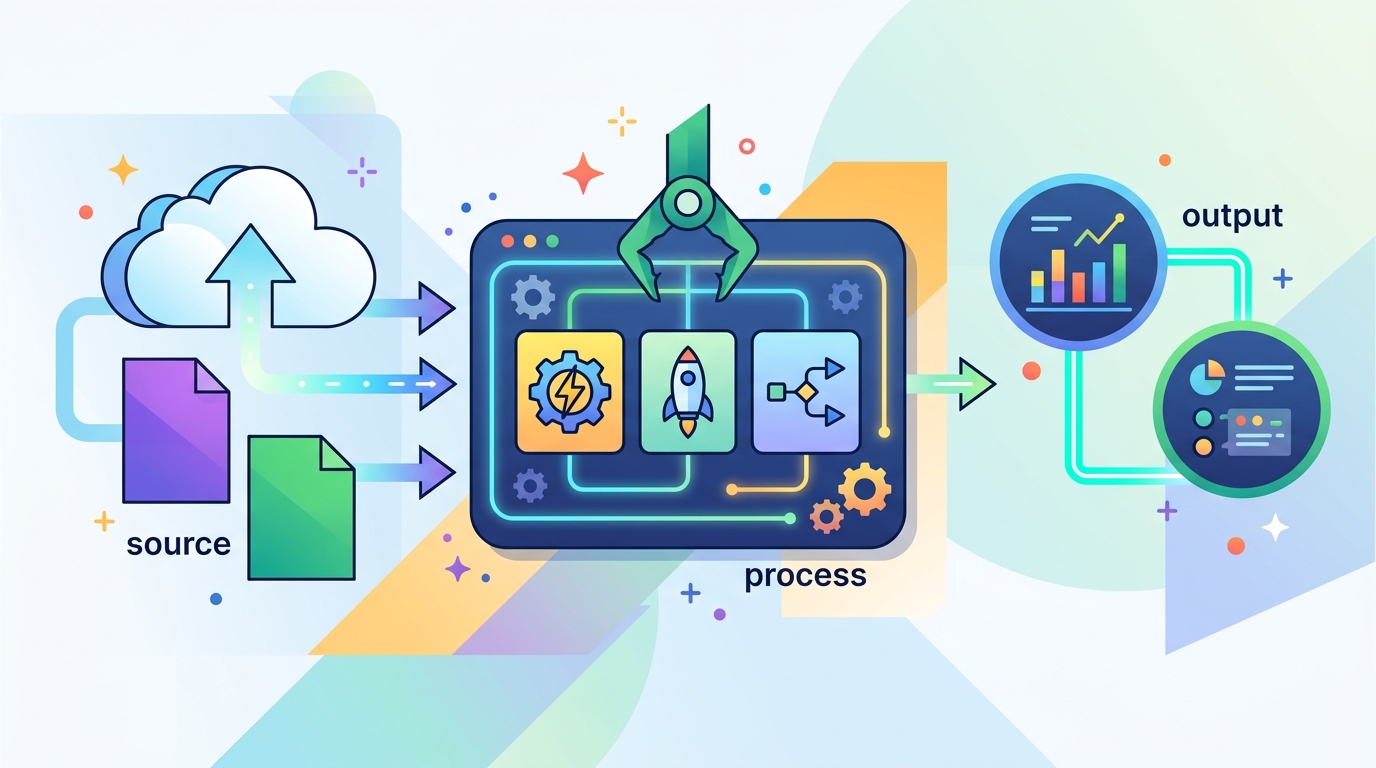
Sign in to OpenRouter, open the API key page, and create a new key for your workspace. Keep the key handy for your shell profile or secret manager so OpenClaw can read it at runtime.
export OPENROUTER_API_KEY="your-openrouter-key"
You should see the key available in your terminal session, and OpenRouter should accept test requests from the account dashboard.
Step 2: Point OpenClaw at Kimi-K2.5
Your next outcome is an OpenClaw configuration that sends model calls to Kimi-K2.5 instead of Claude. This is the core migration step, and it is usually a small config change once the API key is in place.
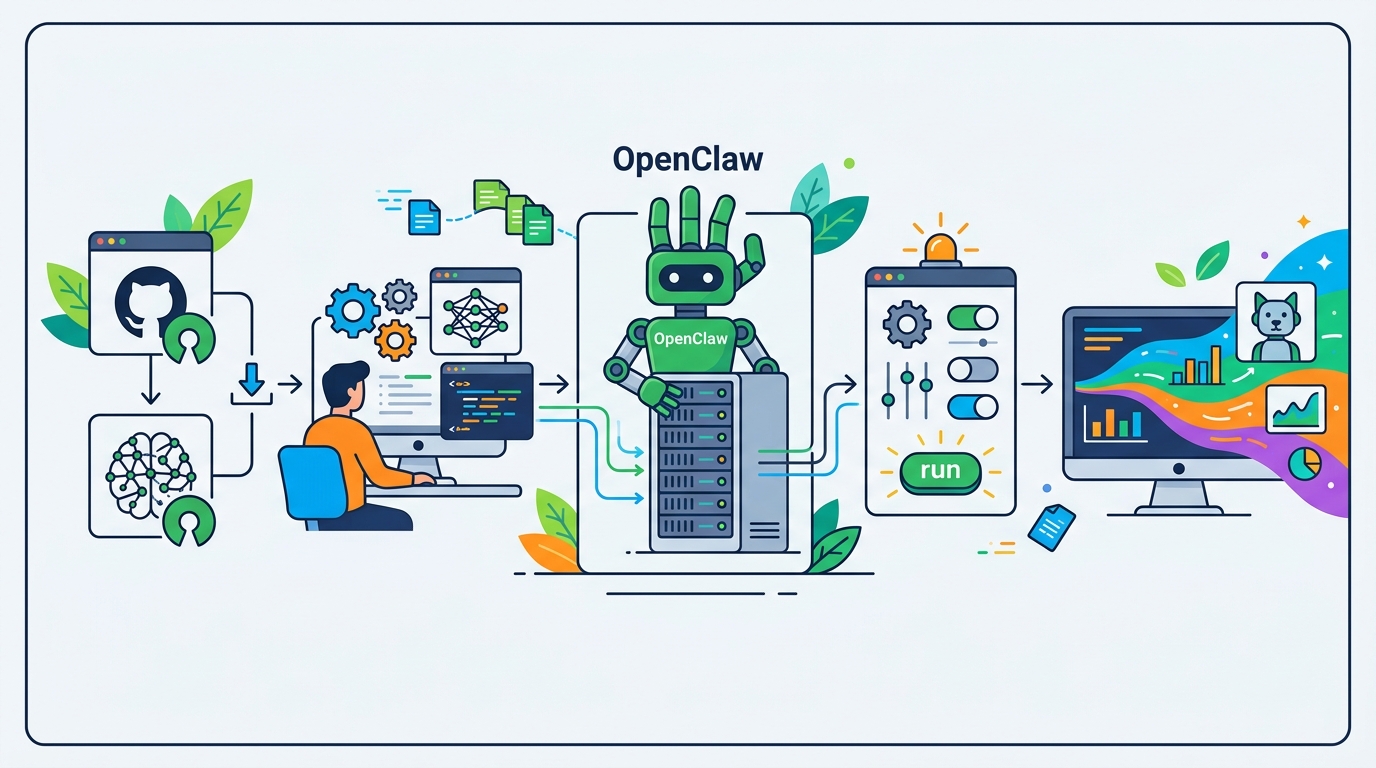
Update the model name in your OpenClaw settings, then let Claude Code or your preferred editor rewrite the assistant configuration if needed. If you are using OpenRouter, select the Kimi-K2.5 model identifier from its catalog and wire it into the assistant’s provider settings.
You should see OpenClaw start making requests to Kimi-K2.5 and return normal assistant responses instead of Anthropic errors.
Step 3: Remove Anthropic references
Your outcome here is a clean environment that no longer leaks old Claude-specific settings. The article notes that leftover Anthropic references can trigger OAuth issues even after you switch the primary model.
Search your environment variables, shell profile, and project config for Anthropic keys, endpoints, or provider names. Remove any stale values, then restart the shell or application so the new environment is the only one in effect.
unset ANTHROPIC_API_KEY
unset ANTHROPIC_BASE_URL
You should see OpenClaw start without OAuth conflicts, and the assistant should no longer try to authenticate against Anthropic services.
Step 4: Tune permissions and task skills
Your outcome is an assistant that can actually complete work instead of stalling on missing access. The article recommends giving the model the permissions and task-specific skills it needs so it can act independently.
Review the services OpenClaw must reach, then add the right API keys and access rules for each integration. If your workflow depends on repo access, issue tracking, or external APIs, make those capabilities explicit in the assistant setup.
You should see fewer back-and-forth prompts from the model and more one-shot task completion on routine work.
Step 5: Add memory and review jobs
Your final outcome is an assistant that improves over time instead of forgetting prior chats. The source article recommends cron jobs that review chats and feed useful context back into the assistant.
Schedule a daily job that summarizes recent conversations, extracts reusable patterns, and updates whatever memory store OpenClaw uses. Keep the review narrow so it captures decisions, recurring failures, and task-specific lessons without polluting the assistant with noise.
You should see the assistant reuse prior context more effectively on the next day’s tasks, especially for repeated workflows.
The tradeoff summary is straightforward: hosted open-source models can be much cheaper than Claude Opus, but some may be slower on simple prompts and may not fit regulated data workflows if you rely on external APIs. If you need stronger compliance, self-hosting an open-source model is the next layer to explore.
| Metric | Before/Baseline | After/Result |
|---|---|---|
| Model cost per million tokens | Claude Opus 4.6 at $5 input / $25 output | Kimi-K2.5 at about $0.6 input / $3 output |
| Relative price | Baseline Claude pricing | About 1/10th the cost |
| Provider flexibility | Single Anthropic subscription path | Multiple models through OpenRouter |
Common mistakes
- Leaving Anthropic keys in your environment. Fix: remove old
ANTHROPIC_*variables and restart your shell before testing. - Switching the model name but not the provider config. Fix: verify the assistant points to the new API endpoint and model identifier.
- Using hosted models for sensitive customer data. Fix: either avoid regulated data or self-host the open-source model in your own environment.
What's next
Once OpenClaw is running on an open-source model, the next step is to benchmark your own tasks, compare Kimi-K2.5 with GLM or MiniMax, and decide whether hosted APIs or self-hosting gives you the best mix of cost, latency, and compliance.
// Related Articles
- [AGENT]
Perplexity should build Teammate as a coding agent, not a copilot
- [AGENT]
HP adopts OpenAI Frontier across global operations
- [AGENT]
Build a production vector DB for RAG
- [AGENT]
Ornith-1 turns agent coding into a server
- [AGENT]
Crypto AI agents are useful, but only for narrow workflows
- [AGENT]
AI Agents in Crypto: 2026 Protocol Guide