Kimi K2.6 Brings 256K Context to API Users
Kimi K2.6 adds 256K context, multimodal input, and stronger coding for developers using the Kimi API Platform.

Kimi K2.6 is Kimi’s latest API model with 256K context, multimodal input, and stronger coding reliability.
Kimi K2.6 arrived with a clear pitch for developers: handle longer codebases, reason across more steps, and accept text, images, and video in one API flow. The documentation says it keeps a 256K context window and improves long-context coding stability, which matters more than flashy model demos when you are shipping real software.
The practical angle is simple. If your app needs code generation, visual analysis, or agent-style tool use, Kimi is trying to make one model cover those jobs without forcing you to stitch together separate systems.
| Feature | What Kimi K2.6 says | Why it matters |
|---|---|---|
| Context window | 256K tokens | Fits much larger chats, codebases, and document sets |
| Model access | Kimi API Platform | Uses an API-first workflow for apps and agents |
| SDK compatibility | OpenAI API format | Lets teams reuse familiar client code |
| Multimodal support | Text, image, video | Useful for support tools, document review, and media analysis |
| Model name | kimi-k2.6 | The exact identifier developers call in requests |
What Kimi K2.6 is trying to fix
Get the latest AI news in your inbox
Weekly picks of model releases, tools, and deep dives — no spam, unsubscribe anytime.
No spam. Unsubscribe at any time.
The headline claim in the docs is better long-horizon coding. That usually means fewer model failures when a task stretches across many files, multiple rounds of edits, or a chain of dependencies that can break if the model forgets earlier details. Kimi says K2.6 is more stable across languages like Rust, Go, and Python, and across tasks such as frontend work, DevOps, and performance tuning.

That is a meaningful direction because coding models often look good in short prompts and fall apart when the task becomes messy. A model that can keep track of a larger codebase and recover from mistakes is more useful than one that writes a clean toy example.
- 256K context is available across kimi-k2.6, kimi-k2.5, and several preview and thinking variants.
- The docs call out stronger instruction compliance and self-correction.
- K2.6 supports both thinking and non-thinking modes.
- Agent tasks are part of the design, not an afterthought.
That mix matters for teams building coding assistants or internal automation tools. You want a model that can plan, call tools, inspect output, and try again when the first answer is incomplete.
How the multimodal API changes the setup
Kimi K2.6 is not text-only. The model accepts images and video, which makes it more flexible for support workflows, QA review, document understanding, and media analysis. The quickstart shows standard OpenAI-style calls through the OpenAI Python SDK, using a Moonshot endpoint and a familiar chat-completions pattern.
That compatibility is a big deal for adoption. If a team already has OpenAI-style client code, switching models becomes a configuration exercise instead of a full rewrite. The docs also show base64 image uploads and video clips, so the same request path can handle more than plain text.
“Kimi API is fully compatible with OpenAI’s API format.”
That line from the official quickstart tells you what Kimi is optimizing for: low migration cost. The model may be new, but the integration path is intentionally familiar.
Here is the kind of multimodal support Kimi documents:
- Images in png, jpeg, webp, and gif
- Videos in mp4, mpeg, mov, avi, x-flv, mpg, webm, wmv, and 3gpp
- Tool calling for agent loops and multi-step workflows
- Thinking-mode control for tasks that need explicit reasoning
For developers, that means one model can inspect a screenshot, read the surrounding text, and then explain what it sees or decide what to do next. That is especially useful for support bots, internal ops tools, and product analytics assistants.
Why the 256K context window matters in practice
Long context is one of those features that sounds abstract until you need it. A 256K window gives the model room for larger codebases, longer research threads, bigger prompt instructions, and more tool outputs before it starts losing track of the conversation.
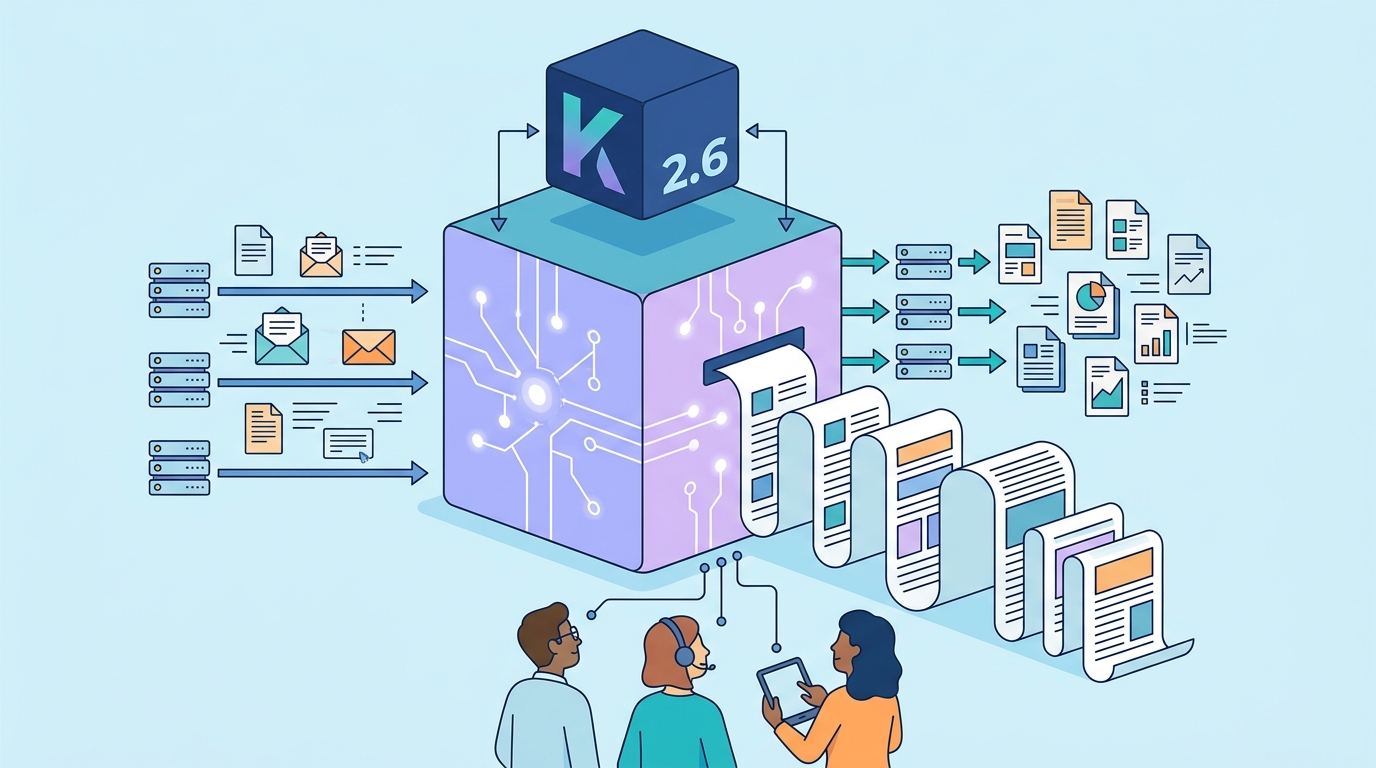
In the docs, Kimi says the 256K window applies to K2.6, K2.5, kimi-k2-0905-preview, kimi-k2-turbo-preview, kimi-k2-thinking, and kimi-k2-thinking-turbo. That is useful because it suggests the long-context stack is a platform feature, not a one-off release.
- 256K context is roughly the scale teams need for multi-file coding sessions and extended agent traces.
- The model is built for multi-step tool invocation.
- Billing for images and video is dynamically calculated.
- Kimi provides a token estimation API before processing media-heavy requests.
That last point is worth paying attention to if you are building something with images or video. Media-heavy prompts can get expensive quickly, so having a way to estimate token usage before sending the request helps avoid surprise bills.
Kimi also documents recommended resolution settings and file-upload choices, which suggests the platform expects real production use rather than casual experimentation. The details matter when you are processing user screenshots, clips, or long documents at scale.
What developers should compare before adopting it
The most interesting comparison is not between Kimi and a generic chatbot. It is between Kimi and the models developers already use for coding and agent tasks. Kimi is betting that a large context window, OpenAI-compatible calls, and multimodal input will be enough to win a spot in production stacks.
If you are evaluating it, the questions are practical: does it keep code edits consistent across a long session, does it recover from bad tool output, and does it handle images or video well enough to replace a second model in your app?
- OpenAI-style integration lowers the switching cost.
- Kimi K2.6 adds native multimodal input, while many coding models still focus on text first.
- The 256K window is large enough for long agent loops and bigger code tasks.
- The official docs emphasize improved self-correction, which is often what separates a demo from a useful tool.
For teams already working on agentic workflows, that combination is attractive. You can keep your SDK patterns, expand the model’s input types, and test whether the longer context actually improves output quality in your own stack.
If you want a quick read on where Kimi K2.6 fits, think of it as an API model built for long sessions, tool use, and multimodal work rather than short prompt replies. The next question is whether its coding stability and media handling hold up under real workloads, not just benchmark-style demos.
Bottom line for builders
Kimi K2.6 is most interesting to teams that need one model for code, conversation, and visual inputs. It is less about a flashy model launch and more about whether a single API can reduce the number of moving parts in an AI product.
If you are already using OpenAI-compatible clients, the fastest test is to swap in Kimi’s endpoint, run a long coding task, and measure how often the model needs correction. If it can keep its place across a 256K thread and handle images or video without much ceremony, it earns a place in the stack. If not, the integration is still easy, which makes the experiment cheap.
That is the real takeaway: Kimi K2.6 is built for teams that want longer memory, more input types, and less glue code. The only question that matters now is whether your own workload is long and messy enough to benefit from all three.
// Related Articles
- [MODEL]
GPT-5.6 turns OpenAI into a model menu
- [MODEL]
Seedream 5.0 Pro Is the Right Choice for Editable AI Images
- [MODEL]
Midjourney v8.2 release is close
- [MODEL]
Rust KRAID enters Mesa for Arm Mali GPUs
- [MODEL]
OpenAI Opens GPT-5.6 and Launches Live Voice AI
- [MODEL]
Mistral is right to push Leanstral into proof engineering