What AI Agents Are and How They Work
AI agents combine LLMs, memory, tools, and planning. IBM says they can call APIs, search data, and coordinate tasks autonomously.
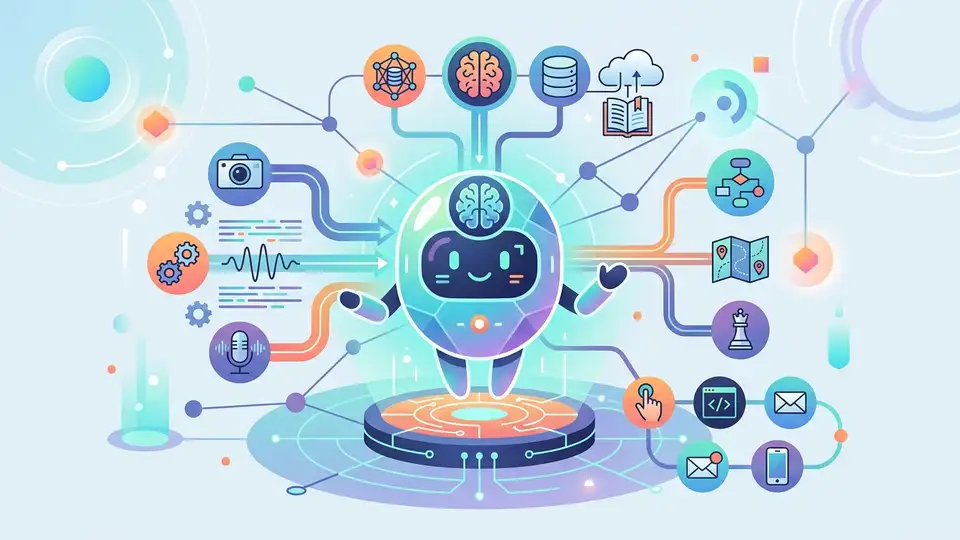
AI agents are moving from slide-deck buzzword to actual product feature. IBM says these systems can call tools, update their knowledge base, and break a goal into subtasks without a human clicking every step.
That matters because the jump from a chatbox to an agent is the jump from “answer me” to “do this for me.” In practice, that means the model can search the web, query an API, inspect data, and keep going until it finishes the job.
What an AI agent actually is
Get the latest AI news in your inbox
Weekly picks of model releases, tools, and deep dives — no spam, unsubscribe anytime.
No spam. Unsubscribe at any time.
An AI agent is software that takes a goal, figures out a plan, and uses tools to reach that goal. IBM’s definition is straightforward: the system performs tasks autonomously by designing workflows with available tools.
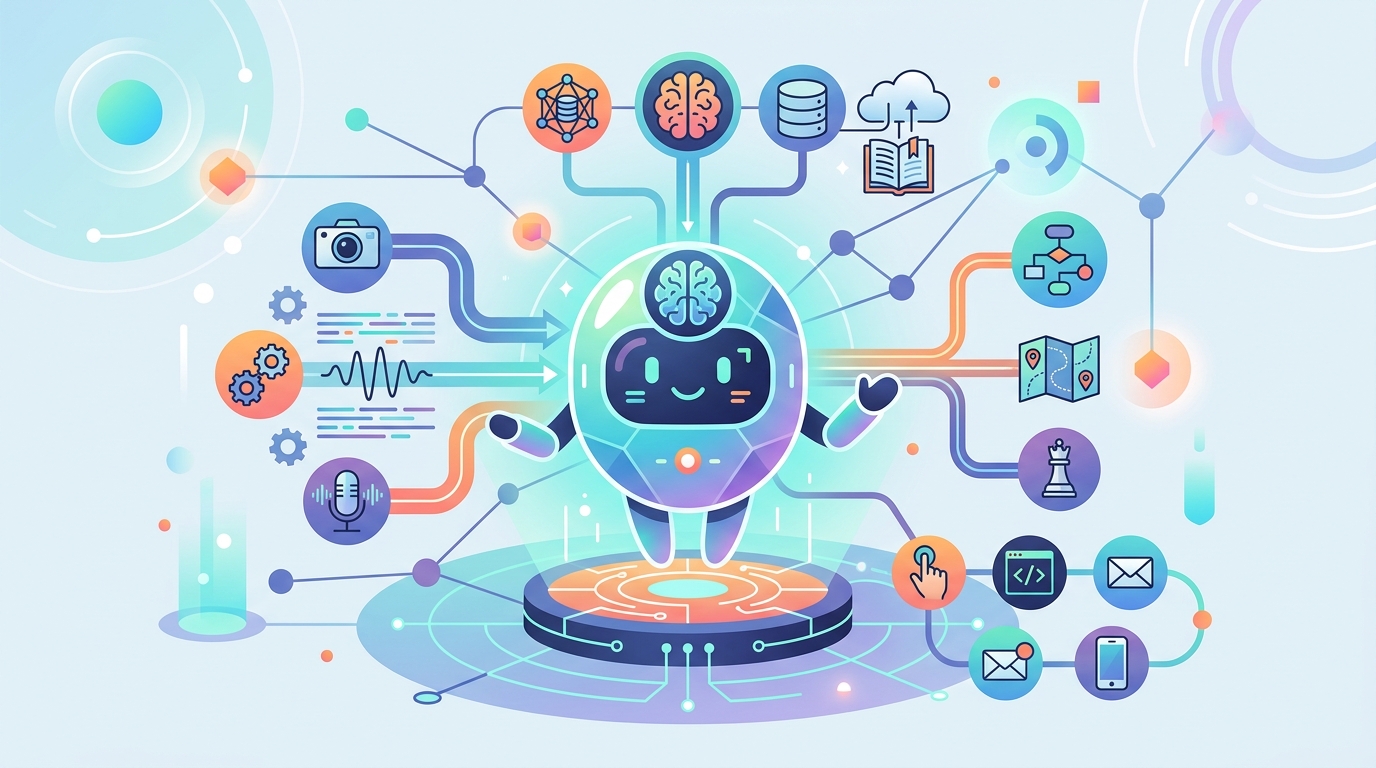
That sounds abstract until you compare it with a normal chatbot. A chatbot waits for the next prompt. An agent can decide it needs a database lookup, then an API call, then a second lookup before it answers.
IBM ties agents closely to large language models, especially IBM Granite models, because the LLM handles language, task decomposition, and reasoning. The agent layer adds memory, tool use, and task execution.
- Agents can work with external datasets instead of relying only on training data.
- They can call web searches and APIs when the model lacks fresh information.
- They can use memory to store prior interactions and adjust future responses.
- They can coordinate with other agents when one model is not enough.
How the workflow actually runs
IBM breaks agent behavior into a few stages. First comes goal initialization and planning. The user gives a task, the developer sets the rules, and the deployment environment defines which tools are available. From there, the agent decomposes the task into smaller steps.
That decomposition is the real trick. If the goal is simple, the agent may skip long planning and just iterate. If the goal is complex, it builds a sequence of subtasks and checks its own progress along the way.
Then comes reasoning with tools. IBM’s example is a vacation planner asking for the best week for surfing in Greece. The model alone cannot know next year’s weather, so it queries an external weather database, then consults a surf-specialist agent about tides and rainfall.
Once the missing pieces arrive, the agent updates its internal context and keeps reasoning. IBM calls this agentic reasoning, and it is the feature that makes agents feel less like autocomplete and more like a coordinator.
“The key to the future of artificial intelligence is not just better algorithms, but better data.” — Fei-Fei Li
That quote from Fei-Fei Li fits agents well. The model matters, but the data it can pull in during execution matters just as much.
Why agents differ from normal chatbots
IBM draws a hard line between agentic and nonagentic chatbots. A nonagentic chatbot can answer questions, but it has no tool access, no memory, and no real planning loop. It is good at short exchanges and weak on anything tied to your data or a long workflow.
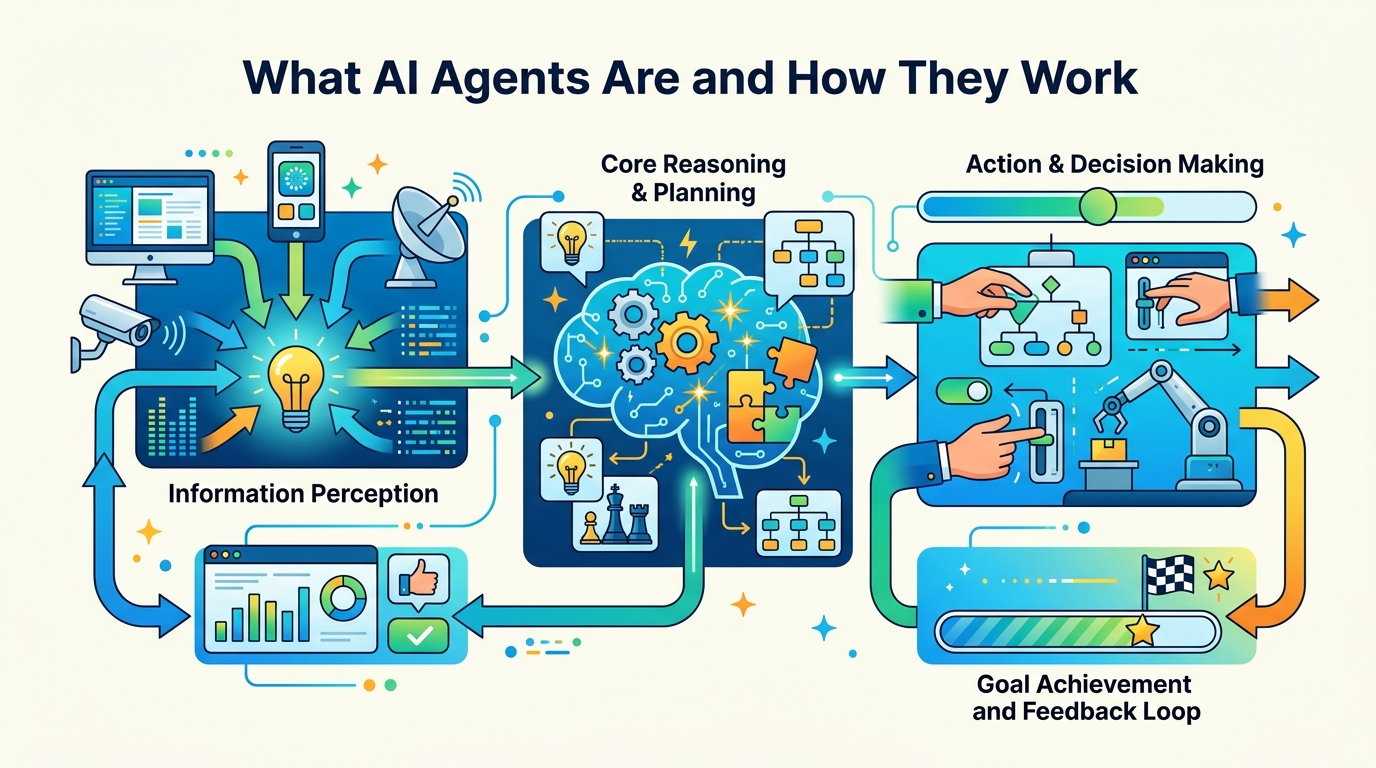
An agentic chatbot is different because it can keep state, recall previous steps, and adjust its plan. If a path fails, it can try another one. If it needs more information, it can ask a tool instead of guessing.
That difference shows up in enterprise work. A support bot can answer FAQ questions. An agent can look up a customer record, check a shipping API, compare policies, and draft a response that reflects the actual case.
- Nonagentic chatbots depend on continuous user input.
- Agentic systems can work through multi-step goals with fewer interruptions.
- Memory lets agents adapt to user preferences over time.
- Tool access lets them fill information gaps instead of inventing answers.
Reasoning styles, frameworks, and what they cost
IBM highlights two reasoning patterns that matter for builders: ReAct and ReWOO. ReAct means reasoning and action. The agent thinks, acts, observes the result, then thinks again. That loop is useful when each tool result changes the next decision.
ReWOO, short for reasoning without observation, plans first and executes later. It can reduce token usage and avoid redundant tool calls because the agent maps out the workflow before it starts firing requests.
That tradeoff is the interesting part. ReAct is more flexible. ReWOO is often cheaper and easier to review before execution. If you are building production systems, the choice affects latency, cost, and failure handling.
IBM also points to a wider ecosystem of agent frameworks and protocols, including crewAI, LangGraph, AutoGen, Model Context Protocol, and Agent2Agent. Those names matter because the field is quickly becoming an interoperability problem, not just a model problem.
- ReAct fits tasks where each tool result changes the next move.
- ReWOO reduces repeated tool calls by planning ahead.
- MCP focuses on connecting models to external tools and data sources.
- A2A and ACP point toward agent-to-agent communication across systems.
What this means for builders right now
For developers, the practical question is not whether agents are interesting. It is whether they can be trusted with work that touches real data, real money, or real customers. IBM’s own section on governance answers that by pointing to evaluation, observability, security, and human-in-the-loop review.
That is the right framing. Agents are useful because they can act, but that same ability creates more ways to fail. A bad answer from a chatbot is annoying. A bad action from an agent can change a record, send a message, or trigger an expensive workflow.
The next step for teams building with agents is to treat them like software systems, not magic assistants. That means logging tool calls, testing failure paths, limiting permissions, and checking when human approval should be required.
If you are comparing approaches, start with the job to be done. A simple Q&A bot needs less machinery. A workflow that touches search, memory, APIs, and multiple systems is where an agent begins to make sense.
My prediction: the next wave of agent adoption will come from boring internal work, especially support triage, procurement, and IT automation. The winners will be teams that measure error rates and tool costs before they ship agents to users. The real question is simple: can your agent finish a task without creating a second task for a human?
// Related Articles
- [AGENT]
Perplexity should build Teammate as a coding agent, not a copilot
- [AGENT]
HP adopts OpenAI Frontier across global operations
- [AGENT]
Build a production vector DB for RAG
- [AGENT]
Ornith-1 turns agent coding into a server
- [AGENT]
Crypto AI agents are useful, but only for narrow workflows
- [AGENT]
AI Agents in Crypto: 2026 Protocol Guide