GitHub Will Train Copilot AI on User Data by Default
GitHub will use Copilot Free, Pro, and Pro+ interaction data for AI training on April 24 unless users opt out in settings.
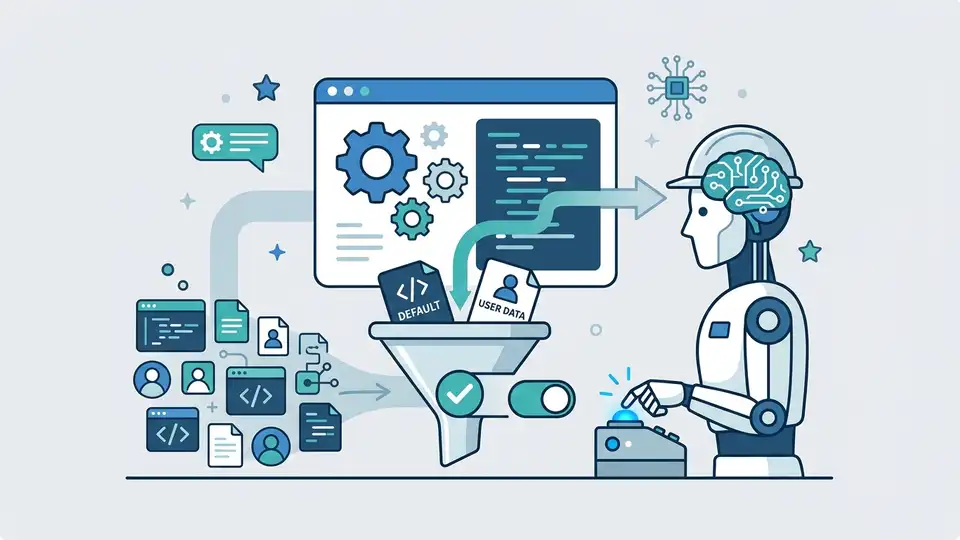
GitHub is changing how it handles Copilot data, and the new default is going to bother a lot of developers. Starting April 24, interaction data from Copilot Free, Pro, and Pro+ will feed GitHub’s AI training unless users manually opt out.
The part that matters is the scope: GitHub says the data includes prompts, outputs, code snippets, and related context. Business, Enterprise, and educational Copilot users are excluded, and anyone who already opted out of GitHub’s earlier product-improvement data collection keeps that preference.
What GitHub is changing on April 24
Get the latest AI news in your inbox
Weekly picks of model releases, tools, and deep dives — no spam, unsubscribe anytime.
No spam. Unsubscribe at any time.
GitHub’s update turns a previously narrower data-collection setting into something more direct. If you use Copilot Free, Pro, or Pro+, your chats and code interactions can be pulled into model training unless you change the privacy setting first.
This matters because Copilot is no longer a side feature. It is one of the most visible AI coding tools on the market, and GitHub is treating user interaction data as a training asset. For a company owned by Microsoft, that is a logical move. For developers, it is also a reminder that AI products often improve by feeding on the same user behavior people assumed stayed private.
- Effective date: April 24, 2026
- Affected plans: Copilot Free, Pro, and Pro+
- Unaffected plans: Business, Enterprise, and educational Copilot
- Data types: inputs, outputs, code snippets, and context
- Default behavior: opt-in unless you manually opt out
Why the developer backlash is so loud
The reaction on GitHub has been harsh, and it is easy to see why. Developers are being asked to let the same tool that writes code from their prompts also learn from those prompts. That creates a basic trust problem, especially for open-source contributors who already worry about how code gets reused.
GitHub argues that broader participation will improve accuracy, security, and bug detection. That is a sensible product pitch. Still, the company is asking people to provide training material from their daily work, and the default setting matters more than the explanation. When a privacy choice is buried in settings, most people never change it.
“If you are not paying for it, you’re not the customer; you’re the product being sold.” — Andrew Lewis, 2010
That quote gets repeated because it captures the discomfort around data-heavy platforms. GitHub is not selling Copilot users directly to advertisers here, but the logic feels familiar: the service gets better by absorbing user behavior, and the user has to pay attention to avoid becoming part of the training pipeline.
How this compares with other AI coding tools
GitHub is far from alone in using product data to improve AI systems, but the default choice still sets it apart. Some tools ask for opt-in during setup. Others keep business data out of model training by policy. GitHub is taking a more aggressive route for individual plans, and that will shape how developers compare it with competing products.
There is also a practical difference between consumer AI and coding AI. A chat prompt about dinner plans is one thing. A prompt that includes a private repo path, a proprietary function, or a security bug is another. That makes the quality of GitHub’s privacy controls more important than the usual “improve the product” language suggests.
- ChatGPT offers data controls, but enterprise settings are usually separated from consumer defaults
- Claude Code focuses on coding workflows, with policy choices that differ by plan and deployment
- Codeium markets AI coding assistance with separate business and individual usage terms
- Amazon Q Developer also separates business controls from individual usage
If you are comparing tools for a team, the question is no longer only “Which assistant writes better code?” It is also “Which assistant keeps my prompts out of training by default?” That second question may decide procurement more often than marketing copy does.
What developers should do right now
If you use Copilot and do not want your interactions used for training, check your settings before April 24. GitHub says prior opt-outs remain in place for users who already disabled the broader data collection setting, but everyone else needs to act manually.
That is the immediate takeaway, and it is a simple one. Review the privacy controls, decide whether your prompts contain anything sensitive, and assume that anything you leave enabled may be used to improve GitHub’s models. If you work on closed-source code, client projects, or security-sensitive systems, this is worth a careful look rather than a quick click-through.
For readers tracking broader AI policy, this change also fits a pattern that keeps showing up across the industry: consumer AI products want more user data, and the default settings are where the real policy lives. If GitHub sees minimal churn after April 24, expect more software vendors to copy the same playbook. If the backlash is strong enough, the company may have to make the opt-in language louder or risk turning a useful coding assistant into a trust problem.
One good next step is to compare the privacy defaults in your team’s coding tools this week, before the setting becomes a habit no one remembers to revisit.
// Related Articles
- [IND]
WebX 2026 turns speaker hype into a conference brief
- [IND]
AI Weekly: 2026-07-06 ~ 2026-07-13
- [IND]
The AI Act should be treated as Europe’s operating system for AI
- [IND]
Booz Allen’s OpenAI Deal Is Real Advantage, Not Hype
- [IND]
OpenSearch’s vector search benchmark in 5 parts
- [IND]
Vector Databases That Work in Production