Microsoft Eases Copilot AI Integration in Windows
Microsoft is refining its approach to AI in Windows, reducing Copilot integrations in select apps to focus on genuinely useful experiences.

In a move to refine the user experience on Windows 11, Microsoft is scaling back the number of entry points for its AI assistant, Copilot, in various applications. This strategic decision aims to enhance the quality of AI interactions by focusing on areas where AI can provide meaningful benefits to users.
Strategic AI Adjustments
Get the latest AI news in your inbox
Weekly picks of model releases, tools, and deep dives — no spam, unsubscribe anytime.
No spam. Unsubscribe at any time.
Microsoft plans to reduce Copilot AI integrations in certain applications, such as Photos, Widgets, Notepad, and the Snipping Tool. Pavan Davuluri, Executive Vice President of Windows and Devices, emphasized on the company's blog that the focus is on integrating AI where it is most impactful. The goal is to provide genuinely useful AI experiences rather than overloading users with unnecessary features.
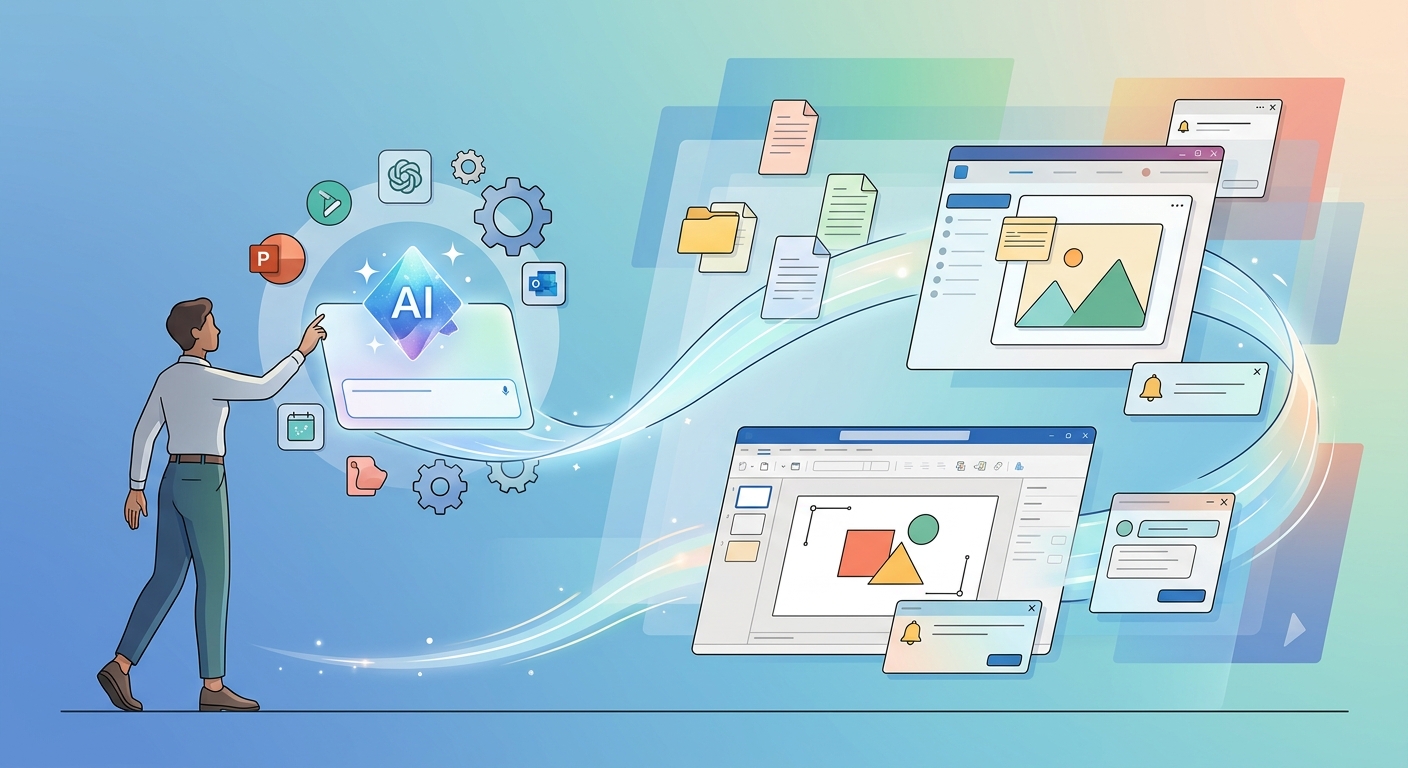
- Copilot integrations will be reduced in Photos, Widgets, Notepad, and Snipping Tool.
- The strategy focuses on meaningful, user-friendly AI experiences.
- Changes reflect consumer feedback and concerns about AI bloat.
Addressing Consumer Concerns
The decision to pare down AI features comes amid increasing consumer skepticism about AI's role in daily tech interactions. A recent Pew Research study found that as of June 2025, half of U.S. adults felt more concerned than excited about AI, marking a significant jump from 37% in 2021. This growing unease among users has prompted Microsoft to reconsider its approach to integrating AI features.
Pavan Davuluri stated, “We are listening closely to the feedback from our community and are committed to making AI experiences that truly enhance the way users interact with Windows.”
Previous AI Integration Reevaluations
This isn't the first time Microsoft has revisited its Copilot integrations. Earlier reports from Windows Central indicated that several planned Copilot-branded features for Windows 11 had been quietly shelved. Additionally, the launch of the AI-powered Windows Recall feature was delayed for over a year to address privacy concerns, highlighting Microsoft's cautious approach to AI deployment.
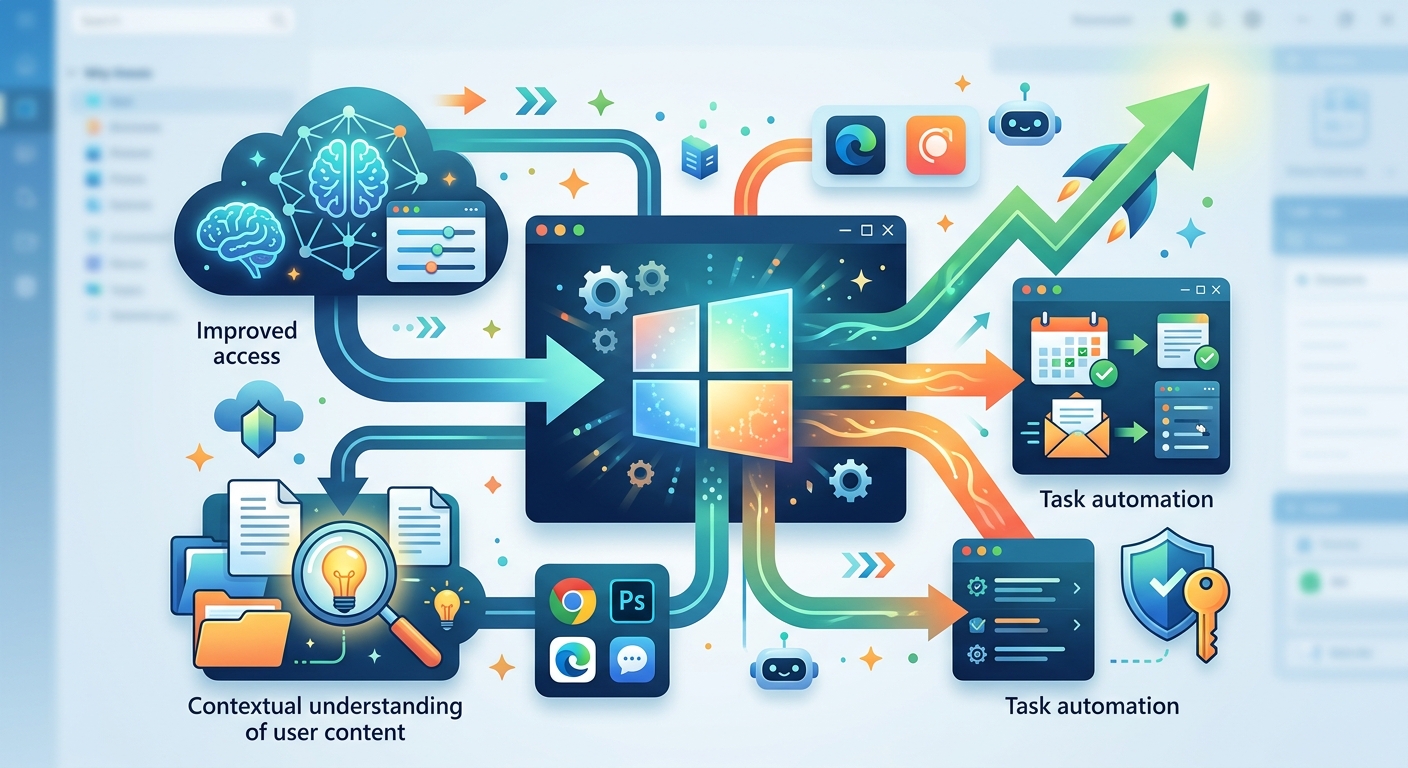
- Microsoft previously shelved some Copilot-branded features for Windows 11.
- The Windows Recall feature faced delays due to privacy concerns.
- Security vulnerabilities in AI features are an ongoing concern.
Enhancing User Experience
Microsoft's current strategy extends beyond AI adjustments. The company is also rolling out updates to improve user control and system performance. These include allowing taskbar repositioning, enhancing File Explorer speed, refining the Widgets experience, and updating the Feedback Hub. Such enhancements aim to offer a more intuitive and responsive user interface.
- Users can now move the taskbar to different screen positions.
- File Explorer performance improvements are underway.
- Widgets experience is being refined for better usability.
- Feedback Hub updates aim to streamline user input.
Looking Ahead
This recalibration of AI integration by Microsoft highlights a shift towards a more user-centered approach in technology design. As AI continues to evolve, the challenge will be to balance innovation with user comfort and trust. Microsoft's recent actions suggest a commitment to aligning its technological advancements with the needs and concerns of its user base. How this plays out will depend on ongoing feedback and the company's responsiveness to user preferences.
// Related Articles
- [IND]
WebX 2026 turns speaker hype into a conference brief
- [IND]
AI Weekly: 2026-07-06 ~ 2026-07-13
- [IND]
The AI Act should be treated as Europe’s operating system for AI
- [IND]
Booz Allen’s OpenAI Deal Is Real Advantage, Not Hype
- [IND]
OpenSearch’s vector search benchmark in 5 parts
- [IND]
Vector Databases That Work in Production