Nous Portal lets Hermes use one login
I break down Nous Portal so you can wire Hermes Agent to one subscription, one key, and bundled tools instead of provider sprawl.

I break down Nous Portal so you can wire Hermes Agent to one subscription and bundled tools.
I've been wiring agent stacks together long enough to know when something is saving me time and when it's just hiding the bill. Hermes Agent was one of those setups that looked clean on paper, then immediately got annoying in practice. I wanted model access, web search, image generation, maybe browser automation, maybe TTS. Instead I got the usual mess: one provider for the model, another for search, another for images, another for voice, and a fifth dashboard I forgot existed until a quota error showed up at 2 a.m.
That’s why I paid attention when OpenClaw Launch published its guide on Nous Portal. The pitch is simple enough that I almost distrust it: one subscription, one authenticated session, a pile of models, and a bundled tool gateway that Hermes Agent can use without me juggling API keys for every provider. I’ve seen enough “one pane of glass” nonsense to be skeptical, but this one is actually interesting because it attacks the part that hurts most: setup friction and provider sprawl.
What I’m breaking down here is not just what Portal is. I’m unpacking why this pattern matters for people who want to run Hermes without spending half their life in billing dashboards, how it compares with OpenRouter and direct provider keys, and where it still has tradeoffs. If you’re trying to decide whether to use Portal, or you just want to understand how Hermes fits into the subscription model, this is the version I wish someone had handed me first.
Source anchor: the trigger for this breakdown is OpenClaw Launch’s guide, “Nous Portal: Subscription, Models, and How to Use It With Hermes Agent (2026)”. The guide describes Portal as Nous Research’s subscription layer for Hermes users, plus a managed tool gateway and monthly credits.
Portal is really a cleanup layer for agent plumbing
Get the latest AI news in your inbox
Weekly picks of model releases, tools, and deep dives — no spam, unsubscribe anytime.
No spam. Unsubscribe at any time.
"Nous Portal is the subscription platform from Nous Research. It bundles access to 300+ models, a managed tool gateway (web search, image generation, TTS, browser automation), and monthly credits — all behind a single auth flow that Hermes Agent can use without juggling API keys per provider."
What this actually means is that Portal is not just “another model subscription.” It’s a wrapper around the annoying parts of agent setup. The model is only one piece. The real tax is everything around it: search, image generation, speech, browser control, auth, billing, quotas, and the special kind of failure you get when one provider changes a key format and your agent quietly stops working.
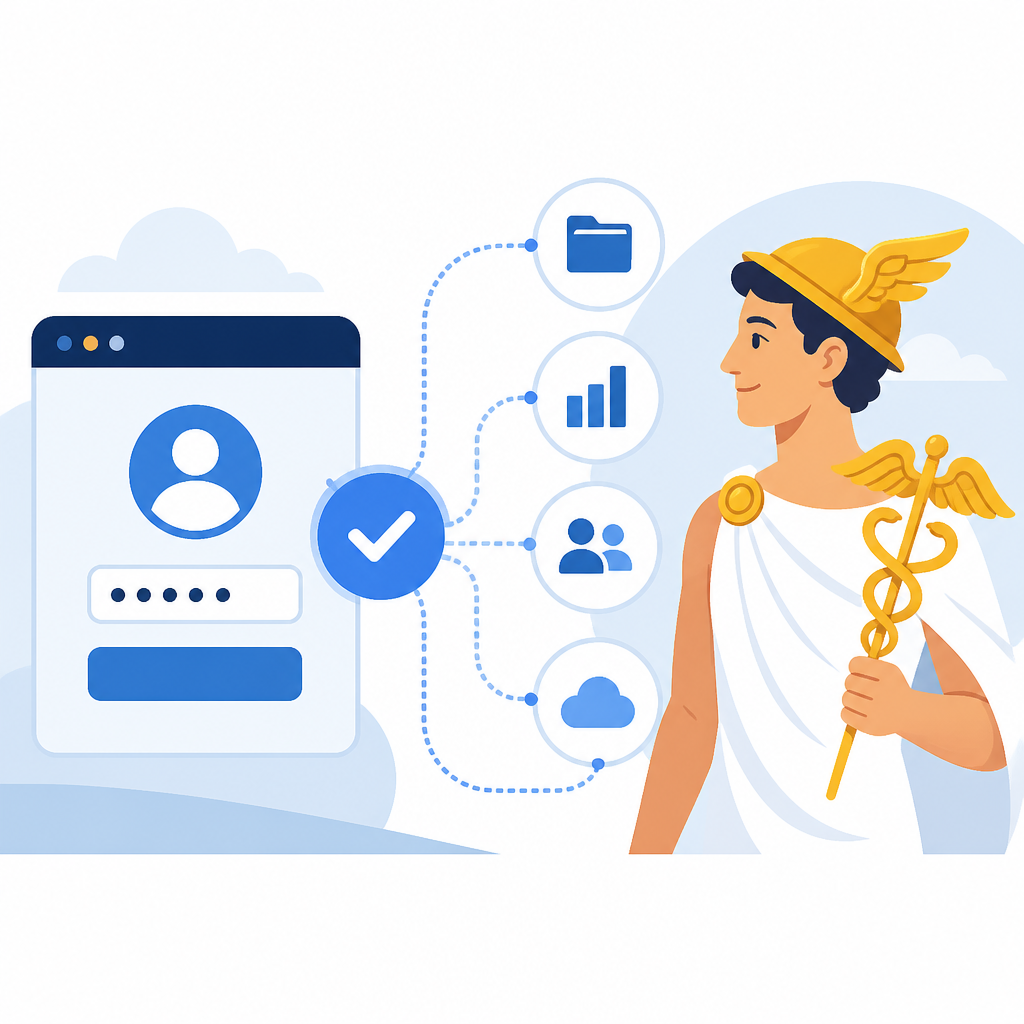
I ran into this exact problem the first time I tried to keep an agent stack stable for more than a week. The model itself was fine. The glue was the problem. Every new capability meant another account, another secret, another dashboard, another line in the config that I’d eventually forget to rotate. Portal is trying to compress that into one subscription and one authenticated session.
How to apply it: if your current Hermes setup feels like a pile of separate vendor contracts, stop treating that as normal. Ask whether you actually need direct provider relationships for each tool, or whether you mostly need one reliable gateway. For solo use, Portal’s value is not raw price. It’s reduced friction. That matters more than people admit.
- Use Portal when you want fast setup and fewer moving parts.
- Use direct keys when you need vendor-specific control or lower marginal cost.
- Use OpenRouter when model choice matters more than bundled tools.
The free tier is for poking, not for real work
The guide says Portal launched on April 27, 2026 and includes a free tier at $0/month with $0.10 in monthly credits. That is not a “run your agent all month” budget. It’s a test drive, which is fine, but let’s not pretend otherwise. I appreciate that it exists because too many products hide the actual experience behind a paywall, but $0.10 is basically a smoke test.
What this actually means is that Portal is structured like a subscription product with an evaluation path, not a generous free platform. The paid tiers are where the real utility lives, because that’s where the bundled tools and larger credit budgets show up. The guide also points to the manage-subscription page for the current plan list, which is the right place to check because these things change and I don’t trust stale pricing screenshots.
I’ve been burned before by “free” agent access that was only free until the first nontrivial task. You run one search, one image call, one voice sample, and suddenly you’re out of credits. That’s why I’d treat Portal’s free tier as a setup verifier. Can you authenticate? Can Hermes see the account? Do the models load? Great. After that, decide whether the paid tier actually replaces the other subscriptions you were already paying for.
How to apply it: use the free tier to answer three questions only. Does the login flow work, does Hermes detect the subscription, and do you see the tools you expect. If the answer is yes, move on to a paid tier only if you can name the providers you’re replacing.
- Good for: setup validation, demos, light testing.
- Bad for: production agents, repeated tool calls, sustained workflows.
The model list is broad, but the real win is choice without setup pain
Portal gives access to 300+ models, including Claude, GPT, Gemini, Llama, Mistral, DeepSeek, Qwen, and Nous’s own Hermes series. That sounds like a catalog flex, and sure, it is. But the more useful part is that Hermes Agent can treat the subscription as a single source of model access instead of making you wire each provider separately.
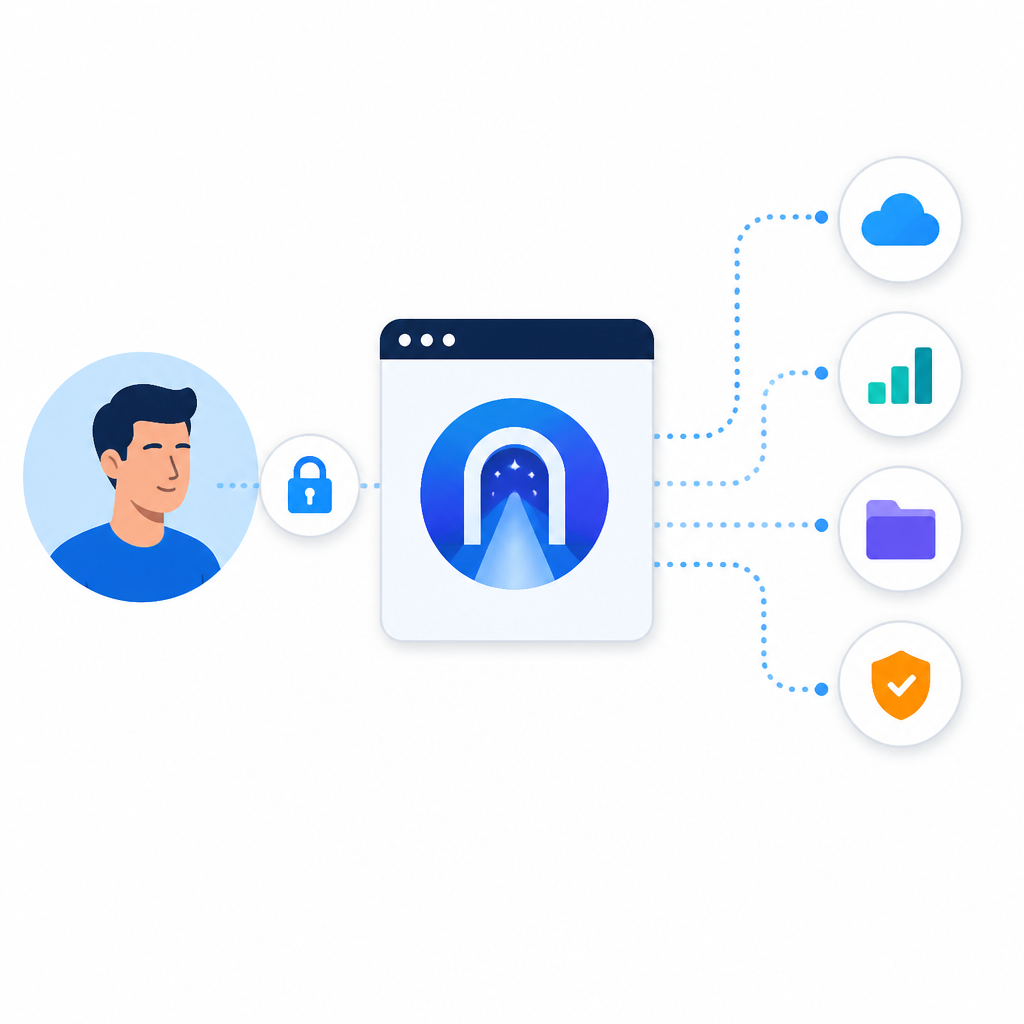
What this actually means is that model diversity is only useful if the switching cost stays low. Lots of services brag about “hundreds of models,” then make you hunt for the right key, the right endpoint, the right billing rule, and the right compatibility note. Portal’s promise is that the model list is available behind one auth flow, so you can try different models without rebuilding your config each time.
I like this because agent work is experimental by nature. I’m rarely sure which model is best for a task until I’ve already wasted a few prompts. If every experiment requires a provider migration, I stop experimenting. That’s the hidden cost Portal is trying to remove. The guide says some models are free for subscribers and others bill against monthly credits at provider rates with Portal markup. That’s important. It means the convenience is real, but it is not magic and it is not free.
How to apply it: use Portal when you want to compare models inside one workflow, especially for Hermes Agent runs where you care more about iteration speed than squeezing every cent out of provider pricing. If you’re building a high-volume production system, you should still benchmark direct providers and OpenRouter before committing.
The bundled tools are the actual reason this matters
The guide lists the paid-tier tool gateway as the sharp edge of Portal: web search through Firecrawl, image generation through FAL, TTS through OpenAI’s backend, browser automation through Browser Use, plus code execution and voice endpoints. That’s not just convenience. That’s the difference between an agent that can answer and an agent that can act.
What this actually means is that Portal is trying to package the messy, multi-provider layer beneath the model into one authenticated capability set. If Hermes Agent can pick up search, image generation, TTS, and browser automation automatically after you authenticate, then you’re not doing the usual config scavenger hunt. You’re just using the thing.
I’ve had setups where the model was excellent but the tool layer was a disaster. Search worked, then broke. Browser automation worked only on a specific OS. TTS was a separate subscription I barely used. By the time I stitched it all together, the agent was technically powerful and practically annoying. Portal’s bundled tools are interesting because they lower the threshold for actually using those features in everyday workflows.
How to apply it: if your Hermes Agent use case includes research, page interaction, media generation, or voice, map those needs against Portal’s tool bundle before you buy anything else. If Portal covers 80 percent of your tool stack, the convenience may be worth more than the markup. If it only covers one capability, you may be better off with direct provider keys.
The xAI Grok integration is a smart move, not a side quest
OpenClaw Launch notes a May 15, 2026 integration where Nous Research and xAI shipped a Grok OAuth flow for X Premium+ subscribers. That means people with an existing Grok subscription can use Grok 4.3, Grok TTS, and Grok Imagine inside Hermes Agent without separate API billing. The upstream reference is xAI’s own Grok OAuth guide, which is the right place to verify the mechanics.
What this actually means is that Portal is not trying to own every subscription relationship forever. It’s trying to become the place where those subscriptions get made useful inside Hermes. That’s a subtle but important distinction. If you already pay for X Premium+, the integration turns an existing subscription into an agent capability instead of asking you to buy a second copy of the same access.
I like this pattern because it respects the fact that most developers already have vendor overlap. Nobody starts from a blank wallet. We already pay for too many things. The best agent infrastructure is the one that can recognize what you already own and route it into the workflow with the least drama.
How to apply it: if you’re already on X Premium+, check whether the Grok OAuth path covers the tasks you care about before adding another model bill. If you’re not, don’t force it. Use the integration only when it replaces something you would otherwise buy separately.
Useful references here are xAI, the OpenRouter model gateway for comparison, and Firecrawl, FAL, and Browser Use for the tools Portal is bundling behind the scenes.
Portal, OpenRouter, and direct keys solve different pain
The guide’s comparison table is the part I wish more product pages were honest about. Portal gives one auth flow and bundled tools, but it locks you into Nous as the gateway and adds routing markup on paid model calls. OpenRouter gives one API key for a huge model catalog and more granular spend control, but you don’t get the bundled tool layer. Direct provider keys give you the cleanest relationship with each vendor, but also the most dashboards and the most maintenance.
What this actually means is that there is no universally correct answer here. There’s a shape-of-usage answer. If you’re a single developer running Hermes full-time, Portal’s convenience probably wins. If you’re a team running production agents at scale, direct keys often come out cheaper and easier to reason about. If you mostly want model routing without the extra tools, OpenRouter is still the cleaner middle ground.
I’ve made the mistake of optimizing for theoretical cost when the real cost was my time. Then I’ve made the opposite mistake of buying convenience and discovering I’d paid a premium for things I barely used. The right choice is usually the one that matches your actual usage pattern, not your idealized one.
- Pick Portal if you want bundled tools and the least setup pain.
- Pick OpenRouter if you want broad model access and billing control.
- Pick direct keys if you need the lowest overhead at scale.
How to apply it: write down the provider list your current Hermes workflow depends on. Count them. Then ask which of those you can replace with Portal’s bundle. If the answer is “most of them,” Portal is worth a serious look. If the answer is “one or two,” don’t overbuy simplicity.
How I’d actually wire this into Hermes Agent
The guide gives a straightforward path for self-hosted Hermes: subscribe at portal.nousresearch.com, generate a Portal API key, open Hermes in interactive setup, choose Nous Portal as the provider, paste the key, then let Hermes list the available models. After that, the tool gateway features should appear automatically, so you don’t need separate Firecrawl, FAL, or Browser Use keys.
What this actually means is that Portal is trying to make the first-mile setup almost boring. That’s good. Boring setup is what I want from infra. I don’t want to think about auth choreography when I’m trying to ship an agent workflow. I want the model to show up, the tools to show up, and the config to stay out of my face.
There’s one important caveat in the guide: OpenClaw Launch’s own Hermes hosting currently runs Nous Hermes models on managed OpenClaw infrastructure via OpenRouter, so you don’t need a Portal key there today. Native Hermes Agent framework hosting that would accept a Portal API key directly is still in private beta. That distinction matters. If you’re using OpenClaw Launch’s managed hosting, Portal is not the path right now. If you’re self-hosting Hermes, it is.
How to apply it: don’t force Portal into a managed-hosting path that doesn’t support it yet. Use it where the guide says it fits today: self-hosted Hermes, with the Portal key wired into the provider flow. If you want the managed route, use the hosting path that already exists.
The template you can copy
# Hermes Agent + Nous Portal setup template

## When I would use this
- I want Hermes Agent to use one subscription instead of separate model/tool keys.
- I want web search, image generation, TTS, and browser automation without wiring each provider by hand.
- I’m self-hosting Hermes Agent, not using a managed host that already routes models for me.

## What I need first
- A Nous Portal subscription
- A Portal API key from the dashboard
- Hermes Agent installed locally
- A config file or interactive setup session

## Setup flow
1. Subscribe to Nous Portal.
2. Generate a Portal API key in the Portal dashboard.
3. Open Hermes Agent setup:
   bash
   hermes

4. Choose the provider option for Nous Portal.
5. Paste your Portal API key.
6. Let Hermes load the available models.
7. Pick a default model for your main workflow.
8. Test tool access:
   - web search
   - image generation
   - TTS
   - browser automation
   - code execution, if enabled on your plan

## Example config shape
yaml
provider: nous_portal
api_key: "YOUR_PORTAL_API_KEY"
default_model: "your-preferred-model"
features:
  web_search: true
  image_generation: true
  tts: true
  browser_automation: true
  code_execution: true


## What I’d check before I commit
- Does Hermes see the models I expect?
- Do the bundled tools appear without extra keys?
- Am I actually replacing multiple subscriptions, or just adding another bill?
- Is Portal cheaper than my current stack for my real usage pattern?

## When I would not use this
- I need direct provider billing and the lowest possible per-call cost.
- I need a model not available through Portal.
- I’m already on a managed Hermes host that doesn’t accept Portal keys yet.

## Quick decision rule
If Portal replaces three or more separate services in my stack, I use it.
If it only replaces one, I probably don’t.
That’s the version I’d keep around in a repo README or a team note. It’s not fancy, but it gets you from “I heard Portal exists” to “I can actually use it.”
One more thing: if you want to compare this against the upstream docs, check the Nous Portal site, the OpenClaw Launch guides, and the Hermes project itself at GitHub. I’m treating OpenClaw Launch’s article as the source for this breakdown, and the template above is my distilled version of that setup path, not an official Nous config.
Source attribution: the original guide is openclawlaunch.com/guides/nous-portal. My breakdown is derivative of that guide’s setup, pricing, and comparison notes, but the copy-ready template and decision rules are mine.
// Related Articles
- [TOOLS]
Cursor’s latest update proves IDEs must become workflow tools
- [TOOLS]
Cursor’s Bugbot belongs before the push, not in the PR
- [TOOLS]
Prompt engineering is a writing skill, not a magic trick
- [TOOLS]
Open-Notebook turns NotebookLM into open source
- [TOOLS]
GPU Mag’s list turns GPU tests into a workflow
- [TOOLS]
OpenAI pricing turns token math into budgets