OpenClaw can now run headless in Ollama
Ollama added headless OpenClaw runs for Docker, CI/CD, and scripts with a single --yes flag and a required model choice.
Ollama now lets OpenClaw run headless for scripts, Docker, and CI jobs.
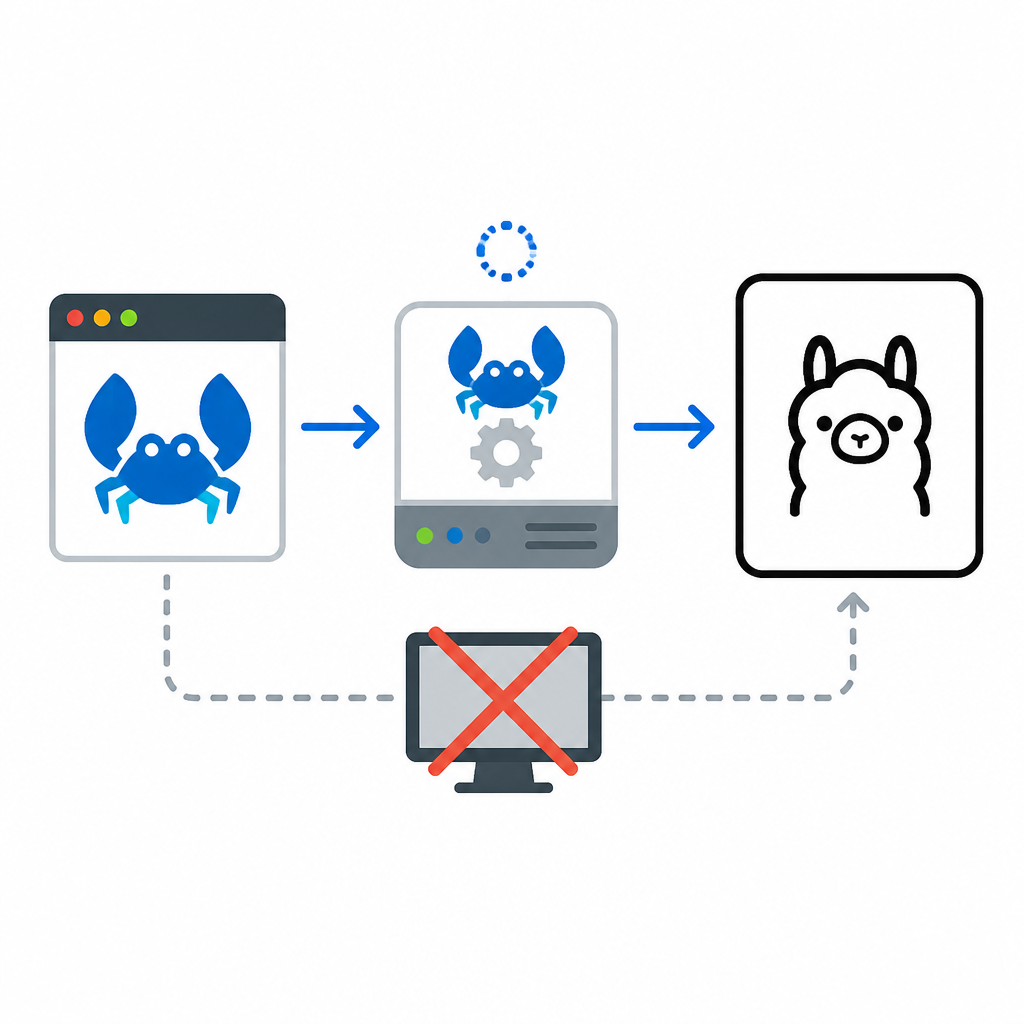
OpenClaw is now part of Ollama’s assistant lineup, and the new headless mode makes it easy to launch without a prompt loop. The key command is short: ollama launch openclaw --model kimi-k2.5:cloud --yes, which auto-pulls the model and skips the interactive selectors.
That matters because OpenClaw is not a toy demo. It connects messaging apps like WhatsApp, Telegram, Slack, Discord, and iMessage to AI coding agents through a central gateway, so the difference between “works in a terminal” and “works in automation” is a real deployment issue.
| Item | Detail |
|---|---|
| Headless command | ollama launch openclaw --model kimi-k2.5:cloud --yes |
| Required flag | --yes skips selectors and confirms prompts |
| Model requirement | --model must be specified in non-interactive mode |
| Recommended local context | At least 64k tokens |
| Local model example | gemma4 at about 16 GB VRAM |
| Local model example | qwen3.5 at about 11 GB VRAM |
What Ollama changed for OpenClaw
Get the latest AI news in your inbox
Weekly picks of model releases, tools, and deep dives — no spam, unsubscribe anytime.
No spam. Unsubscribe at any time.
OpenClaw used to be something you launched, configured, and then babysat through a few setup screens. Ollama now wraps that flow so it can install OpenClaw if needed, show the security notice on first launch, pick a model, set the provider, install the gateway daemon, and start the bundled web search provider.
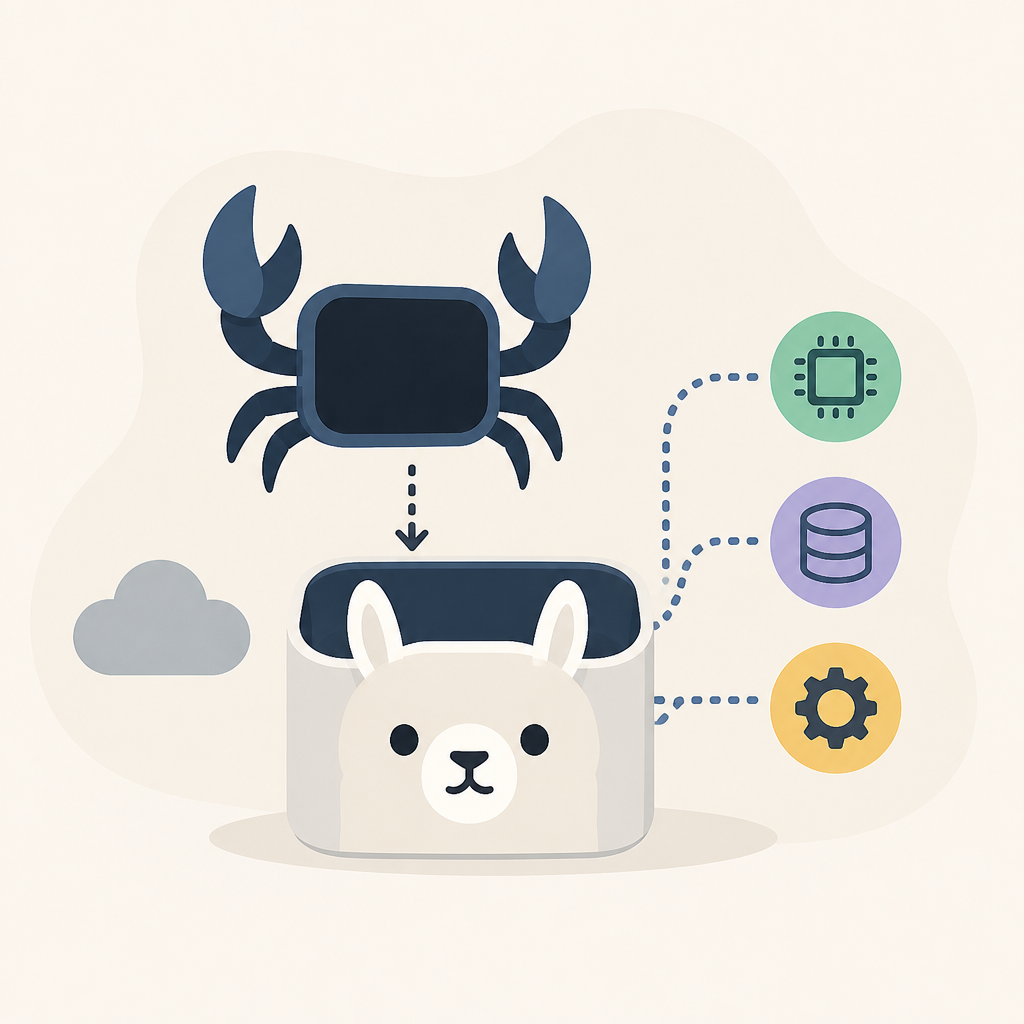
The practical gain is simple: fewer manual steps before the assistant is usable. That matters in environments where you want a repeatable launch path, whether you are testing locally or wiring the tool into a larger automation stack.
- Install happens automatically if OpenClaw is missing.
- The first launch shows a security notice about tool access.
- Ollama sets the selected model as primary and starts the gateway in the background.
- The bundled web search provider turns on during an Ollama launch.
- OpenClaw now has a headless path for Docker, CI/CD, and scripts.
Why headless mode is the useful part
The new non-interactive mode is the feature that turns OpenClaw from a desktop assistant into something you can actually automate. If you are building a container image, running a CI job, or scripting a workflow, prompts and selectors get in the way fast.
Ollama’s docs are explicit about the tradeoff: --yes auto-pulls the model, skips selectors, and requires --model. That combination removes the last bits of human input from the startup path, which is exactly what automation needs.
“The--yesflag auto-pulls the model, skips selectors, and requires--modelto be specified.”
That line from the Ollama documentation is the whole story in one sentence. The feature is not about making OpenClaw fancier; it is about making it predictable.
Model choice now matters more than the launcher
Ollama also uses the launch flow to steer users toward specific models. The docs group them into cloud and local options, and the recommendations are practical rather than abstract: pick a model that matches your hardware and the kind of agent work you want.
For cloud-backed runs, kimi-k2.5:cloud is described as multimodal reasoning with subagents. qwen3.5:cloud is aimed at reasoning, coding, and agentic tool use with vision. On the local side, gemma4 needs about 16 GB of VRAM, while qwen3.5 is listed at about 11 GB VRAM.
kimi-k2.5:cloudis the default-looking choice for multimodal agent work.qwen3.5:cloudtargets reasoning, coding, and vision.glm-5.1:cloudfocuses on reasoning and code generation.minimax-m2.7:cloudis pitched as fast and efficient for productivity tasks.- Local runs need enough memory and a context window of at least 64k tokens.
How this fits into the older Clawdbot path
OpenClaw was previously known as Clawdbot, and Ollama still keeps that alias alive. The old command ollama launch clawdbot still works, which is a nice touch for anyone with scripts or notes that predate the rename.
There is also a manual path for people who want to tweak settings without starting the gateway and TUI. You can run ollama launch openclaw --config to change the model, or use openclaw configure --section web to adjust web search behavior directly. For channel integrations, openclaw configure --section channels links WhatsApp, Telegram, Slack, Discord, or iMessage.
That split between launcher and configuration is smart. It keeps the common path short while still giving power users a way to manage the parts that matter most: model selection, search, and messaging connections.
What developers should do next
If you want OpenClaw in automation, the next step is straightforward: test the headless command with the model you actually plan to use, then verify that the gateway starts cleanly and the model loads without prompts. If you are using local models, check memory headroom and context size before you bake the setup into a container or CI job.
The real question is whether your workflow needs a chat assistant or an agent gateway. If you need the second one, Ollama’s headless OpenClaw launch finally gives you a command that fits scripts instead of fighting them.
For related reading, see Ollama web search updates and Ollama CLI reference notes.
// Related Articles
- [TOOLS]
Nvidia and LG turn AI plans into a playbook
- [TOOLS]
Ollama is the best free AI path in 2026 for real work
- [TOOLS]
This MLOps list turns chaos into a stack
- [TOOLS]
BentoML turns model serving into Python APIs
- [TOOLS]
Magenta RealTime 2 lets you score in the DAW
- [TOOLS]
Open-source AI tools beat Claude’s paid tiers on value