OpenCode turns terminal chat into a coding loop
OpenCode wraps AI coding in a terminal flow with plan, build, undo, and share commands.

OpenCode turns terminal AI coding into a plan-build-undo workflow.
I’ve been using AI coding tools long enough to know when they’re helping and when they’re just making noise. The annoying part is usually not the model. It’s the wrapper. I’ll ask for a feature, get a wall of text, then spend half my time translating vague suggestions into actual edits. Or worse, the tool starts changing files before I’ve even decided whether the approach is sane. That’s not a coding assistant, that’s a fast way to create cleanup work.
So when I looked at OpenCode’s docs, what caught my attention wasn’t “AI coding agent” marketing. It was the shape of the workflow. Terminal-first. Plan mode. Build mode. Undo. Share. That’s the part most tools still get wrong: they jump straight to output instead of giving me a way to steer the work like I’m actually reviewing a junior dev’s approach. OpenCode seems to understand that the real value is not just writing code, but keeping the loop tight enough that I can correct it before the mess spreads.
It starts with the terminal, not a shiny app shell
Get the latest AI news in your inbox
Weekly picks of model releases, tools, and deep dives — no spam, unsubscribe anytime.
No spam. Unsubscribe at any time.
“OpenCode is an open source AI coding agent. It’s available as a terminal-based interface, desktop app, or IDE extension.”
What this actually means is simple: OpenCode is trying to meet developers where they already work. The terminal is still the control center for a lot of us, especially when we’re bouncing between repos, scripts, and git history. I don’t want to context-switch into a separate playground just to ask a model to inspect a codebase.
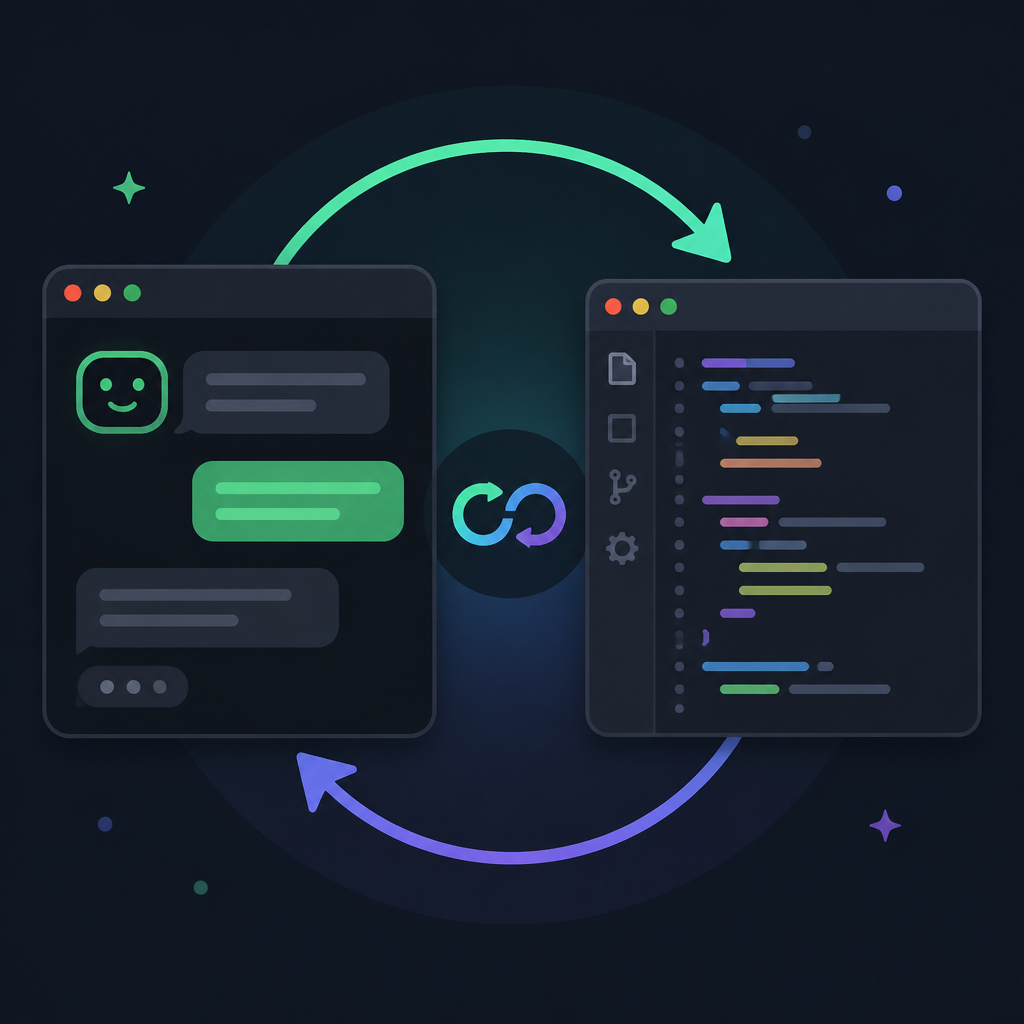
I’ve tried enough AI tools that live in a browser tab or a floating panel. They’re fine until you need to do real work, then they feel detached from the repo state, the shell history, and the exact directory you’re in. OpenCode’s docs lean into the terminal first, with desktop and IDE options as extras, not the other way around. That matters. The interface should adapt to the workflow, not force the workflow to adapt to the interface.
How to apply it: if you’re evaluating an AI coding tool, don’t start with the model brand. Start with where the tool sits in your daily loop. Can it run in the terminal? Can it stay close to git? Can it work from the repo root without a bunch of ceremony? If the answer is no, you’ll feel that friction every single day.
- Terminal-first tools are easier to script around.
- Repo-local context matters more than pretty UI chrome.
- One less app switch usually means one less excuse to ignore the tool.
Installation is deliberately boring, which is a good sign
The docs give you a straight path: install script, package managers, Homebrew, Arch, Windows options, Docker, and even a note about WSL being the recommended route on Windows. That’s not glamorous, but I actually trust tools more when they don’t hide installation behind a “just click here” funnel.
Here’s the source detail I’m talking about: the docs show the install script curl -fsSL https://opencode.ai/install | bash, plus package manager routes like npm, Bun, pnpm, Yarn, Homebrew, Arch, Chocolatey, Scoop, Mise, and Docker. They also explicitly call out that Windows support is best through Windows Subsystem for Linux. That’s the kind of practical guidance I want from a tool that lives near my code.
What this actually means is that OpenCode expects real developers to use it in real environments. Some of us live in macOS terminals. Some of us are on Linux. Some of us are stuck on Windows and need WSL to avoid pain. The docs don’t pretend those differences don’t exist, which I appreciate.
I ran into this exact issue with a previous terminal assistant: it worked fine on one machine, then became a tiny support nightmare on another because the install story was fuzzy. Once a tool makes setup ambiguous, every team rollout turns into a Slack thread. OpenCode at least tries to keep the path clear.
How to apply it: if you’re rolling out a similar internal tool, document installation by environment, not by wishful thinking. Offer one canonical install path, then list the supported alternatives. And if you know one platform is better handled through a subsystem or compatibility layer, say it plainly.
- Give one fast install path.
- List package manager options for the people who care.
- Call out platform-specific caveats early, not after someone files a bug.
Provider setup is where the tool stops pretending
OpenCode doesn’t ship as a magical all-in-one intelligence box. You bring API keys from LLM providers, or you use OpenCode Zen, which the docs describe as a curated list of tested and verified models. That’s a very different posture from tools that try to hide the model layer entirely.
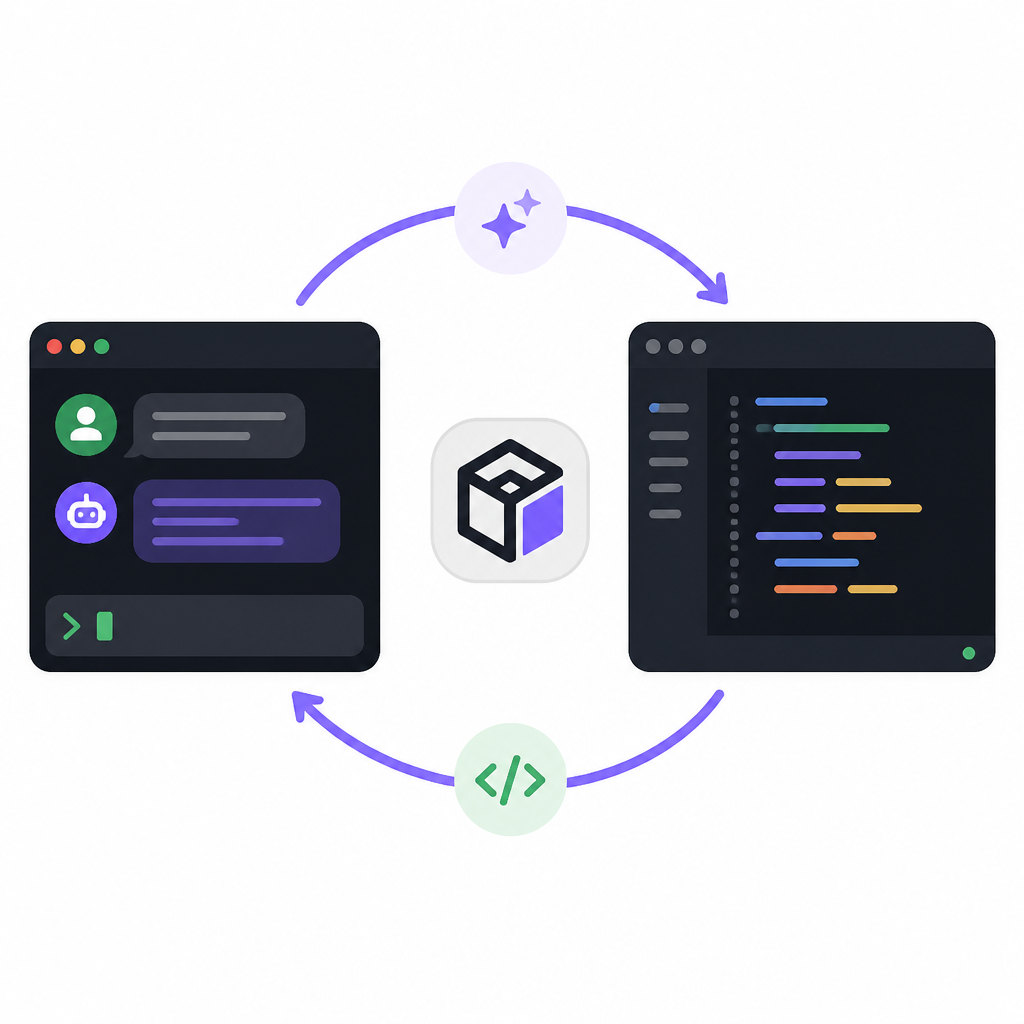
OpenCode’s auth flow is straightforward: run /connect in the TUI, select opencode, sign in, add billing details, and copy your API key back in. The docs also mention you can choose other providers. No mystery, no fake abstraction. You’re making an explicit choice about the model source and the billing path.
What this actually means is that OpenCode is treating model selection like configuration, not religion. That’s sane. I’ve seen teams waste too much time arguing about which model is “best” when the real question is which provider fits the budget, latency, and policy constraints of the project. If the tool supports multiple providers cleanly, you can change the backend without rewriting the workflow.
I like this because it keeps me honest. If the model is slow, expensive, or unreliable, I can swap providers instead of blaming the whole tool. That separation is useful. It also means your team can standardize on one provider for production work and still experiment locally without turning the setup into a mess.
How to apply it: treat model configuration like any other dependency. Document the default provider, the fallback, and the billing implications. If you’re building a tool, don’t bury that behind vague “AI magic” language. Developers want control more than they want mystery.
Initialization is the part that makes it feel repo-aware
After configuration, OpenCode wants you to cd into a project, run opencode, and then use /init. That command analyzes the project and creates an AGENTS.md file in the repo root. The docs even recommend committing that file to Git so OpenCode can keep track of structure and coding patterns.
That’s the first place where the workflow starts to feel opinionated in a useful way. Instead of treating every prompt like a fresh conversation with no memory, OpenCode asks you to establish project context. That’s what I wish more coding agents did by default. A codebase is not a blank page. It has conventions, rough edges, and local habits. If the tool ignores that, it will confidently produce nonsense.
I ran into this on a backend project where the assistant kept inventing helper patterns that didn’t match the rest of the repo. The problem wasn’t that it couldn’t write code. It was that it had no durable note of how the project was organized. A project-level agent file is a decent fix. It gives the tool a place to remember the rules that matter.
How to apply it: if your tool has any kind of project bootstrap step, make it create a durable artifact. Don’t rely on ephemeral chat memory. Put conventions in a file the team can review, diff, and commit. That way the assistant’s assumptions are visible instead of hidden in some prompt history.
One more thing I like here: the docs tell you to commit AGENTS.md. That’s a tiny but important signal. The assistant is not above version control. Good. It shouldn’t be.
Plan mode is the difference between help and havoc
“OpenCode has a Plan mode that disables its ability to make changes and instead suggest how it’ll implement the feature.”
This is the best part of the docs, and honestly the part more tools should copy. Plan mode means I can ask for a feature, get a proposed path, and inspect the approach before it starts editing files. That’s how I want to work when the task is non-trivial. I don’t need the agent to be brave. I need it to be legible.
The docs suggest you talk to OpenCode like you’re talking to a junior developer on your team. That’s exactly right. I’ve had the best results with AI tools when I give them enough context to form a plan, then I pressure-test that plan before any code changes happen. If the idea is weak, I want to find out before the repo gets touched.
What this actually means is that OpenCode is trying to separate design from execution. That sounds obvious, but most assistants blur the two. They’ll start editing while they’re still figuring out the shape of the problem. That’s how you get half-finished refactors and accidental scope creep.
How to apply it: use planning mode for anything that touches multiple files, changes data flow, or affects user-visible behavior. Give the assistant examples, constraints, and a target outcome. Then review the plan like you would review a teammate’s proposal. If it feels off, fix the plan first. Don’t “see what happens.”
- Use plan mode for multi-file changes.
- Ask for implementation steps before code.
- Review the plan as if it were a pull request description.
Build mode should be the last step, not the first impulse
Once the plan looks right, the docs say to switch back to Build mode with the Tab key and let OpenCode make the changes. For straightforward tasks, you can skip the planning step and go straight to implementation. That’s a nice balance. Not everything deserves ceremony, but not everything deserves blind execution either.
The example in the docs is the kind of prompt I’d actually use: update a notes workflow so deleted notes are flagged in the database, then add a screen for recently deleted notes, with undelete and permanent delete options. That’s a real feature request, not a toy prompt. It gives enough detail to guide the implementation without micromanaging every line.
What this actually means is that OpenCode expects you to provide context the way you would for a teammate. That’s the right mental model. If I’m too vague, the agent fills gaps with guesses. If I’m too specific in the wrong places, I box it in. The sweet spot is enough detail to define intent, plus enough freedom for the tool to do the mechanical work.
I’ve found that most bad AI coding sessions come from one of two failures: the prompt is too thin, or the user won’t let the tool finish a coherent pass. OpenCode’s plan-then-build split is a decent way to manage both problems. It gives me a checkpoint before edits and a clean execution phase after approval.
How to apply it: use build mode only after the plan is stable. If the change is simple, go direct. If it affects architecture, data, or UX flow, force yourself to review the plan first. That one habit saves a lot of cleanup.
Undo and share are the safety rails I actually care about
The docs cover /undo, /redo, and /share. That sounds minor until you’ve spent an hour trying to reconstruct what the assistant changed. Undo is not a luxury in agentic coding. It’s a requirement. If I can’t back out of a bad turn quickly, I’m not really collaborating with the tool. I’m babysitting it.
/undo reverts the last set of changes and restores the original message so you can try again. /redo brings it back. /share creates a link to the current conversation and copies it to the clipboard. The docs say conversations are not shared by default, which is exactly how it should be. Private until you choose otherwise.
What this actually means is that OpenCode understands the workflow around the code, not just the code itself. Undo supports experimentation. Share supports review. Together, they make the tool easier to use in a team setting, which is where these assistants either become useful or become annoying.
I’ve used AI tools where sharing a conversation was awkward enough that I ended up pasting screenshots into Slack like it was 2014. That’s ridiculous. If the assistant is doing meaningful work, I need a clean way to hand the thread to someone else or revisit it later. OpenCode’s share flow looks like it respects that need.
How to apply it: build undo into every agent workflow you design. Make it obvious, fast, and reversible. And if people on your team need to review the interaction, give them a shareable artifact instead of forcing them to reconstruct the prompt chain from memory.
The template you can copy
# OpenCode workflow template for terminal-first AI coding

## 1) Install
# Pick one path and document it clearly.
# Example:
# curl -fsSL https://opencode.ai/install | bash
# Or use your package manager of choice.

## 2) Configure provider
# Run /connect in OpenCode.
# Choose your provider.
# Paste the API key.
# If your team has a standard provider, write it here.

## 3) Initialize the repo
cd /path/to/project
opencode
/init

# Commit the generated AGENTS.md file.
# Keep repo conventions in version control.

## 4) Ask for a plan first
# Use Plan mode for multi-file or architecture-touching work.
# Give the agent:
# - the goal
# - the files or areas involved
# - constraints
# - examples of expected behavior

Example prompt:
"We need to add soft-delete support for notes.
When a note is deleted, mark it deleted in the database.
Add a screen for recently deleted notes.
From that screen, allow restore and permanent delete.
Use the existing notes route as the pattern.
First give me an implementation plan only."

## 5) Review the plan
# Check for:
# - data model changes
# - route changes
# - UI changes
# - migration needs
# - rollback concerns

## 6) Build only after approval
# Switch to Build mode.
# Let the agent make the changes.
# Keep the task focused.

## 7) Undo fast when needed
# If the result is wrong:
# /undo
# Adjust the prompt.
# Try again.

## 8) Share the conversation
# When the thread is useful for your team:
# /share
# Paste the link into your PR, ticket, or chat.

## Prompting pattern I use
# Good:
# "Implement X in the same style as Y, using Z constraints."
# Better:
# "First explain the plan, then wait for approval before editing."
# Best:
# "Use the repo patterns in AGENTS.md and keep changes minimal."

## Team rules
# - Keep AGENTS.md committed
# - Use plan mode for risky changes
# - Prefer reversible edits
# - Share useful threads
# - Treat the agent like a junior dev, not a magic box
That’s the version I’d put in a team wiki or README if I wanted people to use OpenCode without wandering into chaos. It keeps the workflow explicit: install, configure, initialize, plan, build, undo, share. Nothing fancy. Just the stuff that keeps the loop sane.
My honest read is that OpenCode’s docs are strongest when they stop talking about “AI coding” in the abstract and start describing the actual mechanics of working against a repo. That’s where the value is. Not in the label. In the loop.
Source attribution: I broke this down from the OpenCode docs at https://opencode.ai/docs/. The workflow structure, commands, and installation guidance come from that source; the framing, commentary, and template are mine.
// Related Articles
- [TOOLS]
Open-source AI software is winning on infrastructure, not hype
- [TOOLS]
Wazero turns Go Wasm into plain Go
- [TOOLS]
ffmpeg-webCLI brings video editing into the browser
- [TOOLS]
NewCore turns AI agents into managed identities
- [TOOLS]
Wikipedia’s software list turns into a tool map
- [TOOLS]
Agentic Banking job post turns AI habits into scope