Prompt Library turns prompt chaos into reuse
Promptly AI’s library turns scattered prompts into a reusable workflow across ChatGPT, Claude, Gemini, Perplexity, and DeepSeek.

Promptly AI turns scattered prompts into a reusable workflow across chat tools.
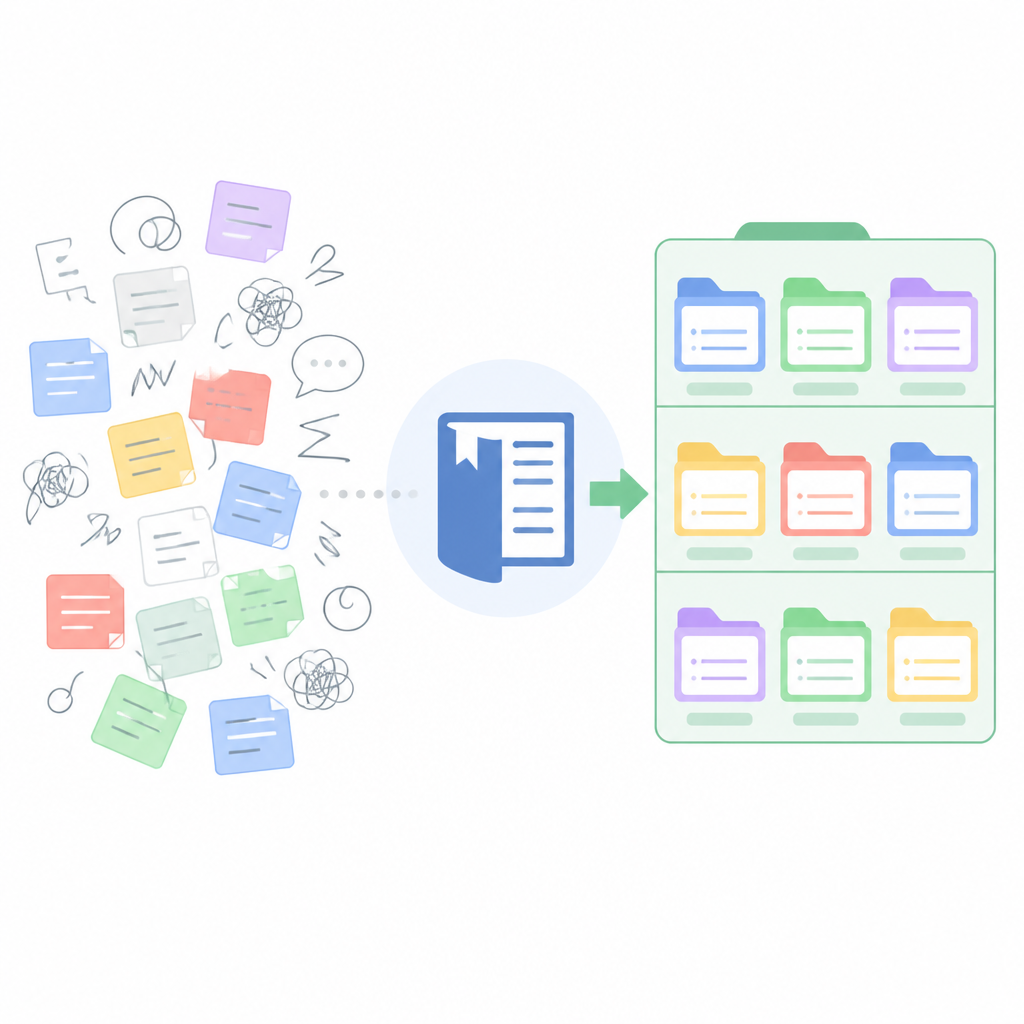
I've been using prompt-heavy workflows for a while now, and honestly, the mess always shows up the same way. I’ll write a decent prompt in ChatGPT, get a useful answer, then lose the whole thing in a tab graveyard. Later I’m rebuilding the same instruction from memory, tweaking wording, and pretending I’m not wasting time. Claude gets one version, Perplexity gets another, Gemini gets a third, and none of them quite match because I never had a clean system for saving what worked.
That’s why Promptly AI caught my attention. Not because it promises magic, but because it attacks the boring part I keep tripping over: prompt reuse. The Prompt Library is basically a place to save, organize, and reuse prompts across tools, plus export conversations between AI services when you want to keep going without starting over.
Stop treating good prompts like disposable notes
Get the latest AI news in your inbox
Weekly picks of model releases, tools, and deep dives — no spam, unsubscribe anytime.
No spam. Unsubscribe at any time.
Access our curated collection of AI prompts. Save, organize, and reuse effective prompts for ChatGPT, Claude, Perplexity, Gemini and Deepseek.
What this actually means is simple: the prompt itself becomes an asset, not a one-off throwaway. I’ve seen too many teams treat prompts like sticky notes. They work once, then vanish into Slack, Notion, or someone’s browser history. That’s fine until you need the same output next week and nobody remembers which wording got it there.

Prompt libraries are useful because they give you a repeatable starting point. Instead of asking, “What should I prompt this model with?” every single time, you ask, “Which version already worked?” That shift sounds tiny. It isn’t. It saves you from re-inventing the same instruction over and over.
I ran into this while building a bunch of internal assistant flows. The first draft of a prompt would be okay, the second one better, and by the fifth I had something I actually trusted. Then I’d lose the fifth version. Classic. A library fixes that by making the best version easy to find and easy to reuse.
How to apply it: keep prompts by job, not by model. I’d store things like “summarize meeting notes,” “rewrite for exec tone,” “extract action items,” and “compare options,” then note which model handled each best. If you’re using ChatGPT, Claude, Perplexity, Gemini, or DeepSeek, the prompt should travel with the task, not the tab.
- Save the exact prompt that produced a good result.
- Add one-line notes on when to use it.
- Tag prompts by task, audience, and model.
Reuse beats rewriting when you’re under pressure
Promptly’s pitch is not just storage. It’s reuse. That matters because most prompt work happens when you’re already in motion. You’re trying to write faster, decide faster, or compare faster. The last thing you need is a blank page and a vague memory of “that one prompt that worked last month.”
What this actually means is you can build a personal prompt stack. A prompt for first drafts, a prompt for critique, a prompt for shortening, a prompt for changing tone, a prompt for extracting structure. Once those are saved, you stop burning time on setup and start spending it on the output.
I’ve had this exact problem with client work. A prompt that produces a solid product brief for one client gets buried, then three weeks later I’m rebuilding it from scratch because the next brief is due in an hour. That’s not a process, that’s panic with formatting. A library gives you the boring discipline that keeps quality consistent.
How to apply it: make a “prompt ladder.” Level one is your raw instruction. Level two adds constraints. Level three adds examples. Save all three. You’ll quickly see which version is enough for quick tasks and which version is worth the extra detail.
- Keep a short version for speed.
- Keep a strict version for quality.
- Keep a model-specific version only when needed.
Cross-model export is really about not getting trapped
Export conversations between AI services to get around usage limits and fork your progress.
That line is the most practical part of the whole thing. What this actually means is you’re not locked into one model’s session history. If a conversation hits a limit, gets clunky, or just stops being useful, you can move the work somewhere else instead of restarting from zero.
I’ve done this manually more times than I care to admit. Copy the context. Paste it into another tool. Clean up the formatting. Re-explain the goal. Hope nothing important got lost. It’s annoying, and it breaks momentum right when the task is getting interesting. Exporting conversations is basically a way to preserve the thread of thought.
The other part I like is “fork your progress.” That’s a real workflow idea, not marketing noise. Sometimes you don’t want one conversation to continue. You want two versions. One path explores a conservative answer. Another path pushes harder. That’s how I use AI when I care about quality: I split the work and compare outputs instead of trusting the first pass.
How to apply it: when a conversation gets to a useful midpoint, save it before pushing further. Then export or recreate the context in a second tool and ask for a different angle. One branch can optimize for brevity, another for depth, another for skepticism. You’ll get better coverage than if you keep nudging one model in circles.
This is especially handy if you work across tools like ChatGPT, Claude, and Perplexity. Different models are better at different parts of the job, and a clean handoff matters more than model loyalty.
Organization is the part everyone ignores until it hurts
Prompt libraries only matter if you can actually find what you saved. That sounds obvious, but I’ve watched people dump prompts into one giant note and call it a system. It isn’t. It’s a junk drawer with better typography.
What Promptly is pushing here is a structure: save, organize, reuse. That sequence matters. Save first. Organize second. Reuse third. If you skip the middle step, the library turns into clutter. If you skip the first step, you lose the good stuff entirely.
I prefer organizing prompts by outcome, then by model behavior. For example: “summarize,” “rewrite,” “analyze,” “brainstorm,” “compare.” Under each, I keep notes like “best with Claude for long context” or “best with ChatGPT for terse drafts.” That way I’m not hunting by tool name when I really care about the task.
How to apply it: use a naming convention that tells you three things at a glance: what the prompt does, who it’s for, and what kind of output it produces. If you can’t tell that in two seconds, rename it. I’m not joking. Bad names kill reuse.
- Use verbs in prompt titles: summarize, rewrite, extract, critique.
- Add audience labels: exec, customer, engineer, student.
- Add output labels: bullets, memo, table, JSON, checklist.
Curated prompts are useful, but only if you adapt them
The page says “curated collection,” and that matters because a library is only half about your own prompts. The other half is borrowing a good starting point and making it yours. I’ve found that most people either copy prompts blindly or over-edit them until they lose the original value. Both are bad habits.
What this actually means is you should treat curated prompts like templates, not gospel. A prompt that works for one workflow may need different constraints, a different tone, or a different output format in your setup. The point is to reduce blank-page friction, not to force everyone into the same wording.
I’ve used borrowed prompts that were almost right but needed one extra instruction about audience, one example, or one refusal rule. That small edit often made the difference between “pretty good” and “I can use this in production.”
How to apply it: when you import or save a prompt, add a short changelog note. I like three fields: what I changed, why I changed it, and what result I got. That turns a prompt into a living artifact instead of a static snippet you forget about.
If you want the prompt to survive across models, keep the core intent stable and only swap the model-specific language when needed. That keeps the library useful even as your tools change.
Forking progress is the real productivity win
“Fork your progress” is the phrase here that feels most developer-friendly, and for good reason. It borrows the mental model we already use in code: keep the original branch, create another path, and compare outcomes. AI work should behave the same way more often than it does.
What this actually means is you don’t have to bet everything on one answer thread. If a prompt is getting close but not quite there, fork it. One branch can keep the original direction. Another can challenge the assumptions. A third can rewrite the result for a different audience. That’s faster than arguing with one model until it gives up.
I’ve used this approach for writing, planning, and debugging. The moment I split a conversation into two or three paths, I usually get better decisions because each branch is forced to commit to a different angle. One answer becomes a candidate, not a verdict.
How to apply it: whenever a task has more than one valid outcome, create branches on purpose. Ask one model to optimize for speed, another for accuracy, another for simplicity. Then compare. You’ll stop mistaking the first decent answer for the best answer.
This is where a library and export workflow really pay off together. Save the prompt, export the conversation, fork the next version, repeat. That’s a much healthier loop than endlessly editing the same chat until the context window starts wheezing.
The template you can copy
# Prompt Library System for Multi-Model AI Work

## 1) Prompt record
- Name: [verb] [task] [audience] [output]
- Goal: [one sentence]
- Best for: [use case]
- Models tested: [ChatGPT / Claude / Perplexity / Gemini / DeepSeek]
- Last updated: [date]

## 2) Prompt template
You are helping me with [task].
Audience: [audience].
Tone: [tone].
Output format: [bullets / table / memo / JSON / checklist].
Constraints:
- [constraint 1]
- [constraint 2]
- [constraint 3]

If the input is incomplete, ask up to 3 clarifying questions.
If you can proceed, give the answer directly in the requested format.

## 3) Prompt variants
### Short version
[short prompt]

### Strict version
[full prompt with constraints]

### Model-specific notes
- ChatGPT: [notes]
- Claude: [notes]
- Perplexity: [notes]
- Gemini: [notes]
- DeepSeek: [notes]

## 4) Changelog
- v1: [what changed]
- v2: [what changed]
- v3: [what changed]

## 5) Forking workflow
1. Save the working prompt.
2. Export the conversation when the thread is useful.
3. Duplicate the prompt into a new branch.
4. Change one variable at a time.
5. Compare outputs and keep the best branch.

## 6) Naming rules
- Use task-first names.
- Include audience when it matters.
- Include output type when it helps retrieval.
- Never save a prompt without a note on when to use it.

## 7) Example entry
- Name: rewrite product update exec memo
- Goal: turn rough notes into a short leadership update
- Best for: weekly status reports
- Models tested: Claude, ChatGPT
- Last updated: 2026-05-22

Prompt:
You are helping me rewrite rough product notes into a concise executive memo.
Audience: leadership team.
Tone: direct, calm, and specific.
Output format: 5 bullets and a 2-sentence summary.
Constraints:
- Keep it under 180 words.
- Call out blockers explicitly.
- Do not add unsupported claims.

## 8) Reuse rule
Before writing a new prompt from scratch, search the library for:
- the same task
- the same audience
- the same output shape
- the same model behavior

If a close match exists, adapt it instead of starting over.
This is the part I’d actually copy into a team wiki or personal notes app. It gives you a structure for saving prompts, a way to branch them, and a reason to stop rebuilding the same instructions every week.
If I were setting this up from scratch, I’d start small: ten prompts, one naming rule, one changelog habit, and one branching rule. That’s enough to turn prompt work from an ad hoc scramble into something you can repeat without thinking too hard.
Source attribution: original idea and product copy come from Promptly AI’s Prompt Library page. My breakdown, examples, and template are my own interpretation layered on top of that source.
// Related Articles
- [TOOLS]
Nvidia and LG turn AI plans into a playbook
- [TOOLS]
Ollama is the best free AI path in 2026 for real work
- [TOOLS]
This MLOps list turns chaos into a stack
- [TOOLS]
BentoML turns model serving into Python APIs
- [TOOLS]
Magenta RealTime 2 lets you score in the DAW
- [TOOLS]
Open-source AI tools beat Claude’s paid tiers on value