Why qBittorrent 5.2.0 Is a Must-Upgrade for Media Server Admins
qBittorrent 5.2.0 is a must-upgrade for Radarr, Sonarr, and Jellyfin setups because it fixes crashes, speeds up the WebUI, and adds category-level share limits.

qBittorrent 5.2.0 is a must-upgrade for media server admins because it improves stability, speed, and control.
qBittorrent 5.2.0 is not a cosmetic release; it is the first version in a while that changes how a media server download stack behaves day to day, and I think Jellyfin admins running Radarr and Sonarr should upgrade. The headline features are practical: category-level share limits, a faster WebUI, asynchronous piece calculation, and a long list of crash fixes. That combination matters because qBittorrent is usually not the star of the setup, but it is the piece that can quietly waste storage, stall imports, or freeze a whole automation chain when it misbehaves.
Category-level controls are the real upgrade
Get the latest AI news in your inbox
Weekly picks of model releases, tools, and deep dives — no spam, unsubscribe anytime.
No spam. Unsubscribe at any time.
The strongest reason to move to 5.2.0 is category-level share limits. Before this release, most users had to apply ratio or time limits globally or per torrent, which is clumsy in a Radarr and Sonarr workflow. Now you can set different seeding behavior for movie and TV categories directly, which means the client can match the policy you actually want instead of forcing one rule across every download.

This is not a theoretical convenience. If your movie category should seed longer than your TV category, or if you want anime to behave differently from 4K remuxes, 5.2.0 gives you that control without manual babysitting. The same release also makes subcategories unconditional, which matters for users who organize libraries deeply. Once you start grouping downloads by source, quality, and media type, the old category model starts to feel like a blunt instrument. This release finally gives it finer edges.
The performance gains are practical, not decorative
Asynchronous piece calculation is the sort of change that sounds small until you add a large torrent on weaker hardware. In 5.2.0, piece hash calculation runs asynchronously, so the UI stays responsive during adds and rechecks. On compact boxes like an Intel N100 mini PC, that matters because the client no longer feels like it has locked up while it does background work.
The WebUI improvements go in the same direction. qBittorrent now uses a virtual list for better table performance, and the interface gets faster when you are managing large torrent sets. That matters for media servers because the person at the keyboard is often juggling dozens or hundreds of active items, not five. Add in the new free disk space indicator in the status bar, and the release starts looking like a response to how people actually run the client: always on, always full, and always one bad download away from a storage problem.
Reliability beats feature count
The crash fixes alone justify the upgrade. This release fixes crashes when exiting after adding a torrent, closing the app with the add dialog open, handling invalid entries in ipfilter.dat, moving an RSS folder into its own subfolder, and deleting torrents on macOS. That is a long list, but it is exactly the kind of long list that makes a release important. qBittorrent sits in the path of automation, so a crash is not just an app problem; it is an interrupted pipeline.
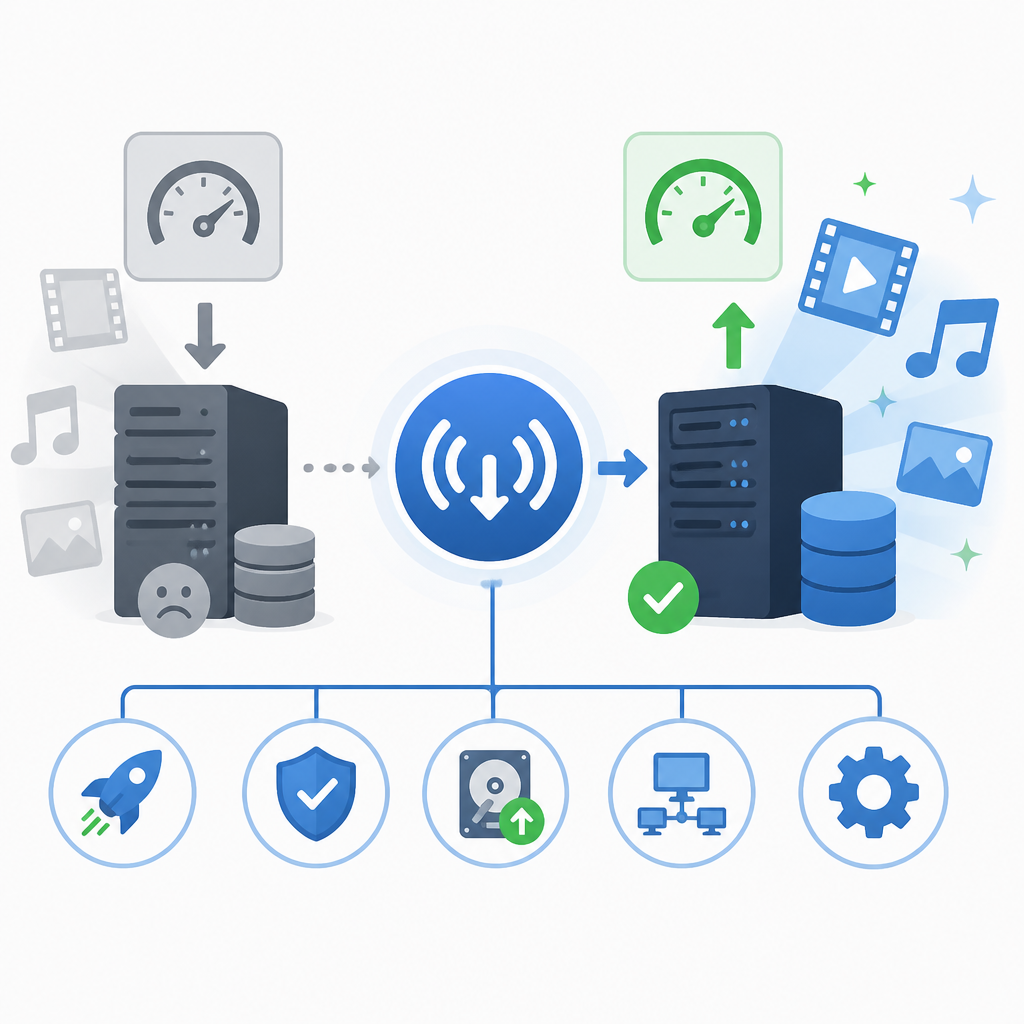
One fix stands out for Radarr and Sonarr users: the watched-folder save path bug. If you have ever seen imports land in the wrong directory, you know how much time a bad path can burn across a media stack. The release also fixes failure to start seeding a newly created torrent in Torrent Creator, which matters for users who generate their own torrents or manage local distribution. In other words, this is not a release that merely adds polish. It removes failure modes that can break real workflows.
The counter-argument
The best argument against upgrading is compatibility risk. qBittorrent 5.2.0 drops Qt 6.5 support, raises library requirements, and changes enough under the hood that older systems or minimal installs may not be ready. If you run a carefully pinned Docker image or a distribution package on aging hardware, a major version jump can be disruptive. There is also a fair point that existing Radarr, Sonarr, and WebAPI integrations already work, so a stable setup can feel safer left untouched.
That caution is valid, but it does not outweigh the release’s value. The key point is that the update is additive for standard media automation and backward compatible at the WebAPI level. The risk is not that your Radarr or Sonarr stack will stop working; the risk is that your platform dependencies are too old. That is a deployment issue, not a reason to avoid the release. If your environment cannot satisfy Qt 6.10.3 and the updated libraries, fix the environment or stay on the older branch. For everyone else, the stability and workflow gains are worth it.
What to do with this
If you are an engineer or home-lab admin, upgrade qBittorrent 5.2.0 after checking your base image, distro packages, and Qt/library compatibility, then back up your config first. If you are a PM or founder responsible for a media automation product or service, treat this release as a reminder that the boring parts of the stack matter most: storage visibility, crash resistance, and bulk-management speed. For Radarr and Sonarr users, set category-level share limits immediately after upgrading, verify watched-folder paths, and test the WebUI on your largest torrent set before calling the rollout done.
// Related Articles
- [TOOLS]
Nvidia and LG turn AI plans into a playbook
- [TOOLS]
Ollama is the best free AI path in 2026 for real work
- [TOOLS]
This MLOps list turns chaos into a stack
- [TOOLS]
BentoML turns model serving into Python APIs
- [TOOLS]
Magenta RealTime 2 lets you score in the DAW
- [TOOLS]
Open-source AI tools beat Claude’s paid tiers on value