AMD GAIA 0.17 Adds a Local Agent UI
AMD GAIA 0.17 adds a local Agent UI for Ryzen AI PCs, with file chat, tool guardrails, and no cloud calls.

AMD just gave its local AI stack a friendlier face. In GAIA 0.17, the company adds an Agent UI that runs on Ryzen AI hardware, keeps processing on-device, and supports 53+ file formats with page-level citations.
That matters because local AI has been stuck in a weird place: the model side keeps improving, but the user experience often feels like a command line demo. GAIA’s new web app pushes the project closer to something people could actually use for documents, code, file search, and controlled command execution.
What AMD added in GAIA 0.17
Get the latest AI news in your inbox
Weekly picks of model releases, tools, and deep dives — no spam, unsubscribe anytime.
No spam. Unsubscribe at any time.
GAIA is AMD’s local AI agent framework for Ryzen AI hardware, and this release is mostly about making the system easier to touch and safer to use. The new Agent UI is a privacy-first web app built with React, TypeScript, and an Electron shell. AMD says it runs strictly local, with no cloud AI usage.

The feature list is practical rather than flashy. You can drag in documents, ask questions about them, search through files, and approve actions before the agent touches your shell or filesystem. The UI also exposes live metrics like token counts, latency, and throughput, which is the kind of detail power users care about and most consumer AI apps hide.
- Local document analysis with page-level citations
- Safe tool execution with allow/deny prompts
- File search across projects and directories
- Phone access through a built-in ngrok tunnel
- Session history and persistence
- Inline streaming with reasoning shown as it happens
The document side is especially interesting. AMD says GAIA can handle PDFs, Word files, and 53+ formats using local retrieval-augmented generation, so the system can answer from your own files instead of sending them to a remote service. That puts it in the same broad category as local knowledge tools, but with tighter integration into AMD’s hardware stack.
Why the privacy angle matters
Local AI is often sold as a convenience story, but privacy is the stronger argument. If your agent is reading contracts, internal docs, source code, or personal archives, sending that data to a cloud API may be a non-starter. GAIA 0.17 keeps the loop on the machine, which means the data path is simpler and easier to reason about.
AMD also added guardrails for tool execution. The agent can run shell commands, write files, and use MCP tools, but each action needs approval first. That detail matters more than the marketing copy. A local agent that can act on your system is useful; a local agent that can do it without asking is a mistake.
“The future of AI must be one where users can trust the systems they use.” — Satya Nadella, Microsoft Build 2024 keynote
That quote was about AI more broadly, but it fits GAIA’s direction. The real product value here is not just model access. It is the control surface around the model, which is where most agent products still feel undercooked.
AMD’s choice to keep the entire stack local also avoids a common complaint about AI assistants: latency spikes and quota anxiety. If the model is running on your Ryzen AI machine, the experience depends more on your hardware than on a vendor’s server load or policy changes.
How GAIA compares with the rest of the local AI stack
GAIA 0.17 does not exist in isolation. AMD says the release pairs with Lemonade SDK 10.0 and FastFlowLM 0.9.35, which AMD says make Ryzen AI NPUs on Linux more useful for running LLMs. That’s the part Linux users will notice first, because hardware support has been the bottleneck for a while.
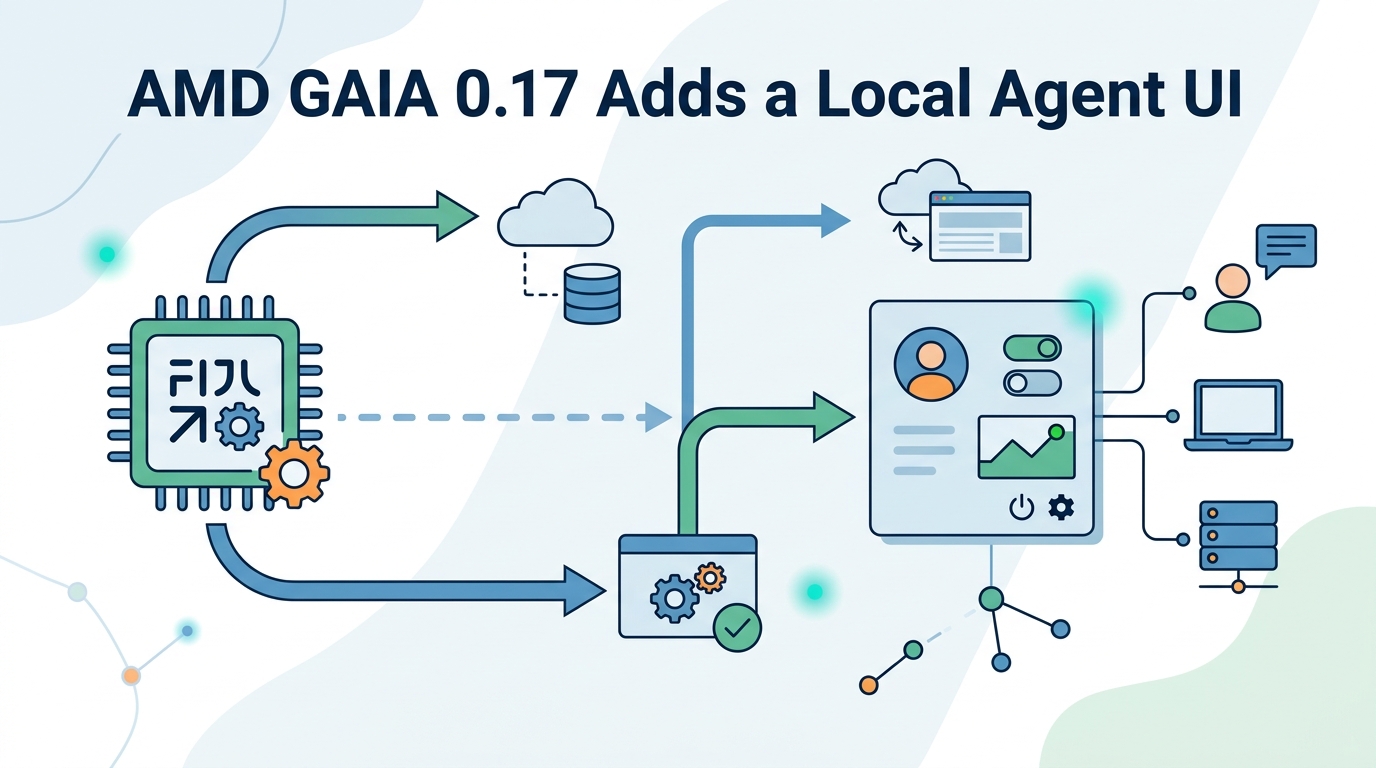
Compared with typical cloud-first agents, GAIA gives up some convenience features in exchange for local control. Compared with barebones local model runners, it gives users a real interface and action approval flow. That middle ground is where the product becomes interesting.
- GAIA: local agent framework with UI, file tools, and shell controls
- Lemonade SDK: AMD’s software layer for running models on Ryzen AI NPUs
- FastFlowLM: low-level model runtime aimed at AMD hardware
- LangChain: broader agent tooling, but usually tied to external model providers
The numbers in AMD’s release are worth pausing on. Support for 53+ file formats is a lot for a first-pass UI, and page-level citations are a meaningful sign that the document pipeline is more than a toy. The built-in ngrok tunnel is also a practical touch, since it lets you reach a local instance from another device without inventing your own remote-access setup.
There is also a clear hardware story here. AMD is trying to make Ryzen AI NPUs matter on Linux by pairing software releases with usable workflows. That is a better pitch than simply saying the chip can run models. Users care about whether the model can open their documents, answer accurately, and avoid spraying private data across the internet.
What this says about AMD’s AI strategy
AMD has been pushing a stack that makes its AI hardware feel less like a spec sheet item and more like a platform. GAIA 0.17, Lemonade SDK 10.0, and FastFlowLM 0.9.35 all point in the same direction: local inference, local control, and a Linux story that is finally getting some attention.
For developers, the interesting question is whether GAIA becomes a reference app or a real daily driver. If the UI keeps improving, the approvals stay clear, and the Linux support keeps expanding, AMD could have a credible local agent story for anyone who wants AI without handing every prompt to a cloud provider.
For now, the release feels like a solid step rather than a grand reinvention. That is fine. In local AI, the companies that win are often the ones that make the boring parts work: file access, citations, approvals, sessions, and hardware detection.
My guess is simple: the next wave of local AI adoption will come from tools that make private workflows feel easier than cloud-based ones. GAIA 0.17 is one of the first AMD releases that points directly at that outcome, and Linux users on Ryzen AI hardware should pay attention to whether the next update makes the UI feel less like a demo and more like a daily tool.
// Related Articles
- [TOOLS]
Aliyun Bailian Token Plan turns credits into agents
- [TOOLS]
One API gateway turns six AI APIs into one
- [TOOLS]
OpenAI FDEs turn broken agents into shipped systems
- [TOOLS]
Anthropic’s daily brief turns news into a workflow
- [TOOLS]
Claude Reflect turns usage into retention
- [TOOLS]
Midjourney turns prompt ideas into art