Claude Code CLI Guide Goes Deep on Hooks and MCP
Blake Crosley’s guide maps Claude Code’s CLI, hooks, MCP, and subagents into a practical system for real software work.
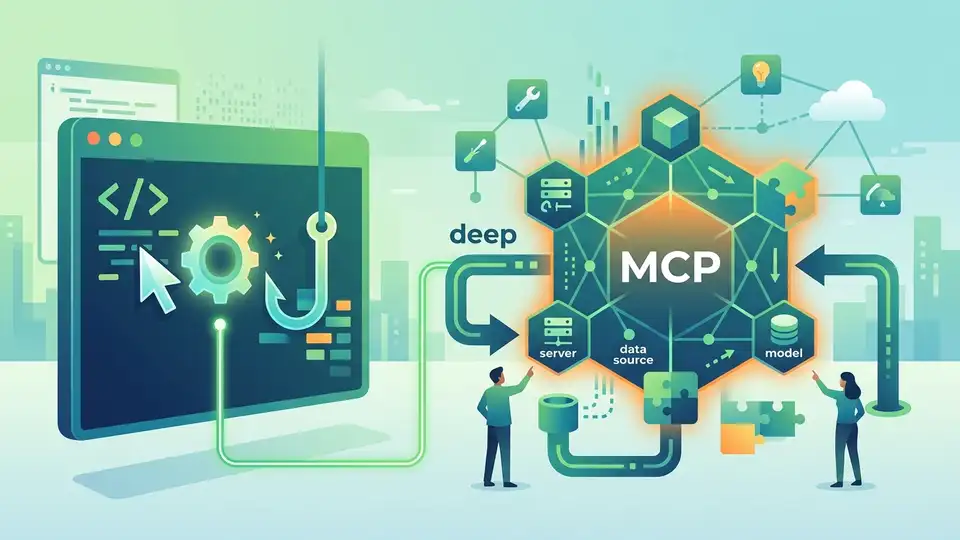
Claude Code is Anthropic’s CLI for agentic coding with hooks, MCP, and subagents.
Anthropic says Claude Code now powers about 4% of public GitHub commits, or roughly 135,000 commits a day, and that figure matters because this is no longer a toy terminal assistant. Blake Crosley’s Claude Code CLI guide treats the tool like production software, not a novelty, and the article is huge for a reason: the behavior of the system depends on configuration, permissions, hooks, MCP, and subagents.
| Fact | Value | Why it matters |
|---|---|---|
| Guide length | 48K+ words | It is a reference manual, not a quick tip sheet |
| Read time | 240 minutes | Shows how much surface area Claude Code exposes |
| GitHub commit share | 4% | Signals real adoption in day-to-day coding work |
| Commit volume | ~135,000/day | Gives the adoption number some weight |
| Context window | 200K tokens standard | Explains why delegation matters |
Claude Code is a terminal agent, not a chat box
Get the latest AI news in your inbox
Weekly picks of model releases, tools, and deep dives — no spam, unsubscribe anytime.
No spam. Unsubscribe at any time.
The cleanest way to think about Claude Code is that it lives inside your repo, reads files, runs shell commands, edits code, and keeps going until the task is done. That sounds simple, but the implications are bigger than the marketing copy suggests. Once the model can touch the filesystem and the shell, you are no longer using a text generator. You are using an agent that can inspect, act, and chain those actions together.
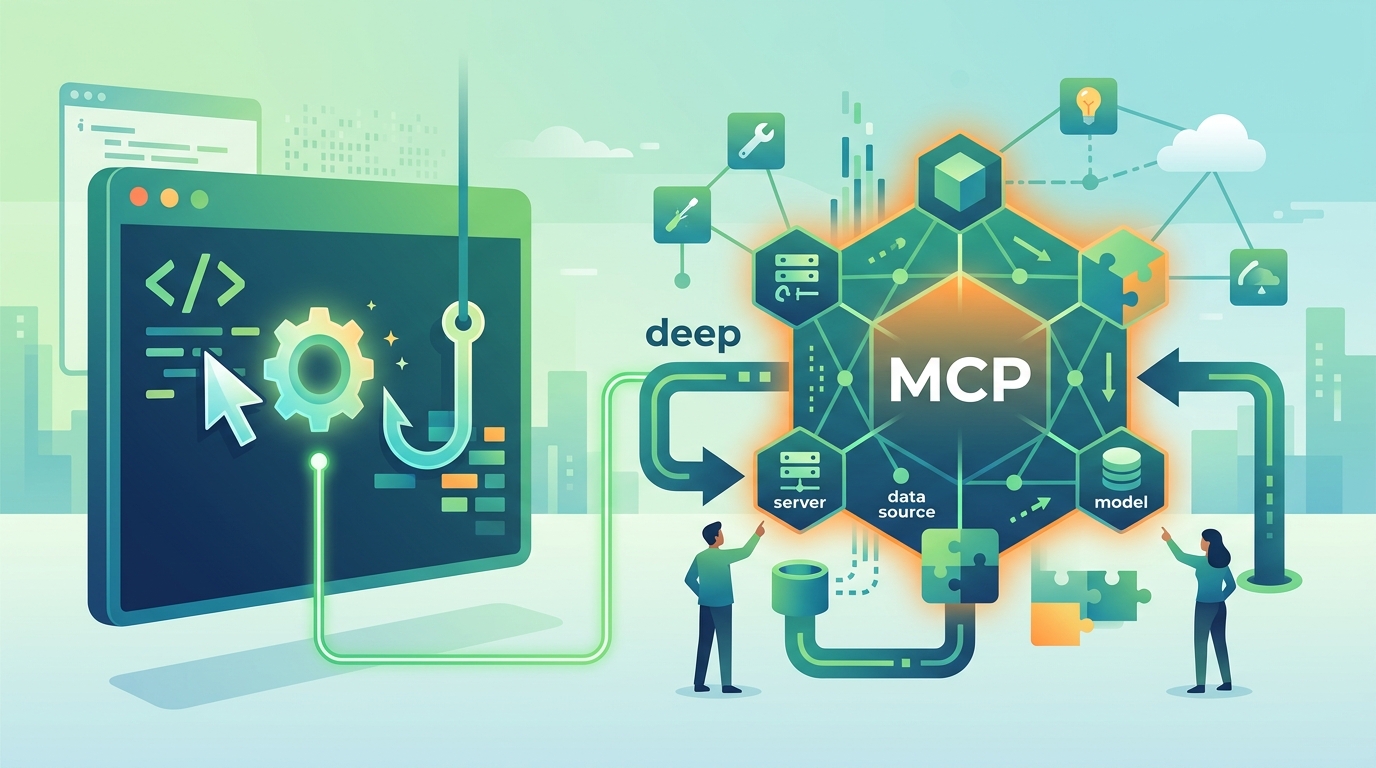
Crosley’s guide opens with a useful mental model: the core conversation has limited context, the delegation layer handles focused work in fresh windows, and the extension layer connects Claude to external systems. That structure explains why some users get impressive results while others hit a wall after a few prompts. The difference is usually not the model itself. It is how much work gets pushed out of the main conversation.
- Core layer: the main chat context where costs and context pressure accumulate
- Delegation layer: subagents that explore and summarize without polluting the main thread
- Extension layer: MCP, hooks, skills, and plugins that add deterministic behavior
- Context size: 200K tokens standard, with larger options on newer model tiers
The article also makes a point that many CLI guides miss: prompt quality matters, but control systems matter more. If a formatting step must always run, a prompt is the wrong tool. If a security check must never be skipped, a hook is the right place to put it. That distinction turns Claude Code from a clever assistant into something closer to programmable infrastructure.
The five systems that decide whether Claude Code helps or hurts
Crosley reduces the whole product to five systems: configuration, permissions, hooks, MCP, and subagents. That is a smart framing because it matches how real teams use the tool. Most of the pain comes from misconfiguring one of those layers, then blaming the model for doing exactly what the settings allowed.
Configuration controls defaults. Permissions decide what Claude can touch. Hooks run deterministic automation. MCP expands the toolchain. Subagents keep complex tasks from bloating the main context. If you want a practical checklist, that is the one to keep in your head while setting up the CLI in a real codebase.
“Claude Code is an agentic CLI that reads your codebase, executes commands, and modifies files through a layered system of permissions, hooks, MCP integrations, and subagents.” — Blake Crosley
That quote captures the whole article better than any summary I could write. It also explains why the guide spends so much time on details that casual users skip. Once you accept that Claude Code is an execution system, the rest of the document becomes a map of failure points and control surfaces.
Why hooks and MCP matter more than clever prompting
Hooks are where the guide gets especially practical. Crosley argues that anything which must always happen belongs in a hook, not in a prompt. That includes linting, formatting, policy checks, and other repetitive steps that should not depend on whether the model remembers to do them. In other words, hooks are for guarantees.
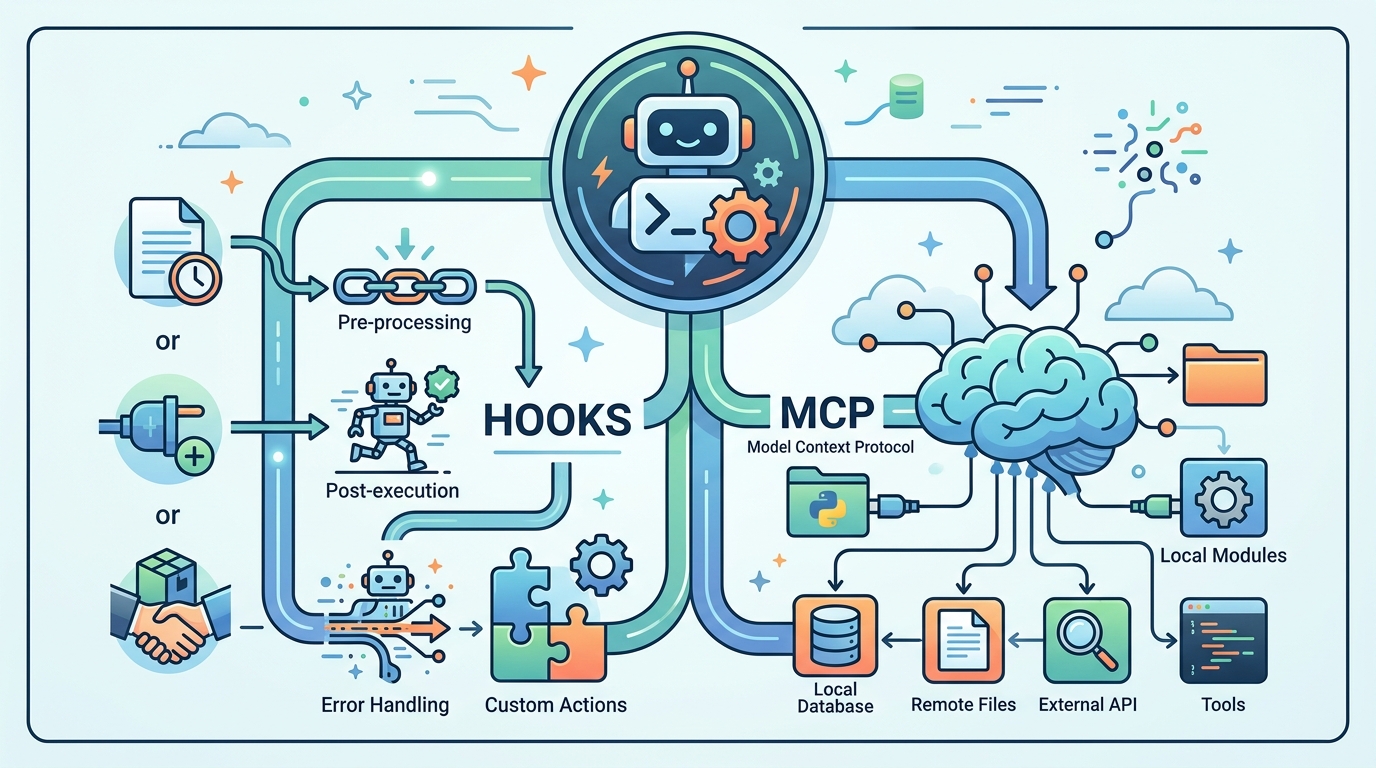
MCP, or Model Context Protocol, solves a different problem: it connects Claude to tools and services outside the repo. Crosley mentions databases, GitHub, Sentry, and a large ecosystem of integrations. That matters because most real engineering work is not just editing files. It is cross-checking logs, querying services, and coordinating with the rest of the stack.
- Hooks are deterministic and repeatable
- MCP adds external data and actions
- Subagents isolate exploratory work
- Skills and plugins package reusable behavior
There is a subtle but important workflow lesson here. If a task needs reliability, put it in automation. If a task needs breadth, send it to a subagent. If a task needs external state, connect MCP. That division is cleaner than asking one model thread to remember everything and do everything at once.
The guide’s numbers show why model choice is a real cost decision
The article also gets specific about model tiers. Crosley recommends Opus for heavy reasoning, Sonnet for general work, and Haiku for quick exploration. That advice is less about brand preference and more about budget discipline. A team that runs every task on the most capable model will pay for it, while a team that routes exploratory work to smaller models can keep spend under control.
There is a practical comparison hidden in those recommendations. Opus makes sense when the answer depends on architecture, tradeoffs, or multi-step reasoning. Sonnet fits everyday coding tasks. Haiku is useful when you want fast scanning or cheap exploration. If your only goal is maximum quality, standardizing on Opus is defensible. If you care about throughput and cost, tiering is smarter.
- Opus: best for complex reasoning and architecture decisions
- Sonnet: good default for general coding work
- Haiku: fast and cheaper for exploration
- Subagents can run on cheaper tiers to reduce spend
That model strategy fits the rest of the article’s thesis: Claude Code works best when you stop treating it like one giant prompt box. The more you split responsibilities across configuration, permission rules, hooks, MCP, and subagents, the more predictable the system becomes.
What this guide says about the next stage of AI coding
Blake Crosley’s guide is long because Claude Code is already doing the job that many “AI coding assistants” only pretend to do. It can inspect a repo, call tools, manage git workflows, and integrate with external services. That is useful today, and the article’s adoption numbers suggest developers are already trusting it with real work.
The real question is not whether terminal agents will matter. They already do. The question is which teams will do the boring setup work that makes them reliable. My bet is that the winners will be the ones who treat Claude Code like an operating layer for development, not a clever autocomplete with a shell attached. If your team is planning to adopt it, start with hooks and permissions before you chase fancy prompts.
For a deeper comparison with other agent workflows, see our related guide on Claude Code advanced patterns. The next step for most teams is simple: define what must always run, define what Claude may touch, and only then let it write code.
// Related Articles
- [TOOLS]
Aliyun Bailian Token Plan turns credits into agents
- [TOOLS]
One API gateway turns six AI APIs into one
- [TOOLS]
OpenAI FDEs turn broken agents into shipped systems
- [TOOLS]
Anthropic’s daily brief turns news into a workflow
- [TOOLS]
Claude Reflect turns usage into retention
- [TOOLS]
Midjourney turns prompt ideas into art