Claude Code Rust trims TUI overhead to one binary
Claude Code Rust swaps the stock TUI for a native Rust binary, cutting memory, startup time, and terminal input lag.

Claude Code Rust swaps the stock TUI for a native Rust binary.
I've been using terminal agents long enough to know when the interface is lying to me. The model can be fine, the tools can be fine, the prompts can be fine, and still the whole thing feels sticky. You hit a key and wait. You scroll and the history disappears. You copy something and it behaves like a web app pretending to be a terminal. That's the part that kept annoying me about a lot of these agent shells: they were built like mini browsers first, terminal tools second.
Claude Code was one of those cases for me. The workflow was useful, but the stock Node.js and React Ink TUI kept reminding me I was dragging a UI framework through a job that wanted direct terminal control. So when I found srothgan/claude-code-rust on GitHub, I paid attention. Not because it was flashy. Because it was boring in the right way: native Rust, single binary, same Claude Code behavior, less nonsense in the middle.
That is usually where the real improvement lives. Not in a new model, not in a new prompt trick, but in removing the layer that keeps making the terminal feel like a compromised environment.
The stock TUI is doing too much work
Get the latest AI news in your inbox
Weekly picks of model releases, tools, and deep dives — no spam, unsubscribe anytime.
No spam. Unsubscribe at any time.
"Drop-in replacement for Anthropic's stock Node.js/React Ink TUI, built for performance and a better user experience."
What this actually means is that Claude Code Rust is not trying to reinvent the agent. It is trying to stop the terminal UI from being the bottleneck. The project keeps the Claude Code workflow intact, but replaces the interface layer with something that behaves like a terminal program instead of a web stack wearing a fake mustache.
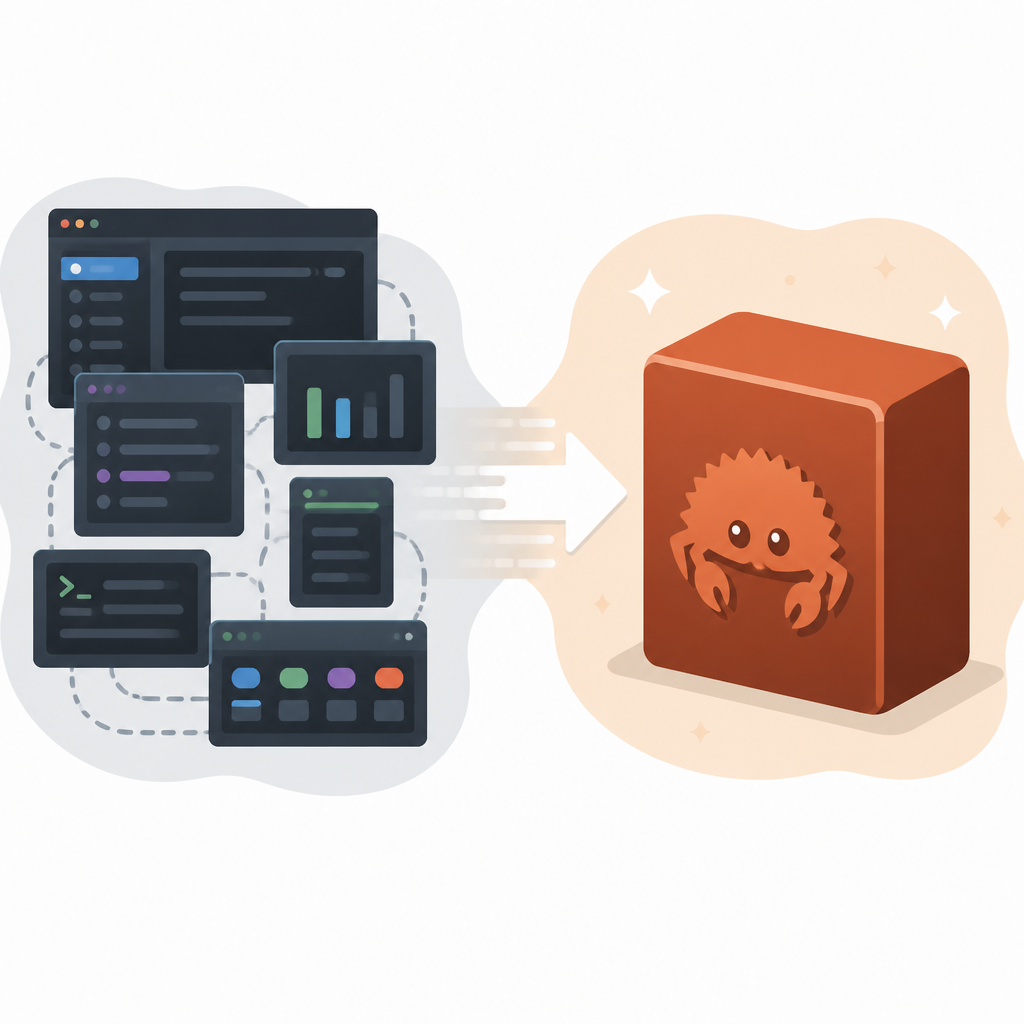
The repo says the original setup runs on Node.js with React Ink, and that matters because Ink is great when you want React semantics in a terminal, but it is still React semantics. That means more moving parts, more memory, more startup cost, and more places for input and rendering to get weird. I have seen this pattern enough times to be suspicious: if your TUI needs a mini runtime just to draw a prompt and process keystrokes, it is probably carrying more weight than it should.
Claude Code Rust swaps that out for Rust plus Crossterm and Ratatui. That is the whole point. Crossterm handles terminal events and control directly. Ratatui handles the rendering model. The result is a tool that behaves like a native CLI, not a React app squeezed into a tty.
I ran into this exact annoyance when I tried to use agent tools in a live shell session and the interface kept fighting me during fast edits. The model was not the problem. The UI was. Once an assistant becomes slow enough that you start planning around its lag, it has already lost the ergonomics battle.
How to apply it: if you are building your own agent shell, separate the model runtime from the terminal UI as early as possible. Ask yourself what absolutely needs a JavaScript runtime and what can live in a native binary. For most interactive shells, the answer is less than you think.
- Keep the agent protocol stable.
- Move rendering and input handling into the thinnest layer you can manage.
- Use the terminal directly instead of emulating browser behavior.
Memory numbers are where the pain shows up first
The repo is blunt about the cost of the stock interface: 200-400MB baseline vs ~20-50MB for a native binary. That is not a cosmetic improvement. That is the difference between “this feels a little heavy” and “why is my shell eating laptop memory like a bad Electron app?”
What this actually means is that the UI layer can become the hidden tax on every session. If the assistant is open all day, that baseline matters. If you run multiple terminals, it matters even more. A native binary does not magically make the model cheaper, but it removes a chunk of overhead you feel every time you launch the tool.
The repo also claims startup goes from 2-5 seconds vs under 100ms. I do not need to romanticize that. A two-second delay before the first prompt is enough to break my flow. Under 100ms is the kind of thing you stop noticing, which is exactly what a terminal should do. It should disappear until you need it.
I have repeatedly seen developer tools lose people because they make the first interaction feel expensive. Nobody says, “I quit because the memory graph offended me.” They just stop opening the tool. That is the real cost.
How to apply it: if you are evaluating or building an agent UI, measure three things before anything else: baseline memory, cold start time, and keystroke response. You can debate aesthetics later. If those three feel bad, the rest is polish on a bad foundation.
- Run the tool from a clean shell and time the first usable prompt.
- Watch resident memory, not just peak usage.
- Test with fast typing, backspace bursts, and repeated command switching.
Scrollback and copy/paste are not tiny details
"Scrollback : Broken virtual scrolling that loses history"
What this actually means is that the stock interface was probably trying to manage terminal history like a UI component instead of letting the terminal be a terminal. Once you start virtualizing scrollback badly, you are no longer preserving the thing developers actually rely on: the ability to inspect what happened five screens ago without the app deciding history is optional.
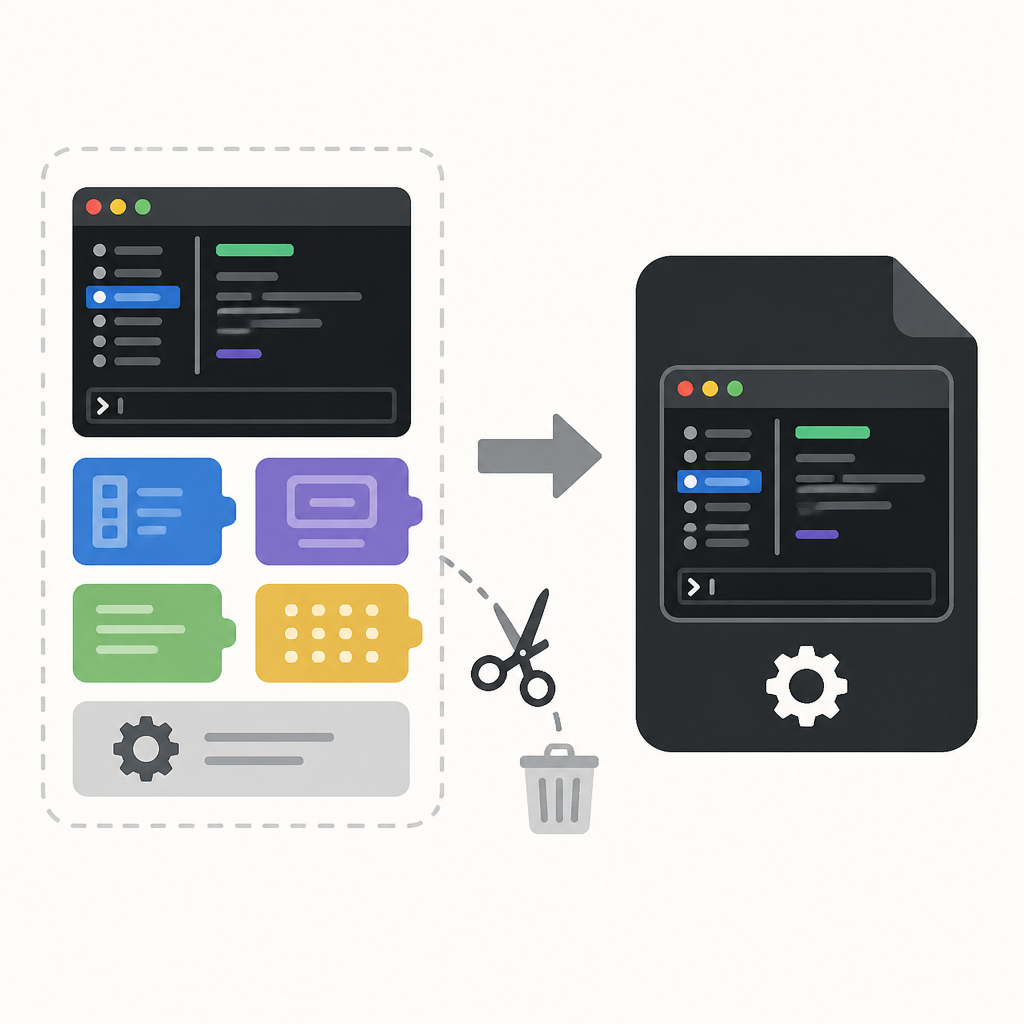
The repo also calls out copy/paste: the stock interface uses a custom implementation instead of native terminal support. That sounds small until you spend an afternoon copying tool output, patching a command, pasting it back, and realizing the UI has inserted its own interpretation of what you meant. That is the sort of thing that makes me mutter at my monitor.
Claude Code Rust’s pitch is simple here: direct terminal control. In practice, that means the UI should get out of the way of selection, paste behavior, and scrollback semantics. The terminal already has conventions for these. If your TUI reimplements them badly, users will notice immediately, even if they cannot explain why.
I have had this problem with other TUI tools too. They look nice in screenshots and then become annoying the moment you need to copy long logs or inspect a previous tool call. The interface becomes the source of friction instead of the place where friction gets reduced.
How to apply it: treat scrollback and copy/paste as first-class features, not afterthoughts. Test them with real developer behavior, not happy-path demos. Paste multiline code. Select across tool output. Jump back through older messages. If those flows are weird, your TUI is not ready.
The bridge matters more than the wrapper
One detail in the README is easy to miss but important: Claude Code Rust connects to the same Claude API through a local Agent SDK bridge. That means the project is not replacing the backend behavior. It is wrapping the existing Claude Code functionality in a different front end.
That distinction matters because it tells you where the compatibility risk lives. Tool calls, file editing, terminal commands, and permissions are supposed to work unchanged. The wrapper is the experiment. The protocol is not. If you have ever maintained a CLI rewrite, you know this is the sane way to do it. Change the shell, keep the contract.
The README also says the project is a direct replacement for Anthropic's stock interface, but it is not a fork or port of leaked source. It is built from scratch and talks to Anthropic's official Agent SDK as a runtime dependency. That is the kind of clarification I like seeing in a repo, because it tells me the maintainer understands the difference between inspiration and plagiarism, which is not always a safe assumption in open source these days.
How to apply it: if you are building a replacement UI for any agent system, define the contract in one place. List which commands, permissions, and tool behaviors must remain stable. Then make your UI layer disposable. If the backend changes, you want your wrapper to fail loudly, not silently drift.
Also, the project uses Rust and Crossterm for the terminal layer, which is a pretty normal pairing if you care about predictable behavior. I would rather debug a small native wrapper than a pile of JS event plumbing when the only thing I needed was a prompt and some key handling.
Installation is designed for people who do not want a build project
The install path is practical: npm install -g claude-code-rust. The published package installs a claude-rs command and fetches the matching prebuilt release binary for your platform during install. That is the right move if you want adoption. Nobody wants the first step of using a terminal assistant to be a compiler archaeology lesson.
The README says you need Node.js 18+ for the Agent SDK bridge and an existing Claude Code authentication file at ~/.claude/config.json. So this is not a standalone toy. It is a replacement front end that still depends on the same account setup and runtime assumptions as the broader Claude Code ecosystem.
That is fine. In fact, it is better than pretending you can make a full agent shell that ignores the rest of the stack. The repo also points to full documentation at srothgan.github.io/claude-code-rust, which is where you would go for the real usage details instead of trying to infer everything from the README.
How to apply it: if your tool ships as a wrapper around a runtime dependency, make install dead simple and make the dependency boundary explicit. Tell users what they already need, what gets installed automatically, and what still belongs to the upstream service. Hidden requirements are how you lose trust before the first command runs.
- Prefer prebuilt binaries when your app is a terminal utility.
- Keep one obvious command name.
- Document the external account or runtime dependency up front.
Billing and limits are not the project’s job, but they still matter
The README includes a note that Agent SDK billing is unchanged and that Anthropic has paused the previously announced Agent SDK credit change. For now, usage through claude -p and third-party apps like this one still draws from normal Claude subscription limits. That is the kind of operational note people skip past until they get surprised by usage behavior.
What this actually means is that the UI rewrite does not buy you a cheaper model path. It buys you a better shell. If you are choosing between interface quality and cost savings, do not confuse the two. A faster terminal wrapper is still just a wrapper around the same metering rules.
The repo also links to Anthropic’s official docs at claude.ai/docs and mentions the Agent SDK terms. I appreciate that level of honesty. Too many side projects hide the commercial boundary until someone gets burned. This one at least tells you where the line is.
How to apply it: when you build on top of a proprietary SDK, write the billing and limit behavior into your docs before users ask. Spell out whether your app changes usage accounting. If it does not, say so clearly. If the upstream vendor changes the rules later, update the note immediately.
That sounds boring because it is boring. But boring is what you want when money, limits, and authentication are involved.
The template you can copy
## Native terminal wrapper checklist for an agent UI

Use this when you want to replace a heavy TUI with a native shell interface.

### 1) Keep the backend contract stable
- Reuse the existing agent protocol or SDK.
- Do not change tool-call semantics unless you absolutely must.
- Keep permissions, file edits, and terminal commands compatible.

### 2) Make the UI layer tiny
- Use a native terminal library for input and rendering.
- Avoid browser runtimes unless the product truly needs them.
- Keep the wrapper focused on keystrokes, scrollback, and prompt display.

### 3) Measure the three numbers that matter
- Baseline memory usage.
- Cold start time to first usable prompt.
- Keystroke-to-render latency under fast typing.

### 4) Test the annoying terminal behaviors
- Scrollback across long sessions.
- Multiline copy/paste.
- Backspace, arrow keys, and rapid command switching.
- Paste of formatted code blocks and shell commands.

### 5) Document the dependency boundary
- What runtime is required.
- What account or auth file is needed.
- Whether billing and limits are controlled by the upstream provider.

### 6) Ship the simplest install path
- Prefer a prebuilt binary when possible.
- Offer one obvious install command.
- Provide source build instructions separately for contributors.

### 7) Keep the wrapper disposable
- If the backend changes, the UI should fail loudly.
- Make it easy to swap the renderer without rewriting the protocol.
- Treat the terminal UI as an adapter, not the product itself.

### Copy-ready README blurb

This project is a native terminal wrapper for an existing agent SDK. It keeps the backend contract intact while replacing the heavy UI layer with a small native binary for faster startup, lower memory use, and better terminal behavior.

### Copy-ready evaluation rubric

Before shipping, verify:
- Memory stays within an acceptable baseline.
- Startup reaches the first prompt quickly.
- Scrollback behaves like a real terminal.
- Copy/paste works without custom hacks.
- The install path is simple and documented.
- Billing and limits are explained clearly.
I like this pattern because it is honest about what is being improved. Not the model. Not the API. The wrapper. That is where most CLI agent projects quietly lose time and polish, and that is where you can usually win it back.
If you want the original implementation details, the source repo is srothgan/claude-code-rust on GitHub. What I wrote here is my breakdown of the README and repository claims, not a rewrite of the project itself.
// Related Articles
- [TOOLS]
Rust forum week 25 turns ideas into shipping work
- [TOOLS]
Open source tools that make vibe coding safer
- [TOOLS]
Model triage turns coding tests into a cost win
- [TOOLS]
Fine-Tuning LLMs Locally: SFT, LoRA, DPO
- [TOOLS]
Vercel’s eve turns agents into directories
- [TOOLS]
Obscura: Rust headless browser for AI agents