Cursor 3 Adds Parallel Agents and Design Mode
Cursor 3 adds parallel agents, Design Mode, and self-hosted cloud agents, with pricing and enterprise controls now more explicit.

Cursor just shipped Cursor 3, and the headline is simple: the editor is turning into an agent control room. The new interface lets you run many agents in parallel across local repos, worktrees, cloud VMs, and remote SSH sessions.
That matters because Cursor is no longer just asking whether an AI can write code. It is asking how many coding tasks you can keep moving at once, and how much of that work can happen without you babysitting every tab.
Cursor 3 also adds Design Mode, Agent Tabs, and a cleaner split between the old editor workflow and the new Agents Window. The result is less “one chat at a time” and more “manage a small fleet of agents with clear boundaries.”
Cursor 3 is built around parallel work
Get the latest AI news in your inbox
Weekly picks of model releases, tools, and deep dives — no spam, unsubscribe anytime.
No spam. Unsubscribe at any time.
The biggest shift in Cursor 3 is the new Agents Window. Cursor says it can run many agents in parallel across repositories and environments, including local machines, git worktrees, cloud sandboxes, and remote SSH targets. That is a very different mental model from the old single-editor assistant flow.
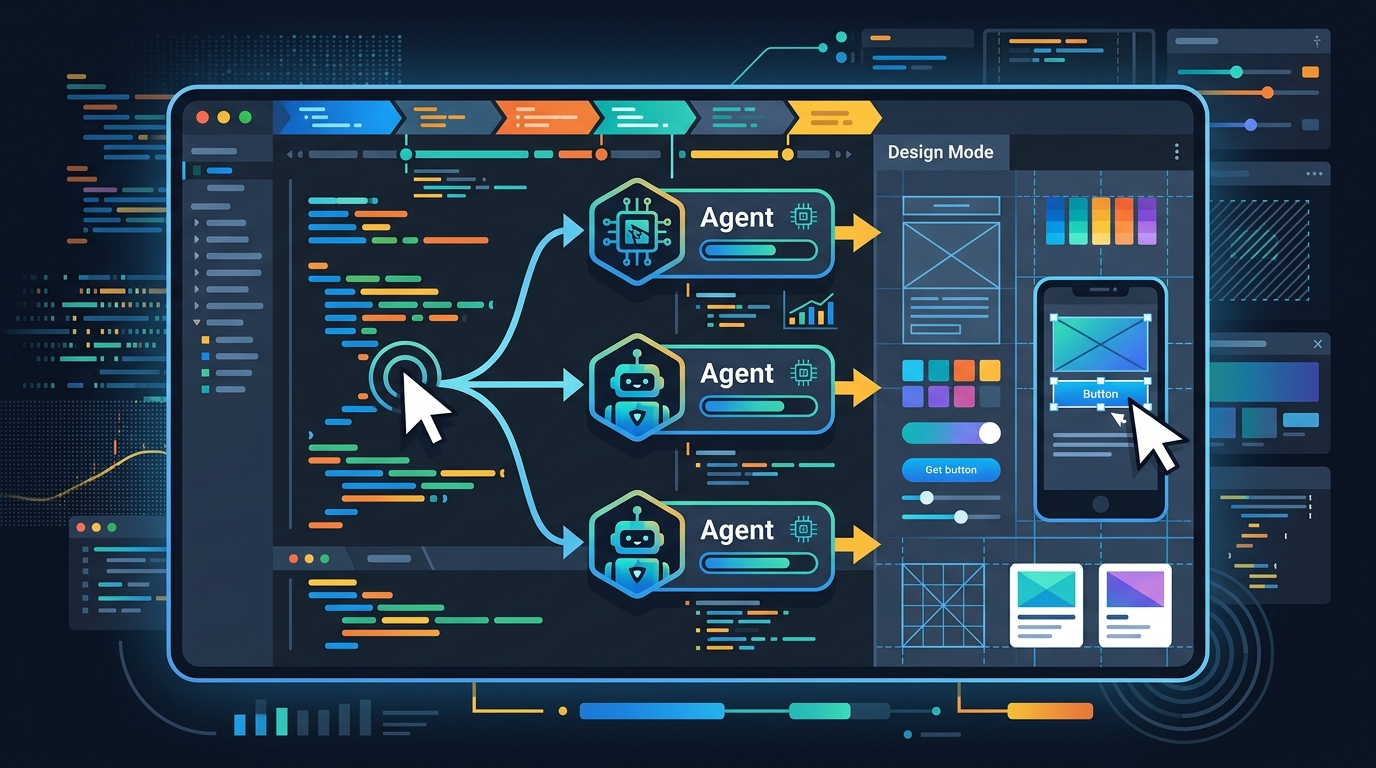
Instead of keeping everything inside one chat thread, Cursor now lets you split tasks across isolated workspaces. If you have ever wanted one agent to refactor a backend service while another checks a frontend bug and a third compares model output, this release is built for that style of work.
Cursor also moved native worktree support out of the editor and into the Agents Window. That change sounds small, but it matters: worktrees are the cleanest way to keep experiments from colliding with your main branch.
- Parallel environments: local, worktree, cloud, and remote SSH
- Isolation: separate git worktrees for task-specific changes
- Comparison mode: /best-of-n runs the same task across multiple models
- Workflow split: editor for coding, Agents Window for orchestration
Design Mode brings the browser into the conversation
Cursor’s new Design Mode is the kind of feature that makes sense the second you see it. Inside the Agents Window, you can annotate UI elements directly in the browser and point the agent at the exact part of the interface you want changed. That means fewer vague prompts like “move the button higher” and more precise instructions tied to real elements on screen.
For frontend work, this is a practical upgrade. Cursor is trying to reduce the distance between what you see and what the agent edits, which is where a lot of AI coding friction lives. If the agent can identify the exact element, your feedback gets sharper and the iteration loop gets shorter.
Cursor also documented keyboard shortcuts for this mode: Cmd+Shift+D toggles Design Mode, Shift+drag selects an area, Cmd+L adds an element to chat, and Option+click adds an element to input. Those shortcuts tell you who this is for: people who are spending real time inside the browser, not just asking for code snippets.
"The future of software is about making software creation accessible to everyone." — Michael Truell, co-founder and CEO of Cursor, in a 2024 interview with Forbes
That quote fits Cursor 3 better than the company’s earlier editor-first pitch. The product is moving toward a system where software creation is managed through agents, UI context, and isolated execution environments instead of a single autocomplete box.
The numbers show a product getting more enterprise-ready
Cursor 3 is also tightening the enterprise side of the product. The changelog mentions human-readable audit logs, team-level admin controls for secrets, and an enterprise switch to disable “Made with Cursor” attribution across a team. Those are the kinds of controls that matter when a tool moves from individual developer machines into company-wide workflows.
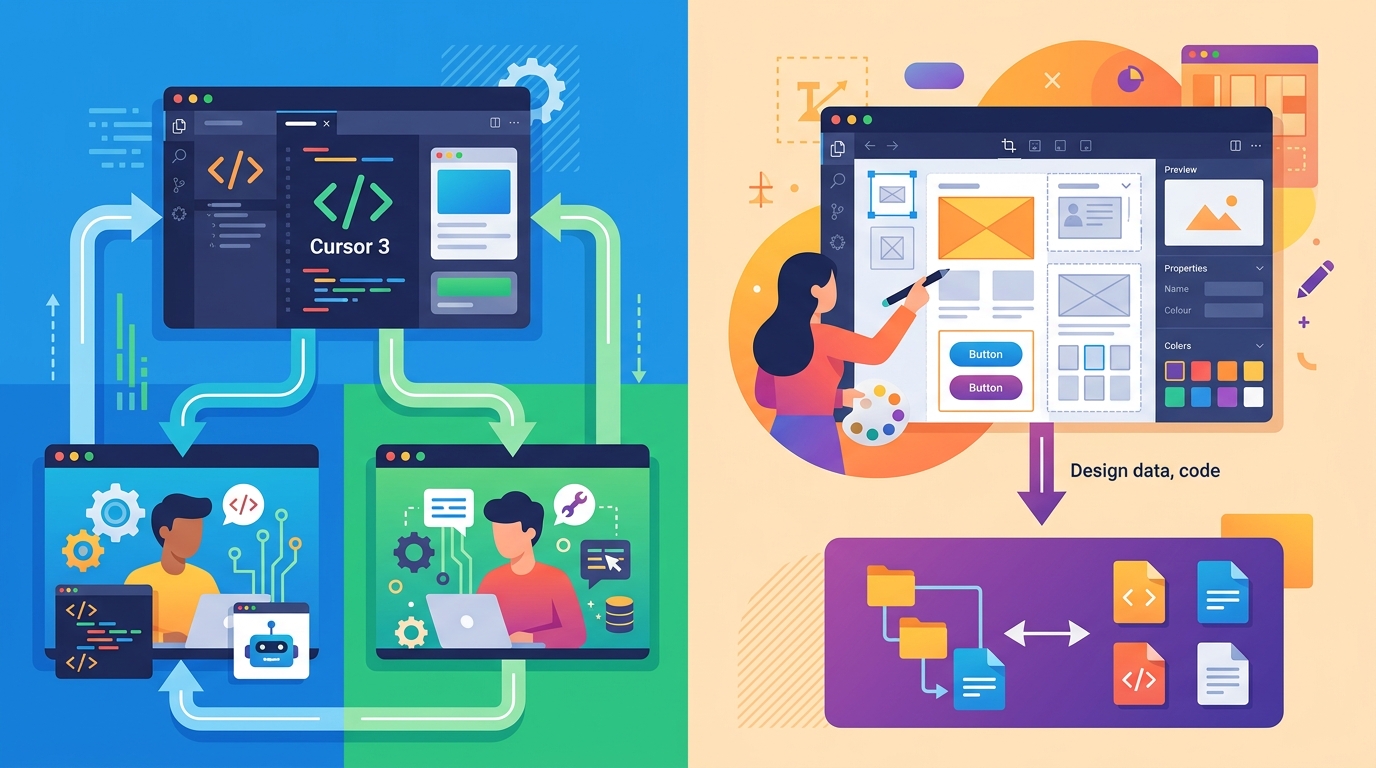
The new release also includes a meaningful batch of performance and reliability changes. Large-file diff rendering is faster and uses less memory, browser automation has been narrowed so the subagent stays focused, and bug fixes address multiline input, queued prompts, markdown parsing, and worktree hook loading.
Cursor is clearly trying to reduce the friction that shows up once teams use the tool for real work. That is where a lot of AI coding products get exposed: not in demos, but in messy repos, long-running chats, and half-broken browser automation.
- Self-hosted cloud agents: code, build outputs, and secrets stay inside your network
- Composer 2 pricing: $0.50/M input and $2.50/M output tokens on Standard, $1.50/M input and $7.50/M output tokens on Fast
- Marketplace growth: more than 30 new plugins added on March 11, including Atlassian, Datadog, GitLab, and Hugging Face
- Automation triggers: Slack, Linear, GitHub, PagerDuty, and webhooks
Cursor is now competing on workflow, not just model quality
The most interesting part of this changelog is what it says about the market. Cursor is no longer trying to win only by offering a better model wrapper than other coding tools. It is building around orchestration, isolation, browser context, and enterprise controls.
That puts it in a different category from simpler AI editors. A tool like OpenAI Codex focuses on coding assistance, while Cursor 3 is trying to manage the full lifecycle of agent work: planning, editing, testing, comparing, and deploying across environments.
It also puts pressure on older workflows. If one agent can work in a worktree, another can inspect UI behavior in Design Mode, and a third can compare model output in /best-of-n, then the bottleneck shifts from writing code to supervising work. That is a different kind of productivity problem, and it is the one Cursor seems intent on solving.
Compared with the previous editor-centric model, the new release is more opinionated about where tasks belong:
- Old flow: one editor, one chat, one task thread
- New flow: multiple agents, isolated workspaces, browser-aware feedback
- Enterprise flow: admin policies, audit logs, self-hosted execution
- Model flow: compare outputs across models instead of trusting one pass
That is a sensible direction if you believe AI coding tools will be judged by how well they coordinate work, not by how clever the autocomplete feels in isolation.
Cursor 3 makes the product easier to take seriously
If you are a solo developer, Cursor 3 gives you a cleaner way to juggle parallel tasks without turning your repo into a mess. If you are on a team, the enterprise controls and self-hosted cloud agents make the product easier to evaluate for real use instead of toy experiments.
The practical takeaway is that Cursor is betting on agent coordination becoming the main interface for software work. My guess is that the next wave of adoption will not come from people asking “Can it write code?” It will come from teams asking, “Can it manage four tasks in parallel without losing context or leaking data?”
If Cursor gets that answer right, the next update will matter less for what it writes and more for how much it can keep running at once. That is the question worth watching in the next release cycle.
// Related Articles
- [TOOLS]
Aliyun Bailian Token Plan turns credits into agents
- [TOOLS]
One API gateway turns six AI APIs into one
- [TOOLS]
OpenAI FDEs turn broken agents into shipped systems
- [TOOLS]
Anthropic’s daily brief turns news into a workflow
- [TOOLS]
Claude Reflect turns usage into retention
- [TOOLS]
Midjourney turns prompt ideas into art