Gmail MCP for Claude Code: 5 Workflows
Set up Gmail MCP for Claude Code across four accounts, avoid re-auth loops, and automate receipts, triage, and daily briefings.
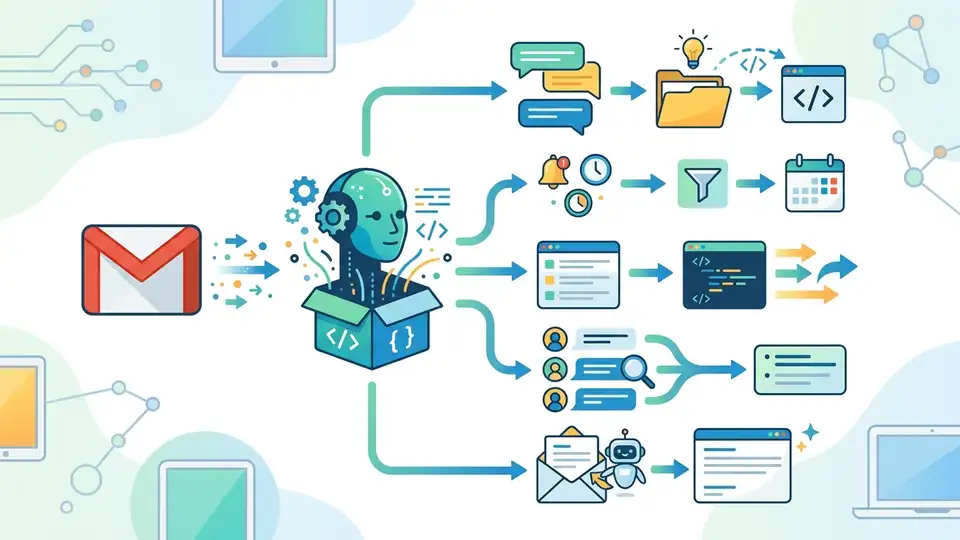
Four Gmail accounts. 918 unread messages. A 40-second morning brief that surfaced 7 items worth acting on. That is the kind of math that makes Gmail MCP interesting for people who live in email all day.
The new guide from Build to Launch focuses on the part most demos skip: multi-account setup for Claude Code without constant re-auth, account mixups, or broken routing. That matters because once you split personal, business, newsletter, and payments into separate inboxes, a single connection stops being enough.
The article is practical in a very specific way. It does not treat email as a toy search problem. It treats Gmail as a messy operations layer for receipts, subscriber alerts, partnership pitches, and daily triage. That is where Gmail API-style automation becomes worth the setup time.
What Gmail MCP actually does well
Get the latest AI news in your inbox
Weekly picks of model releases, tools, and deep dives — no spam, unsubscribe anytime.
No spam. Unsubscribe at any time.
Most people hear “MCP for Gmail” and think search. Search is fine, but it is the least interesting thing here. The useful part is that Claude Code can read, classify, draft, and organize mail from inside the same session you are already using for coding and automation work.
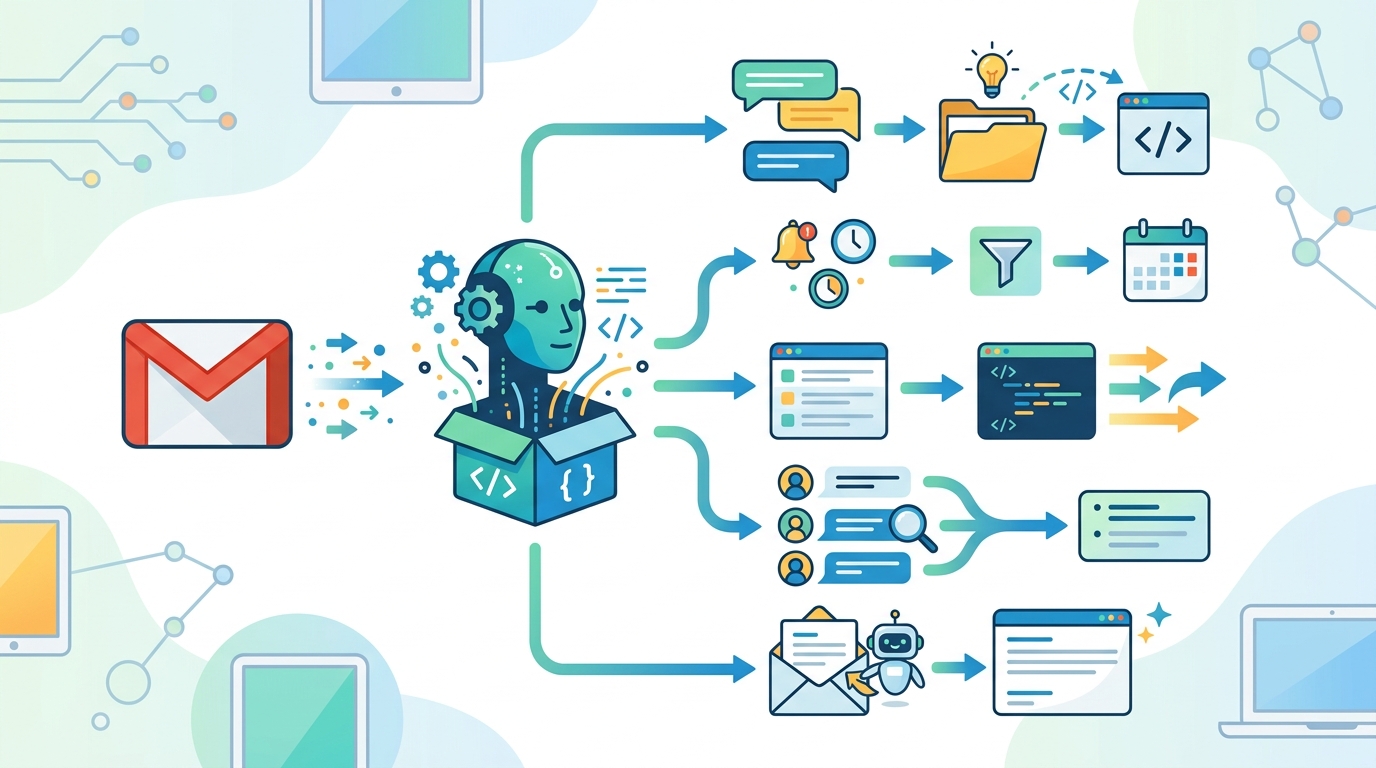
Jenny Ouyang’s setup highlights four jobs that matter in real life: extracting receipts and payouts, triaging collaboration emails, classifying inbox zero candidates, and spotting subscriber spikes before they get buried. Those are operational tasks, not novelty demos.
The article gives one concrete example that tells you a lot about the value: a payments inbox run pulled 103 emails and turned six months of payouts, subscriptions, and tool fees into a markdown file in 45 seconds. That is the kind of output that saves an afternoon during tax prep.
- 4 Gmail accounts in the setup: personal, newsletter, business, payments
- 918 unread messages across inboxes, plus 3,353 total messages when filters are included
- 103 emails processed in one receipt-extraction run
- $986.41 pulled from one workflow run
- 40 seconds for a morning brief that returned 7 action items
That last number matters more than it sounds. The point is not speed for its own sake. The point is that Claude can compress a manual routine into something you can run before coffee gets cold.
Why multi-account Gmail is where setups break
One Gmail account is easy. The trouble starts when the work itself is split across accounts. Income lands in one place, newsletter activity in another, business mail in a third, and personal purchases in a fourth. If you have to keep switching contexts, the tool is still making you do the labor.
That is the core complaint in the guide, and it is a good one. The failure is not access. The failure is routing. If Claude reads the wrong inbox, asks for re-auth too often, or blurs data between accounts, the setup becomes annoying enough that you stop trusting it.
Ouyang names the three failure modes cleanly: account bleed, re-auth friction, and false confidence. Those are the exact problems that make automation feel flaky even when the demo looks polished.
“The hard part is not connecting one inbox. It is setting up multiple Gmail accounts without constant re-auth, account mixups, or broken routing.” — Jenny Ouyang, Build to Launch
That quote gets to the real issue. Multi-account email automation is an infrastructure problem, not a prompt-writing problem. If the plumbing is wrong, the output is wrong.
The workflows that make the setup worth it
The best part of the guide is that it does not stop at setup. It gives five workflows that map to actual work: receipt extraction, collaboration triage, inbox zero, subscriber surge detection, and a morning brief that spans all four accounts.
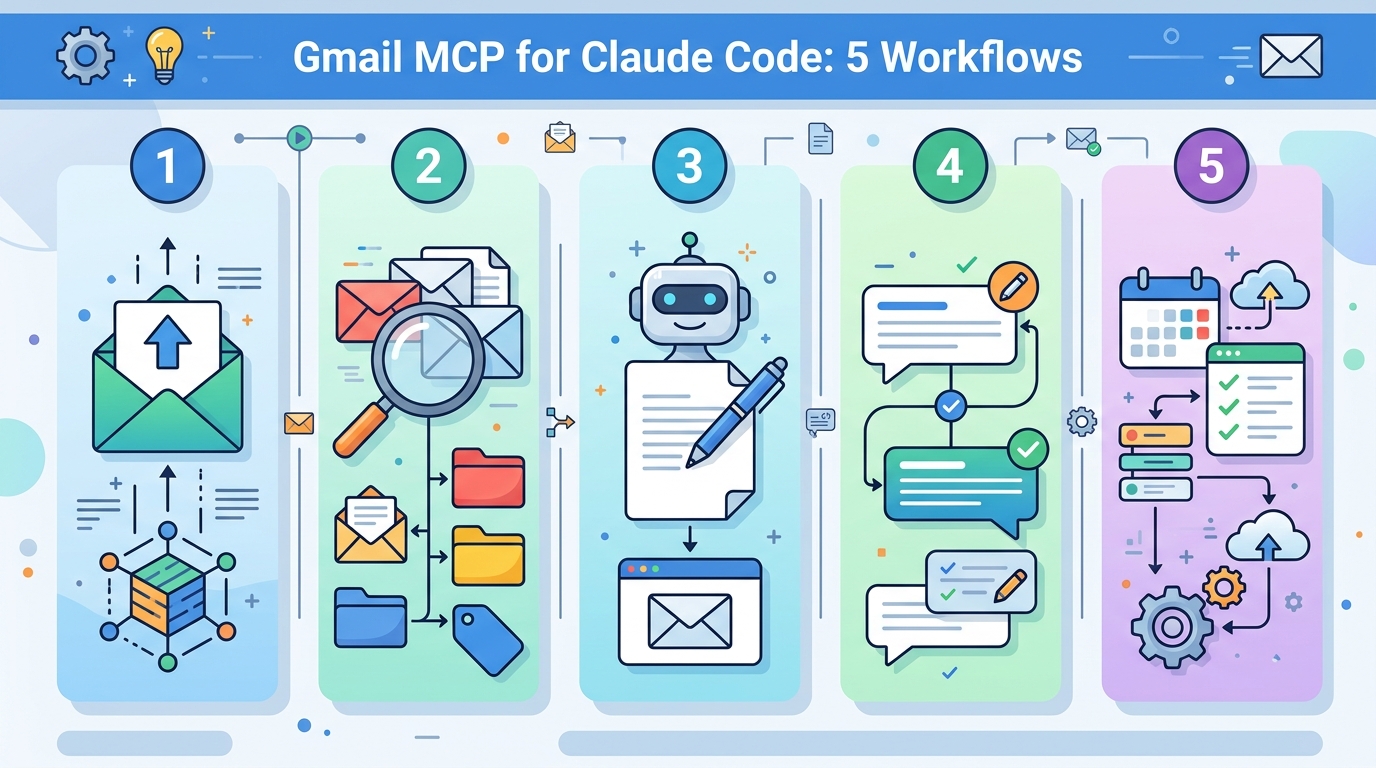
Those are good choices because they cover both money and attention. One set of workflows helps you recover financial records. Another set helps you decide what deserves a reply. That split is smart, because email is usually where money and attention get tangled together.
Here is the comparison that matters: the receipt workflow processed 103 emails into a markdown file, while the morning brief scanned 918 unread messages and returned only 7 items that needed action. That is a huge reduction in noise, and it is exactly what people want from email automation.
- Receipt extractor: pulls payouts, invoices, subscriptions, and tool fees into structured output
- Collab pitch triage: groups borderline partnership requests into one review pass
- Inbox zero classifier: sorts unread mail into reply, archive, or review buckets
- Subscriber surge detector: catches spikes in newsletter growth before manual review
- Morning brief: checks all four accounts and returns only the items that need attention
There is also a nice behavioral detail in the subscriber workflow. The guide notes that the reader-reply version returns nothing, which is a good reminder that automation only works when the trigger conditions match the real signal. Otherwise, you are just generating empty reports.
What the setup likely means for power users
The multi-account fix described in the guide uses one Google Cloud project, named MCP connections, and isolated servers for each inbox. That sounds boring, but boring is what you want when the goal is to stop mixing payment data with personal mail. The article also mentions a small fork of the open-source Gmail MCP so the routing would hold up under repeated use.
That design choice is worth paying attention to. A lot of AI tooling demos are built for the first run. Real users care about the tenth run, the twentieth run, and the week when an OAuth token expires at the worst possible time.
For developers, the interesting takeaway is that email automation is moving from single-account assistants to account-aware systems. Once the setup is clean, the same pattern can be applied to finance, support, newsletters, and internal ops. That is a much more useful shape than a one-off inbox chatbot.
If you want a broader context on MCP tooling, OraCore has a related guide on the best MCP servers for Claude Code. It helps frame why Gmail is one of the more practical early use cases.
- One Google Cloud project handles OAuth for all 4 accounts
- 4 named servers keep personal, newsletter, business, and payments mail isolated
- 5 workflow types cover extraction, triage, classification, surge detection, and daily briefing
- 1 nightly digest can run all 5 jobs without a manual prompt
That architecture is simple enough to maintain and strict enough to avoid the worst routing mistakes. In AI tooling, that combination is rare.
What I would watch next
The guide makes a strong case that Gmail MCP becomes useful only after the multi-account problem is solved. Before that, you are still doing the switching yourself. After that, email starts behaving more like a queryable system than a pile of tabs.
My read is that the next wave of value here will come from tighter scheduling and better account boundaries, especially for people who mix creator income, client work, and recurring subscriptions. The first teams and solo operators to standardize this kind of routing will save real time every week.
My prediction is simple: the winners here will not be people who build the most prompts, but the people who define the cleanest account structure and the least ambiguous triggers. If your inboxes are still organized by habit instead of process, this is the moment to fix that.
And if you are already living in four inboxes, the question is no longer whether AI can read your mail. It is whether you are ready to let it sort the important parts before your morning starts.
// Related Articles
- [TOOLS]
Aliyun Bailian Token Plan turns credits into agents
- [TOOLS]
One API gateway turns six AI APIs into one
- [TOOLS]
OpenAI FDEs turn broken agents into shipped systems
- [TOOLS]
Anthropic’s daily brief turns news into a workflow
- [TOOLS]
Claude Reflect turns usage into retention
- [TOOLS]
Midjourney turns prompt ideas into art