Google Cloud’s CX Agent Studio MCP server
Google Cloud’s CX Agent Studio MCP server lets AI tools edit agents directly, with export/import workflows and Model Armor controls.
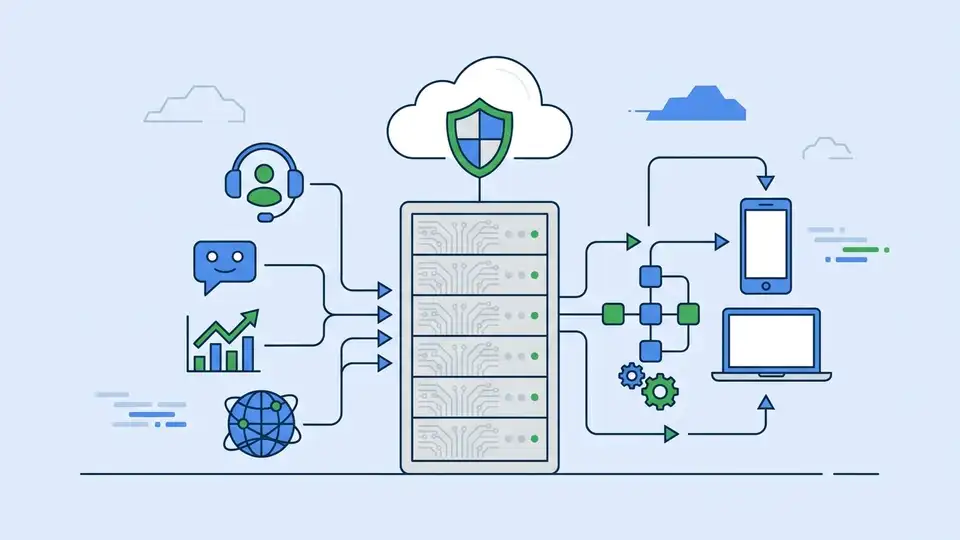
Google Cloud’s CX Agent Studio MCP server gives agents and coding assistants a remote way to edit CX Agent Studio resources. Google says the server can be used for rapid prototyping, bulk refactors, and evaluation-driven tuning, all through the same API the UI uses.
That matters because agent apps get messy fast. Once you have multiple tools, long instructions, and a few sub-agents, clicking through a console turns into busywork. The MCP route lets a coding assistant inspect the app, make changes, and even export the whole thing for local edits when the job gets larger.
The interesting part is the split between speed and control. Google is clearly aiming this at teams that want AI-assisted development, but still need guardrails, IAM roles, logging, and security controls around the workflow.
What Google Cloud is actually shipping
Get the latest AI news in your inbox
Weekly picks of model releases, tools, and deep dives — no spam, unsubscribe anytime.
No spam. Unsubscribe at any time.
The CX Agent Studio MCP server is a remote Model Context Protocol endpoint tied to CX Agent Studio, part of Google Cloud’s customer experience stack. In plain English, it lets an external AI app call tools such as list, create, update, export, import, and evaluation functions against an agent project.
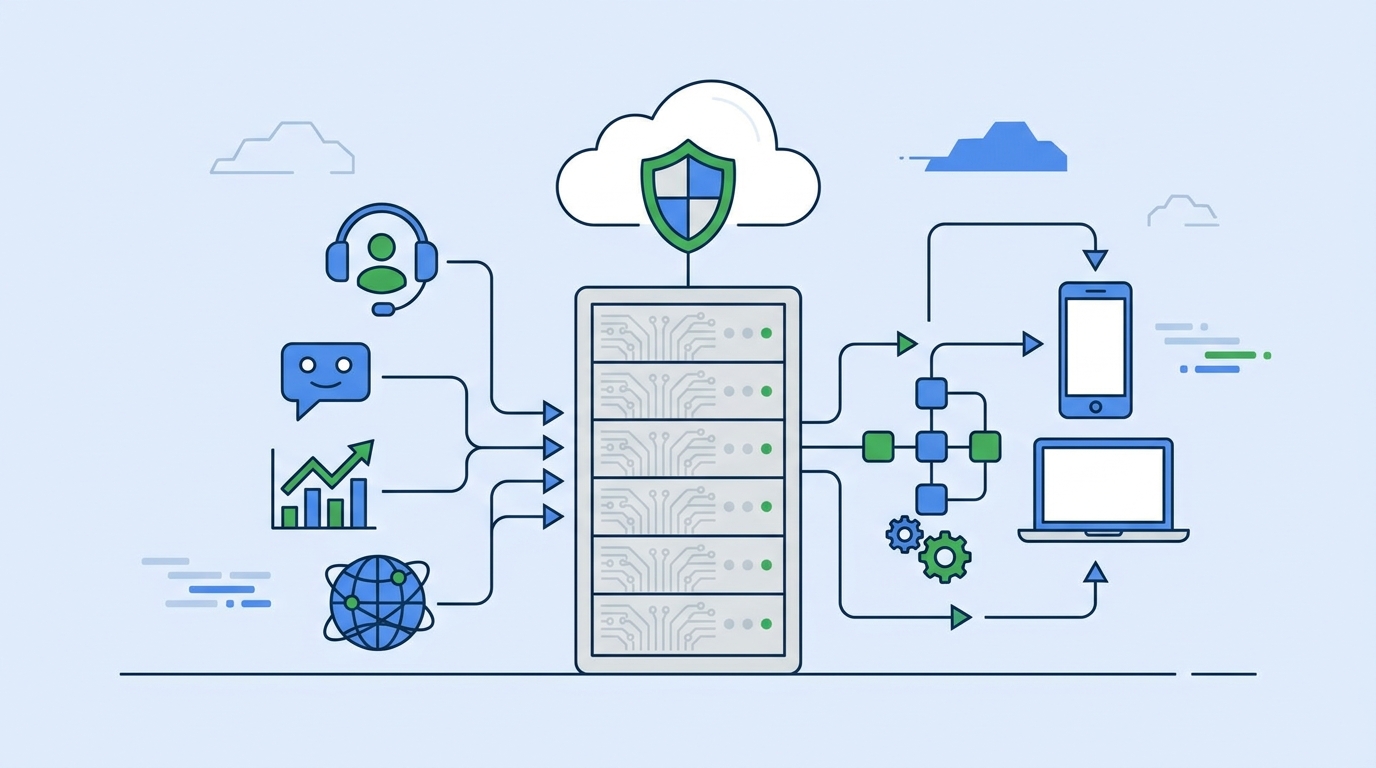
Google’s documentation frames this around AI-assisted development. The examples are practical rather than flashy: build a support agent from a prompt, rename a parameter across many sub-agents, remove unused intents, or iterate on instructions until an evaluation passes.
It also supports a more traditional software workflow. If you want version control, local review, or larger refactors, you can export an app, edit files locally, and import the result back into CX Agent Studio.
- Remote MCP access to CX Agent Studio resources
- Tooling for agents, toolsets, guardrails, deployments, and evaluations
- Direct mutation for fast changes and export/import for larger edits
- IAM-based access control with separate roles for setup and tool use
Why the workflow split matters
Google draws a clear line between direct mutation and local copies. Direct mutation is the fast path: connect the MCP server to your coding environment and let the assistant make API calls in real time. That works well for small edits, prompt tweaks, and quick tool changes.
The local-copy path is the safer choice for bigger jobs. Export the app, edit it with your coding assistant, then import it back. That gives teams a chance to review changes in Git, coordinate across contributors, and avoid accidental edits to a live configuration.
This is a smart design choice because agent development has two very different modes. One is interactive and messy, where you want quick feedback. The other is controlled and repeatable, where you want diffs, reviews, and rollback points.
Google also warns about token context limits. Large agent configs can exceed the context window of some coding models, so the docs recommend fetching smaller pieces, such as a single tool, instead of pulling the whole app definition every time.
“The MCP server exposes the CX Agent Studio API, which is also used by the UI to build agents.” — Google Cloud documentation
Security, permissions, and Model Armor
Security is where this gets more serious. To use the MCP server, Google requires specific IAM roles: Service Usage Admin for enabling APIs and MCP servers, and MCP Tool User for making tool calls.
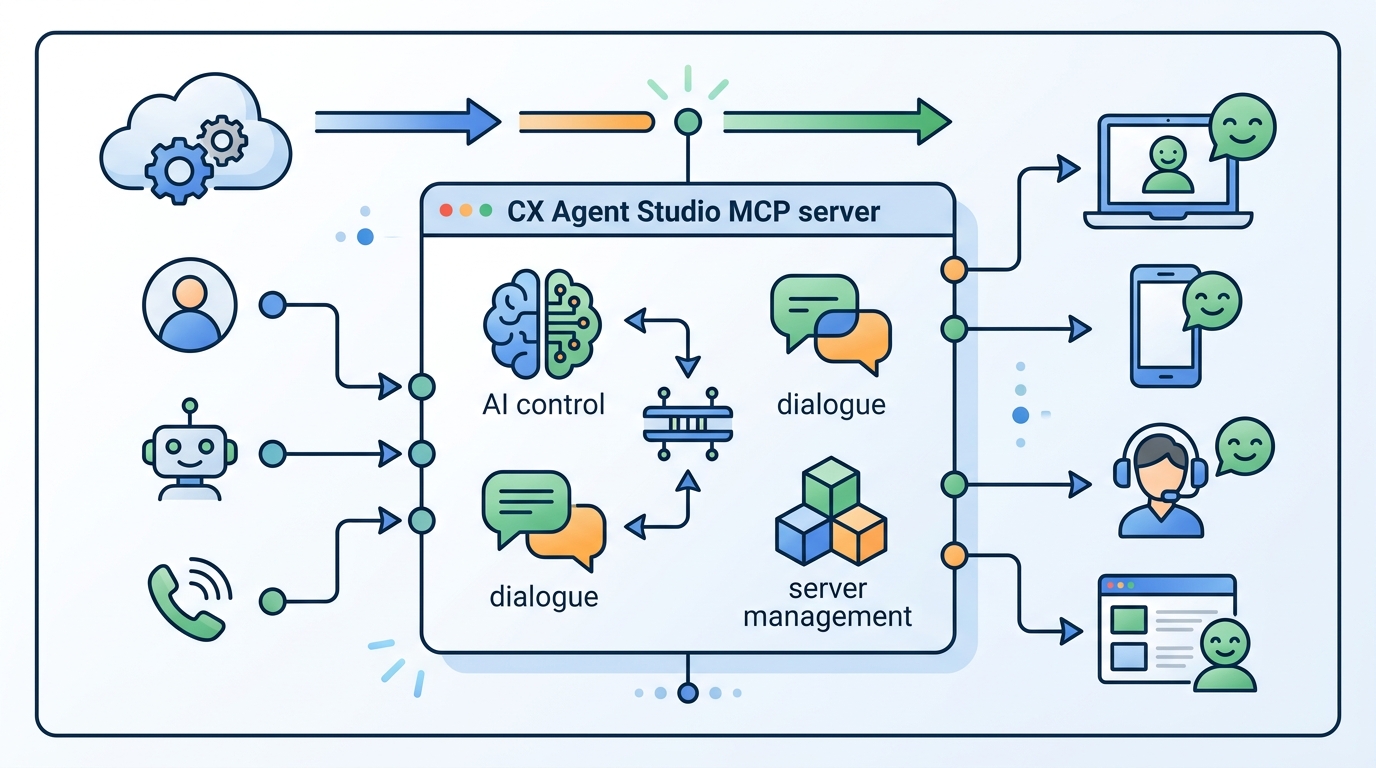
The docs also call out Model Armor floor settings. If the agent project and the MCP server live in different projects, you can configure floor settings in both places. In that setup, Model Armor is invoked twice, once per project.
That double invocation matters for enterprise teams. It means policy enforcement can happen closer to both the client side and the resource side, which is useful when access patterns cross project boundaries.
- roles/serviceusage.serviceUsageAdmin is needed to enable APIs and MCP servers
- roles/mcp.toolUser is needed to call MCP tools
- Model Armor can inspect and block requests with floor settings
- Cross-project setups may trigger enforcement twice
How it compares with other agent-building workflows
The clearest comparison is with a manual console workflow. Clicking through a UI works for a handful of changes, but it becomes slow when you need to rename fields across many sub-agents or tune eval failures repeatedly. The MCP path is built for those repetitive operations.
It also compares well with plain API scripting. Google notes that direct API calls are faster for small changes, but the MCP server adds a natural-language layer that coding assistants can use. That makes it easier to combine human intent, model reasoning, and structured API actions.
Here’s the practical tradeoff:
- UI editing: best for one-off visual changes, slower for bulk work
- Direct API calls: fastest for small updates, better for scripted automation
- MCP server: best when an AI assistant needs context plus tool access
- Export/import: best for large refactors, reviews, and team collaboration
Google also says separate MCP server enablement will disappear starting March 17, 2026. After that, enabling the Customer Experience Agent Studio API in a project will be enough to use the remote MCP endpoint, though the rollout will happen gradually by region.
That timeline matters because it signals where Google wants the product to go. The MCP server is not a side experiment; it is becoming part of the standard way to work with CX Agent Studio.
What developers should do next
If you build customer-facing agents on Google Cloud, this is worth testing now. The MCP server gives you a cleaner path for AI-assisted edits, but the real value comes from pairing it with disciplined workflows: smaller context fetches, exported edits for major changes, and IAM plus Model Armor for anything production-facing.
My read is simple: teams that already treat agent configs like code will get the most from this. The ones that keep everything in a console will feel the friction immediately, especially once their agents grow past a few tools and a few prompts.
If you want a practical next step, start with one low-risk task such as renaming a tool parameter or updating an instruction block, then compare the MCP flow with your current process. If the diff is cleaner and the review is faster, you have your answer.
For more on agent tooling and orchestration patterns, see our guide on AI agent development workflows. The bigger question now is whether your team is ready to let the assistant edit the agent, or whether you still want every change to go through a human hand first.
// Related Articles
- [TOOLS]
Aliyun Bailian Token Plan turns credits into agents
- [TOOLS]
One API gateway turns six AI APIs into one
- [TOOLS]
OpenAI FDEs turn broken agents into shipped systems
- [TOOLS]
Anthropic’s daily brief turns news into a workflow
- [TOOLS]
Claude Reflect turns usage into retention
- [TOOLS]
Midjourney turns prompt ideas into art