Hermes Agent desktop app guide for Mac, Windows, Linux
Hermes Agent has no native desktop app, but you can use a browser tab, Docker, or managed hosting on any major OS.

Hermes Agent has no native desktop app, but you can use a browser tab, Docker, or managed hosting on any major OS.
OpenClaw Launch says there is no official Electron or native binary for Hermes Agent, and that matters because the product is built as a Python server, not a packaged desktop program. In practice, the closest thing to a desktop app is a browser window pinned to localhost:8642, or a managed cloud instance that stays online all the time.
The guide is useful because it turns a vague “can I install this like an app?” question into three concrete setups for macOS, Windows, and Linux. If you want the shortest path, you can install the gateway as a PWA. If you want the least maintenance, you can deploy on OpenClaw Launch. If you want full control, Docker gives you a clean local install.
| Setup | Always on | Access | Setup effort | Cost |
|---|---|---|---|---|
| Local gateway tab | No | Local machine or LAN | Medium | Free plus API costs |
| Managed OpenClaw Launch | Yes | Any device with HTTPS | Low | From $3/month plus API costs |
| Docker on your laptop | No | Local machine or LAN | Medium | Free plus API costs |
What Hermes Agent actually is
Get the latest AI news in your inbox
Weekly picks of model releases, tools, and deep dives — no spam, unsubscribe anytime.
No spam. Unsubscribe at any time.
Hermes Agent is a multi-platform AI agent framework from Nous Research. It runs as a background service and exposes a browser-based gateway UI, an OpenAI-compatible API, and integrations for tools like Telegram, Discord, and Slack.
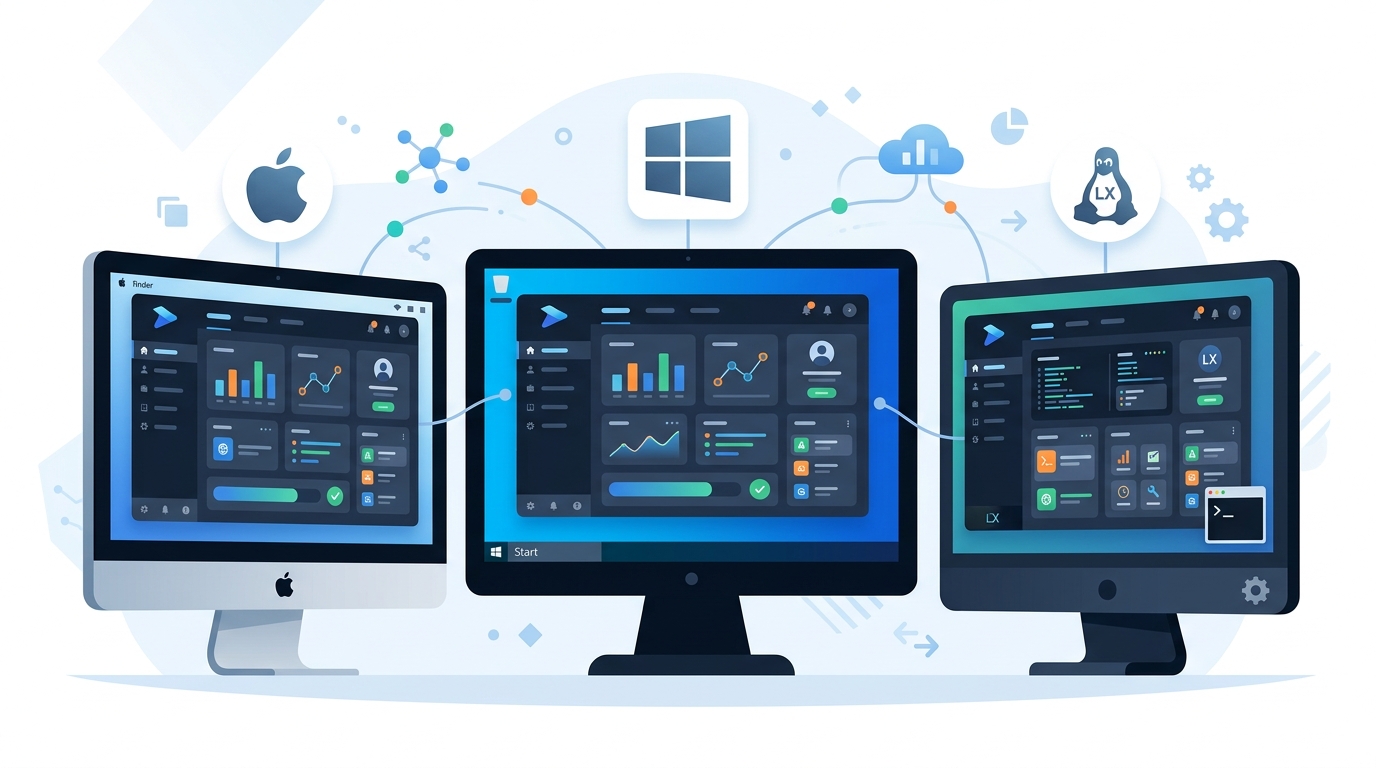
That design explains why people keep asking for a desktop app and keep not finding one. Hermes is meant to be launched, then accessed through a web interface. The app-like feel comes from the browser, not from a native wrapper.
It also ships with a fairly broad toolset. The guide mentions web search via Tavily, Exa, and Firecrawl, shell execution, FAL.ai image generation, approval policies, cron jobs, and session memory stored with vector embeddings.
- Gateway UI on
localhost:8642 - OpenAI-compatible API on port
8642 - Platform integrations for chat apps and automation tools
- Persistent memory across restarts
The local setup is the closest thing to a desktop app
If you want Hermes to feel like a desktop program, run it locally and keep the gateway tab open. The install path is plain Python: install the package, start the server, then open http://localhost:8642 in your browser.
The workflow is simple enough that most developers will recognize it immediately: install dependencies, start the agent, connect a model provider, then pin the interface. The guide recommends Python 3.10+ and an API key from providers such as OpenAI, Anthropic, OpenRouter, or a local endpoint like Ollama.
"Hermes is a Python server framework — the intended UX is the gateway web UI on localhost:8642."
That one sentence is the core of the product philosophy. You are not installing a classic desktop app. You are running a local service and wrapping it in a browser window, which is why the guide spends so much time on PWA install steps and startup automation.
There is a practical upside here too. A local install gives you offline access to the interface itself, while model calls and external tools still depend on whatever services you connect. For many developers, that is a better trade than a heavy native client that tries to hide the underlying server.
Docker gives you cleaner local isolation
The Docker path is the cleanest option if you want Hermes on your laptop without touching system Python. The container keeps the app isolated, updates are straightforward, and persistence is handled through a named volume.
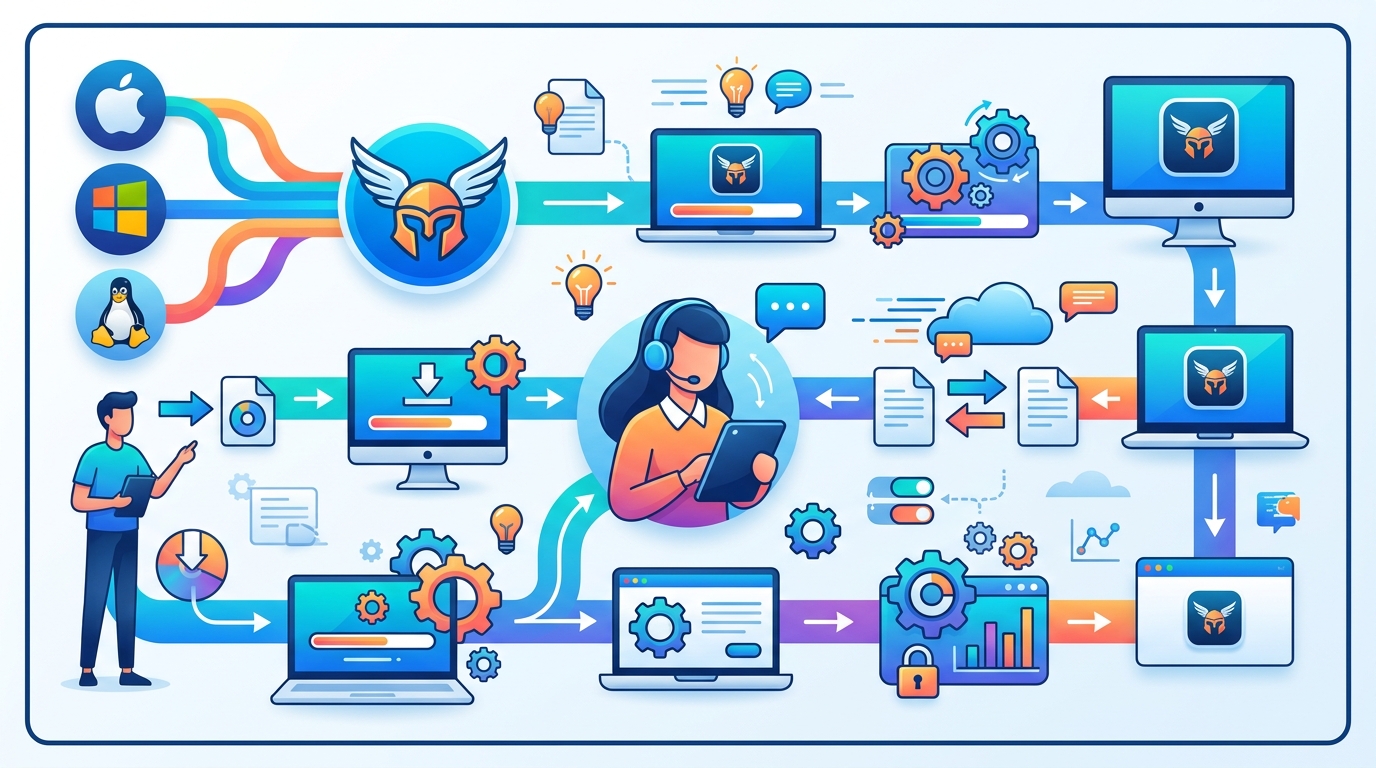
OpenClaw Launch’s guide uses a standard Docker flow: pull the image from GitHub Container Registry, run it with port 8642 exposed, mount a data volume, and pass your API key as an environment variable. Once it is running, the gateway behaves the same way as the native Python setup.
docker pull ghcr.io/nousresearch/hermes-agent:latestdocker run -d --name hermes --restart unless-stopped -p 8642:8642 -v hermes-data:/home/node/.hermes ...- Data persists in the
hermes-datavolume --restart unless-stoppedbrings the container back after reboot or crash
That last flag matters more than it looks. If you use Docker Desktop on macOS or Windows, the container can come back automatically after login. On Linux, a user service or Docker restart policy gives you the same result with less manual babysitting.
Compared with the native path, Docker trades a little convenience for much better containment. If Hermes breaks, you are dealing with a container, not your whole Python environment.
Managed hosting changes the equation
The biggest difference in the guide is the managed option. With OpenClaw Launch, Hermes runs on a cloud server and exposes a permanent HTTPS URL instead of a localhost address.
That matters for anyone who wants the agent available from a phone, tablet, office laptop, or travel machine. The local setups are tied to the device that is running them. The managed instance is tied to your account, which makes it far more practical for people who treat Hermes as a daily tool rather than a weekend experiment.
The guide’s comparison is blunt about the trade-offs:
- Local gateway: free, but only online when your machine is on
- Managed hosting: from
$3/monthplus API costs, always online - Docker laptop: free, but still tied to your own hardware
- Managed access works from any device with a browser
That pricing is low enough to compete with the hidden cost of keeping a laptop awake all day. If your workflow needs a constantly available agent, the managed route may be cheaper in practice than it looks on paper.
The guide also notes that the managed instance and the self-hosted version expose the same gateway UI and agent capabilities. The difference is who owns the infrastructure, not what Hermes can do.
Browser PWAs, system trays, and login automation fill the gap
The most interesting part of the article is how ordinary browser features can make Hermes feel packaged. Chrome, Edge, and Safari can install a site as an app window, which removes tabs, the address bar, and most of the browser chrome.
That means the gateway can live in your dock, taskbar, or app launcher like a native program. On macOS, the guide also points to LaunchAgents and Dock installs. On Windows, it suggests the Startup folder and browser app installs. On Linux, systemd user services and desktop keybindings do the job.
For power users, this is the real story: Hermes does not need a native desktop binary to behave like one. A browser tab plus a startup hook gets you most of the way there, and a managed cloud instance gets you the rest.
If you want a quick mental model, think of the options like this:
- Local Python: best for developers who want direct control
- Docker: best for people who want isolation and easy restarts
- Managed hosting: best for people who want access everywhere
- PWA install: best for making any of the above feel like an app
What this means for Hermes users
The headline answer is simple: there is no official desktop app, but there are several ways to get a desktop-app experience without waiting for one. For most people, the best choice depends on whether they care more about local privacy, low maintenance, or access from anywhere.
If you already run local models or keep your laptop on most of the day, the Python or Docker route is enough. If you want Hermes to behave like a service you can check from your phone at 2 a.m., the managed option is the one to watch.
The next question is whether Nous Research ever ships a native wrapper, or whether the browser-first model remains the intended path. For now, the practical answer is to pick the setup that matches your workflow, then install the gateway as a PWA so it feels like an app either way.
Related reading: Hermes Agent on Windows, Hermes Docker Compose, and Hermes + Ollama.
// Related Articles
- [TOOLS]
Aliyun Bailian Token Plan turns credits into agents
- [TOOLS]
One API gateway turns six AI APIs into one
- [TOOLS]
OpenAI FDEs turn broken agents into shipped systems
- [TOOLS]
Anthropic’s daily brief turns news into a workflow
- [TOOLS]
Claude Reflect turns usage into retention
- [TOOLS]
Midjourney turns prompt ideas into art