Kiro and AWS HealthOmics Cut Workflow Friction
AWS says Kiro plus HealthOmics can more than double workflow creation speed, with one RNA-seq migration dropping from days to under half a day.
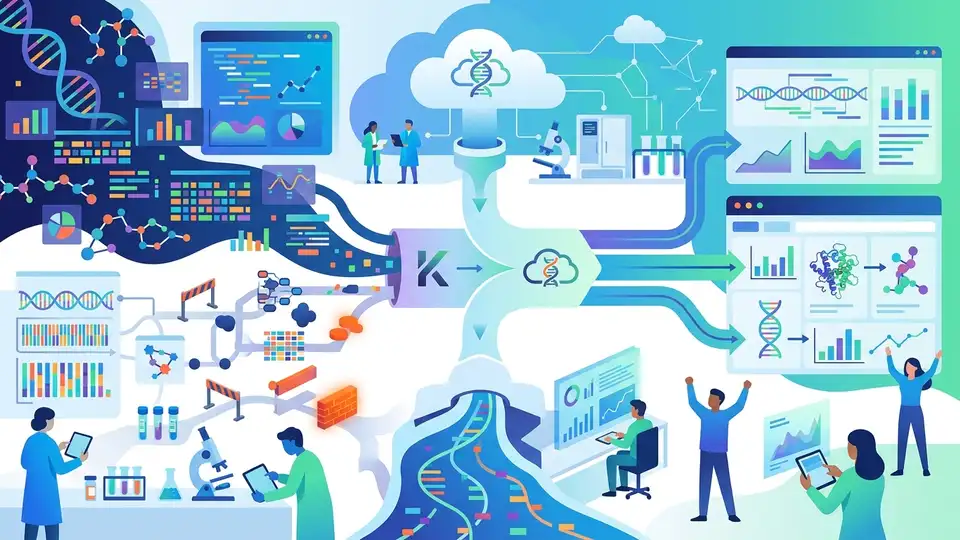
Bioinformatics workflow development is still a grind: you need biology, WDL or Nextflow, cloud setup, and patience for failures that often show up after hours of compute time. AWS says its new Kiro integration for AWS HealthOmics can push typical workflow creation and migration tasks past the 2x mark, with one RNA-seq migration dropping from several days to under half a day.
That matters because workflow work has always been a weird hybrid job. A bioinformatics developer has to think like a scientist, write like a software engineer, and still keep one eye on infrastructure limits, container compatibility, and run-time failures. AWS is trying to move that complexity into the editor itself.
What AWS actually shipped
Get the latest AI news in your inbox
Weekly picks of model releases, tools, and deep dives — no spam, unsubscribe anytime.
No spam. Unsubscribe at any time.
The main piece is the AWS HealthOmics extension for Kiro, plus a companion package called the AWS HealthOmics Kiro Power. Together, they give Kiro more context about HealthOmics workflows and the rules that come with them.
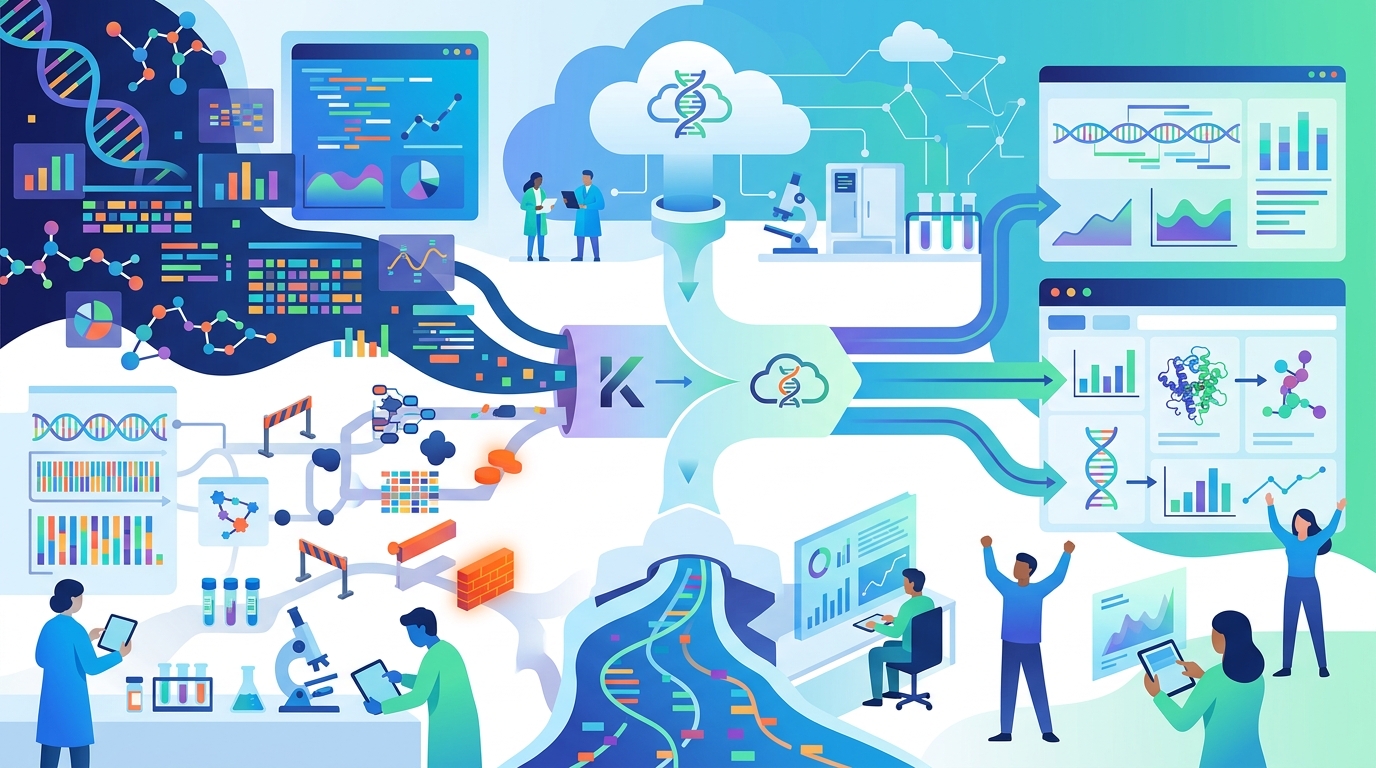
On paper, that means the IDE is doing more than syntax highlighting. It can help with deployment, validation, debugging, and workflow updates without forcing the user to re-explain the platform every time they start a new task. That is a big deal in a field where the same mistakes can waste compute and burn days.
- Language support for Nextflow and WDL, including IntelliSense and real-time diagnostics
- HealthOmics Explorer inside the IDE for browsing workflows and runs
- Compatibility checks that flag unsupported directives and bad container formats before deployment
- MCP-based natural-language control for packaging, deployment, diagnosis, and optimization
The extension also ties into the Model Context Protocol server for HealthOmics. That is the part that gives Kiro enough service-specific context to act like a teammate who already knows the house style, the deployment rules, and the common failure modes.
A practical detail here is the focus on workflow languages that genomics teams already use. AWS is not asking people to rewrite pipelines into a new proprietary format. It is trying to make Nextflow and WDL less painful to build, test, and ship inside the tools developers already know.
Why the MCP layer matters
The MCP setup is the most interesting part of the stack because it changes the quality of the assistant’s answers. Without domain context, an AI assistant can still write code, but it often misses platform-specific constraints. In HealthOmics, that can mean the difference between a workflow that looks fine in a prompt and one that actually deploys.
AWS says the Kiro Power automatically configures the HealthOmics MCP server and adds steering guides for common tasks. Those guides cover first-time setup, spec-driven workflow development, and cross-platform migration. In practice, that means the assistant knows how to package a workflow, set up Amazon Elastic Container Registry pull-through caches for public containers, version existing workflows, and troubleshoot creation or run failures.
“You can ask Kiro to create a totally new workflow definition from only a natural language description,” AWS wrote in the blog post announcing the extension and power.
That quote matters because it shows where AWS wants the workflow to begin: in plain English, then into spec-driven development, then into deployment. The pitch is simple. Instead of teaching every fresh prompt the same HealthOmics basics, you teach the assistant once through the extension and let the context persist.
That also changes how teams may standardize work. If the prompts, IAM roles, output locations, and run parameters can be kept consistent at the workspace level, then the assistant becomes less of a novelty and more of a repeatable part of the pipeline process.
How this compares with the old workflow
The old bioinformatics loop is familiar to anyone who has worked on variant calling or RNA-seq pipelines. You edit, validate, deploy, run, wait, debug, then repeat after the failure appears. AWS is claiming the new setup reduces that loop sharply by surfacing compatibility problems earlier and by letting Kiro handle more of the repetitive setup work.
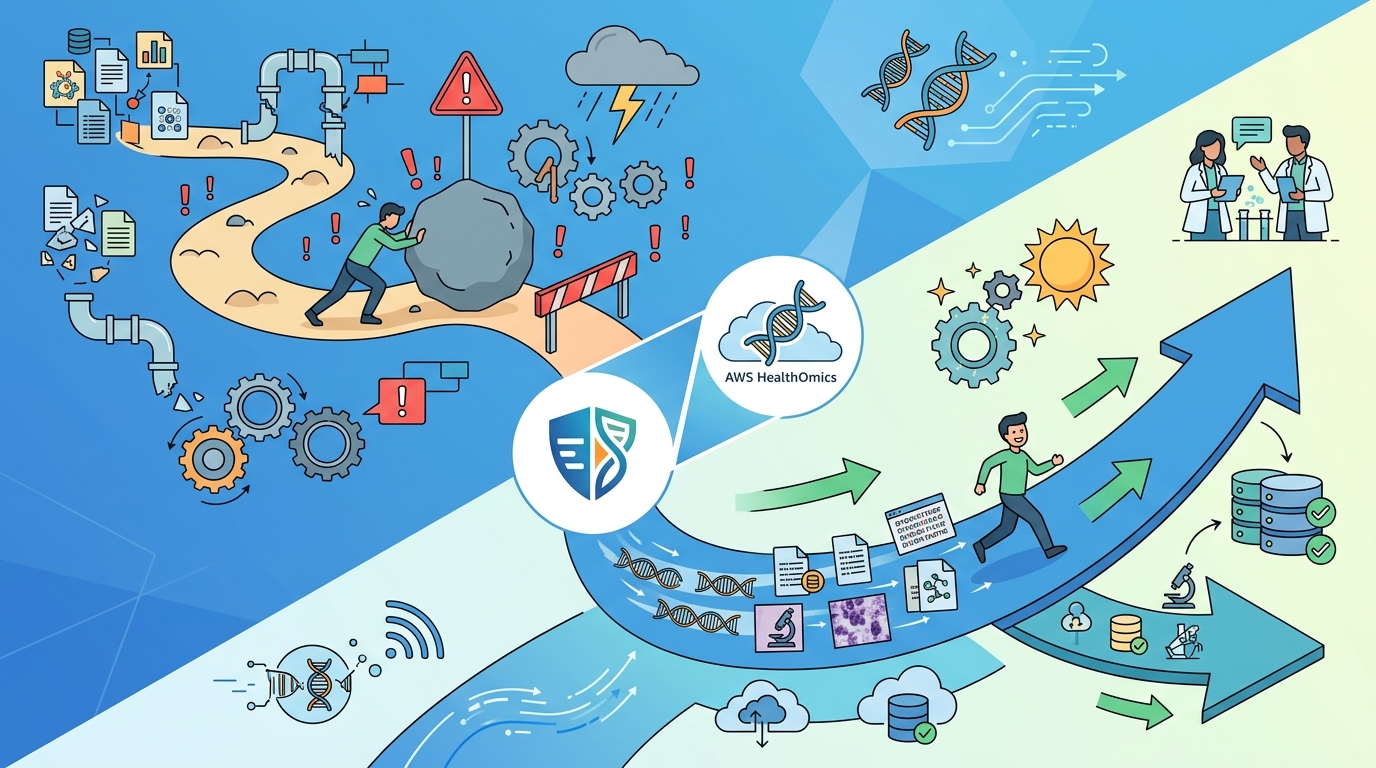
Here is the comparison AWS highlighted in its post:
- Typical workflow creation and migration tasks: more than 2x faster with the extension and power together
- One complex RNA-seq migration: several days before, under half a day with the new setup
- Failure diagnosis: earlier feedback from compatibility checks instead of waiting for a run to finish
- Deployment path: direct from the IDE rather than bouncing between tools and consoles
That speedup is not just about typing less. In genomics, the expensive part is often the long feedback cycle. If a container image is wrong or a directive is unsupported, you do not want to discover that after a multi-hour run. Catching those issues in the editor changes the economics of experimentation.
The comparison with standard software tooling is also telling. Application developers have long expected rich editor support, inline diagnostics, and AI help that understands project context. Bioinformatics teams have usually had to stitch that experience together themselves. AWS is trying to close that gap by putting the workflow, the cloud service, and the assistant in one place.
What this says about AI in scientific tooling
This release is less about flashy AI coding and more about reducing domain friction. In scientific software, generic assistance is often the wrong tool. A model can write valid code and still miss the service rules that matter most, especially when compute is expensive and regulated environments are involved.
That is why the HealthOmics extension feels more useful than a plain chat window. It gives Kiro the missing context: what a valid workflow looks like, how HealthOmics expects containers to behave, and how to move from a prompt to a deployable pipeline. For teams doing clinical diagnostics, drug discovery, or agricultural research, that context is the difference between a demo and something they can actually use.
It also hints at where AI-assisted development is heading in specialized fields. The winning setup is not a model that knows everything. It is a model wrapped in the right project knowledge, the right service hooks, and the right guardrails. That is what makes the assistant useful when the code has to run in production and the mistakes are expensive.
If AWS’s internal testing holds up outside the demo environment, the next obvious question is how far this pattern can go. Could the same model-context approach work for other regulated or domain-heavy systems, from lab automation to imaging pipelines? That feels more plausible than asking a general-purpose model to guess its way through every niche on its own.
For teams already using HealthOmics, the immediate takeaway is practical: install Kiro, add the HealthOmics extension, and try the Quick Start guide before you rewrite your next pipeline by hand. If the tool really does turn a multi-day migration into a half-day job, that is the kind of improvement you feel in both developer morale and cloud bills.
For everyone else, this is a good sign that AI coding tools are getting more serious about domain knowledge. The next competitive edge in developer tooling may come from assistants that know one job extremely well, instead of trying to answer everything with the same generic prompt.
// Related Articles
- [TOOLS]
Aliyun Bailian Token Plan turns credits into agents
- [TOOLS]
One API gateway turns six AI APIs into one
- [TOOLS]
OpenAI FDEs turn broken agents into shipped systems
- [TOOLS]
Anthropic’s daily brief turns news into a workflow
- [TOOLS]
Claude Reflect turns usage into retention
- [TOOLS]
Midjourney turns prompt ideas into art