March 2026 Synology Docker Updates Worth Knowing
March 2026 brought fresh Synology NAS container guides, Dockhand momentum, Portainer bugs, and a Grimmory takeover.

March 2026 was a busy month for Synology NAS users who run their own services in containers. The latest roundup from Marius Hosting covers fresh guides for apps like Vikunja, Twenty, and LinkStack, while the bigger story is the shift in Docker management tools and a messy split in the notes app space.
If you run a Synology NAS at home or in a small office, this month’s update list is the kind of thing that saves hours of trial and error. It also says a lot about where self-hosting is headed in 2026: people want fewer clicks, fewer bugs, and tools they can trust when a container needs to be rebuilt at 11 p.m.
Dockhand is eating into Portainer’s job
Get the latest AI news in your inbox
Weekly picks of model releases, tools, and deep dives — no spam, unsubscribe anytime.
No spam. Unsubscribe at any time.
The strongest signal in this March update is the rise of Dockhand. Marius says it is replacing Portainer fast, and that claim makes sense if you have used both tools recently. Dockhand focuses on the stuff homelab users actually notice: cleaner navigation, better multi-host support, and less friction when managing stacks.

Portainer still matters, especially because it has years of adoption behind it, but the new LTS branch has not been smooth. Marius says he reported two bugs more than a month ago in version 2.39.0, identified as #13075 and #13082, and only one was fixed in 2.39.1. For users who depend on stacks, that is not a minor annoyance. It is the sort of bug that makes you stop trusting the interface.
The practical takeaway is simple: if your NAS workflow depends on containers that need regular updates, the management layer matters as much as the app itself. A good UI is nice, but predictable stack behavior is what keeps a self-hosted setup from becoming a weekend project every week.
- Dockhand: free for personal use and self-hosted
- Portainer: LTS 2.39.0 still has unresolved stack issues
- Bug #13082: fixed in 2.39.1, according to Marius’s report
- Bug #13075: still not fixed at the time of the post
Grimmory replaces BookLore after a public blowup
The other big story is the death of BookLore and the rise of Grimmory. According to the post, the original project was deleted entirely, including its GitHub repo, official site, and Discord, after community criticism over heavy use of AI in pull requests and development. That is a dramatic exit by any standard.
For users, the important part is continuity. Grimmory is the active fork and the one worth following now. Marius says it completely replaces BookLore, and he published fresh installation guides for Synology and UGREEN NAS systems. That matters because book-management apps are the sort of tools people set up once and expect to keep for years.
“Portainer is affected by two bugs that I personally reported more than a month ago in the new LTS version 2.39.0, and they still haven’t been fixed, except for one.” — Marius Bogdan Lixandru, Marius Hosting
That quote captures the mood of the month pretty well: self-hosters are increasingly willing to move away from tools that stop feeling reliable. When a project loses trust, people do not wait around for a polished apology. They look for the fork, the replacement, or the cleaner alternative.
For readers who track app migrations, this is also a reminder to keep backups of compose files, volumes, and configuration exports. When a project disappears overnight, your data and deployment notes are the difference between a 15-minute rebuild and a full rescue mission.
The March app list is packed with practical tools
Beyond the headline drama, the March roundup is full of apps that solve everyday problems for NAS owners. The list includes task tracking, CRM, budgeting, file sharing, project management, email archiving, and more. None of these are flashy in the consumer-tech sense, but they are the kinds of tools that make a Synology box earn its keep.
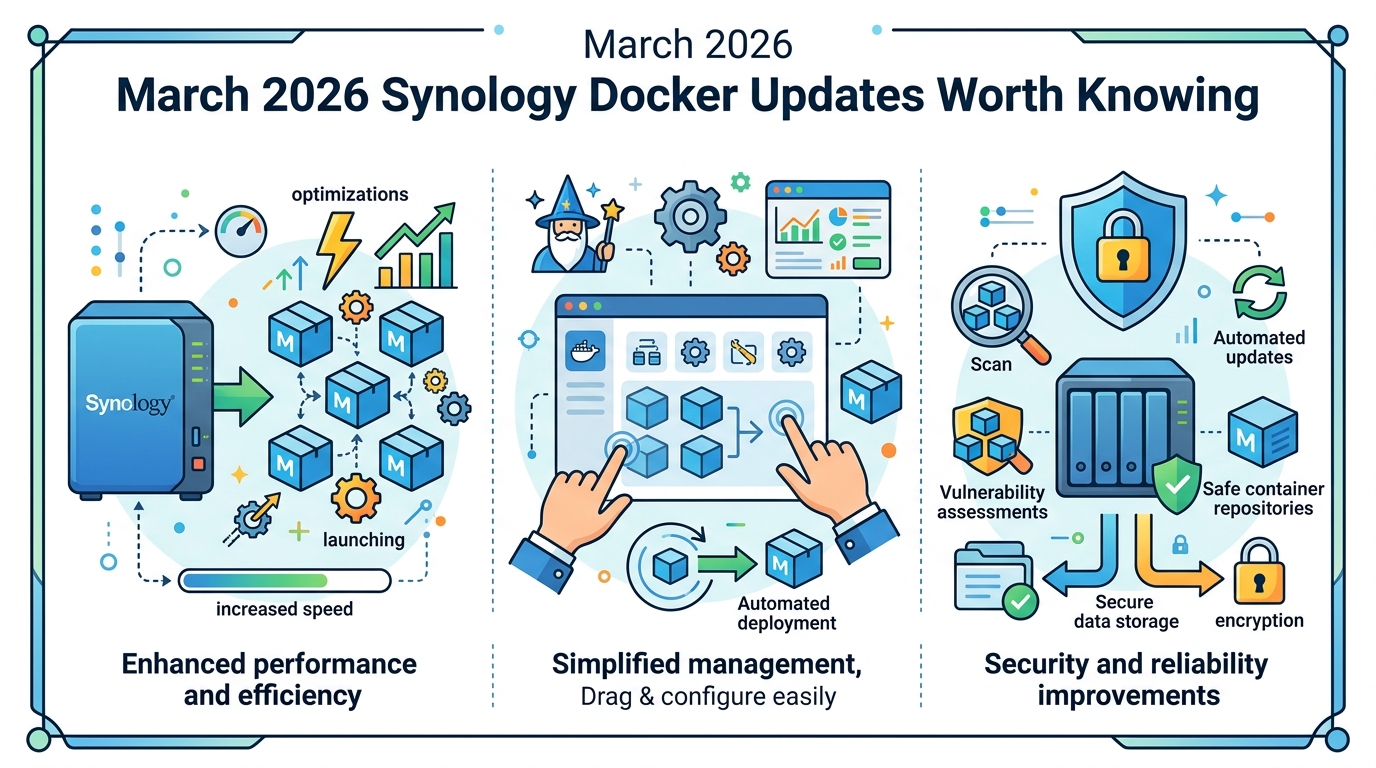
Here are some of the notable updates from the month, with the kinds of jobs they handle in real deployments:
- Vikunja: open-source task and list management for personal use or teams
- Twenty: modern CRM aimed at businesses that want control over customer data
- Wallos and Budget Board: finance and budgeting tools for people tired of spreadsheets
- PrestaShop: open-source e-commerce software for merchants who want full control
- Planka and Leantime: project management for teams that prefer self-hosting
- Password Pusher, Mail Archiver, and Open Archiver: privacy-minded tools for sharing secrets and preserving email history
What ties these apps together is not just that they run in containers. It is that they all reduce dependence on SaaS subscriptions and third-party data policies. For a lot of NAS owners, that is the whole point of self-hosting in the first place.
The roundup also includes Zipline, which is useful if you want a modern upload and sharing tool, and Sync-in, which aims to give users file storage and collaboration without telemetry or vendor lock-in. Those are not niche wants anymore. They are becoming normal requirements.
The bigger picture is trust, not just software
March’s update list says something bigger than “here are some new containers.” It shows how quickly the self-hosted crowd is sorting tools into two buckets: projects that feel dependable and projects that do not. Dockhand is gaining ground because it makes daily admin less annoying. Grimmory is gaining attention because it inherited a user base after BookLore vanished. Portainer is under pressure because bugs lingered in a release people expected to be stable.
There is also a second layer here: content quality. Marius warns readers to avoid AI-generated NAS guide sites because they often ship broken compose files and stale instructions. That warning is probably going to age well. As more people run their own infrastructure, bad how-to pages become expensive in a very literal way: lost time, broken containers, and sometimes data risk.
For a quick sanity check, compare the current state of these tools and projects:
- Dockhand is free for personal use and self-hosted, which lowers the barrier for homelab users
- Portainer has broader name recognition, but the reported stack bugs make some users hesitant
- BookLore is gone, while Grimmory is the active replacement
- Marius Hosting keeps publishing tested Synology guides with frequent updates, which is rare in a sea of copied tutorials
One more detail matters here: Marius says he updated hundreds of guides, many compose files, and thousands of screenshots in March alone. That kind of maintenance work is invisible until you need it, then it is everything. In self-hosting, stale instructions can be worse than no instructions at all.
What Synology users should do next
If you run containers on a Synology NAS, this month is a good reminder to audit your stack. Check whether your admin tool is still the one you want to keep, verify that your compose files still match current images, and make a backup before you touch anything that has been stable for months. If you were waiting to try Dockhand, this is probably the moment to test it on a non-critical setup.
For app choices, the trend is clear: the most useful self-hosted tools are the ones that solve boring problems well. Task tracking, finance, file sharing, CRM, and archiving are where NAS hardware earns its space on the shelf. The flashy demos are fine, but the boring tools are what people keep running.
My prediction is straightforward: over the next few months, Synology users will keep moving away from admin tools that feel slow to fix bugs, and the projects with active maintainers plus clear documentation will win the install count. If you manage containers on a NAS, the smartest move right now is to review your stack before the next update wave lands.
And if one of your favorite projects disappears overnight, ask yourself a simple question: do you have the files, backups, and docs needed to replace it in an afternoon?
// Related Articles
- [TOOLS]
Aliyun Bailian Token Plan turns credits into agents
- [TOOLS]
One API gateway turns six AI APIs into one
- [TOOLS]
OpenAI FDEs turn broken agents into shipped systems
- [TOOLS]
Anthropic’s daily brief turns news into a workflow
- [TOOLS]
Claude Reflect turns usage into retention
- [TOOLS]
Midjourney turns prompt ideas into art