Microsoft 365 Copilot adds Glint summaries
Microsoft 365 Copilot is adding AI survey summaries in Viva Glint, plus Edge prompts, Teams access, and admin controls for video generation.

Microsoft 365 Copilot is expanding with AI survey summaries, Teams access, and new admin controls.
Microsoft shipped a steady batch of Microsoft 365 Copilot updates across April and May 2026, and the most practical one is easy to spot: Copilot in Viva Glint now writes AI summaries of employee survey results inside Team Summary and Executive Summary reports. That matters because the feature is aimed at managers who want the short version of a survey without digging through every chart and comment.
| Update | Platform | What changed | Roadmap ID |
|---|---|---|---|
| Copilot Highlights in Viva Glint | Web | AI summaries for Team Summary and Executive Summary reports, plus multilingual support | 558111 |
| Contextual nudges in Edge for Business | Web | Prompts users to summarize the open page in Copilot Chat | 515167 |
| Copilot setting for video generation | Admin center | Admins can control access to AI video generation | — |
| Copilot Chat in Teams chats, channels, and meetings | Windows, Mac, Web | Chat expands into more of Teams | 501107 |
Viva Glint gets the update leaders will actually use
Get the latest AI news in your inbox
Weekly picks of model releases, tools, and deep dives — no spam, unsubscribe anytime.
No spam. Unsubscribe at any time.
The biggest practical change in this release is the new AI-generated summary inside Viva Glint. Instead of forcing managers to interpret survey tables line by line, Copilot Highlights pulls out score changes, benchmark comparisons, and response-rate confidence directly in the report.
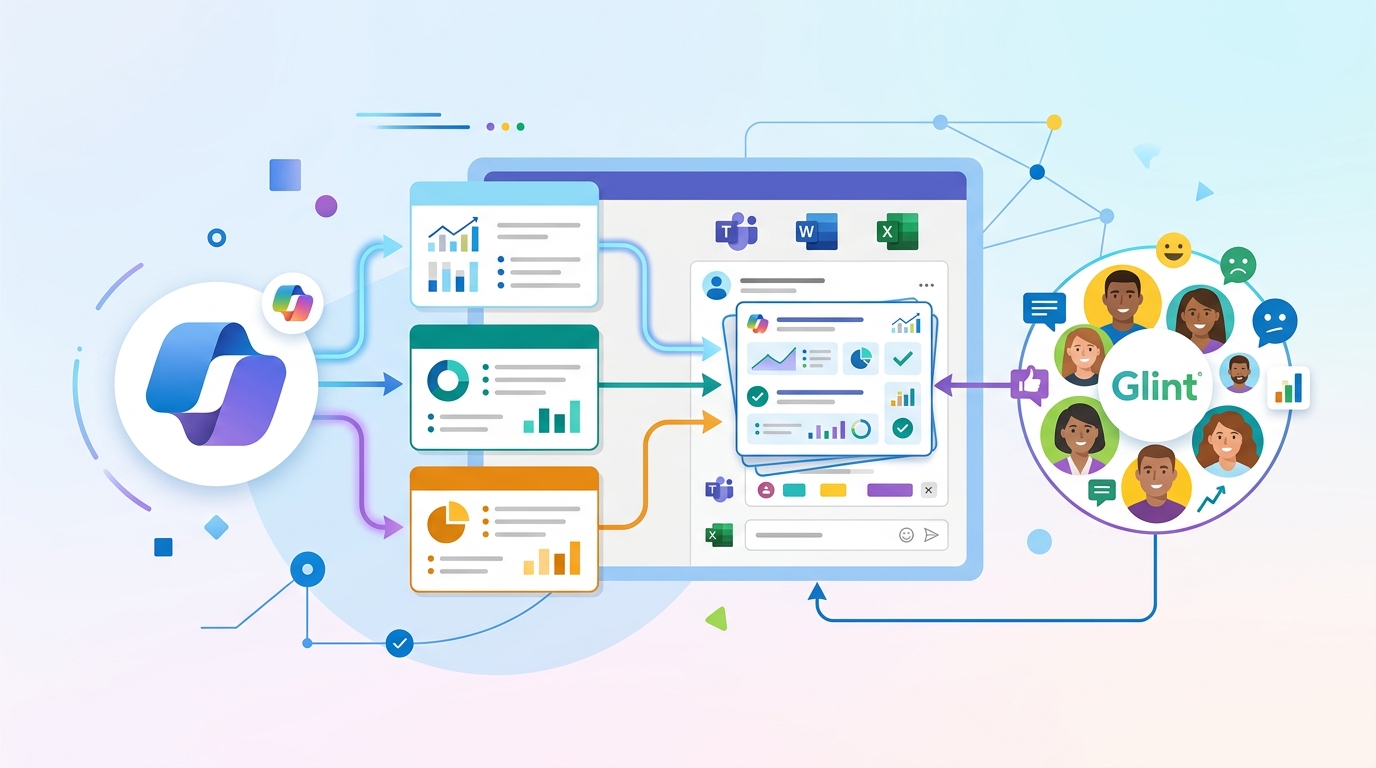
That is a better fit for the way most teams work. Leaders rarely have time to inspect every response in a survey dashboard, especially when they are juggling attrition, hiring, and performance reviews at the same time. A readable summary turns a static report into something they can act on faster.
Microsoft also says the feature now supports multilingual summaries. For global organizations, that matters more than it sounds like it should. If a manager in Paris, Singapore, or Mexico City can read the same survey summary in their preferred language, the review process gets a lot less awkward.
- Summaries appear in Team Summary and Executive Summary reports.
- The output includes score changes, benchmark comparisons, and response-rate confidence.
- Multilingual support is now available with general availability.
- The feature is tied to roadmap ID 558111.
Edge, Teams, and the admin center are filling in the gaps
Microsoft is also pushing Copilot deeper into the daily tools people already use. In Microsoft Edge for Business, contextual nudges now prompt users to summarize the open webpage in Microsoft 365 Copilot Chat. That is a small interface change, but it lowers the friction of using Copilot for quick reading.
The same pattern shows up in Microsoft Teams. Copilot Chat is expanding into chats, channels, calling, and meetings, which means users do not need to jump to a separate surface as often. Microsoft is clearly trying to make Copilot feel like part of the workflow instead of an extra tab people remember to open later.
"Copilot Chat is available across Teams chats, channels, calling, and meetings."
Microsoft is also giving administrators more control. A new setting in the Microsoft 365 admin center lets IT decide who can use AI video generation features in Microsoft 365 Copilot and supported apps. That is the kind of control enterprises ask for when a new AI feature lands faster than policy documents can keep up.
- Edge for Business adds nudges for page summaries in Copilot Chat.
- Teams expands Copilot Chat into chats, channels, calling, and meetings.
- The admin center gains a toggle for AI video generation access.
- The Employee Self-Service agent gets an optional branded landing page.
What the numbers say about Microsoft’s rollout
This release note page is more than a feature list. It shows how Microsoft is rolling Copilot out across apps with a safe deployment model, then widening access in stages. That matters because the company is treating Copilot like a platform layer, not a single app with a fixed feature set.
There are also a lot of moving parts in the notes themselves. Microsoft lists roadmap IDs for several items, which is useful for admins who need to track rollout status or match a feature to a tenant change request. The release notes also separate platform support, which tells you where the company is prioritizing adoption first.
Here is the clearest comparison from the current batch:
- Viva Glint: AI summaries for survey reports, plus multilingual output.
- Edge for Business: prompts for webpage summaries in Copilot Chat.
- Teams: Copilot Chat expands into chats, channels, calling, and meetings.
- Admin center: centralized control for AI video generation access.
The pattern is consistent: Microsoft is making Copilot more visible to users and more controllable for IT. That combination matters because enterprise AI adoption usually fails for one of two reasons: people cannot find the feature, or administrators cannot govern it.
What this release means for IT teams and managers
If you run IT, this update is mostly about control and rollout planning. The new readiness page in the Copilot Dashboard now gives personalized configuration guidance, which should save teams from manually checking a pile of settings before deployment. That is the sort of improvement that sounds boring until you are the person responsible for a tenant with thousands of users.
If you manage people, Viva Glint is the feature to watch. AI summaries for survey results can turn an end-of-quarter review into a faster conversation about what changed, what improved, and where a team is slipping. The risk, of course, is that summaries can hide nuance if leaders stop reading the underlying responses. Copilot helps with triage, not judgment.
For users, the best part is probably the least flashy one: Copilot is showing up in more of the places where work already happens. That makes it harder to ignore and easier to use, which is exactly how Microsoft wants adoption to spread inside large organizations.
My read is simple: the next phase of Microsoft 365 Copilot will be judged less by headline features and more by whether managers, analysts, and admins can trust it inside everyday workflows. If Microsoft keeps shipping features like Glint summaries and tighter admin controls at this pace, the real question becomes which teams will standardize on Copilot first, and which ones will wait until the governance story catches up.
Related: Microsoft 365 Copilot Chat keeps spreading through Teams
// Related Articles
- [TOOLS]
Why VidHub 会员互通不是“买一次全设备通用”
- [TOOLS]
Why Bun’s Zig-to-Rust experiment is the right move
- [TOOLS]
Why OpenAI API pricing is a product strategy, not a footnote
- [TOOLS]
Why Claude Code’s prompt design beats IDE copilots
- [TOOLS]
Why Databricks Model Serving is the right default for production infe…
- [TOOLS]
Why IBM’s Bob is the right kind of AI coding assistant